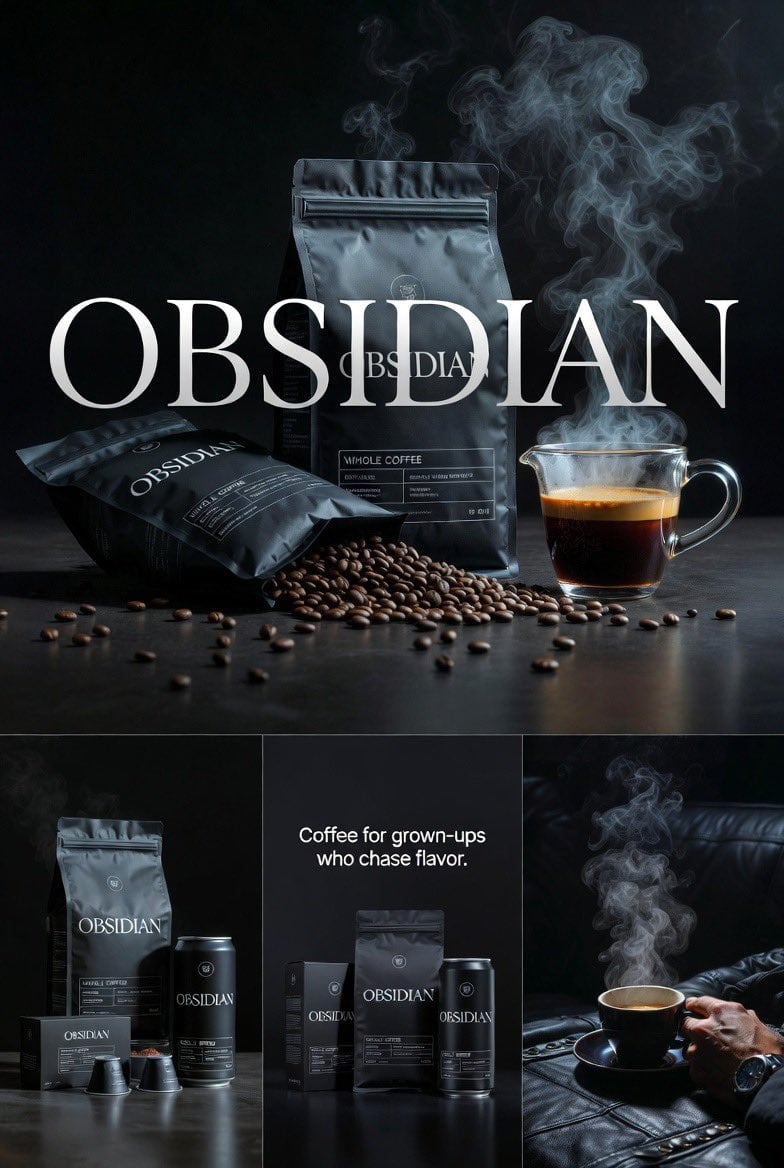
![[SNACK] 品牌技术信息图模板](https://media.aicdnbox.space/media/sha256/df/df8e50c8103ee0f59aa614d02c24006d6be335d59f9fc65a0e32a2892eed73db.jpg)
[SNACK] 品牌技术信息图模板
先看推荐模型、适用场景和使用步骤,再决定如何直接套用。
这类模板更适合先保留画面结构,再替换主体、风格或商业诉求。优先用 Ideogram V3 起跑,再根据结果切换到同类型备选。
如果你不确定先用哪个模型,可以先从作者推荐的这几个起点开始。
提示词内容
先看推荐模型、适用场景和使用步骤,再决定如何直接套用。
创建 branded technical infographic of a [SNACK],把 realistic photograph 或 photoreal render 的产品与直接覆盖其上的 technical annotation overlays 结合。视觉使用 black ink-style line drawings,并加入 strategic [BRAND COLOR] accents,整体是 architectural sketch look,背景为 pure white studio background。内容需要包含 key component labels、internal cross-section,用来展示 structure、layering 或 internal design;还要有 measurements、dimensions、specifications、material callouts,并写出 composition and quantities。用 arrows 标注 primary features 与 structural integrity 的 function,再加入 simple schematic 或 sectional diagram,解释 key mechanical or design elements,同时加入 sustainability callouts。标题放在 hand-drawn technical annotation box 内,accent border 包围 bold font 产品名,并位于 upper corner。版式要求 realistic product remains clearly visible,注释 sketched、technical、architectural;highlight accent 占 linework 的 20-30%,black primary technical lines 占 70-80%。构图保持 balanced negative space,气质为 educational、food-engineering vibe with premium branding,角落放 subtle brand logo mark。色彩为 white background、black annotation lines/text、[BRAND COLOR] only for accents and key callouts。输出 1080×1080,ultra-crisp、social-feed optimized、no watermark。
使用建议
按这个顺序上手,通常比直接复制 prompt 更容易拿到可用结果。
如果你没有既定偏好,先从 Ideogram V3 开始通常更稳。
优先保留构图、光线、材质和风格结构,再替换主体、品牌信息和使用场景。
图片模板最有价值的地方是加速试错,所以别只跑一张就做决定。
模板信息
帮助你快速判断这个模板是否适合当前任务。
适合场景
这个模板更适合以下几类任务。
海报与封面
商品与品牌图
角色与风格探索
推荐模型
如果你不确定先用哪个模型,可以先从作者推荐的这几个起点开始。
相关模板
同类型模板一起对比,通常更容易找到更适合你的 prompt 方向。
![[COUNTRY] 3D 旅行指南地图模板](https://media.aicdnbox.space/media/sha256/bd/bd2ba9bd1f445c36d36411e88f1889cd614dc6aa00f1a116cd6c25404799926f.jpg)
评分与评价
请先登录