AI image model
ByteDance
Seedream

Seedream 5.0 Pro

Seedream 5.0 Pro combines text-to-image generation with editing from up to 10 reference images in one entry point. basic maps to 1K and high to 2K. Editing preauthorization rises with the number of inputs, making it useful for multi-image workflows that need a known cost before submission.

Workflows
Text to image, multi-image editing
Output tiers
1K/2K
References
Up to 10 images
Credits
7–19
Runs text to image without an upload and switches to image editing when images are present
8 aspect ratios, with basic at 1K and high at 2K
Up to 10 JPEG/PNG/WebP images, each no larger than 10 MB
Starting with input image 2, adds 0.5 credits per image and always rounds preauthorization up
30-second overview
Seedream
7–19 credits
What it does best
Image generation and editing for work that needs controlled output tiers and multiple references, with mode switching and clear pricing in one entry point.
Best for
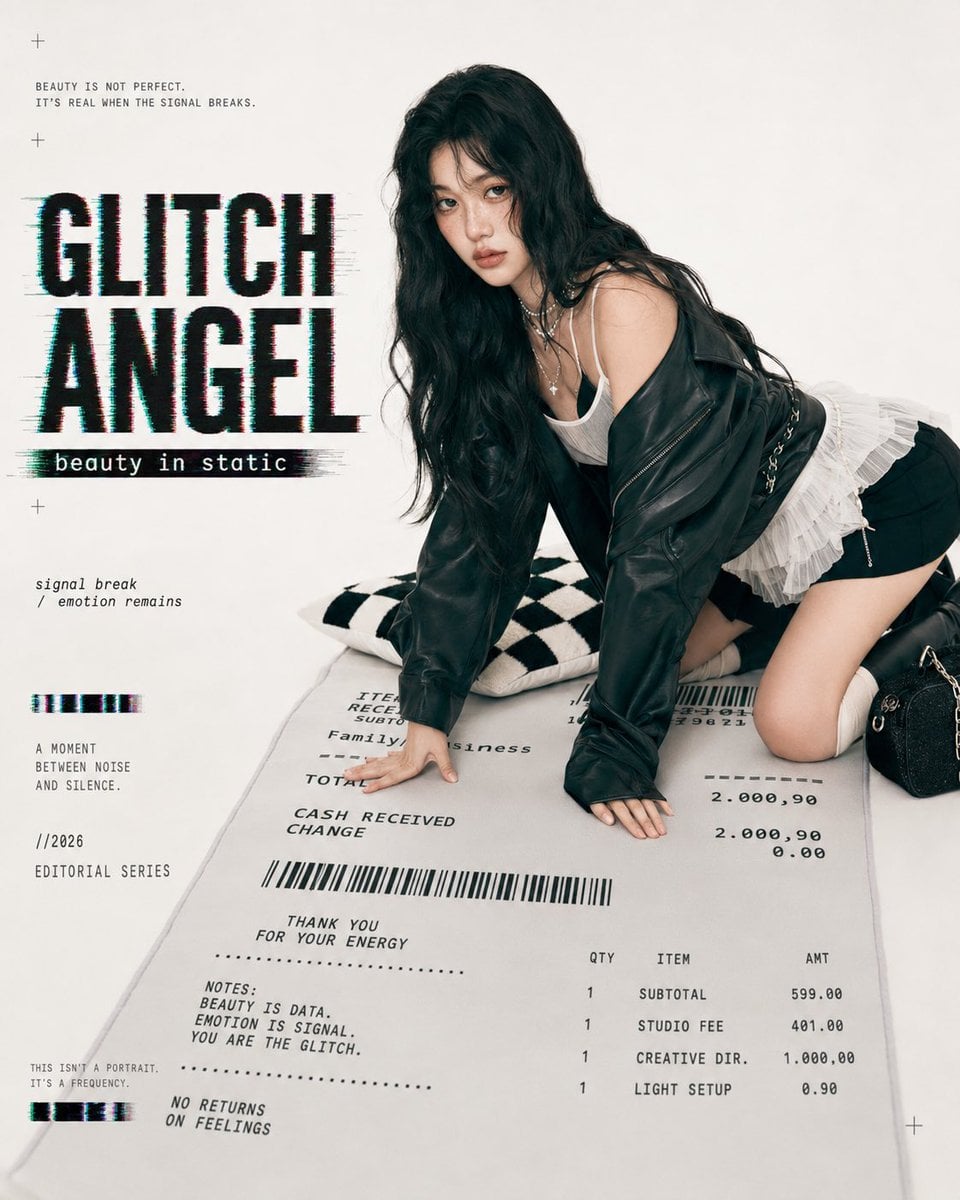
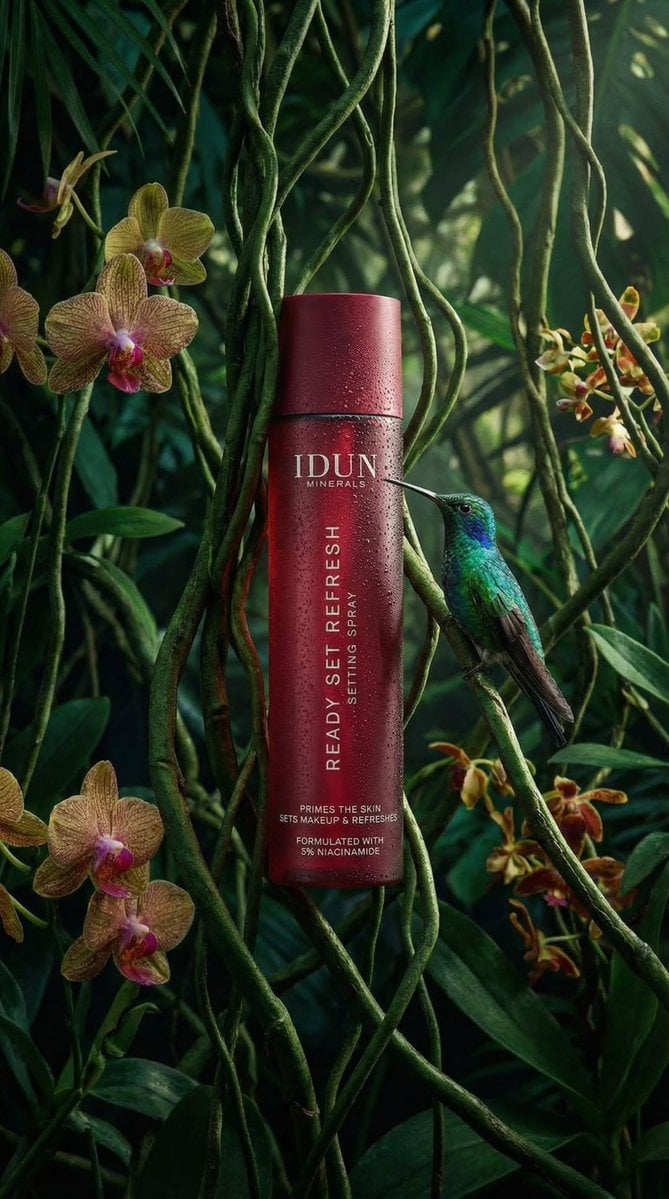
Product visuals, posters, character concepts, layout variants, and design workflows that use separate materials to guide subject, composition, and style.
Popular searches
how to use Seedream 5.0 Prohow much does Seedream 5.0 Pro costSeedream 5.0 Pro reference image limit

At a glance

What is this model like?

A request without images runs as text to image; uploading 1–10 images switches it to image editing. Both modes share 8 aspect ratios, basic/high, PNG/JPEG, and a content-check control. That check is only an aid and does not mean the output has passed copyright, privacy, safety, or factual review.

What it does best
Image generation and editing for work that needs controlled output tiers and multiple references, with mode switching and clear pricing in one entry point.
Best for
Product visuals, posters, character concepts, layout variants, and design workflows that use separate materials to guide subject, composition, and style.
Why use it on Kyeo AI
Kyeo calculates integer preauthorization from the output tier and reference-image count before submission, then reads actual consumption after completion. Requests include only fields on the current contract allowlist.

Key facts

Quickly assess whether this model fits your use case.

Model category
AI image model
Vendor
ByteDance
Model family
Seedream
Runtime
Asynchronous task
Prompt
3–5,000 characters after trimming
Input images
JPEG/PNG/WebP, up to 10 MB each

Also known as

The same model may appear under different names across documentation and community discussions; this list keeps them easy to search and compare.

Seedream 5 Pro
Seedream 5.0 Pro text to image
Seedream 5.0 Pro image editing

Common questions

These practical questions focus on the task, input conditions, and result requirements you should confirm before choosing.

how to use Seedream 5.0 Pro
how much does Seedream 5.0 Pro cost
Seedream 5.0 Pro reference image limit
Seedream 5.0 Pro basic vs high
Seedream 5.0 Pro supported aspect ratios
Seedream 5.0 Pro vs Seedream 5.0 Lite

Selection guide

Use these decision points when choosing a model.

1
Test Pro when references have distinct roles

When subject, style, composition, or palette come from separate materials, assign each image a purpose and test the combination with one shared prompt.

2
Compare before choosing a higher named resolution

The current Pro ceiling is 2K. If 3K/4K is the primary requirement, run the same task against Seedream 5.0 Lite or Seedream 4.5.

3
Include image count in the budget

The high tier with 10 reference images is preauthorized at 19 credits. Removing unnecessary references can lower cost and reduce conflicting visual signals.

Popular comparisons

Compare common alternatives on the same task to clarify differences in inputs, controls, and cost.

How do Seedream 5.0 Pro and Seedream 5.0 Lite differ in resolution and reference-image limits?
How does Seedream 5.0 Pro pricing compare with Seedream 4.5?
Is Seedream 5.0 Pro better suited to single-image edits or multi-image references?

Model comparison

Compare the current model with alternatives at a glance.

Output tiers
Seedream 5.0 Pro
basic 1K; high 2K
Seedream 5.0 Lite
high 3K for text to image; high 4K for editing
Seedream 4.5
basic 2K; high 4K
Reference-image limit
Seedream 5.0 Pro
Up to 10 images
Seedream 5.0 Lite
Up to 14 images
Qwen Image 3.0 Pro
Up to 3 images
Local preauthorization
Seedream 5.0 Pro
7–19 credits, depending on tier and image count
Seedream 5.0 Lite
Fixed 6 credits
Seedream 4.5
Fixed 7 credits

Practical usage insights

Practical guidance based on public sources, current on-site limits, and representative tasks.

Pro does not mean higher in every dimension

The verifiable differences are the workflows, parameters, input limit, and price. Judge quality, speed, and instruction following with samples from the actual task.

Multi-image value depends on clear roles

Stacking similar images can add conflict. Defining what each reference should control is more useful than increasing the count alone.

Capabilities

Separate generation and editing flows

The system selects the appropriate workflow based on whether references are present and does not send image fields with text-only tasks.

Tier and format controls

Choose basic/1K or high/2K and output as PNG or JPEG.

Image-count-aware preauthorization

The quality parameter sets the base price; editing starts adding cost with the second input, and conservative preauthorization is completed before task creation.

Use cases

Product visual variants

Provide separate product, environment, and style references, identify the brand elements that must stay intact, and generate horizontal and vertical versions.

Character consistency studies

Use a small set of strong references to anchor clothing, hairstyle, and palette, then state which poses and scenes may change.

Poster and layout drafts

Fix the canvas and information hierarchy, while treating text layout and proofreading as manual steps after generation.

Prompt tips

Give each image a role

State which image controls the subject, style, or composition so the model does not blend every feature indiscriminately.

Start with basic, then move to high

Validate composition and instructions at 1K before using 2K for the selected direction to reduce higher-tier iteration cost.

Separate what to keep from what to change

For edits, list required preserved elements and permitted changes; this is easier to review than a target effect alone.

Why choose it

One entry point covers text generation and editing with up to 10 reference images.
Output tiers, aspect ratios, and format limits are explicit.
Preauthorization reflects the reference-image count, so cost changes are visible before completion.
Upload validation follows the model contract for input format and per-image size.

What to know first

The current highest tier is 2K and must not be described as 3K or 4K.
More references do not guarantee a more stable result; conflicting material can create rework.
The content-check toggle does not replace manual copyright, privacy, and safety review.
The model name does not guarantee speed, quality, or commercial suitability.

Adjustable parameters

Quickly assess whether this model fits your use case.

Aspect ratio
aspect_ratio
Optional
Parameter type: Select
Default: 1:1
1:1
4:3
3:4
16:9
9:16
2:3
3:2
21:9
8 options
Output quality
quality
Optional
Parameter type: Select
Default: basic (1K)
basic (1K)
high (2K)
Output format
output_format
Optional
Parameter type: Select
Default: PNG
PNG
JPEG
Content check
nsfw_checker
Optional
Parameter type: Toggle
Default: off
Off
On

Credit usage

7–19 credits

For basic/1K, the base price is 7 credits; for high/2K, it is 14 credits. Image editing adds a charge from input 2 onward, at 0.5 credits per additional image. Kyeo rounds the request total up, so valid requests are preauthorized for 7–19 credits, then settled against actual consumption after completion.

Budget tip

Before batch generation, run an A/B test with the same assets across the current model and alternatives to validate quality and avoid wasting credits.

FAQ

Related models

Compare these similar candidates before deciding.

Seedream 5.0 Lite

Seedream 5.0 Lite / Capabilities — ByteDance's lighter Seedream image model with shared pricing across text-to-image and image editing. It supports 8 aspect ratios, up to 14 reference images, and currently costs 6 credits per run. Basic 2K / High 3K / Ultra 4K · PNG / JPEG · NSFW checker.

AI image model
6 credits per request

Seedream 4.5

Seedream 4.5 / Capabilities — ByteDance's official Seedream 4.5 material highlights multi-image editing, preservation of reference details, layout, and text rendering. The Kyeo workflow has its own concrete limits: prompts can contain up to 3,000 characters, 8 aspect ratios are available, and editing accepts up to 14 JPG, PNG, or WebP images at 10 MB each. Kyeo AI currently charges a fixed 7 credits per request, with the same price for basic and high. Budget for retries, revisions, and the share of outputs that pass review.

AI image model
7 credits per request

Qwen Image 3.0 Pro

Qwen Image 3.0 Pro offers text-to-image generation and image to image with up to 3 references. It includes 1K/2K, 8 canvas sizes, PNG/JPEG output, prompt expansion, negative prompts, and seed control. Preauthorization ranges from 7–14 credits based on resolution and input count.

AI image model
7–14 credits

Sources

Content is based on model documentation, feature references, and the settings available on Kyeo AI.

Source note

This page has been reviewed against the current in-product interface contract and pricing evidence. It covers only the text generation, reference-image editing, output tiers, formats, and content-check control available through Kyeo. Additional capabilities offered by the model vendor are not automatically available here.

Last updated: 2026-08-11
Seedream 5 Pro current interface notes
Platform

Used to check the input modes, visible controls, media limits, and availability of the version currently connected to this site. The page and workbench show the actual options.