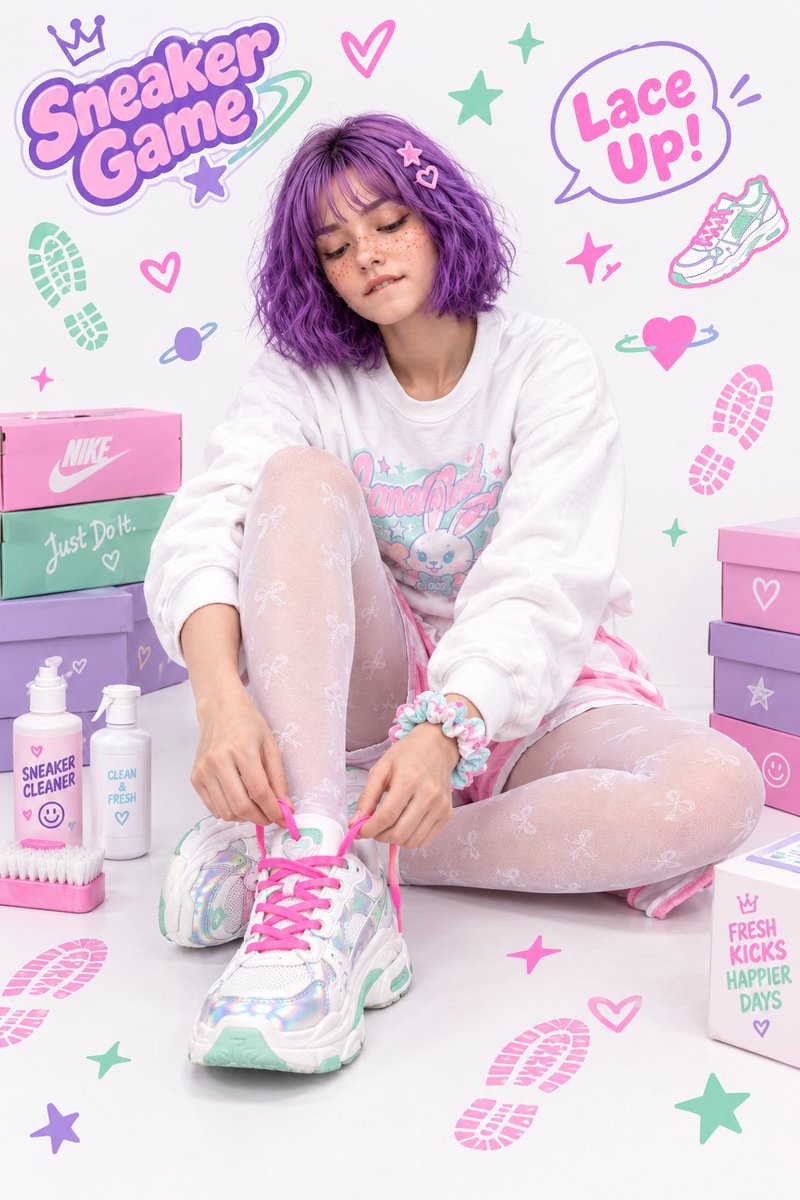
Topaz Image Upscaler
Topaz Image Upscaler accepts one image and one scale factor on Kyeo AI. It does not read a prompt or change the subject or composition. The values 1, 2, 4, and 8 are width-and-height multipliers, not fixed 1K, 2K, 4K, or 8K outputs; the source longest edge multiplied by the factor must also stay within 20,000 pixels.
At a glance
What is this model like?
This is a compact single-image enlargement workflow: upload a JPEG, PNG, or WebP, choose 1×, 2×, 4×, or 8×, then inspect the output dimensions and detail. Use it when the content is already correct and the remaining issue is pixel size. Choose an editing model first when the subject, text area, or composition must change.
Key facts
Quickly assess whether this model matches your workflow.
Also known as
The same model may appear under different names across documentation and community discussions; this list keeps them easy to search and compare.
Common search intents
These questions and keywords combine public references with common creative use cases to help you choose faster.
Selection guide
Use these decision points when choosing a model.
Confirm that the subject, composition, and text need no edits, then choose the lowest multiplier that reaches the target dimensions.
Use Flux Kontext Pro or GPT Image 1.5 for subject, text-area, or composition changes. Recraft Crisp Upscale is another option when you want to compare a fixed-cost single-image enhancement.
Multiply the source dimensions by the selected factor and keep the longest edge within 20,000 pixels. Start with 1× or 2× to inspect text, edges, people, and texture; 4× and 8× cost more and merit closer artifact review.
Popular comparisons
Common comparison questions help you find the practical differences quickly.
Model comparison
Compare the current model with alternatives at a glance.
Practical usage insights
Practical observations based on real creative workflows.
A scale factor is not a K-resolution target
Higher multipliers increase size, cost, and review work
Capabilities
The request contains only an image and a factor
The input has strict file and dimension limits
Credits follow the selected multiplier
Use cases
Enlarge undersized product images or posters
Test older or recompressed assets at a larger size
Prepare larger files for covers, banners, or print layouts
Prompt tips
Inspect the source; there is no prompt to write
Work backward from the required dimensions
Review the output instead of treating upscaling as a repair guarantee
Strengths
Limitations
Adjustable parameters
Quickly assess whether this model matches your workflow.
Credit usage
Kyeo AI charges by `upscale_factor`: 5 credits at 1×, 10 at 2×, 20 at 4×, and 40 at 8×.
Before batch generation, run an A/B test with the same assets across the current model and alternatives to validate quality and avoid wasting credits.
FAQ
Related models
Compare these similar candidates before deciding.
Recraft Crisp Upscale
Recraft Crisp Upscale is Kyeo's one-image clarity and resolution enhancement action. It accepts one JPG, PNG, or WebP file up to 10 MB, exposes no scale, output-format, or other control, and costs a fixed 1 credit. Compare downloaded files to determine the actual dimensions, sharpening, and detail changes.
Flux Kontext Pro
Flux Kontext Pro provides prompt-only generation and one-image editing on Kyeo for a fixed 4 credits. Generation offers six aspect ratios. Uploading one image switches to editing, where Kyeo hides the ratio control and sends no ratio by default. The page also exposes JPEG or PNG, automatic translation, prompt enhancement, safety tolerance, and a watermark identifier.
GPT Image 1.5
GPT Image 1.5 supports generation and editing on Kyeo AI. Text-only requests use `gpt-image/1.5-text-to-image`; attaching references switches to `gpt-image/1.5-image-to-image`. Kyeo exposes 3 aspect ratios and `medium / high` tiers at 4 / 22 credits. OpenAI now marks GPT Image 1.5 as a deprecated previous model, so new work should also benchmark a current model such as GPT Image 2.
Sources
Content is based on model documentation, feature references, and the settings available on Kyeo AI.
Kyeo’s Topaz Image Upscale accepts one JPG, PNG, or WebP image up to 10 MB with 1×, 2×, 4×, or 8× scaling. The source longest edge multiplied by the factor must remain within 20,000 pixels. Prices are 5, 10, 20, or 40 credits, and no prompt is used.
Topaz defines scale as a multiplier and notes that 1× does not enlarge dimensions and that source quality affects results. This product documentation confirms the general scale meaning only.
The current task-creation example uses `topaz/image-upscale` with `image_url` and a string `upscale_factor`.
The current form lists JPEG, PNG, and WebP up to 10 MB, factors of 1×, 2×, 4×, and 8×, and a 20,000-pixel limit on source longest edge times factor.
Kyeo AI uses `topaz/image-upscale`, submits only the first image and selected factor, and maps the four factors to 5, 10, 20, and 40 credits.