![Floating [BRAND NAME] 3D logo reconstructed from tactile natural materials against a pure white background](https://kyeo.ai/uploads/templates/brand-name-natural-elements-floating-3d-logo/brand-name-natural-elements-floating-3d-logo-preview.jpg)
Image template
Free to view, copy, and apply; generation uses credits
Featured
[BRAND NAME] Natural Elements Floating 3D Logo
Start with the recommended models, use cases, and steps, then decide how to apply the template directly.
Official template0 views
3D and Illustration
Posters and Covers
3D Render
Anime Style
Character
Surreal
Dreamy
Isometric
Template type
Image template
Usage access
Free to view, copy, and apply; generation uses credits
Created
06/15/2026
Rating
No ratings yet
Template overview
These templates work best when you keep the visual structure, then replace the subject, style, or commercial goal. Start with Ideogram V3, then switch to a similar alternative based on the result.
Recommended models
If you are unsure which model to use first, start with one of the author's recommendations.
Ideogram V3
Flux 2 Pro
Prompt
Start with the recommended models, use cases, and steps, then decide how to apply the template directly.
Feature [BRAND NAME] as the subject and work as a Master of Material Science and World-Class 3D Visualizer. PHASE 1 — DYNAMIC ELEMENTAL RECONSTRUCTION Make the central object the iconic logo of [BRAND NAME], authentically constructed from any raw natural element. The material range must include botanical elements such as flowers, rose petals, thorns, gnarled wood, moss, and leaves. It may also use geological/elemental materials such as obsidian, crystals, flowing water, ice, and volcanic rock. Keep the Logo medium-sized and floating in the frame. Rotate it at a dynamic 3D angle / 3/4 view to reveal its volume. PHASE 2 — HYPER-TACTILE TEXTURE & REALISM Pursue Sensory Realism that makes viewers feel they could touch the object. - BOTANICAL version: Show microscopic cellular structures in the petals, dew droplets with refraction, and velvety fuzz on the stems. - MINERAL version: Show micro-pores, crystalline inclusions, and razor-sharp edges. Add restrained dust particles or organic irregularities to break the CG feel and achieve 100% photorealism. PHASE 3 — BACKGROUND AND LIGHTING Use a pure clinical solid white background for a High-Key commercial look. Place a very small minimalist [BRAND NAME] text logo in black at the top of the frame. Use a precise studio setup with sharp specular highlights / glints. Add a soft realistic contact shadow on the white ground below to anchor the floating object. TECH SPECS Retain Extreme Macro photography, a 100mm lens, f/8, Ray Tracing / Path Tracing, Subsurface Scattering for light depth, 8k resolution, and an Unreal Engine 5.4 / Octane Render aesthetic.
How to use it
Following this sequence usually produces a usable result faster than copying the prompt without a plan.
1
Start with a recommended model
If you do not have a preference, starting with Ideogram V3 is usually a reliable choice.
2
Keep the structure, replace the details
Preserve composition, lighting, materials, and style, then replace the subject, brand information, and use case.
3
Compare at least 2 or 3 results
Image templates are most valuable when they speed up iteration, so do not judge the direction from a single result.
Template details
Quickly decide whether this template fits your current task.
Template type
Image template
Usage access
Free to view, copy, and apply; generation uses credits
Created
06/15/2026
Rating
No ratings yet
Best for
This template works especially well for the following tasks.
Posters and covers
Useful for event graphics, social covers, campaign posters, and key visuals.
Product and brand images
Useful for ecommerce main images, brand visuals, and product variations.
Character and style exploration
Create samples for characters, illustrations, scenes, and style directions.
Recommended models
If you are unsure which model to use first, start with one of the author's recommendations.
Ideogram V3
IMAGE
These templates work best when you keep the visual structure, then replace the subject, style, or commercial goal. Start with Ideogram V3, then switch to a similar alternative based on the result.
Flux 2 Pro
IMAGE
These templates work best when you keep the visual structure, then replace the subject, style, or commercial goal. Start with Ideogram V3, then switch to a similar alternative based on the result.
Related templates
Compare templates of the same type to find the prompt direction that fits you best.

Image template
Featured
Dream of the Red Chamber: Lin Daiyu Silhouette Story Poster
No ratings yet
Posters and Covers
Campaign Poster
Typography Layout
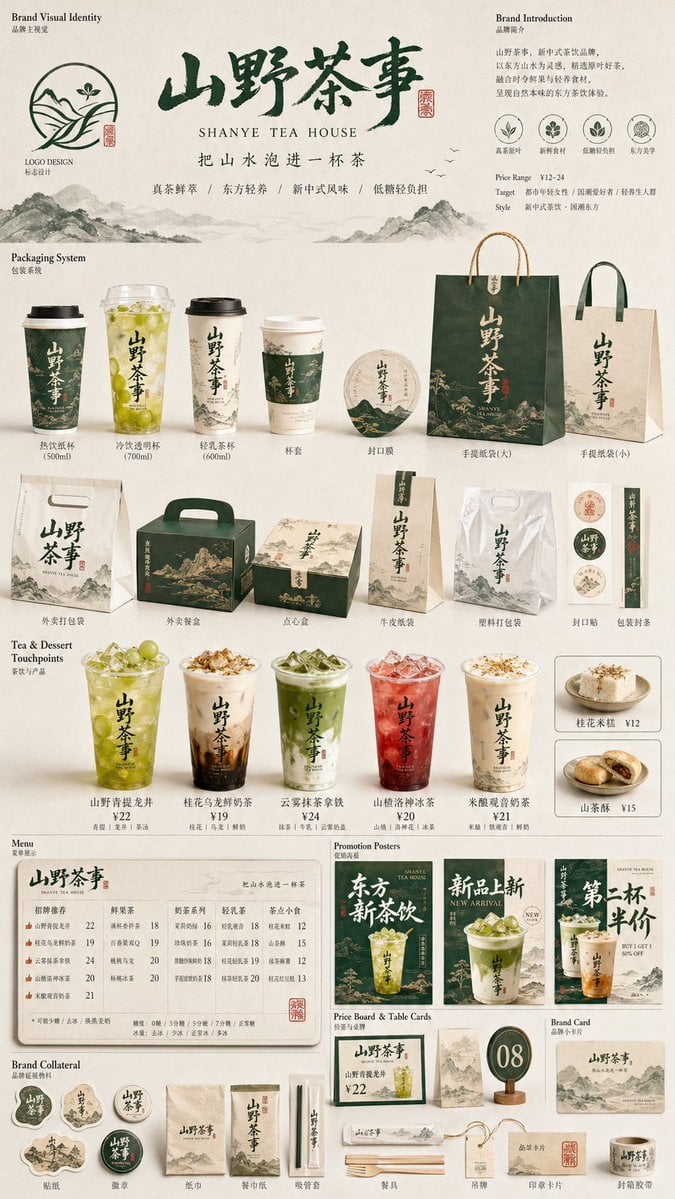
Image template
Featured
Restaurant Brand Touchpoint Matrix
No ratings yet
Posters and Covers
Campaign Poster
Typography Layout
Image template
Featured
Green Travel 3D Character Set
No ratings yet
3D and Illustration
3D Render
Anime Style
Ratings and feedback
No ratings yet
Please sign in first