AI image model
Ideogram
Ideogram V3
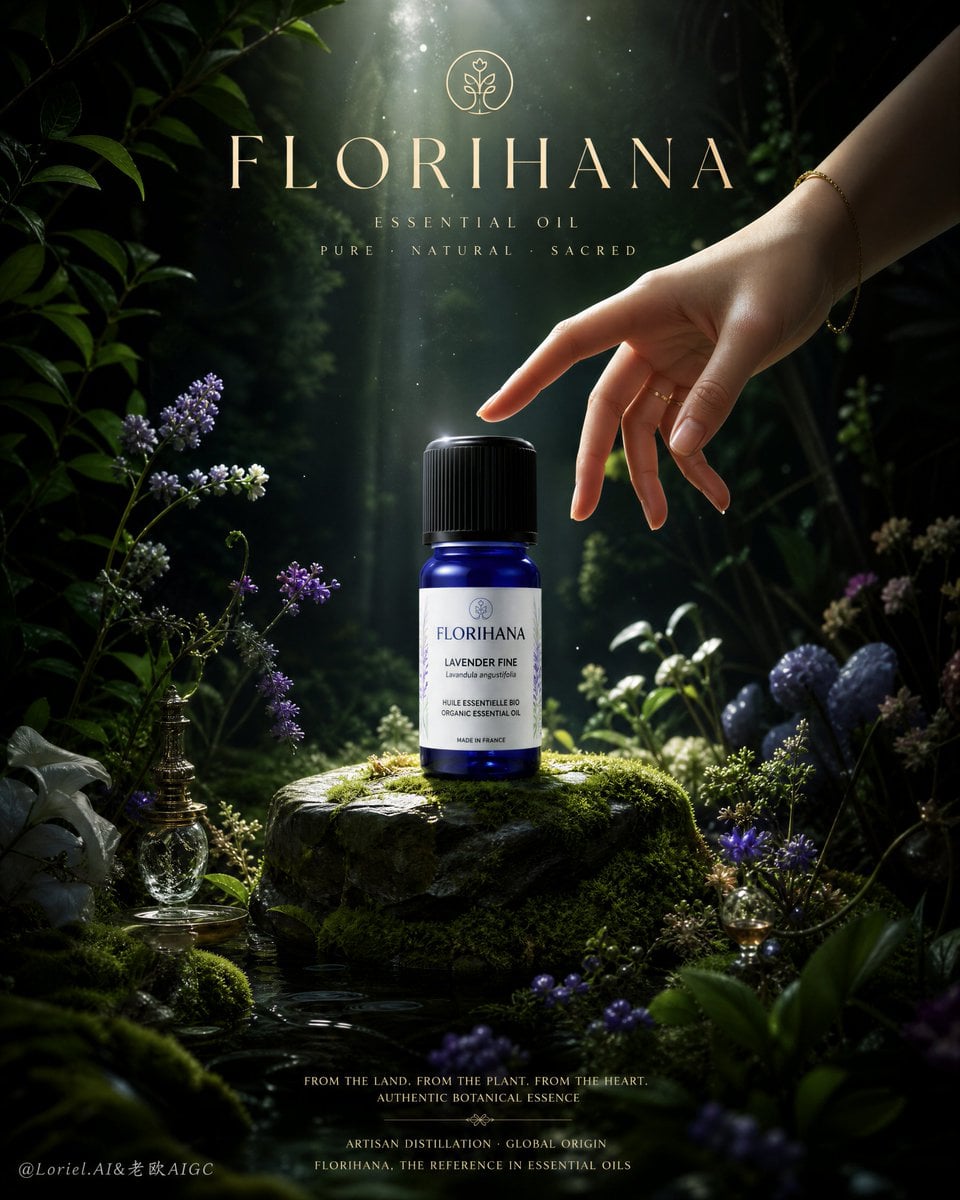
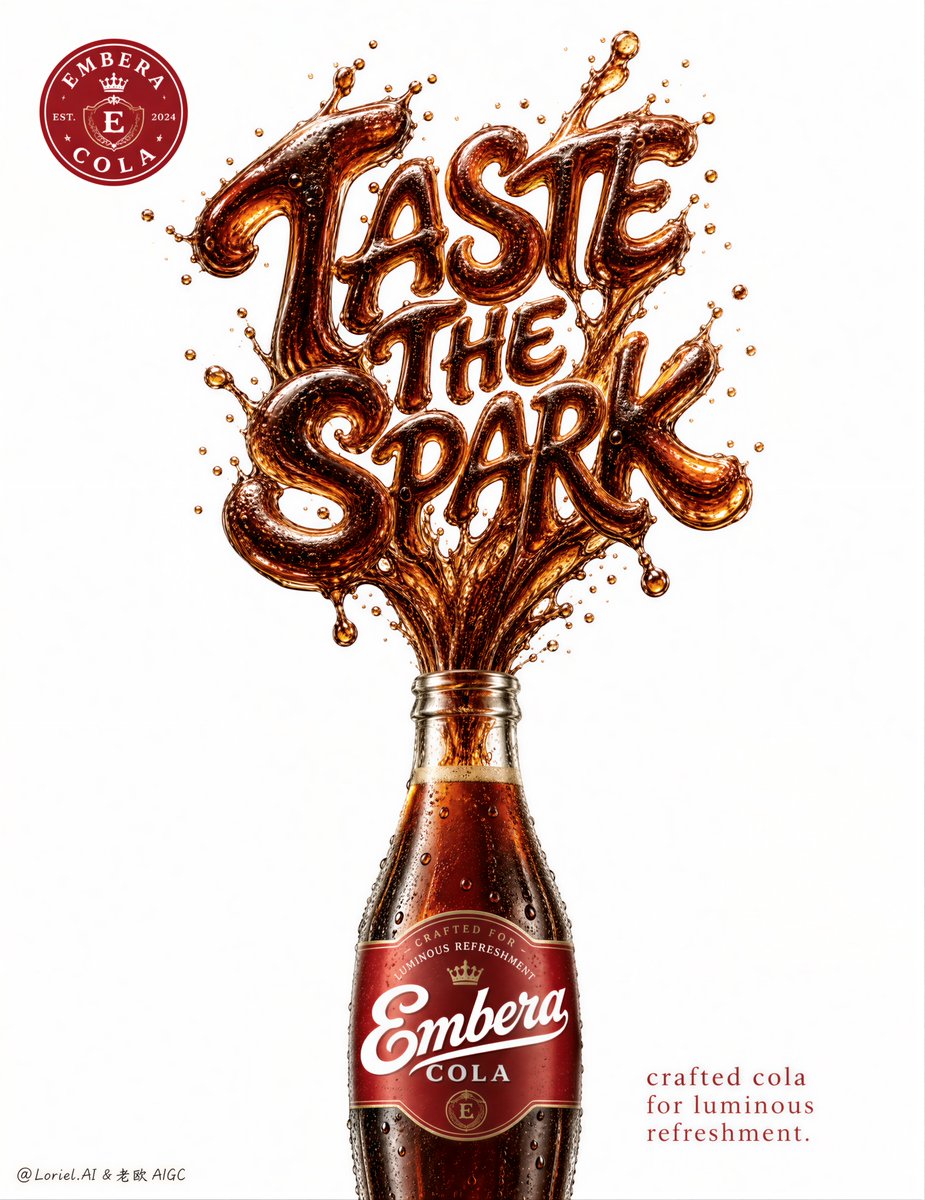
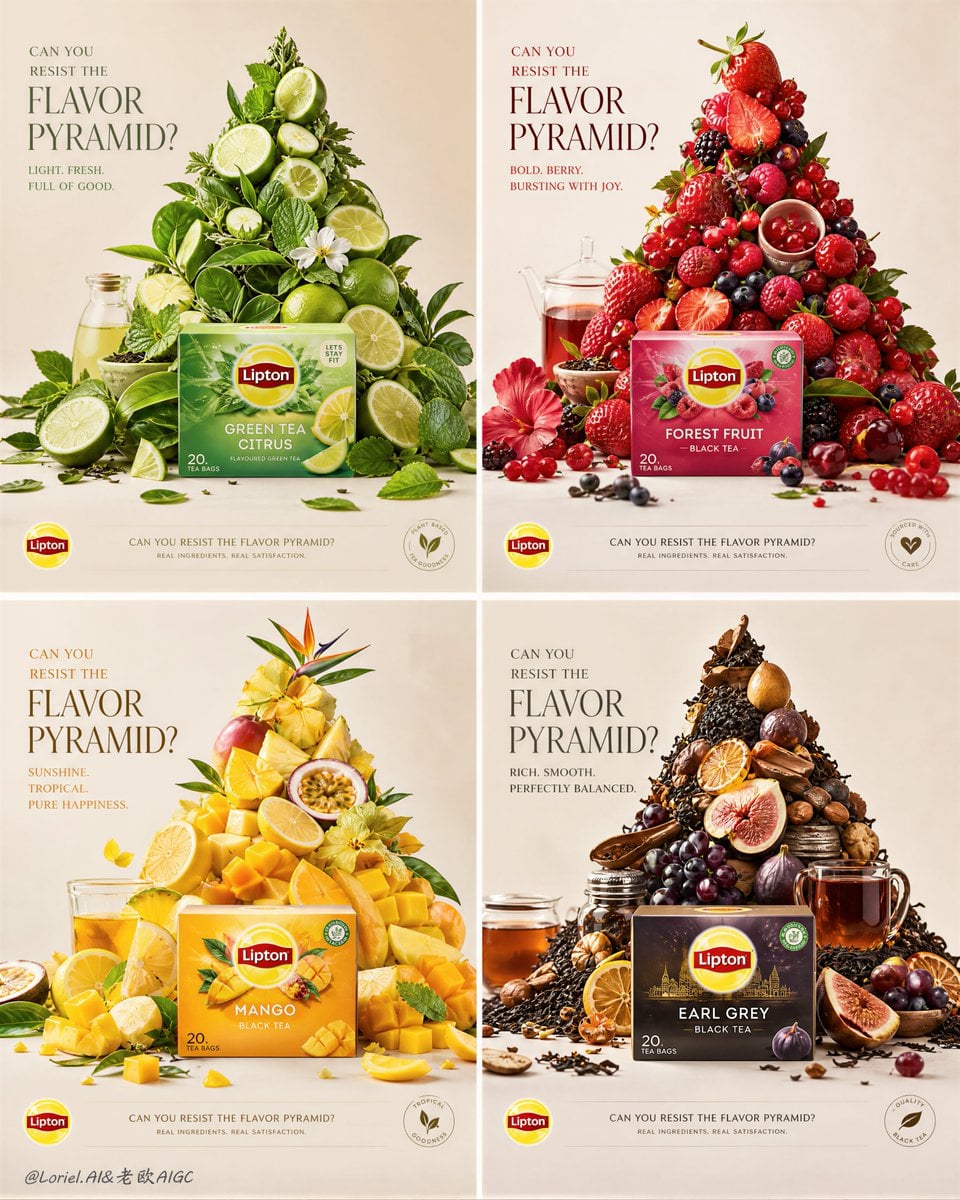
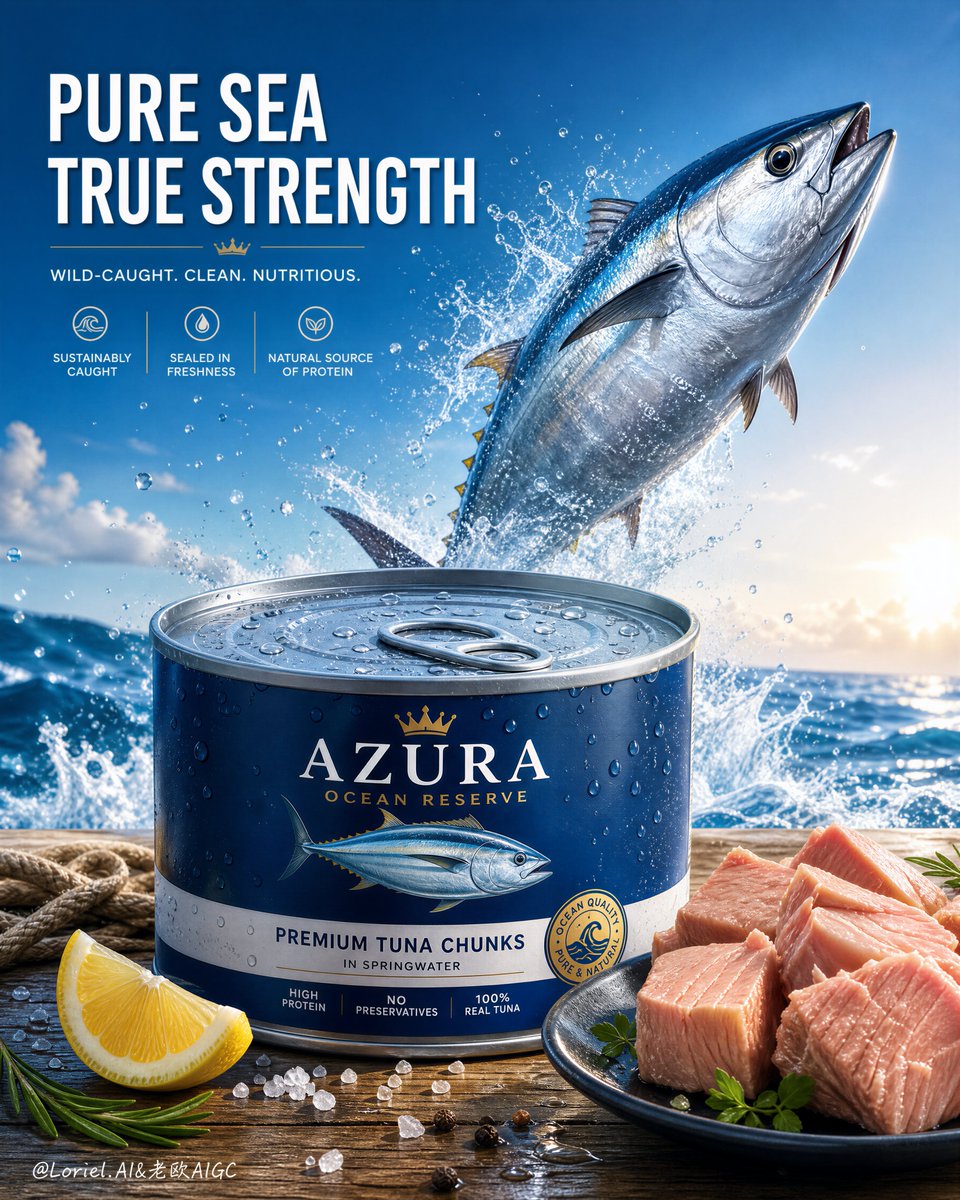
Ideogram V3 is Kyeo AI's design-first AI image generator for posters, ad layouts, cover art, and social graphics where text rendering and typography matter.
Capabilities
Text-only image generation
Credit cost
Credit cost: TURBO 4 / BALANCED 7 / QUALITY 10 credits per image
Prompt limit
5,000 characters
Image input
Not supported
30-second overview
- Rendering speed: Rendering-speed tiers: TURBO, BALANCED, QUALITY
- Style: Design-oriented Ideogram V3 image generation
- MagicPrompt: MagicPrompt expansion toggle
- Image size: Image size, seed, and negative prompt controls
Popular searches: Ideogram V3 online · try Ideogram V3 online · Ideogram V3 — Ideogram V3 image generator online
Examples
Editorial design
Editorial design
Visual transformation
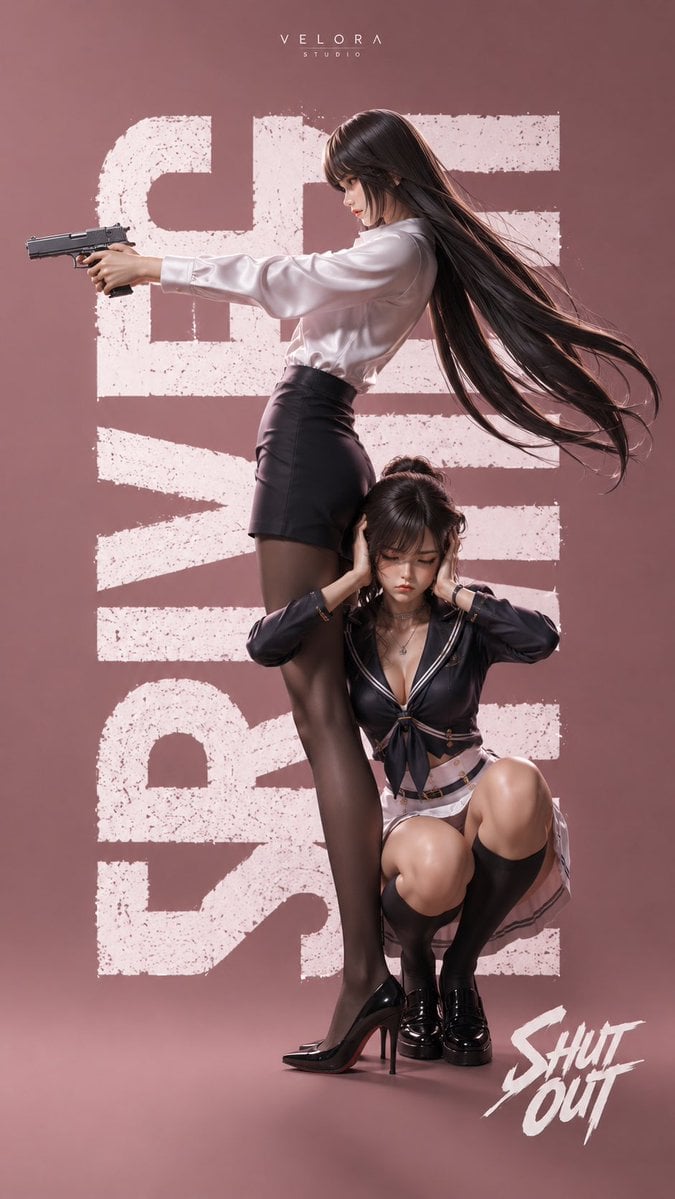
Visual concept
生成一张 9:16 竖版高端商业动作海报,风格为半写实 3D CG、时尚海报、电影感角色视觉。背景为干净的豆沙粉 / 雾粉色纯色背景,整体极简。画面背后加入巨大的白色做旧粗颗粒英文字母排版,形成强烈平面设计感。顶部中间加入小字品牌标题“VELORA STUDIO”,右下角加入醒目的白色手写感标题“SHUT OUT”。主体是两位年轻东亚女性:前景主角色为一位高挑冷艳女性,侧身站立,拥有超长黑色直发、细碎刘海、发丝向右大幅飘动。她穿着白色丝质长袖衬衫、黑色高腰包臀短裙、黑色薄丝袜、黑色尖头高跟鞋。她双手持一把现代手枪,双臂向前伸直,瞄准画面左侧,神情冷静、专注、强势,像时尚化的女特工。第二角色蹲在她腿边,抬头望向她,姿态紧张而依赖,一只手扶住主角色的大腿,另一只手撑地。她有深色盘发/丸子头、碎刘海,五官精致。她穿深蓝黑色水手服风格短上衣,带白色描边、领结、金属扣细节,搭配白色短裙、黑色过膝袜、黑色亮面皮鞋。整体呈现时尚海报 + 少女动作片海报的融合感,超高清、锐利清晰、细节丰富,材质真实,构图有强烈张力,高级、冷感、具有品牌感与封面感。
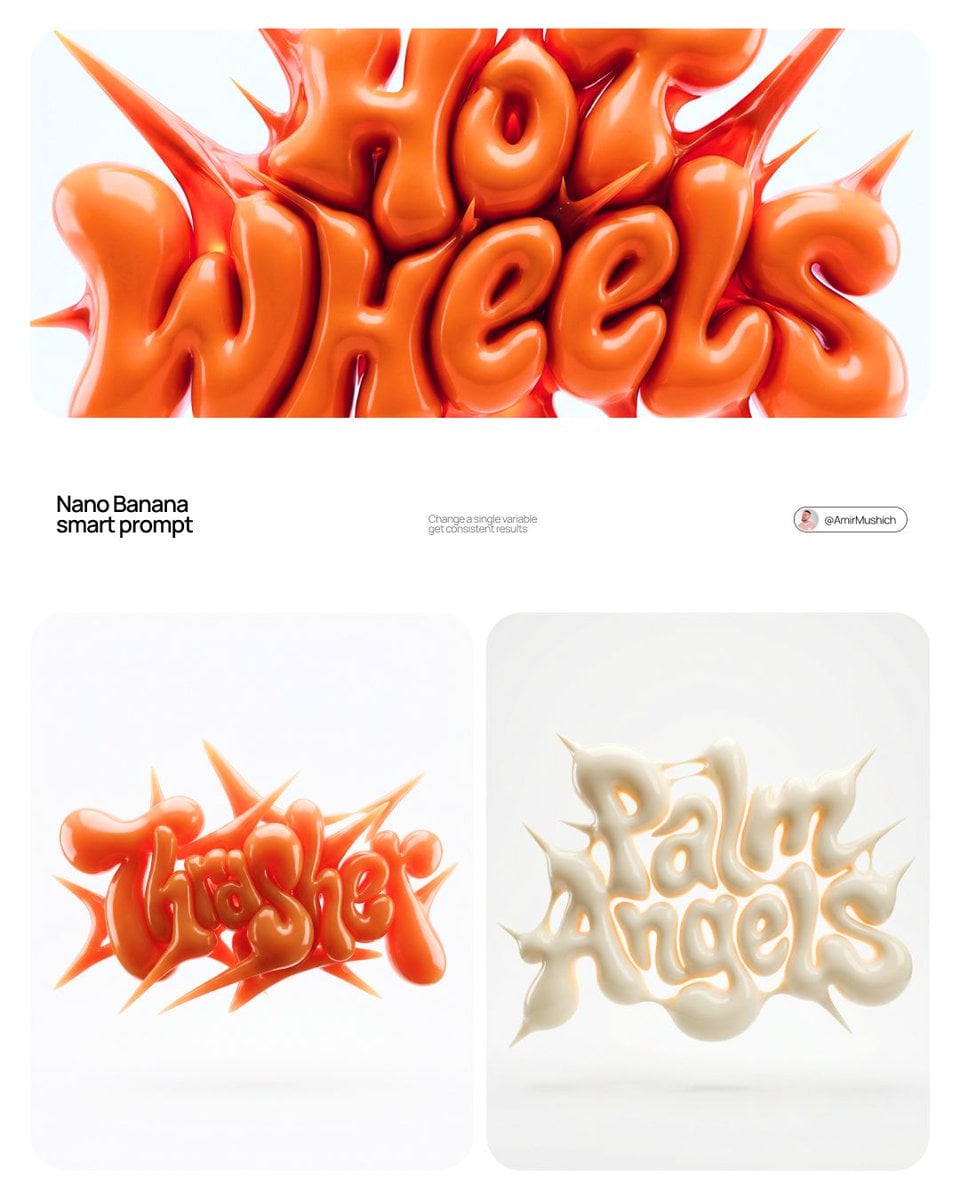
Visual concept
[BRAND NAME] | [COLOR] Act as a 3D Type Designer and CGI Artist working at the intersection of streetwear culture, Y2K aesthetics, and high-end digital sculpture. Your references: Nigo, Futura, Guccimaze, Soulwax art direction. --- PHASE 1: TYPOGRAPHIC CONCEPT Render the word or logotype [BRAND NAME] as a fully 3D sculptural object — not a flat text with extrusion, but a living, inflated, organic type sculpture. Style: Wildstyle graffiti DNA fused with inflatable balloon morphology. Letters are not separate — they flow into each other as one continuous organic mass. Each letterform has: bulbous pneumatic body as if inflated under high pressure from within, stretching the surface taut. Aggressive spike extensions — sharp tapered protrusions erupting between and around letters, directional, asymmetric, energetic, some long and blade-like, others short and thorn-like. Wildstyle overlaps — letters partially occlude each other creating depth layers, classic graffiti ambiguity where readability fights with visual complexity. Organic connective tissue — negative spaces between letters filled with stretched membrane forms, like rubber pulled between two inflated surfaces. --- PHASE 2: MATERIAL & SURFACE Single unified material across the entire sculpture — no color variation between letters. Material type: high-gloss latex / inflated rubber / soft silicone — the surface behaves like a balloon skin stretched to near-bursting point. Subsurface scattering: active — light penetrates slightly into the material, creating a translucent inner glow at thin edges and spike tips. Thinner areas read lighter, denser volumes read darker. Specular highlights: large, soft, slightly elongated — the kind you get on inflated latex, not hard plastic. Multiple secondary highlights in concave zones. Apply [COLOR] as the sole material color of the entire sculpture — this is non-negotiable. [COLOR] defines the pure midtone of the material. Highlights push toward the most luminous near-white version of [COLOR]. Shadow zones and deep crevices push toward the darkest most saturated version of [COLOR]. The entire chromatic range of the sculpture lives within the [COLOR] family — no hue deviation, no neutral grays. --- PHASE 3: COMPOSITION & STAGING Background: pure white (#FFFFFF) — clinical studio isolation. Zero texture, zero gradient. Shadow: none, or absolute minimum contact shadow directly beneath the sculpture — the object appears to float slightly. Orientation: horizontal spread — the sculpture is wider than tall, expanding laterally. Spike elements breach the invisible bounding box on all sides — top spikes reach upward, side extensions push outward. Camera angle: straight-on frontal, slightly elevated 5 to 10° above center — reveals the full typographic mass while showing the 3D depth of overlapping elements. Depth of field: none — sharp from foreground spikes to background letter bodies, every detail in focus. Scale feel: monumental — as if the sculpture is 2 meters wide in physical space, photographed in a white infinity studio. --- PHASE 4: TECH SPECS Render engine: Octane Render or Redshift — physically accurate subsurface scattering mandatory. Global illumination: large soft HDRI dome light, neutral white temperature 5500K. No directional shadows. No rim lights. No background elements. Ray tracing: on — for accurate specular and inter-reflection between letter surfaces. Anti-aliasing: maximum — edges must be razor-clean against white background. Output feel: this is a CGI product render, not AI art. Precision over expressionism. Aspect ratio: 1:1 square — centered composition with breathing room on all four sides.
At a glance
Is this model right for you?
Use Ideogram V3 when an image needs readable text, poster structure, or design-first AI graphics.
- What it does best
- Try Ideogram V3: On Kyeo AI, Ideogram V3 currently supports text to image.
- Who it is for
- When should I use Ideogram V3 for image work? Poster concepts and title-led ad graphics; Design-forward social creatives and campaign layouts; Moodboards where style presets matter
- Why use it on Kyeo AI
- When is Ideogram V3 worth the current credit tier on Kyeo AI? Ideogram V3 is Kyeo AI's text-to-image model for text rendering, poster layouts, and design-first image prompts. Current pricing is 4 credits for TURBO, 7 for BALANCED, and 10 for QUALITY.
Key facts
Quickly evaluate whether this model fits your business use case.
Category
AI image model
Vendor
Ideogram
Model family
Ideogram
Runtime
Asynchronous task
Prompt limit
5,000 characters
Image input
Not supported
Other names
The same model may have different names in official documentation, community discussions, and API integrations. This section brings them together for you.
Ideogram V3
Ideogram 3.0
Common questions
These practical questions focus on the task, input conditions, and result requirements you should confirm before choosing.
Ideogram V3 online
try Ideogram V3 online
Ideogram V3 — Ideogram V3 image generator online
Ideogram V3 text rendering
Ideogram V3 poster generator
Ideogram V3 cover art
Ideogram V3 design visuals
Decision guide
Still deciding? Start with these key decision points.
1
Try Ideogram V3: What can I test first on this page?
Try Ideogram V3: Start here when the first run is aimed at poster concepts and title-led ad graphics, design-forward social creatives and campaign layouts, and moodboards where style presets matter. That keeps the first run practical: check the input, direction, and output quality here before turning it into a longer project.
2
Try Ideogram V3: What can I set up on this page?
Try Ideogram V3: This page currently supports text to image. That keeps the first result prompt-led, which is usually enough to tell whether this model is a good fit for poster concepts and title-led ad graphics before the project gets heavier.
3
Try Ideogram V3: Which controls are worth checking before I hit run?
Try Ideogram V3: Before you run it, the main checks are output tiers like Square, Square HD, Portrait 4:3, and Portrait 16:9, prompt steering, and repeatability. Those are usually the pieces that decide whether the first result is close enough that you can keep iterating here toward poster concepts and title-led ad graphics without making the setup heavier than it needs to be.
Popular comparisons
Compare common alternatives on the same task to clarify differences in inputs, controls, and cost.
What can I test first on this page?
What can I set up on this page?
Which controls are worth checking before I hit run?
Model comparison table
Not sure which model to choose? Compare the key differences between this model and its alternatives at a glance.
Capabilities
Ideogram V3
Text only; no image sent
Ideogram V3 Remix
Capabilities: On Kyeo AI, Ideogram V3 currently supports text to image.
Credit cost
Ideogram V3
TURBO 4 / BALANCED 7 / QUALITY 10
Ideogram V3 Remix
Credit cost: TURBO 4 / BALANCED 7 / QUALITY 10 credits per image. It is a sensible tier for design-led posters and ads where its layout strengths matter; use a cheaper draft model for broad mood exploration without text.
Kyeo input and output
Ideogram V3
Fixed at one image
Ideogram V3 Remix
Image input: Choose Ideogram V3 when you need TURBO, BALANCED, and QUALITY speed tiers plus design-oriented Ideogram V3 image generation. If you are still narrowing down the direction, start with a lighter draft option.
Real-world experience
Practical guidance based on public sources, current on-site limits, and representative tasks.
Try Ideogram V3: Poster concepts and title-led ad graphics
Try Ideogram V3: Poster concepts and title-led ad graphics. Ideogram V3 is Kyeo AI's text-to-image model for text rendering, poster layouts, and design-first image prompts. Current pricing is 4 credits for TURBO, 7 for BALANCED, and 10 for QUALITY.
Try Ideogram V3: Design-forward social creatives and campaign layouts
Try Ideogram V3: Design-forward social creatives and campaign layouts. Ideogram V3 is Kyeo AI's text-to-image model for text rendering, poster layouts, and design-first image prompts. Current pricing is 4 credits for TURBO, 7 for BALANCED, and 10 for QUALITY.
Capabilities
Rendering speed
Ideogram V3 — Rendering speed: Rendering-speed tiers: TURBO, BALANCED, QUALITY
Style
Ideogram V3 — Style: Design-oriented Ideogram V3 image generation
Image size
Image size: MagicPrompt expansion toggle
Use cases
Poster concepts and title-led ad graphics
Poster concepts and title-led ad graphics: Use Ideogram V3 when an image needs readable text, poster structure, or design-first AI graphics.
Design-forward social creatives and campaign layouts
Design-forward social creatives and campaign layouts: Use Ideogram V3 when an image needs readable text, poster structure, or design-first AI graphics.
Moodboards where style presets matter
Moodboards where style presets matter: Use Ideogram V3 when an image needs readable text, poster structure, or design-first AI graphics.
Prompt tips
MagicPrompt: Which controls are worth checking before I hit run?
MagicPrompt: Before you run it, the main checks are output tiers like Square, Square HD, Portrait 4:3, and Portrait 16:9, prompt steering, and repeatability. Those are usually the pieces that decide whether the first result is close enough that you can keep iterating here toward poster concepts and title-led ad graphics without making the setup heavier than it needs to be.
Image size: Do I need to sign in before I run here, and how do credits work?
Image size: The page is public, but the actual initial prompt-led image run is still gated behind sign in. Kyeo AI currently lists pricing from 4 credits per generation. You can line up the prompt and output shape first, then sign in when you are ready to generate.
Seed: When should I stay on this page, and when should I move into the full Studio?
Seed: Stay on this page while you are still validating the initial prompt and output shape for poster concepts and title-led ad graphics. Open the full Studio once the work needs saved history, repeated image revisions, asset management, or a longer visual project around the same material.
Why choose it
Try Ideogram V3: Rendering-speed tiers: TURBO, BALANCED, QUALITY
Try Ideogram V3: Design-oriented Ideogram V3 image generation
Try Ideogram V3: MagicPrompt expansion toggle
Try Ideogram V3: Image size, seed, and negative prompt controls
What to know first
What can I set up on this page?: This page currently supports text to image. That keeps the first result prompt-led, which is usually enough to tell whether this model is a good fit for poster concepts and title-led ad graphics before the project gets heavier.
Which controls are worth checking before I hit run?: Before you run it, the main checks are output tiers like Square, Square HD, Portrait 4:3, and Portrait 16:9, prompt steering, and repeatability. Those are usually the pieces that decide whether the first result is close enough that you can keep iterating here toward poster concepts and title-led ad graphics without making the setup heavier than it needs to be.
Do I need to sign in before I run here, and how do credits work?: The page is public, but the actual initial prompt-led image run is still gated behind sign in. Kyeo AI currently lists pricing from 4 credits per generation. You can line up the prompt and output shape first, then sign in when you are ready to generate.
When should I stay on this page, and when should I move into the full Studio?: Stay on this page while you are still validating the initial prompt and output shape for poster concepts and title-led ad graphics. Open the full Studio once the work needs saved history, repeated image revisions, asset management, or a longer visual project around the same material.
Adjustable settings
Quickly evaluate whether this model fits your business use case.
Rendering speed
Optional
Parameter type: select
Default: BALANCED
TURBO
BALANCED
QUALITY
Style
Optional
Parameter type: select
Default: AUTO
Auto
General
Realistic
Design
MagicPrompt
Optional
Parameter type: select
Default: On
On
Off
Image size
Optional
Parameter type: select
Default: square_hd
Square
Square HD
Portrait 3:4
Portrait 9:16
Landscape 4:3
Landscape 16:9
Seed
Optional
Parameter type: number
Negative prompt
Optional
Parameter type: text
5,000 characters
Credit cost
TURBO 4 / BALANCED 7 / QUALITY 10 credits per image
TURBO 4 / BALANCED 7 / QUALITY 10 credits per image. Ideogram V3 is Kyeo AI's text-to-image model for text rendering, poster layouts, and design-first image prompts. Current pricing is 4 credits for TURBO, 7 for BALANCED, and 10 for QUALITY.
Credit-saving tip
Before generating images or videos in bulk, run an A/B test with the same input on this model and similar alternatives. Confirm the result first to avoid wasting credits.
Frequently asked questions
Related models
Still deciding? Take a quick look at these similar alternatives.
Ideogram V3 Remix
Ideogram V3 Remix — Upload one JPEG, PNG, or WebP image, describe what should stay or change, then choose speed, style, MagicPrompt, size, strength, and 1–4 outputs. It suits experiments with style, setting, material, or content based on an existing poster, illustration, product concept, or social asset.
AI image model
4 / 7 / 10 credits per image; 1–4 outputs
Ideogram Character
Character is Ideogram V3's character-reference generation path. The reference anchors who the subject is while the prompt defines the new image; it is neither fidelity-preserving editing nor multi-person identity management. 12 / 18 / 24 credits per image; 1–4 outputs
AI image model
12 / 18 / 24 credits per image; 1–4 outputs
Qwen2 Image
Qwen2 Image — Qwen2 Image / Text creation and one-image editing — Start from a text prompt or upload exactly one image to edit. Multiple reference images are not supported. Ratio, format, and seed controls — Text creation supports 1:1, 3:4, 4:3, 9:16, and 16:9. Editing adds 2:3, 3:2, and 21:9; the default remains 16:9. Prompts are capped at 800 characters; editing accepts one JPG, PNG, or WebP image up to 10 MB; each result costs a fixed 6 credits.
AI image model
Fixed 6 credits per image
Sources
This page is based on vendor materials, model-family documentation, and Kyeo AI integration settings.
Source note
Ideogram V3 is Kyeo AI's text-to-image model for text rendering, poster layouts, and design-first image prompts. Current pricing is 4 credits for TURBO, 7 for BALANCED, and 10 for QUALITY. TURBO 4 / BALANCED 7 / QUALITY 10 credits per image.
Last updated: 2026-08-26
Ideogram: Generate with Ideogram 3.0
Official
Ideogram: Generate with Ideogram 3.0: Ideogram V3.
Ideogram: Generate with Ideogram 4.0
Official
Ideogram: Generate with Ideogram 4.0: Ideogram V3.