Ideogram V3 Remix
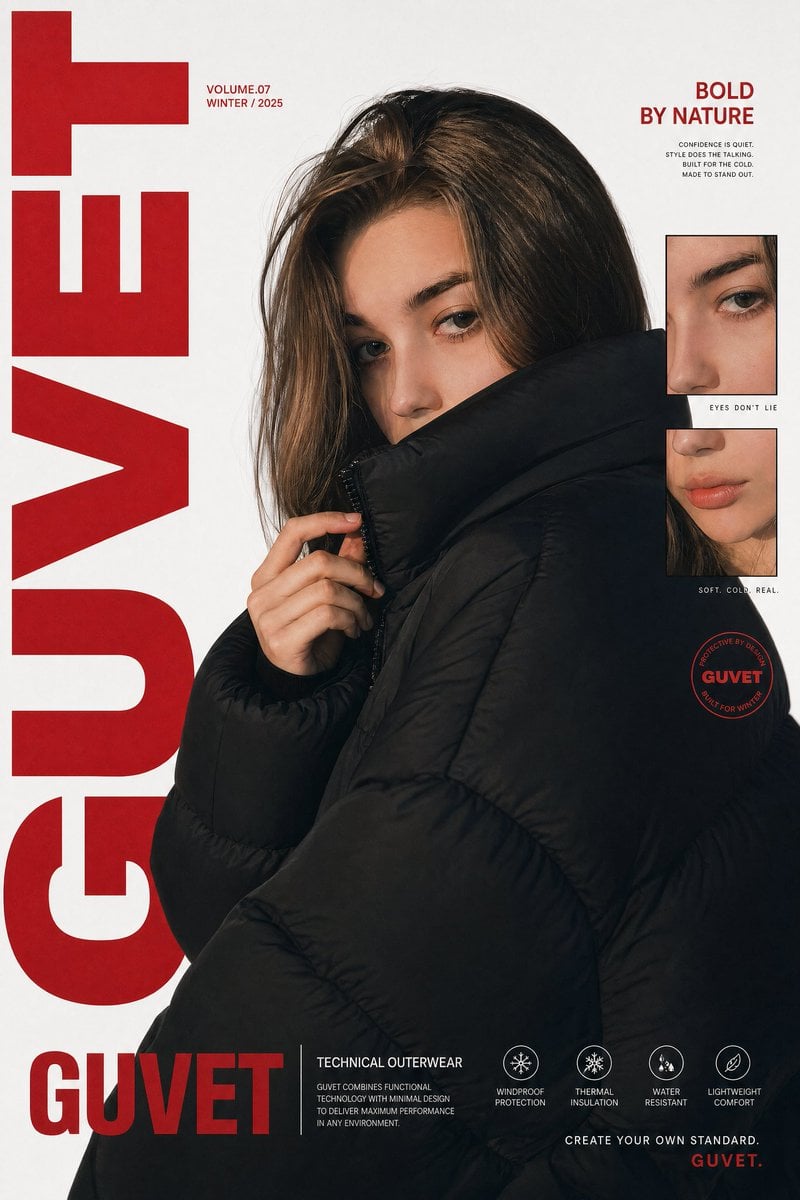
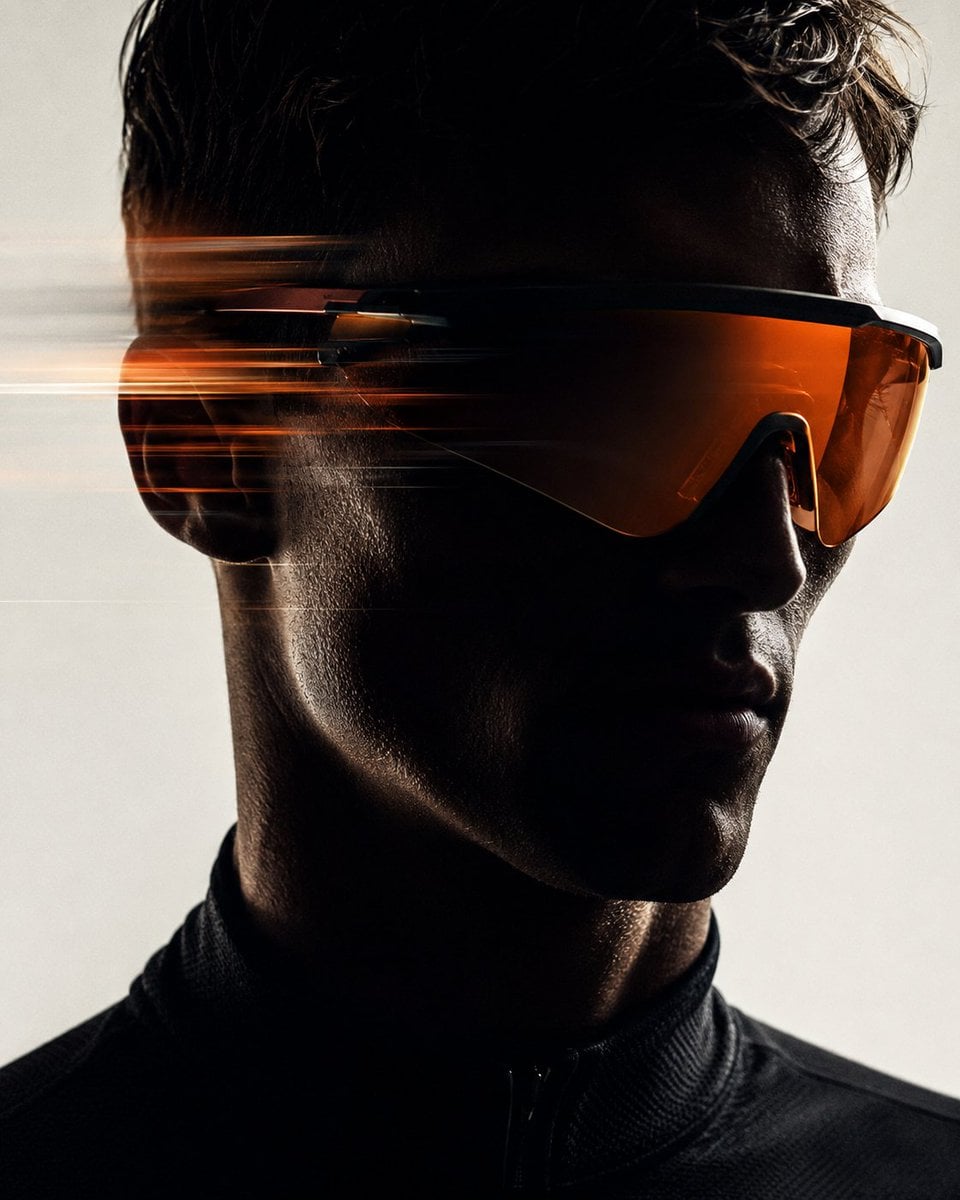
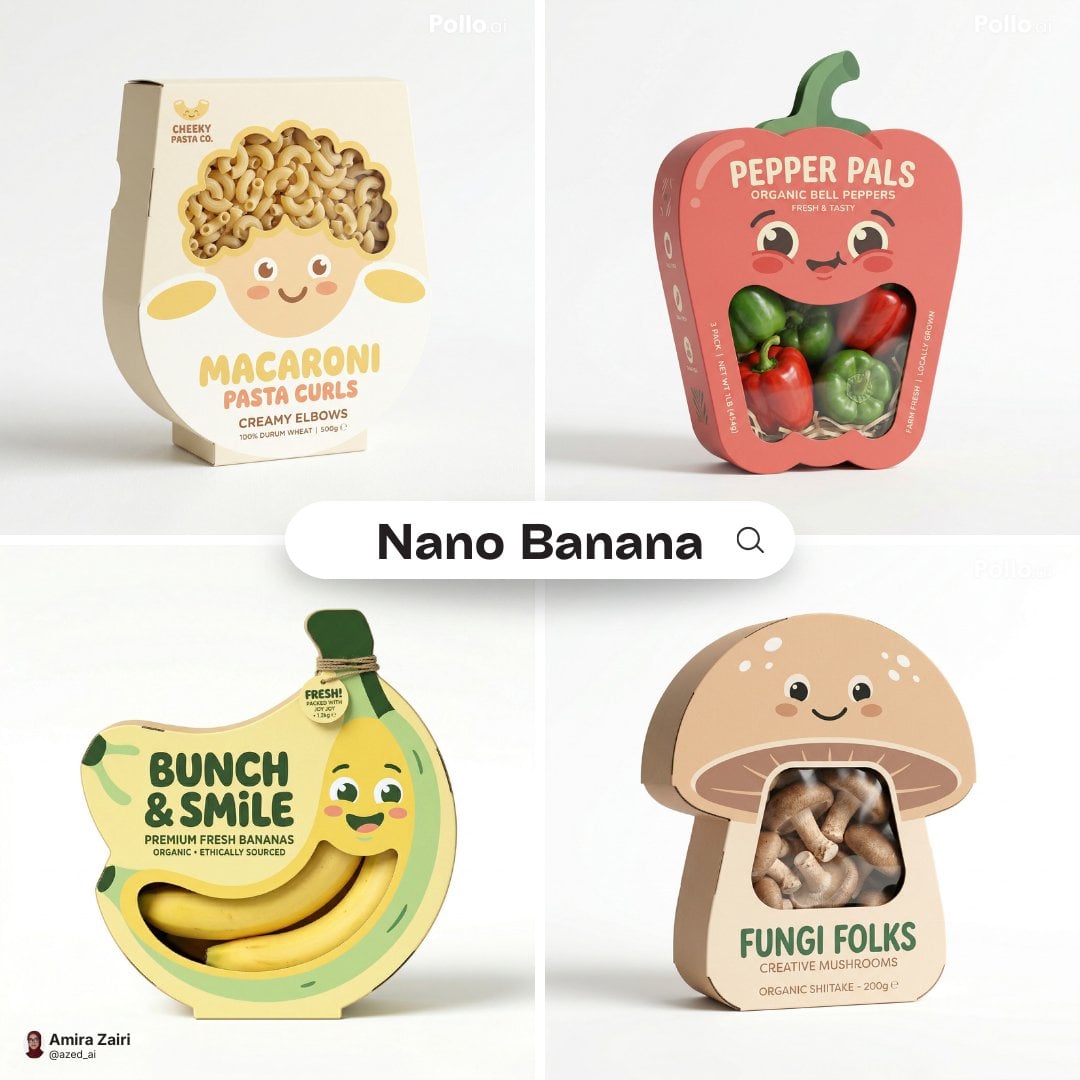
Ideogram V3 Remix combines one source image with a required prompt to create a new visual version. `strength` controls the source image's influence. This is generative remixing, not fidelity-preserving editing, so text, logos, people, and product details can change.
At a glance
What is this model like?
Upload one JPEG, PNG, or WebP image, describe what should stay and change, then set rendering speed, style, MagicPrompt, output size, strength, seed, and an optional negative prompt. Kyeo AI returns one result and charges 4, 7, or 10 credits for TURBO, BALANCED, or QUALITY.
Key facts
Quickly assess whether this model matches your workflow.
Also known as
The same model may appear under different names across documentation and community discussions; this list keeps them easy to search and compare.
Common search intents
These questions and keywords combine public references with common creative use cases to help you choose faster.
Selection guide
Use these decision points when choosing a model.
Start with Remix when an existing image should become a new style, setting, material, or content variant based on a written direction.
Choose Reframe when only the canvas or aspect ratio needs to change. Use V3 generation when the brief starts from text and no source image exists.
Use the same image and prompt at `strength` 0.3, 0.6, and 0.8. Compare the subject, composition, text, and visual change before selecting a routine range.
Popular comparisons
Common comparison questions help you find the practical differences quickly.
Model comparison
Compare the current model with alternatives at a glance.
Practical usage insights
Practical observations based on real creative workflows.
Strength changes how Remix should be tested
Style change and layout change are different jobs
Capabilities
Style reinterpretation from a source image
Source-influence control
Design-focused generation controls
Use cases
Poster and illustration style studies
Setting and material variants
Product-concept direction tests
Prompt tips
Separate what should stay from what should change
Hold the other inputs constant
Inspect critical details at full size
Strengths
Limitations
Adjustable parameters
Quickly assess whether this model matches your workflow.
Credit usage
Kyeo AI charges 4, 7, or 10 credits per request according to the selected rendering-speed tier.
Before batch generation, run an A/B test with the same assets across the current model and alternatives to validate quality and avoid wasting credits.
FAQ
Related models
Compare these similar candidates before deciding.
Ideogram V3 Reframe
Ideogram V3 Reframe turns one existing image into a different canvas and composition. It is useful for adapting a square key visual to portrait, landscape, or another square format, but text, edges, and important product details still need review.
Ideogram V3
Ideogram V3 is Kyeo AI's text-only, single-image workflow through `ideogram/v3-text-to-image`. It accepts prompts up to 5,000 characters and offers three rendering modes, four styles, MagicPrompt, six image sizes, a numeric seed, and a negative prompt. Rendering speed sets the charge to 4, 7, or 10 credits.
Flux Kontext Max
Flux Kontext Max provides prompt-only generation and one-image editing on Kyeo for a fixed 8 credits. It exposes the same controls as Pro: six ratios in generation, one image in editing, JPEG or PNG, translation, prompt enhancement, safety tolerance, and a watermark identifier.
Sources
Content is based on model documentation, feature references, and the settings available on Kyeo AI.
Kyeo uses the `ideogram/v3-remix` workflow; direct Ideogram fields are included only to define boundaries, not as Kyeo features.
Kyeo's fixed one-image output, defaults, and credit tiers come from the live configuration.