AI image model
Black Forest Labs
FLUX
Flux Kontext Max
Flux Kontext Max provides prompt-only generation and one-image editing on Kyeo for a fixed 8 credits. It exposes the same controls as Pro: generation offers six aspect ratios, while editing accepts one image and hides the aspect-ratio control.
Capabilities
Generation, one-image editing
Credit cost
8 credits per request
Prompt limit
Prompt required
Upload limit
1 image
30-second overview
- BFL now labels FLUX.1 Kontext [max] as previous-generation and recommends FLUX.2 for new projects.
- Kyeo supports prompt-only generation and editing with a single uploaded image.
- Max exposes the same controls as Pro; Kyeo charges 8 credits for Max and 4 for Pro.
- Editing keeps safety tolerance between 0 and 2; generation allows 0 to 6.
Popular searches: how to use Flux Kontext Max on Kyeo · how many images can Flux Kontext Max edit · which aspect ratios are available for Kontext Max generation
Examples

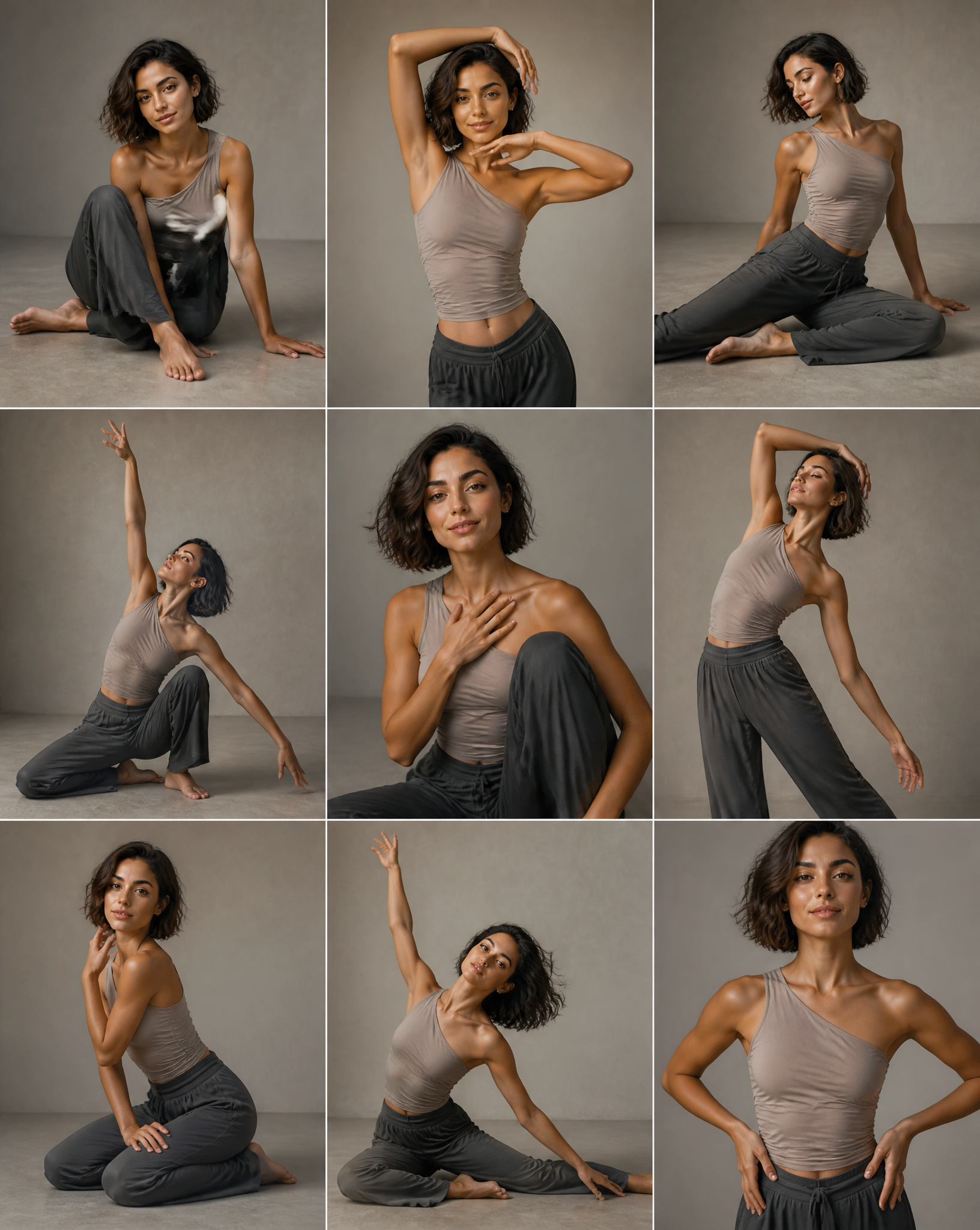
Fashion portrait
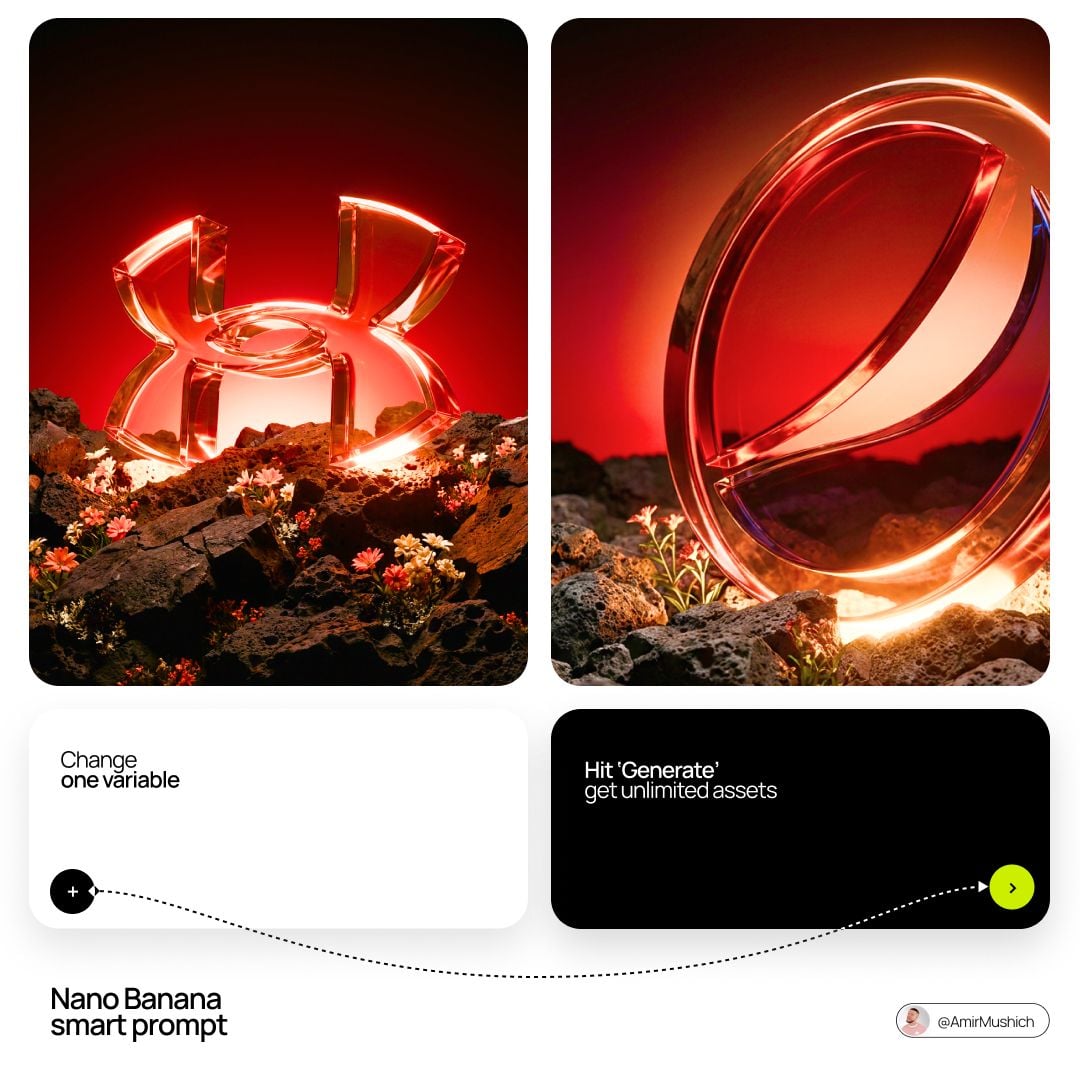
Editorial design
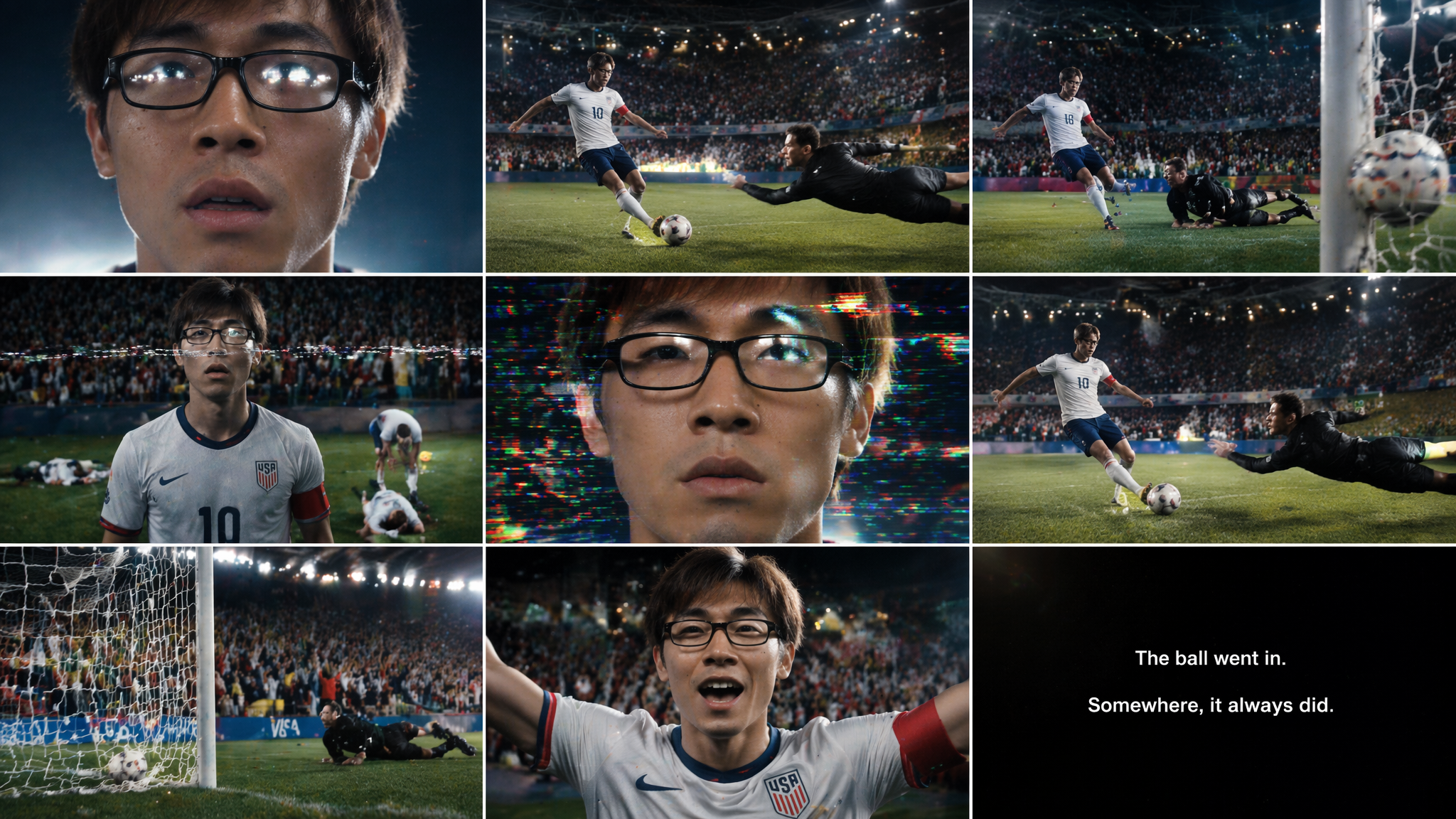
Cinematic scene

Cinematic scene
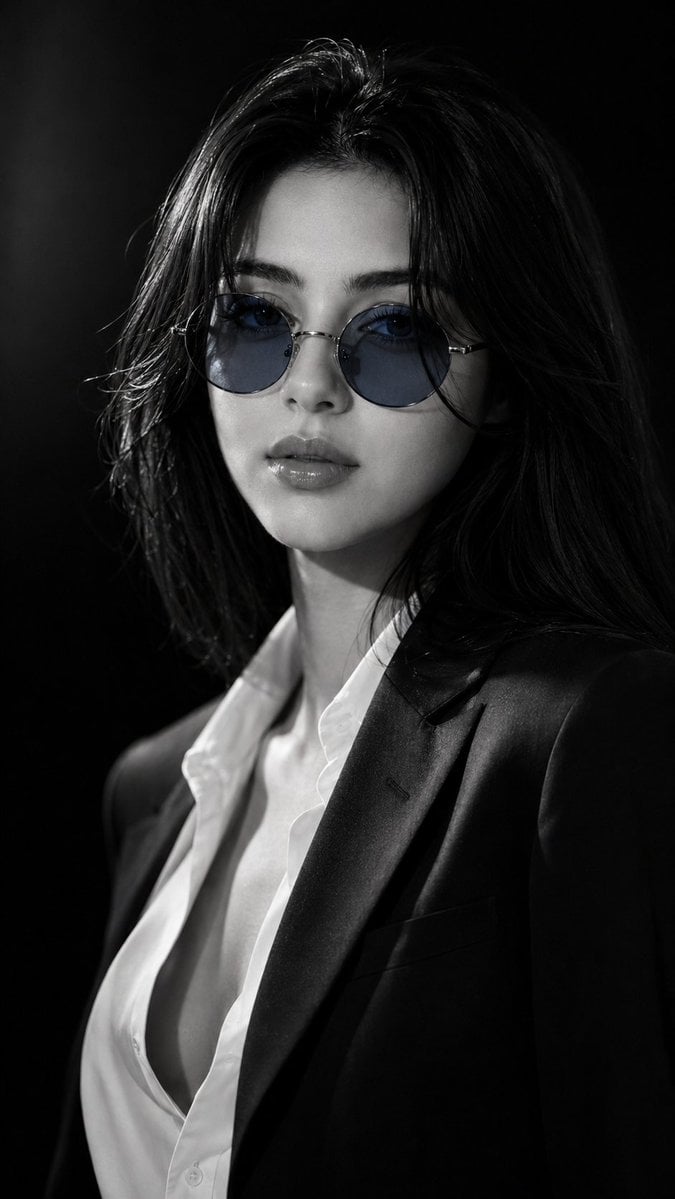
Visual concept
Ultra-realistic IMAX-level Netflix-style cinematic monochrome fashion portrait, 9:16 vertical composition, create a beautiful young adult woman in a powerful close-up luxury editorial shot against a deep black studio background, her face slightly turned toward the camera with a calm mysterious confidence, sharp expressive eyes visible through round blue-tinted sunglasses, relaxed brows, softly defined glossy lips and a composed high-fashion attitude, her luminous fair porcelain milky-white skin rendered in premium black-and-white with an ultra-smooth clean texture, soft natural blush and crisp facial highlights, her hair styled in sleek straight black hair with a smooth polished texture, mostly straight and flowing neatly with only soft subtle curls at the outer borders and ends, plus a few refined face-framing strands for an elegant fashion look, wearing a dark navy-black tailored blazer over a crisp white open-collar shirt, creating a premium masculine-feminine power dressing mood, strong shadow sculpting across the cheekbones, nose bridge and jawline, sunglasses reflecting subtle blue studio light, cinematic high-contrast lighting with deep black shadows, bright silver highlights and cool blue lens accents, minimal luxury background with a dramatic low-key atmosphere, ultra-rich color grading with monochrome black-white contrast, cool steel-blue sunglasses tint, porcelain skin glow and sharp editorial depth, captured with an 85mm cinematic portrait lens, shallow depth of field, HDR lighting, global illumination, photorealistic rendering, masterpiece quality, ultra-sharp facial details, premium fashion magazine aesthetic, 8K production detail. Negative Prompt: bad anatomy, overly curly hair, frizzy hair, distorted face, blurry eyes, dull skin, uneven skin tone, warped sunglasses, flat lighting, weak expression, cartoon, anime, CGI look, text, watermark, logo, low quality.
At a glance
Is this model right for you?
BFL now calls FLUX.1 Kontext [max] previous-generation and recommends FLUX.2 for new projects. Flux Kontext Max is Kyeo's higher-control FLUX image editor for prompt-guided product edits, style changes, and heavier art direction when Kontext Pro is not enough.
- What it does best
- Use Flux Kontext Max for advanced AI image editing, product retouching, style changes, and harder prompt-guided edits from text or one source image.
- Who it is for
- Use Flux Kontext Max for demanding campaign stills, product or fashion retouching, and brand concept frames that need stronger prompt following. Both generation and editing cost a fixed 8 credits on Kyeo; use Kontext Pro when the job is simpler and cost per attempt matters more.
- Why use it on Kyeo AI
- Flux Kontext Max / Output format — Set the frame shape and export format, review watermark handling, and define which visual details must survive the edit. Max is most useful when the source image and brief are already strong enough to judge a higher-finish result.
Key facts
Quickly evaluate whether this model fits your business use case.
Category
AI image model
Vendor
Black Forest Labs
Model family
FLUX
Prompt limit
Prompt required
Upload limit
1 image
Other names
The same model may have different names in official documentation, community discussions, and API integrations. This section brings them together for you.
FLUX.1 Kontext [max]
Flux Kontext Max
Common questions
These practical questions focus on the task, input conditions, and result requirements you should confirm before choosing.
how to use Flux Kontext Max on Kyeo
how many images can Flux Kontext Max edit
which aspect ratios are available for Kontext Max generation
does Flux Kontext Max preserve the input image ratio
when should Flux Kontext Max automatic translation be enabled
what does Flux Kontext Max prompt enhancement do
Flux Kontext Max safety tolerance range for editing
does Flux Kontext Max output JPEG or PNG
how long do Flux Kontext Max result links last
is FLUX.1 Kontext Max a previous-generation model
Decision guide
Still deciding? Start with these key decision points.
1
Decide whether a legacy model is acceptable
Decide whether a legacy model is acceptable — Include FLUX.2 in the comparison when a project requires BFL's current recommendation. Test Max when an existing workflow depends on Kontext or its one-image editing path is specifically relevant.
2
Test the Max positioning with the same input
Test the Max positioning with the same input — On Kyeo, Flux Kontext Max currently supports text to image and image to image. It can also take one reference image.
3
Apply the mode-specific safety range
Apply the mode-specific safety range — Controls how strict the content moderation is. Generation usually allows a wider range than editing; lower values are stricter and higher values are more permissive. 0-6 for generation, 0-2 for editing
Popular comparisons
Compare common alternatives on the same task to clarify differences in inputs, controls, and cost.
How many more Kyeo credits does Flux Kontext Max cost than Pro?
Do Kontext Max and Pro expose the same controls?
How do Flux Kontext Max and Flux 2 Pro image limits differ?
Is Flux 2 Pro newer than Flux Kontext Max?
Does GPT Image 2 accept more input images than Kontext Max?
How should the same input be used to test Max against Pro?
Model comparison table
Not sure which model to choose? Compare the key differences between this model and its alternatives at a glance.
Current BFL status
Flux Kontext Max
Previous-generation Kontext [max]
Flux Kontext Pro
Previous-generation Kontext [pro]
Flux 2 Pro
Current FLUX.2 family
Image input limit
Flux Kontext Max
Up to 1 image
Flux Kontext Pro
Up to 1 image
Flux 2 Pro
Up to 8 images
Visible controls
Flux Kontext Max
6 ratios plus format, translation, enhancement, safety, and watermark
Flux Kontext Pro
The same controls as Max
Flux 2 Pro
7 ratios plus 1K or 2K
Kyeo credits
Flux Kontext Max
Fixed at 8
Flux Kontext Pro
Fixed at 4
Flux 2 Pro
1K 5 / 2K 7
Safety tolerance range
Flux Kontext Max
Generation 0–6; editing 0–2
Flux Kontext Pro
Generation 0–6; editing 0–2
Flux 2 Pro
Not exposed on Kyeo
Real-world experience
Practical guidance based on public sources, current on-site limits, and representative tasks.
The Max name and higher price are not quality evidence
Flux Kontext Max / The Max name and higher price are not quality evidence — Fixed 8-credit pricing for both generation and editing on Kyeo
The safety range changes with the mode
Flux Kontext Max / The safety range changes with the mode — Controls how strict the content moderation is. Generation usually allows a wider range than editing; lower values are stricter and higher values are more permissive. 0-6 for generation, 0-2 for editing
Capabilities
Prompt-only generation and one-image editing
Prompt-only generation and one-image editing — On Kyeo, Flux Kontext Max currently supports text to image and image to image. It can also take one reference image.
Mode-dependent aspect-ratio behavior
Mode-dependent aspect-ratio behavior — Flux Kontext Max provides prompt-only generation and one-image editing on Kyeo for a fixed 8 credits. It exposes the same controls as Pro: generation offers six aspect ratios, while editing accepts one image and hides the aspect-ratio control.
Prompt and output helpers
Prompt and output helpers — Set the frame shape and export format, review watermark handling, and define which visual details must survive the edit. Max is most useful when the source image and brief are already strong enough to judge a higher-finish result.
Safety tolerance is not a compliance switch
Safety tolerance is not a compliance switch — Generation accepts 0–6; editing accepts only 0–2. Higher values mean more permissive moderation.
Use cases
Controlled tests of complex scene edits
Use a one-image task with several objects, a background change, or detailed constraints and run it against Pro under the same settings. Record the actual outputs and retries rather than assuming Max will perform better.
Tests of text changes inside an image
BFL lists text editing as a Kontext capability. It can be evaluated on signs, labels, or posters.
Character or scene variation samples
Use one image to test a character, object, or scene change. Identity, object consistency, and unchanged regions must be verified per result.
Prompt tips
Choose translation before submitting non-English text
Describe the full scene or edit instruction in English, or enable translation and write naturally.
Name both the change and the constraints
Specify the object, position, or text to replace and the subject, composition, color, or style to preserve. Clear instructions aid review but do not guarantee a strictly local edit.
Hold helper settings constant against Pro
Both `enableTranslation` and `promptUpsampling` alter the effective prompt. Record and match their states in a Max/Pro comparison so the model is the variable being tested.
Why choose it
One Kyeo page supports prompt-only generation and one-image editing.
JPEG or PNG, translation, prompt enhancement, safety tolerance, and a watermark identifier are visible controls.
Both modes cost a fixed 8 credits, so the Kyeo charge is known before submission.
Inputs and controls closely match Pro, supporting a controlled comparison.
What to know first
Model family / Flux Kontext Max — BFL labels FLUX.1 Kontext [max] as previous-generation and recommends FLUX.2 for new projects.
Upload limit — Kyeo accepts one input image; the Max name does not add multi-image or batch output.
Upload limit / Flux Kontext Max — Upload up to 1 image file for image editing projects.
Safety tolerance (editing: 0–2) — Safety tolerance is limited to 0–6 for generation and 0–2 for editing. Result links also expire after 14 days.
Adjustable settings
Quickly evaluate whether this model fits your business use case.
Aspect ratio
Optional
Parameter type: Dropdown
Default: 16:9
21:9
16:9
4:3
1:1
3:4
9:16
Output format
Optional
Parameter type: Dropdown
Default: JPEG
JPEG
PNG
Automatic translation
Optional
Parameter type: Dropdown
Default: On
On
Off
Prompt enhancement
Optional
Parameter type: Dropdown
Default: Off
Off
On
Safety tolerance (editing: 0–2)
Optional
Parameter type: Number
Default: 2
Generation 0–6; editing 0–2
Watermark identifier
Optional
Parameter type: Text
Credit cost
8 credits per request
Kyeo currently charges a fixed 8 credits for prompt-only generation and one-image editing. Output format, translation, prompt enhancement, safety tolerance, and watermark settings do not change the Kyeo price.
Credit-saving tip
Before generating images or videos in bulk, run an A/B test with the same input on this model and similar alternatives. Confirm the result first to avoid wasting credits.
Frequently asked questions
Related models
Still deciding? Take a quick look at these similar alternatives.
Flux Kontext Pro
Flux Kontext Pro provides prompt-only generation and one-image editing on Kyeo for a fixed 4 credits. Generation offers six aspect ratios. Uploading one image switches to editing, where Kyeo hides the ratio control and sends no ratio by default. The page also exposes JPEG or PNG, automatic translation, prompt enhancement, safety tolerance, and a watermark identifier.
AI image model
4 credits per request
Flux 2 Pro
Flux 2 Pro / Capabilities — Flux 2 Pro — Text-to-image and editing use the same resolution pricing: 5 credits for 1K or 7 credits for 2K. 3–5,000 characters; Up to 8 images.
AI image model
5–7 credits per request
GPT Image 2
GPT Image 2 / Capabilities — GPT Image 2 supports text-to-image generation and reference-image editing on Kyeo AI. Kyeo charges by output resolution: 1K costs 3 credits, 2K costs 5, and 4K costs 8.
AI image generation and editing model
3–8 credits per request
Sources
This page is based on vendor materials, model-family documentation, and Kyeo AI integration settings.
Source note
BFL now calls FLUX.1 Kontext [max] previous-generation and recommends FLUX.2 for new projects. Black Forest Labs' enhanced Flux Kontext model for demanding prompt-led generation and image editing. Kyeo offers both text-to-image and image-to-image on one model page at a fixed 8 credits per run.
Last updated: 2026-08-26
Black Forest Labs: FLUX.1 Kontext overview
Official
Black Forest Labs: Kontext text-to-image
Official
Black Forest Labs: Kontext image editing
Official