AI image model
Black Forest Labs
FLUX
Flux 2 Pro
Flux 2 Pro / Capabilities — Flux 2 Pro — Text-to-image and editing use the same resolution pricing: 5 credits for 1K or 7 credits for 2K. 3–5,000 characters; Up to 8 images.
Capabilities
Text-to-image, image-to-image
Credit cost
5–7 credits per request
Prompt limit
3–5,000 characters
Upload limit
Up to 8 images
30-second overview
- Flux 2 Pro / Capabilities / Runtime — Text-to-image, image-to-image
- Flux 2 Pro / Aspect ratio — Generation and editing both offer seven fixed aspect ratios and `1K / 2K`; Kyeo does not expose `auto` or 4K.
- Flux 2 Pro / Upload limit — Editing accepts up to eight JPG, PNG, or WebP images, currently limited to 10 MB each on Kyeo.
- Flux 2 Pro / Credit cost — Text-to-image and editing use the same resolution pricing: 5 credits for 1K or 7 credits for 2K.
Popular searches: how do I generate with Flux 2 Pro on Kyeo AI · how many credits do Flux 2 Pro 1K and 2K cost · how many images can I upload for Flux 2 Pro editing
Examples
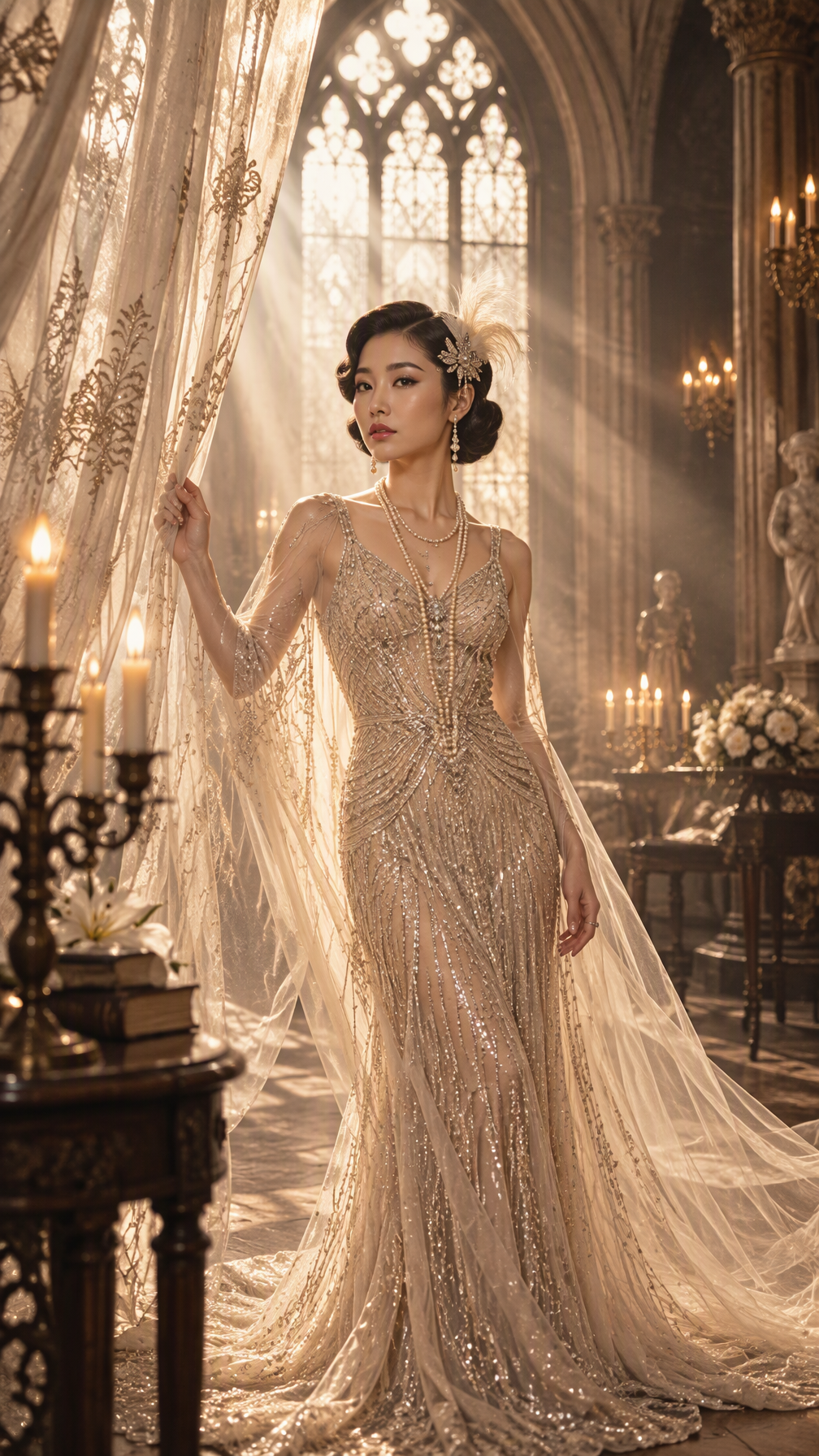
Fashion portrait
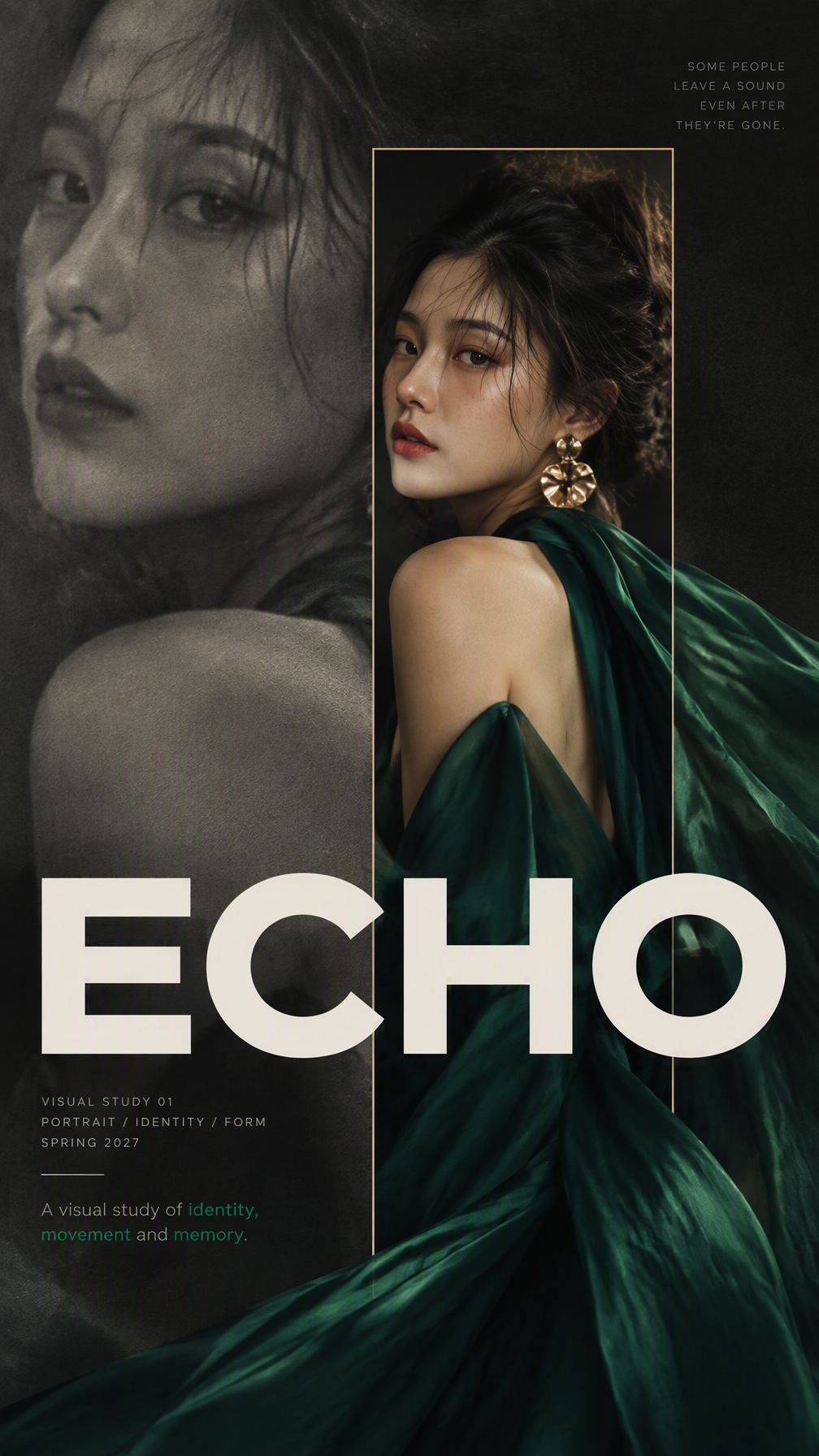
Fashion portrait

Visual transformation

Fashion portrait
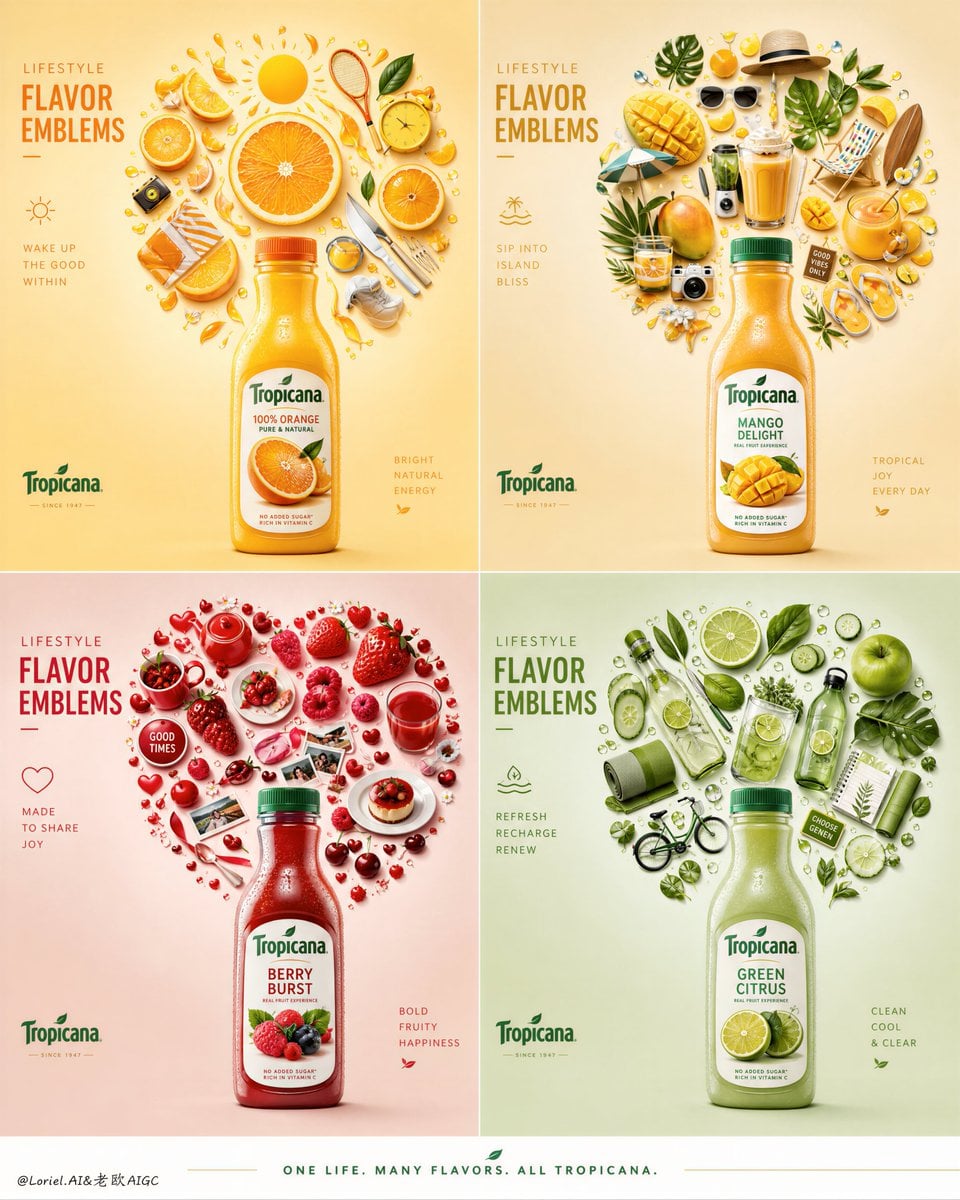
Editorial design
At a glance
Is this model right for you?
Runtime — Flux 2 Pro — Text-to-image and editing use the same resolution pricing: 5 credits for 1K or 7 credits for 2K. 3–5,000 characters; Up to 8 images.
- What it does best
- Integration / Capabilities — Before submission, Kyeo shows seven aspect ratios, 1K/2K, an eight-image maximum, a 3–5,000-character prompt range after trimming, and the 5/7-credit cost for comparison with other current models.
- Who it is for
- Well suited to e-commerce hero images, brand variants, batch asset production, and teams that already know they need stable reuse rather than conversational editing.
- Why use it on Kyeo AI
- Flux 2 Pro / Integration — Before submission, Kyeo shows seven aspect ratios, 1K/2K, an eight-image maximum, a 3–5,000-character prompt range after trimming, and the 5/7-credit cost for comparison with other current models.
Key facts
Quickly evaluate whether this model fits your business use case.
Category
AI image model
Vendor
Black Forest Labs
Model family
FLUX
Integration
Current site integration
Runtime
Asynchronous task
Prompt limit
3–5,000 characters
Upload limit
Up to 8 images
Other names
The same model may have different names in official documentation, community discussions, and API integrations. This section brings them together for you.
Flux 2 Pro
FLUX.2 [pro]
Common questions
These practical questions focus on the task, input conditions, and result requirements you should confirm before choosing.
how do I generate with Flux 2 Pro on Kyeo AI
how many credits do Flux 2 Pro 1K and 2K cost
how many images can I upload for Flux 2 Pro editing
which aspect ratios does Flux 2 Pro support
which image formats does Flux 2 Pro accept
should I choose Flux 2 Pro or Flux 2 Flex
should I choose Flux 2 Pro or GPT Image 2
what are the limits of Flux 2 Pro multi-image editing
Decision guide
Still deciding? Start with these key decision points.
1
Choose the frame and resolution for prompt-only generation
Choose the frame and resolution for prompt-only generation — For a prompt-only task, first choose the delivery ratio from seven aspect ratios, then select 1K or 2K for the required pixels. The two tiers currently cost 5 and 7 credits.
2
Give every uploaded image a role
Give every uploaded image a role — Upload only images you are entitled to use and modify, and explain each image's role. Before public, commercial, or important use, review rights, facts, text, color, people, and brand elements; the input limit does not guarantee any of these results.
3
Keep inputs identical when comparing Pro and Flex
Keep inputs identical when comparing Pro and Flex — Seven fixed aspect ratios and 1K/2K
Popular comparisons
Compare common alternatives on the same task to clarify differences in inputs, controls, and cost.
How do the Kyeo controls for Flux 2 Pro and Flux 2 Flex differ?
Flux 2 Pro vs Flux 2 Flex: how does current pricing compare?
How do Flux 2 Pro and GPT Image 2 differ in reference-image limits?
Flux 2 Pro vs GPT Image 2: how do resolution and price compare?
How do Flux 2 Pro and Nano Banana 2 differ in visible controls?
Flux 2 Pro vs Nano Banana 2: how do image limits and credits compare?
Model comparison table
Not sure which model to choose? Compare the key differences between this model and its alternatives at a glance.
Capabilities
Flux 2 Pro
Capabilities — Text-to-image, image-to-image
Flux 2 Flex
Flux 2 Flex — Text-to-image, image-to-image
GPT Image 2
GPT Image 2 — Text-to-image, image-to-image
Kyeo image limit
Flux 2 Pro
Kyeo image limit — Up to eight JPG, PNG, or WebP images
Flux 2 Flex
Up to eight images
GPT Image 2
Up to 16 images
Controls visible on Kyeo
Flux 2 Pro
Controls visible on Kyeo — Seven fixed aspect ratios and 1K/2K
Flux 2 Flex
The same seven fixed ratios and 1K/2K
Nano Banana 2
Fifteen ratios, 1K/2K/4K, format, and search enhancement
Current Kyeo pricing
Flux 2 Pro
Current Kyeo pricing — 1K/2K at 5/7 credits
Flux 2 Flex
1K/2K at 14/24 credits
GPT Image 2
1K/2K/4K at 3/5/8 credits
Currently unavailable controls
Flux 2 Pro
Currently unavailable controls — The current interface does not offer `aspect_ratio=auto`, 4K, or an output-format choice.
Flux 2 Flex
Kyeo also omits those controls
Nano Banana 2
Offers 4K, JPG/PNG, and Google Search enhancement
Real-world experience
Practical guidance based on public sources, current on-site limits, and representative tasks.
Choose the frame and resolution for prompt-only generation / Flux 2 Pro
Choose the frame and resolution for prompt-only generation / Flux 2 Pro — For a prompt-only task, first choose the delivery ratio from seven aspect ratios, then select 1K or 2K for the required pixels. The two tiers currently cost 5 and 7 credits.
Keep inputs identical when comparing Pro and Flex / Flux 2 Pro
Keep inputs identical when comparing Pro and Flex / Flux 2 Pro — Seven fixed aspect ratios and 1K/2K
Capabilities
Capabilities
Flux 2 Pro / Capabilities — Text-to-image, image-to-image
Resolution
Flux 2 Pro / Resolution — Text-to-image and editing use the same resolution pricing: 5 credits for 1K or 7 credits for 2K.
Multi-image editing within Kyeo's file limits
Flux 2 Pro / Multi-image editing within Kyeo's file limits — Flux 2 Pro — Text-to-image and editing use the same resolution pricing: 5 credits for 1K or 7 credits for 2K. 3–5,000 characters; Up to 8 images.
Use cases
Generate an image in a chosen frame
Select the aspect ratio for a page, social post, or presentation, then describe the subject, environment, composition, lighting, color, and anything the output should avoid.
Request changes to one existing image
Upload one image you have permission to use and specify what to preserve, replace, add, or remove. Review the output for subject, text, and color accuracy.
Combine several reference images
Use separate images for the subject, background, material, or layout, but explain the relationship in the prompt and check that the result has not merged or omitted elements incorrectly.
Prompt tips
State the task before the visual conditions
Production-focused models such as FLUX benefit from structured prompts. Clearly defining the subject, scene, camera, material, and constraints can reduce rework.
Increase resolution only when it serves the task
1K and 2K currently cost 5 and 7 credits. You can inspect composition and instruction handling at the lower tier before testing 2K; a higher tier does not mean every detail will improve.
Number each reference and define its purpose
For multiple inputs, identify image 1, image 2, and so on as the source for a subject, background, color, or material. Conflicting references may force the model to choose, so review the result manually.
Why choose it
Runtime / Capabilities — Text-to-image, image-to-image
Upload limit — Editing accepts up to eight images with clear format, size, and count limits.
Aspect ratio / Resolution — Seven fixed aspect ratios and 1K/2K apply to both generation and editing.
Credit cost — The 5/7-credit resolution cost is visible before submission.
What to know first
Flux 2 Pro / Integration — The current interface does not offer `aspect_ratio=auto`, 4K, or an output-format choice.
Flux 2 Flex — For complex tasks that need a higher tolerance for failed attempts, it may still be worth comparing Flex.
Runtime / Category — It may not be the first choice for highly stylized or burst-of-creativity work.
Adjustable settings
Quickly evaluate whether this model fits your business use case.
Aspect ratio
Optional
Parameter type: Select
Default: 1:1
1:1
4:3
3:4
16:9
9:16
3:2
2:3
7 options
Resolution
Optional
Parameter type: Select
Default: 1K
1K
2K
Content check
Optional
Parameter type: Toggle
Default: off
Off
On
Credit cost
5–7 credits per request
Text-to-image and editing use the same resolution pricing: 5 credits for 1K or 7 credits for 2K.
Credit-saving tip
Before generating images or videos in bulk, run an A/B test with the same input on this model and similar alternatives. Confirm the result first to avoid wasting credits.
Frequently asked questions
Related models
Still deciding? Take a quick look at these similar alternatives.
Flux 2 Flex
Flux 2 Flex supports prompt-only generation and editing with up to eight images on Kyeo. A request without images uses Flux 2 Flex; an upload switches it to Flux 2 Flex. Seven fixed aspect ratios and 1K or 2K output are available for 14 or 24 credits per request.
AI image model
14–24 credits per request
GPT Image 2
GPT Image 2 / Capabilities — GPT Image 2 supports text-to-image generation and reference-image editing on Kyeo AI. Kyeo charges by output resolution: 1K costs 3 credits, 2K costs 5, and 4K costs 8.
AI image generation and editing model
3–8 credits per request
Nano Banana 2
Kyeo AI offers text-to-image generation and reference-guided editing with Nano Banana 2. You can upload up to 10 reference images, choose from 15 aspect ratios, and output at 1K, 2K, or 4K. Those tiers currently cost 5, 8, and 12 credits, prompts allow 20,000 characters, and the current generation form does not offer web search.
AI image generator and editor
5–12 credits per request
Sources
This page is based on vendor materials, model-family documentation, and Kyeo AI integration settings.
Source note
Flux 2 Pro — Text-to-image and editing use the same resolution pricing: 5 credits for 1K or 7 credits for 2K. 3–5,000 characters; Up to 8 images.
Last updated: 2026-08-26
Black Forest Labs: FLUX.2 Overview
Official
Black Forest Labs: FLUX.2 Image Editing
Official