AI image generation and editing model
OpenAI
GPT Image
GPT Image 2.5 Flare
GPT Image 2.5 Flare / Capabilities — GPT Image 2.5 Flare supports text-to-image generation and reference-image editing on Kyeo AI. Kyeo charges by output resolution: 1K costs 3 credits, 2K costs 10, and 4K costs 8.
Capabilities
Text-to-image and image-to-image
Credit cost
3–16 credits per request
Prompt limit
20,000 characters
Upload limit
Up to 16 images
30-second overview
- GPT Image 2.5 Flare / Capabilities — One Kyeo page supports text-only generation and editing with up to 16 references.
- GPT Image 2.5 Flare / Resolution / Credit cost — Generation and editing share resolution pricing: 1K/2K/4K cost 3/10/16 credits.
- GPT Image 2.5 Flare / Upload limit — Kyeo accepts JPEG, PNG, and WebP references, currently limited to 10 MB each.
- 27:16, 16:27, 9:8 and 8:9 support 1K only; all other ratios support 1K, 2K and 4K.
Popular searches: How to use GPT Image 2.5 Flare on Kyeo AI · How many credits do GPT Image 2.5 Flare 1K, 2K, and 4K cost · How to edit a reference image with GPT Image 2.5 Flare
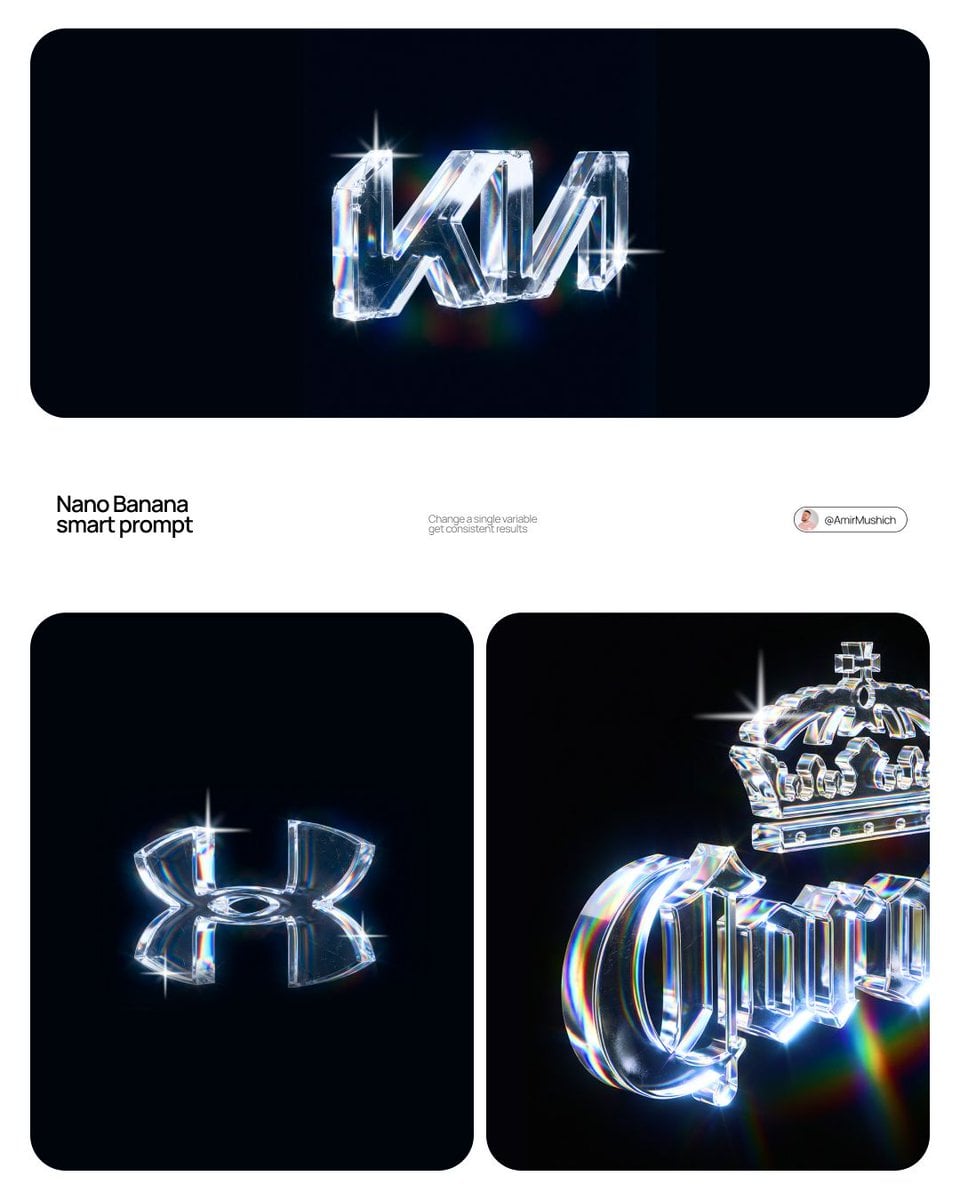
Examples
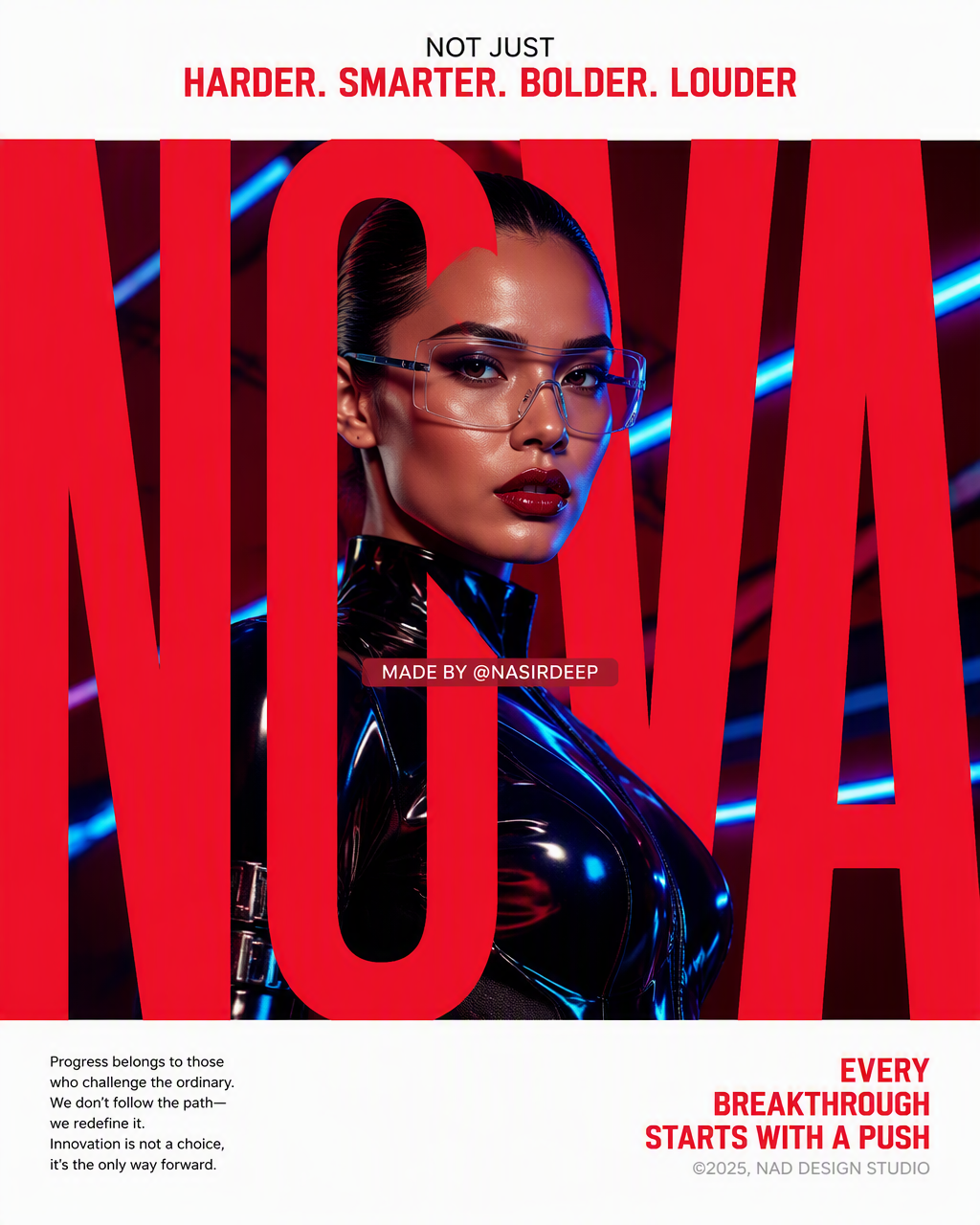
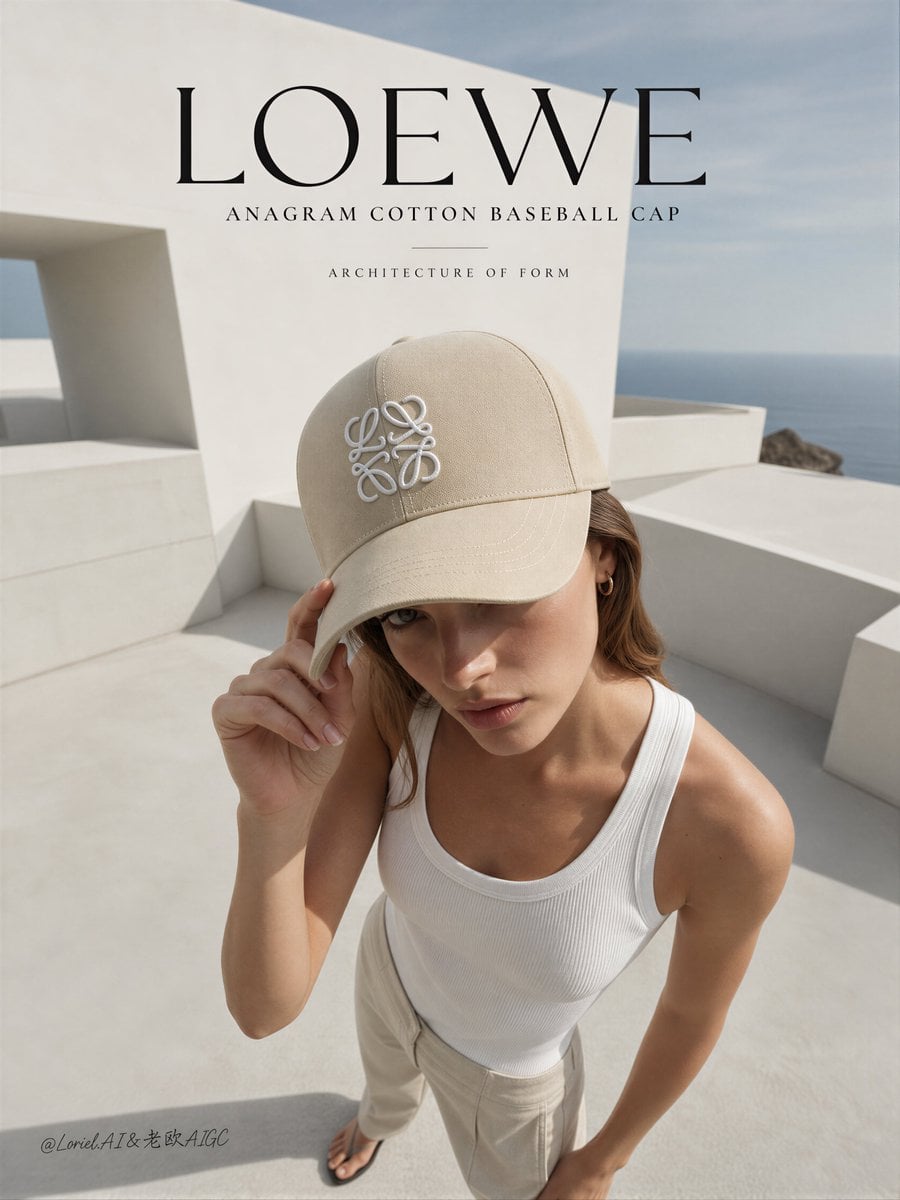
Fashion portrait
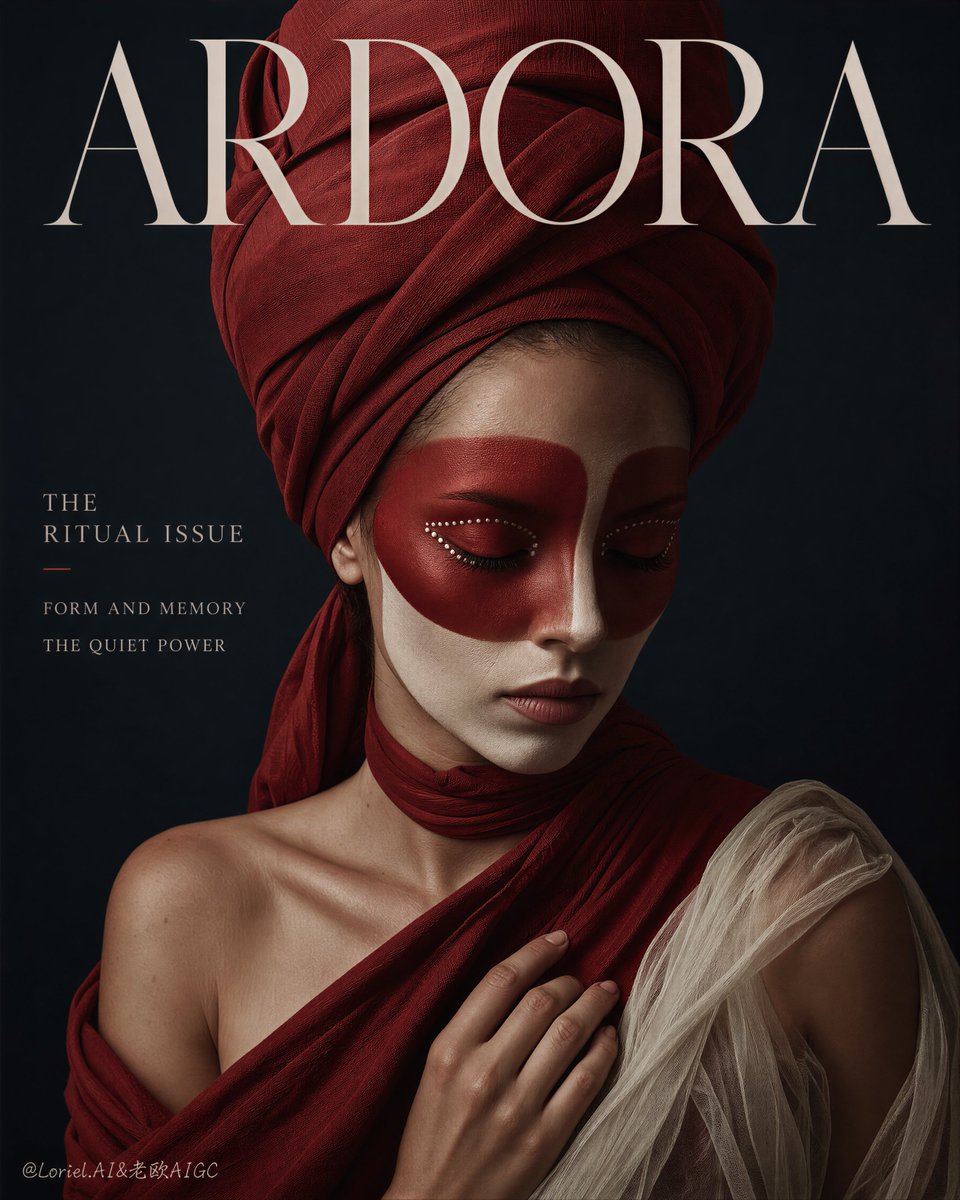
Fashion portrait
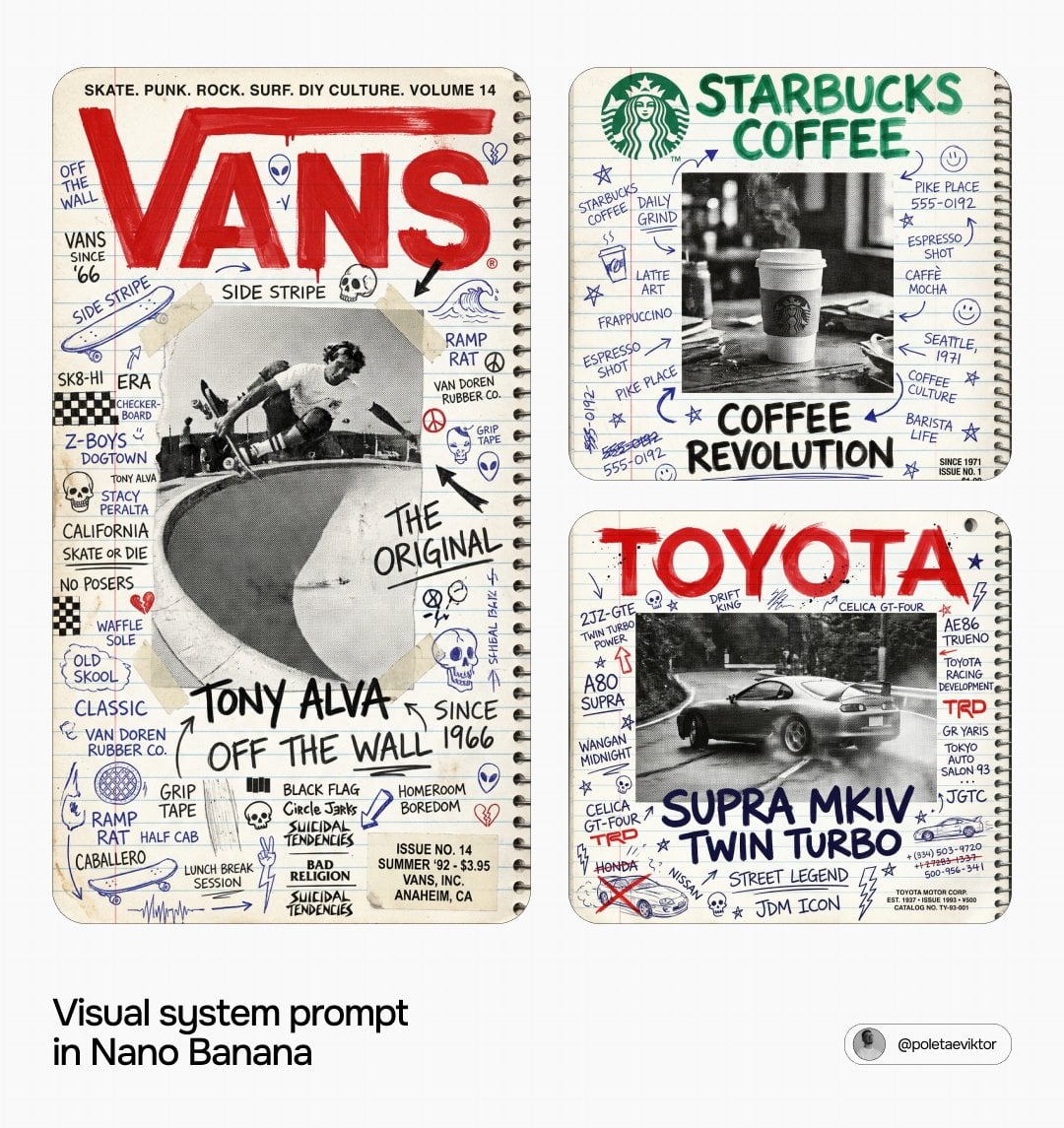
Editorial design
Editorial design
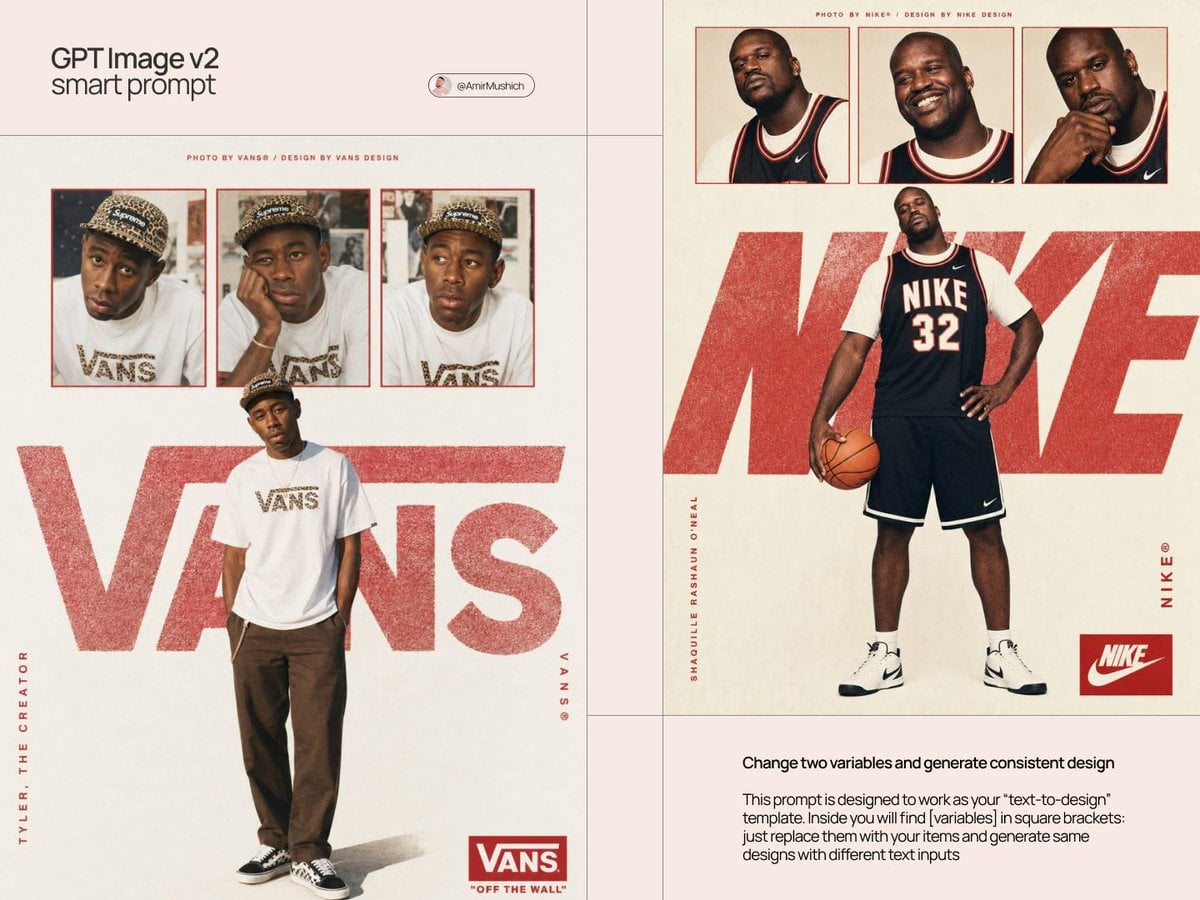
Editorial design
At a glance
Is this model right for you?
At a glance — Generate from text or edit up to 16 references with a 20,000-character prompt. Choose 13 aspect ratios and 1K, 2K or 4K output. Choose an automatic, transparent or opaque background. Review edges and any text before using the result.
- What it does best
- What is this model like? / What it does best — Generate from text or edit up to 16 references with a 20,000-character prompt. Choose 13 aspect ratios and 1K, 2K or 4K output. Choose an automatic, transparent or opaque background. Review edges and any text before using the result.
- Who it is for
- It is an option for text generation, reference-image editing, or tasks that need an explicit 1K, 2K, or 4K output tier. The 20,000-character and 16-image limits are input and upload maxima, not recommendations.
- Why use it on Kyeo AI
- Kyeo combines the prompt, references, aspect ratio, and resolution in one form, displays the credit cost, and checks incompatible combinations before submission, making controlled comparisons easier.
Key facts
Quickly evaluate whether this model fits your business use case.
Category
AI image generation and editing model
Developer
OpenAI
Model family
GPT Image
Available settings
Current site controls
How it works
Asynchronous task
Prompt limit
20,000 characters
Upload limit
Up to 16 images
Other names
The same model may have different names in official documentation, community discussions, and API integrations. This section brings them together for you.
GPT Image 2.5 Flare
Common questions
These practical questions focus on the task, input conditions, and result requirements you should confirm before choosing.
How to use GPT Image 2.5 Flare on Kyeo AI
How many credits do GPT Image 2.5 Flare 1K, 2K, and 4K cost
How to edit a reference image with GPT Image 2.5 Flare
How many images can I upload to GPT Image 2.5 Flare and how large can they be
Which aspect ratios support GPT Image 2.5 Flare 4K
Which resolutions work with GPT Image 2.5 Flare automatic aspect ratio
Which GPT Image 2.5 Flare controls are currently available on Kyeo
Which GPT Image 2.5 Flare resolutions can I select on Kyeo
How does GPT Image 2.5 Flare pricing differ from GPT Image 1.5
Is the GPT Image 2.5 Flare 16-image limit a recommended count
Does GPT Image 2.5 Flare guarantee accurate text and character consistency
Decision guide
Still deciding? Start with these key decision points.
1
Choose it for the controls you need
Include GPT Image 2.5 Flare in your test when you need reference-image editing, a 20,000-character prompt, up to 16 images, or explicit 1K/2K/4K price tiers.
2
Compare alternatives by controls
Compare GPT Image 1.5 if medium/high quality tiers are preferable. Compare Nano Banana Pro if output format or a wider aspect-ratio selection matters, and evaluate both on the same brief.
3
Use a minimal, repeatable test
State which image defines the subject, material, background, or layout, and begin with a small set. Adding references can introduce conflicts and does not automatically improve consistency. 27:16, 16:27, 9:8 and 8:9 support 1K only; all other ratios support 1K, 2K and 4K.
Popular comparisons
Compare common alternatives on the same task to clarify differences in inputs, controls, and cost.
What is the difference between GPT Image 2.5 Flare and GPT Image 1.5
GPT Image 2.5 Flare vs GPT Image 1.5
What is the difference between GPT Image 2.5 Flare and Nano Banana Pro
GPT Image 2.5 Flare vs Nano Banana Pro
What is the difference between GPT Image 2.5 Flare and Flux 2 Pro
GPT Image 2.5 Flare vs Flux 2 Pro
Model comparison table
Not sure which model to choose? Compare the key differences between this model and its alternatives at a glance.
Role on Kyeo AI
GPT Image 2.5 Flare
Generation and editing priced by resolution
GPT Image 1.5
Pricing based on medium/high quality tiers
Nano Banana Pro
11 aspect ratios and PNG/JPG output controls
Current price
GPT Image 2.5 Flare
1K=3 / 2K=10 / 4K=16 credits
GPT Image 1.5
medium=4 / high=22 credits
Flux 2 Pro
Different pricing and controls for 1K/2K
Reference-image limits
GPT Image 2.5 Flare
Up to 16 images, each no larger than 10 MB on Kyeo
Nano Banana Pro
Up to 8 input images
Flux 2 Pro
Up to 8 reference images
Real-world experience
Practical guidance based on public sources, current on-site limits, and representative tasks.
Current site controls define the available workflow
Practical usage insights / Current site controls define the available workflow — Generate from text or edit up to 16 references with a 20,000-character prompt. Choose 13 aspect ratios and 1K, 2K or 4K output. Choose an automatic, transparent or opaque background. Review edges and any text before using the result.
Resolution and capacity are not quality rankings
Kyeo's 1K/2K/4K tiers mainly determine output size and credits, while 16 images is only an input maximum. Neither a higher tier nor more references automatically improves accuracy, consistency, or usability.
Capabilities
Text-to-image generation and reference-image editing
Text-to-image generation and reference-image editing — One Kyeo page supports text-only generation and editing with up to 16 references.
Three resolutions with combination checks
Capabilities / Three resolutions with combination checks — 27:16, 16:27, 9:8 and 8:9 support 1K only; all other ratios support 1K, 2K and 4K.
Up to 16 reference images
Up to 16 reference images — The prompt limit is 20,000 characters and the reference limit is 16 images.
Background
Choose an automatic, transparent or opaque background. Review edges and any text before using the result.
Use cases
Product and advertising concepts
Generate background, composition, and aspect-ratio variations from text or a product reference. Verify trademarks, packaging text, anatomy, and product details in every result.
Reference-image edits
Describe the subject that must remain and the background, composition, or material that may change, then test whether the model follows the request with a small reference set.
Multi-object scene generation
Separate objects, spatial relationships, camera direction, and style into clear prompt sections, then review omissions, placement errors, text, and policy-sensitive content.
Prompt tips
Start with a valid aspect-ratio and resolution pair
Prompt tips / Start with a valid aspect-ratio and resolution pair — 27:16, 16:27, 9:8 and 8:9 support 1K only; all other ratios support 1K, 2K and 4K.
Assign a purpose to each reference
State which image defines the subject, material, background, or layout, and begin with a small set. Adding references can introduce conflicts and does not automatically improve consistency.
Separate what must stay from what may change
For editing, list the traits to preserve, the regions that may change, and content to avoid. Manually inspect text, logos, hands, and edges after generation.
Why choose it
Use cases / GPT Image 2.5 Flare — One page supports text generation and reference-image editing.
Resolution / Credit cost — The 1K/2K/4K credit prices and invalid combinations are explicit.
Prompt limit / Upload limit — The prompt limit is 20,000 characters and the reference limit is 16 images.
Why choose it — 27:16, 16:27, 9:8 and 8:9 support 1K only; all other ratios support 1K, 2K and 4K.
What to know first
What to know first — Generate from text or edit up to 16 references with a 20,000-character prompt. Choose 13 aspect ratios and 1K, 2K or 4K output. Choose an automatic, transparent or opaque background. Review edges and any text before using the result.
What to know first — 27:16, 16:27, 9:8 and 8:9 support 1K only; all other ratios support 1K, 2K and 4K.
Upload limit / GPT Image 2.5 Flare — The 16-image maximum is only a capacity limit; more images do not imply greater consistency.
Review notes / GPT Image 2.5 Flare — Text layout, recurring characters, and brand elements can still drift and require human review.
Adjustable settings
Quickly evaluate whether this model fits your business use case.
Aspect ratio
Optional
Parameter type: Select
Default: Automatic
Auto
1:1
3:2
2:3
4:3
3:4
16:9
9:16
21:9
27:16
16:27
9:8
8:9
Resolution
Optional
Parameter type: Select
Default: 1K
1K
2K
4K
Background
Optional
Parameter type: Select
Automatic
Transparent
Opaque
Credit cost
3–16 credits per request
Kyeo currently charges by resolution: 1K costs 3 credits, 2K costs 10, and 4K costs 16 for either generation or editing.
Credit-saving tip
Before generating images or videos in bulk, run an A/B test with the same input on this model and similar alternatives. Confirm the result first to avoid wasting credits.
Frequently asked questions
Related models
Still deciding? Take a quick look at these similar alternatives.
GPT Image 2
GPT Image 2 / Capabilities — GPT Image 2 supports text-to-image generation and reference-image editing on Kyeo AI. Kyeo charges by output resolution: 1K costs 3 credits, 2K costs 5, and 4K costs 8.
AI image generation and editing model
3–8 credits per request
GPT Image 2.5 Sunburst
GPT Image 2.5 Sunburst / Capabilities — GPT Image 2.5 Sunburst supports text-to-image generation and reference-image editing on Kyeo AI. Kyeo charges by output resolution: 1K costs 3 credits, 2K costs 10, and 4K costs 8.
AI image generation and editing model
3–16 credits per request
GPT Image 1.5
GPT Image 1.5 on Kyeo supports text-to-image and image-to-image with three aspect ratios and medium/high quality. Image editing accepts up to 16 JPG, PNG, or WebP references at 10 MB each. Medium costs 4 credits and high costs 22 credits. GPT Image 1.5 is OpenAI's deprecated previous image model. Kyeo retains generation and editing access, but that availability does not make it OpenAI's current default choice.
AI image model
4–22 credits per request
Sources
This page is based on vendor materials, model-family documentation, and Kyeo AI integration settings.
Source note
Generate from text or edit up to 16 references with a 20,000-character prompt. Choose 13 aspect ratios and 1K, 2K or 4K output. Choose an automatic, transparent or opaque background. Review edges and any text before using the result.
Last updated: 2026-09-15
Current site configuration review
Integration
Input limits, aspect-ratio options, and resolutions were checked against the controls currently available on the site.