Image template
Free to view, copy, and apply; generation uses credits
Featured
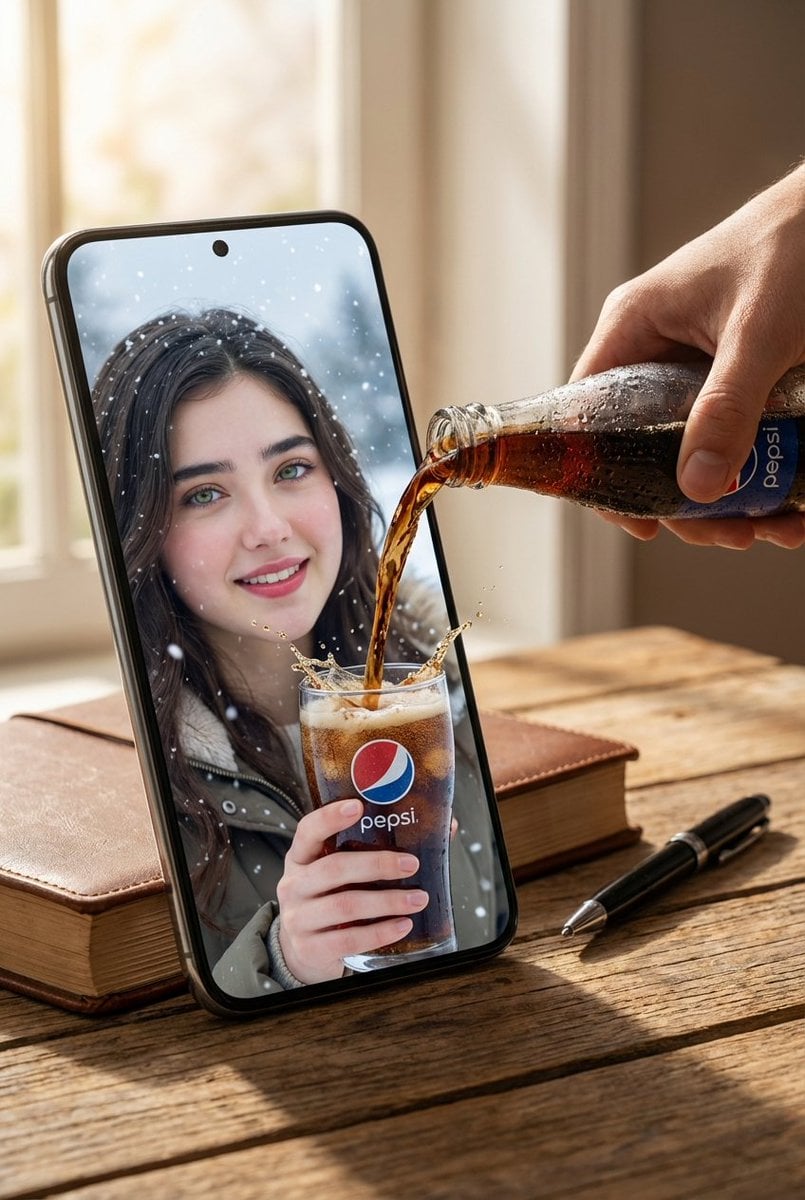
Pepsi Phone-Screen Breakthrough Pour Advertisement
Start with the recommended models, use cases, and steps, then decide how to apply the template directly.
Official template0 views
Visual Experiments
Portrait Photography
Realistic Photography
Cinematic
Film Look
Person
Depth of Field
Product
Template type
Image template
Usage access
Free to view, copy, and apply; generation uses credits
Created
06/15/2026
Rating
No ratings yet
Template overview
These templates work best when you keep the visual structure, then replace the subject, style, or commercial goal. Start with Flux 2 Pro, then switch to a similar alternative based on the result.
Recommended models
If you are unsure which model to use first, start with one of the author's recommendations.
Flux 2 Pro
Nano Banana 2
Prompt
Start with the recommended models, use cases, and steps, then decide how to apply the template directly.
Create a hyper-realistic surreal composite on a wooden tabletop. Let a large, oversized smartphone dominate the frame and create a strong illusion of breaking through dimensions. Inside the phone screen, show the woman from the reference image at enlarged scale in a close-up winter setting. Have her smile happily while holding a clear glass with a clearly visible Pepsi logo. A real human hand should pour dark Pepsi cola from a cold bottle covered in condensation directly toward the phone screen. Make the liquid appear to break through the display and flow into the glass in her hand, producing a powerful surreal effect. Place a closed book and black pen beside the phone on the tabletop to emphasize the distorted scale. Use warm natural light, soft cinematic shadows, ultra-sharp liquid-splash detail, hyper-realistic skin texture, and realistic reflections across the glass and screen. Finish with a surreal cinematic advertising look, professional commercial-photography quality, and 8K realism.
How to use it
Following this sequence usually produces a usable result faster than copying the prompt without a plan.
1
Start with a recommended model
If you do not have a preference, starting with Flux 2 Pro is usually a reliable choice.
2
Keep the structure, replace the details
Preserve composition, lighting, materials, and style, then replace the subject, brand information, and use case.
3
Compare at least 2 or 3 results
Image templates are most valuable when they speed up iteration, so do not judge the direction from a single result.
Template details
Quickly decide whether this template fits your current task.
Template type
Image template
Usage access
Free to view, copy, and apply; generation uses credits
Created
06/15/2026
Rating
No ratings yet
Best for
This template works especially well for the following tasks.
Posters and covers
Useful for event graphics, social covers, campaign posters, and key visuals.
Product and brand images
Useful for ecommerce main images, brand visuals, and product variations.
Character and style exploration
Create samples for characters, illustrations, scenes, and style directions.
Recommended models
If you are unsure which model to use first, start with one of the author's recommendations.
Flux 2 Pro
IMAGE
These templates work best when you keep the visual structure, then replace the subject, style, or commercial goal. Start with Flux 2 Pro, then switch to a similar alternative based on the result.
Nano Banana 2
IMAGE
These templates work best when you keep the visual structure, then replace the subject, style, or commercial goal. Start with Flux 2 Pro, then switch to a similar alternative based on the result.
Related templates
Compare templates of the same type to find the prompt direction that fits you best.

Image template
Featured
(G)I-DLE Yuqi Golden-Light Fashion Selfie
No ratings yet
Scene Photography
Realistic Photography
Cinematic
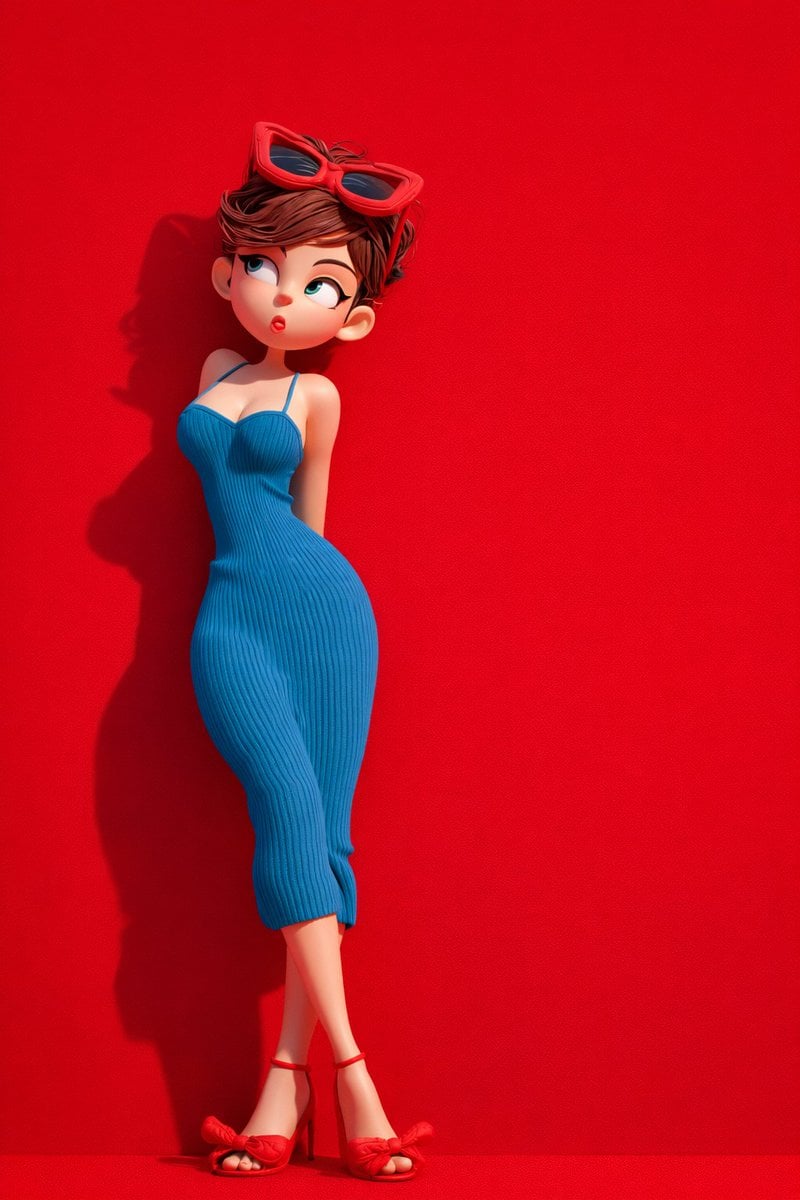
Image template
Featured
Green Travel 3D Character Set
No ratings yet
3D and Illustration
3D Render
Anime Style
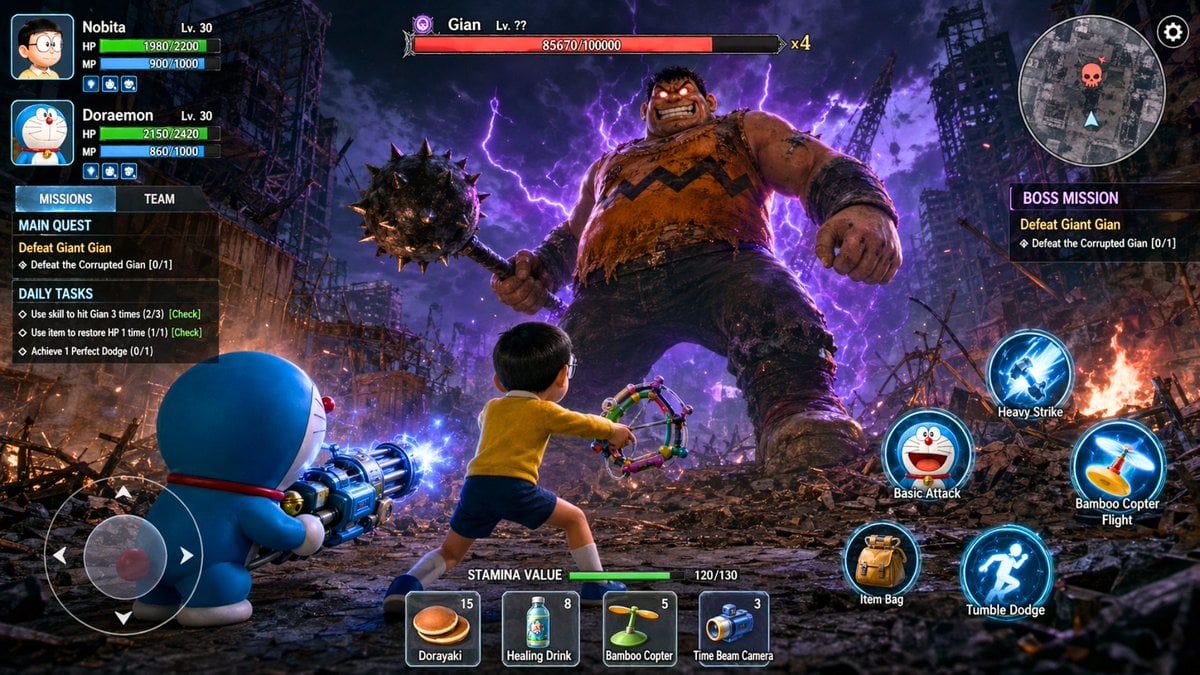
Image template
Featured
Doraemon RPG Boss Battle Screenshot
No ratings yet
3D and Illustration
3D Render
Anime Style
Ratings and feedback
No ratings yet
Please sign in first