![Highly realistic 3D world guide map for [SHOW] with textured terrain, miniature canonical landmarks, white routes, iconic props, bold labels, and location checklists](https://kyeo.ai/uploads/templates/show-3d-world-guide-map/show-3d-world-guide-map-preview.jpg)
[SHOW] 3D World Guide Map
Start with the recommended models, use cases, and steps, then decide how to apply the template directly.
These templates work best when you keep the visual structure, then replace the subject, style, or commercial goal. Start with Ideogram V3, then switch to a similar alternative based on the result.
If you are unsure which model to use first, start with one of the author's recommendations.
Prompt
Start with the recommended models, use cases, and steps, then decide how to apply the template directly.
Create a highly realistic 4:5 3D world-guide infographic poster for [SHOW]. Turn the fictional world of [SHOW] into a dimensional, textured terrain map floating above a light-gray tabletop. The map's shape and landscape must follow the actual geography and visual aesthetic of [SHOW], whether it features fantasy kingdoms, post-apocalyptic cities, island archipelagos, ninja villages, or another setting. Build the iconic locations from [SHOW] as miniature 3D sculptures and place them in their canonical positions on the map. Render every location with photorealistic detail so fans can recognize it at a glance. Connect key locations with white paths, and scatter 3D decorative props and iconic items from [SHOW] around the map. Place the official [SHOW] logo in the upper-right corner. Label every major map location in bold black type. Add a clean checklist beside each label, listing iconic characters or moments associated with that place. Fix the large headline at the top as “THE WORLD OF SHOW”, with [SHOW] emphasized in extra-bold type. Maintain a premium editorial finish, soft studio lighting, a white or light-gray background, and a clean layout.
How to use it
Following this sequence usually produces a usable result faster than copying the prompt without a plan.
If you do not have a preference, starting with Ideogram V3 is usually a reliable choice.
Preserve composition, lighting, materials, and style, then replace the subject, brand information, and use case.
Image templates are most valuable when they speed up iteration, so do not judge the direction from a single result.
Template details
Quickly decide whether this template fits your current task.
Best for
This template works especially well for the following tasks.
Posters and covers
Product and brand images
Character and style exploration
Recommended models
If you are unsure which model to use first, start with one of the author's recommendations.
These templates work best when you keep the visual structure, then replace the subject, style, or commercial goal. Start with Ideogram V3, then switch to a similar alternative based on the result.
These templates work best when you keep the visual structure, then replace the subject, style, or commercial goal. Start with Ideogram V3, then switch to a similar alternative based on the result.
Related templates
Compare templates of the same type to find the prompt direction that fits you best.
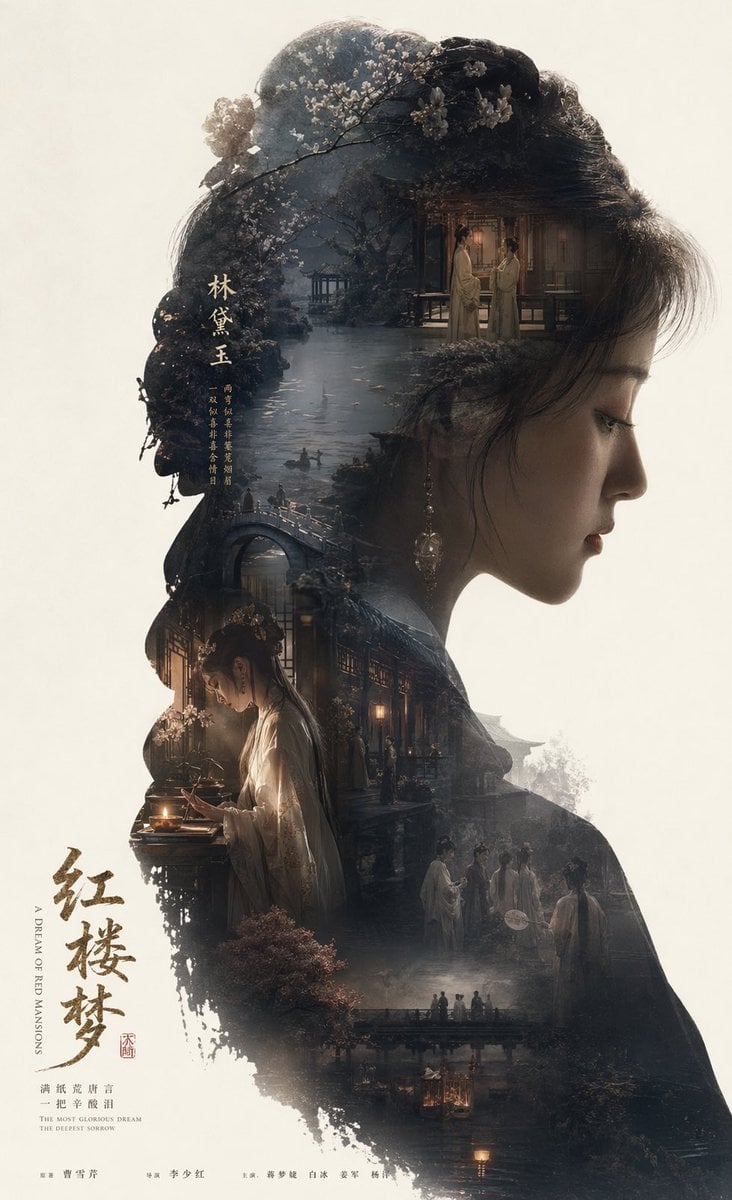
Dream of the Red Chamber: Lin Daiyu Silhouette Story Poster
No ratings yet
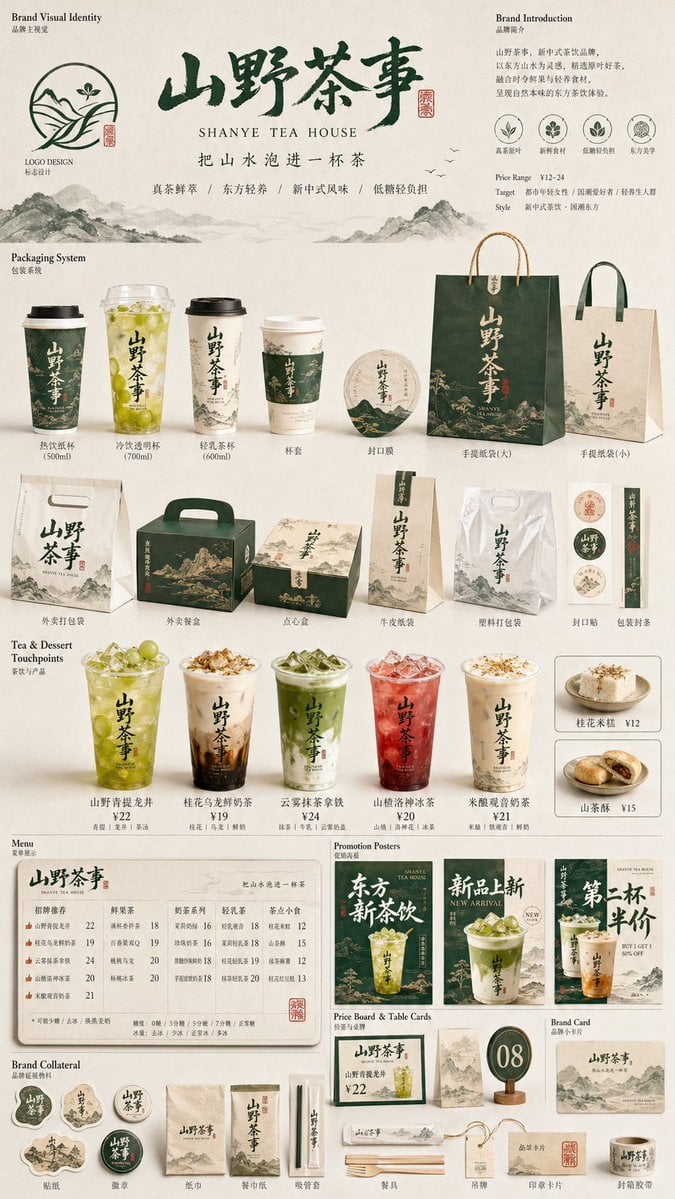
Restaurant Brand Touchpoint Matrix
No ratings yet
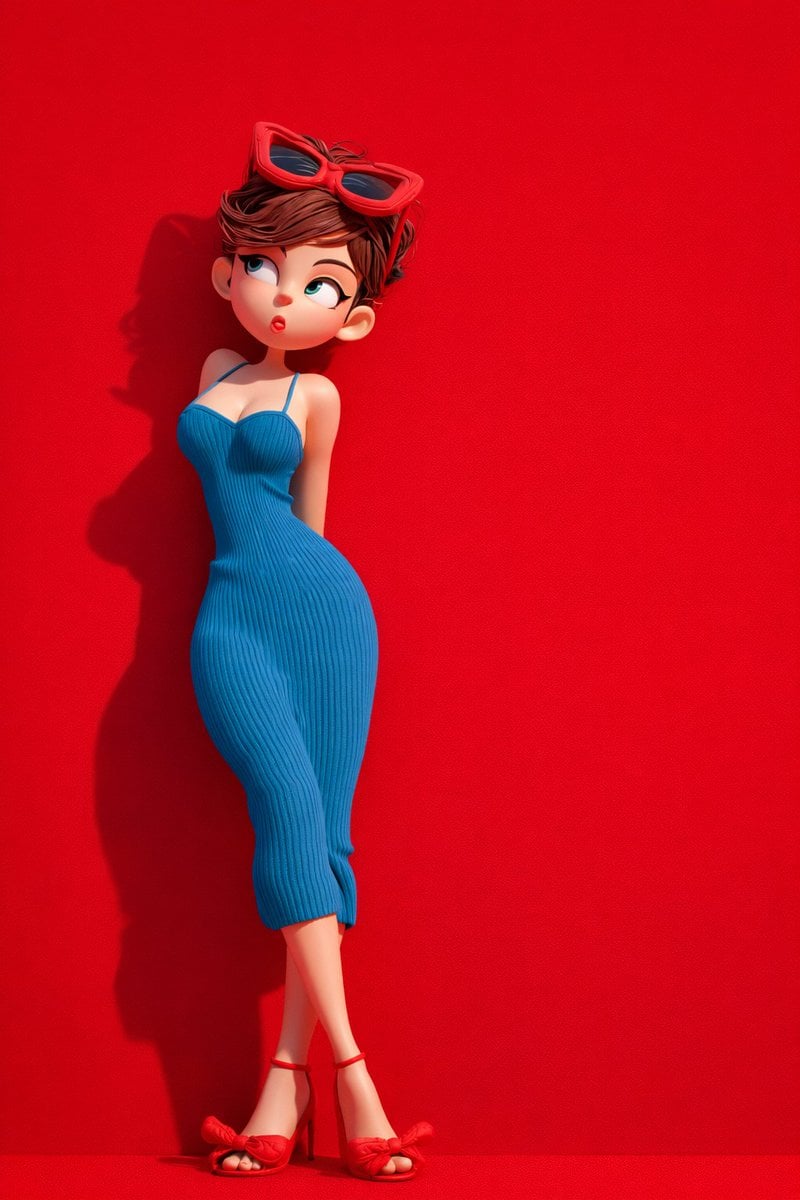
Green Travel 3D Character Set
No ratings yet
Ratings and feedback
Please sign in first