![Engineering exploded infographic for [VEHICLE] with a 45-degree isometric photoreal view, cutaway internal parts, black technical annotations, component labels, scales, material notes, and color-coded flow arrows](https://kyeo.ai/uploads/templates/vehicle-engineering-exploded-infographic/vehicle-engineering-exploded-infographic-preview.jpg)
[VEHICLE] Engineering Exploded Infographic
Start with the recommended models, use cases, and steps, then decide how to apply the template directly.
These templates work best when you keep the visual structure, then replace the subject, style, or commercial goal. Start with Ideogram V3, then switch to a similar alternative based on the result.
If you are unsure which model to use first, start with one of the author's recommendations.
Prompt
Start with the recommended models, use cases, and steps, then decide how to apply the template directly.
Create an engineering-style technical infographic for [VEHICLE]. Show the subject from a 45-degree isometric 3D angle, tilting the machine slightly so its depth, volumes, and internal structure are clearly visible. Combine photorealistic rendering with black technical-pen annotations on a pure-white background. Add labels for key components and colored callout boxes. Use transparent or cutaway regions to reveal internal parts, dimensional and proportional scales, material and quantity notes, and functional-flow arrows. Use RED for power/battery, BLUE for data/connectivity, ORANGE for thermal/processor, and GREEN for sensors/haptics. Add a concise schematic or cross-section where useful. Place a hand-drawn technical frame in the upper left with the fixed title “VEHICLE.” Use predominantly black architectural-drafting lines that feel precise while retaining a sketched quality. Keep the main subject clearly visible. The result should resemble a professional product teardown, engineering manual, or museum-display explanation. Output at 1080×1080 with crisp, sharp detail suitable for a social-media feed.
How to use it
Following this sequence usually produces a usable result faster than copying the prompt without a plan.
If you do not have a preference, starting with Ideogram V3 is usually a reliable choice.
Preserve composition, lighting, materials, and style, then replace the subject, brand information, and use case.
Image templates are most valuable when they speed up iteration, so do not judge the direction from a single result.
Template details
Quickly decide whether this template fits your current task.
Best for
This template works especially well for the following tasks.
Posters and covers
Product and brand images
Character and style exploration
Recommended models
If you are unsure which model to use first, start with one of the author's recommendations.
These templates work best when you keep the visual structure, then replace the subject, style, or commercial goal. Start with Ideogram V3, then switch to a similar alternative based on the result.
These templates work best when you keep the visual structure, then replace the subject, style, or commercial goal. Start with Ideogram V3, then switch to a similar alternative based on the result.
Related templates
Compare templates of the same type to find the prompt direction that fits you best.

Dream of the Red Chamber: Lin Daiyu Silhouette Story Poster
No ratings yet
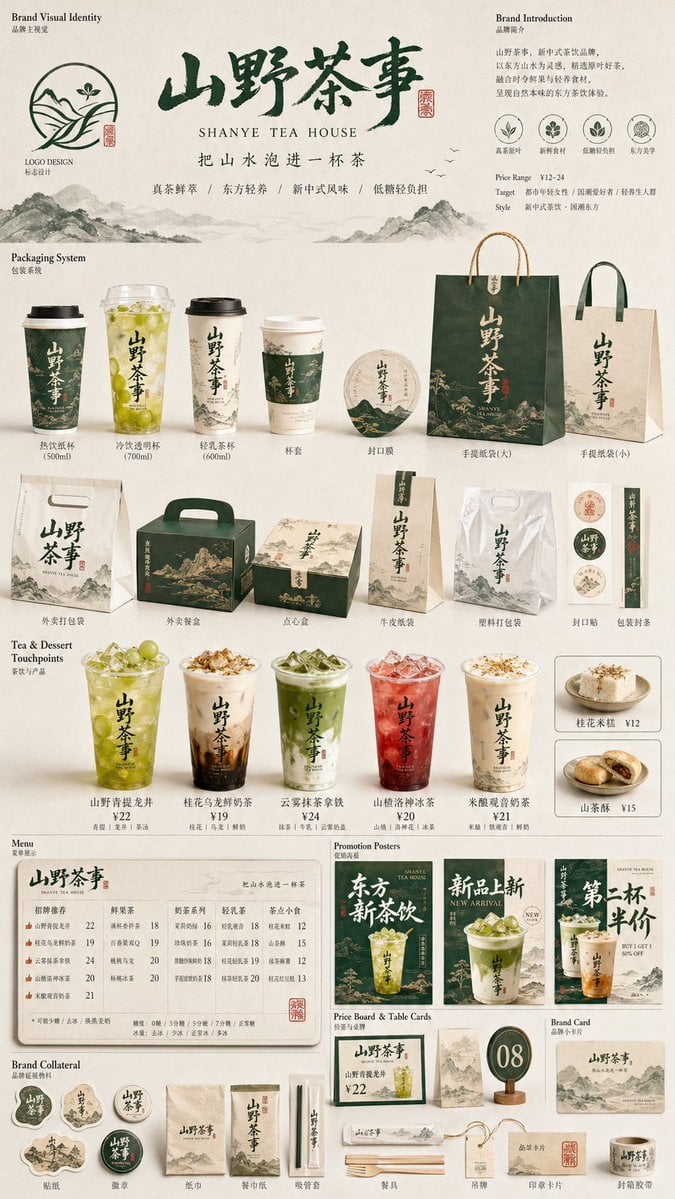
Restaurant Brand Touchpoint Matrix
No ratings yet

Green Travel 3D Character Set
No ratings yet
Ratings and feedback
Please sign in first