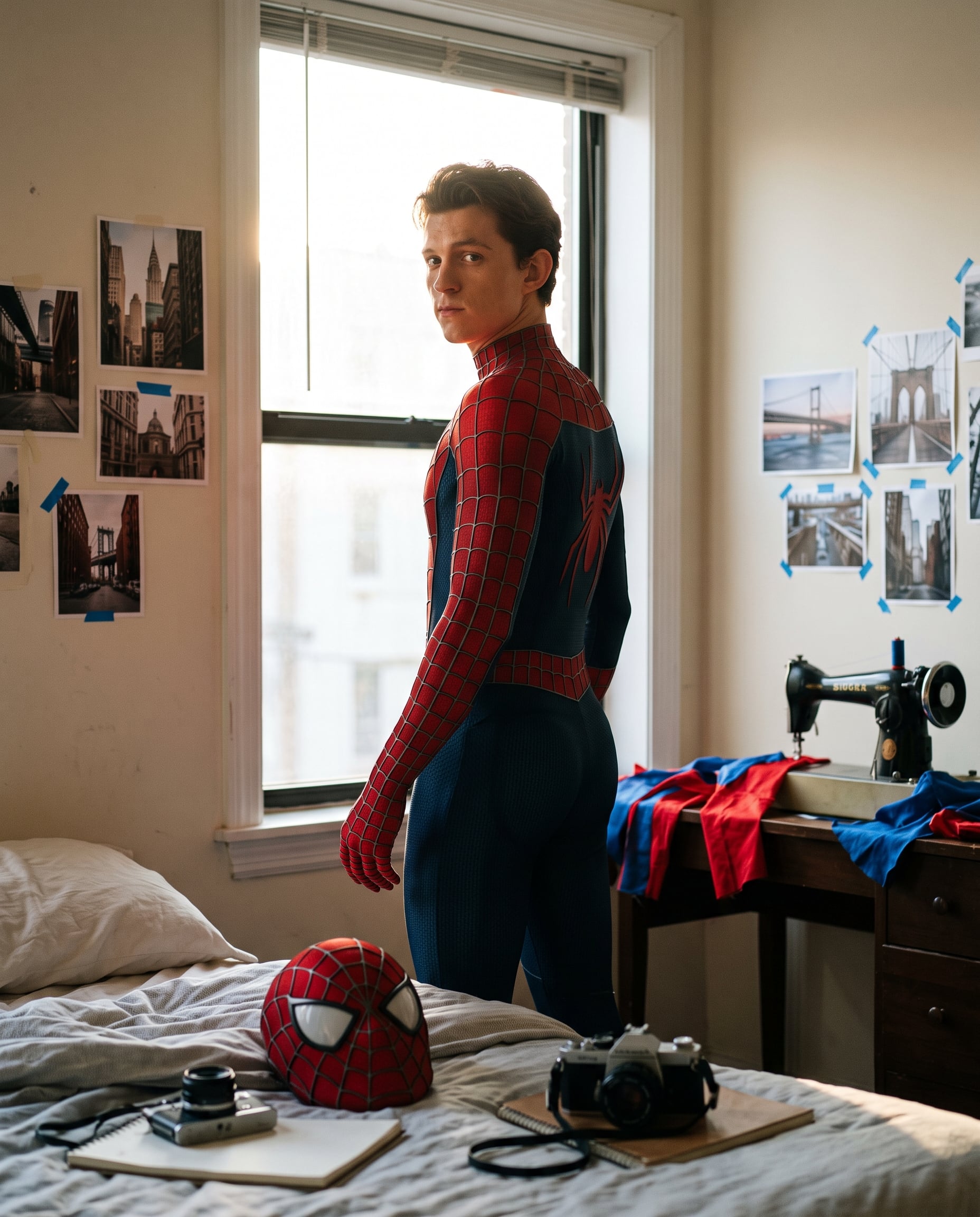
AI image model
OpenAI
4o image generation
4o Image
4o Image / Capabilities — This page offers only three aspect ratios—`1:1 / 3:2 / 2:3`—at a fixed 3 credits per request and does not accept reference images.
Capabilities
Text-to-image
Credit cost
3 credits per request
Prompt limit
Required; no model-level character cap configured
Upload limit
No image input
30-second overview
- 4o Image / Image aspect ratio — This page offers only three aspect ratios—`1:1 / 3:2 / 2:3`—at a fixed 3 credits per request and does not accept reference images.
- 4o Image / Credit cost — Each 4o Image text-to-image request currently costs a fixed 3 Kyeo credits.
- 4o Image / Upload limit — No image input
Popular searches: how to use 4o Image on Kyeo · how many Kyeo credits does 4o Image cost · does 4o Image accept references
Examples
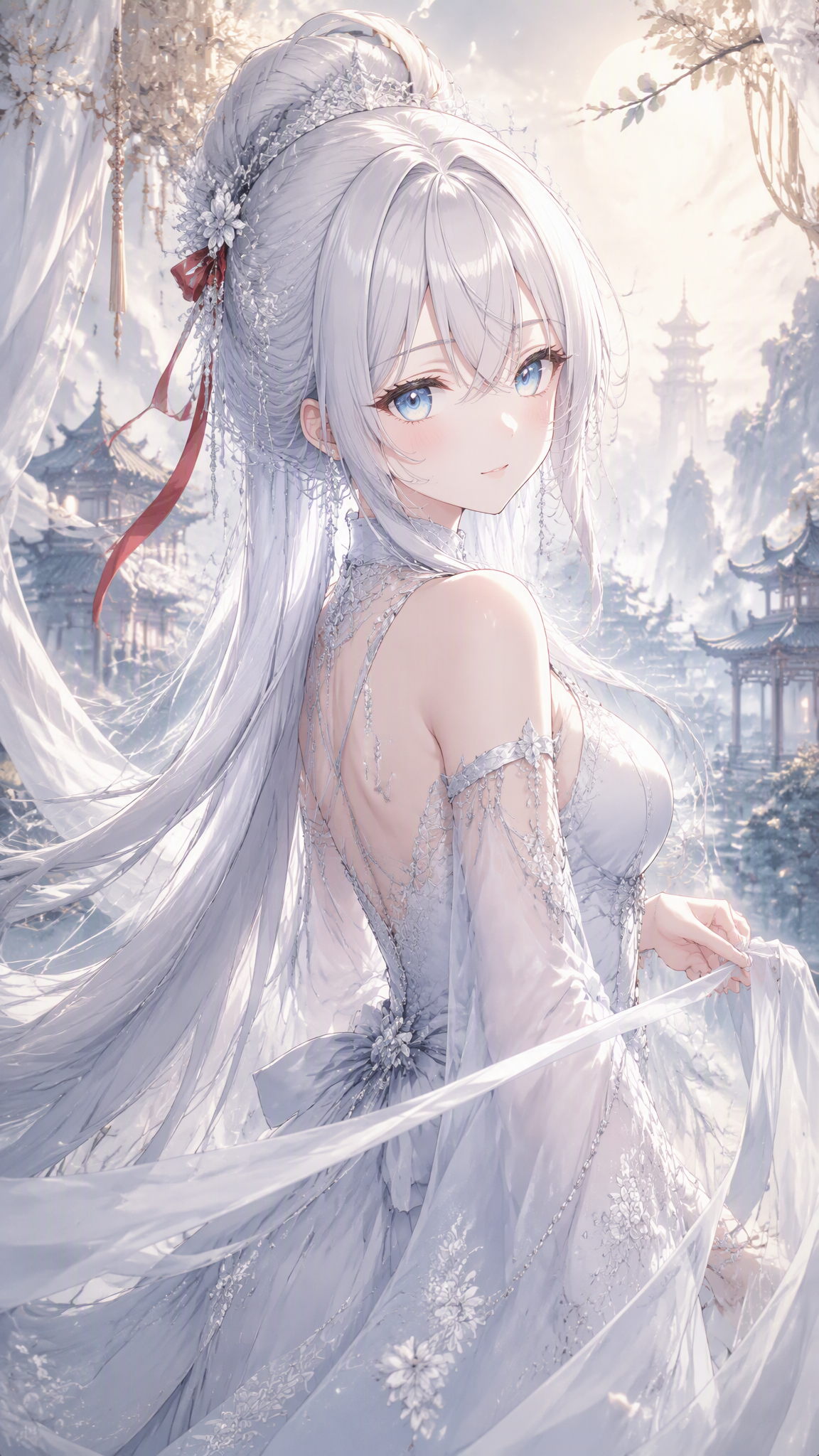
Fashion portrait
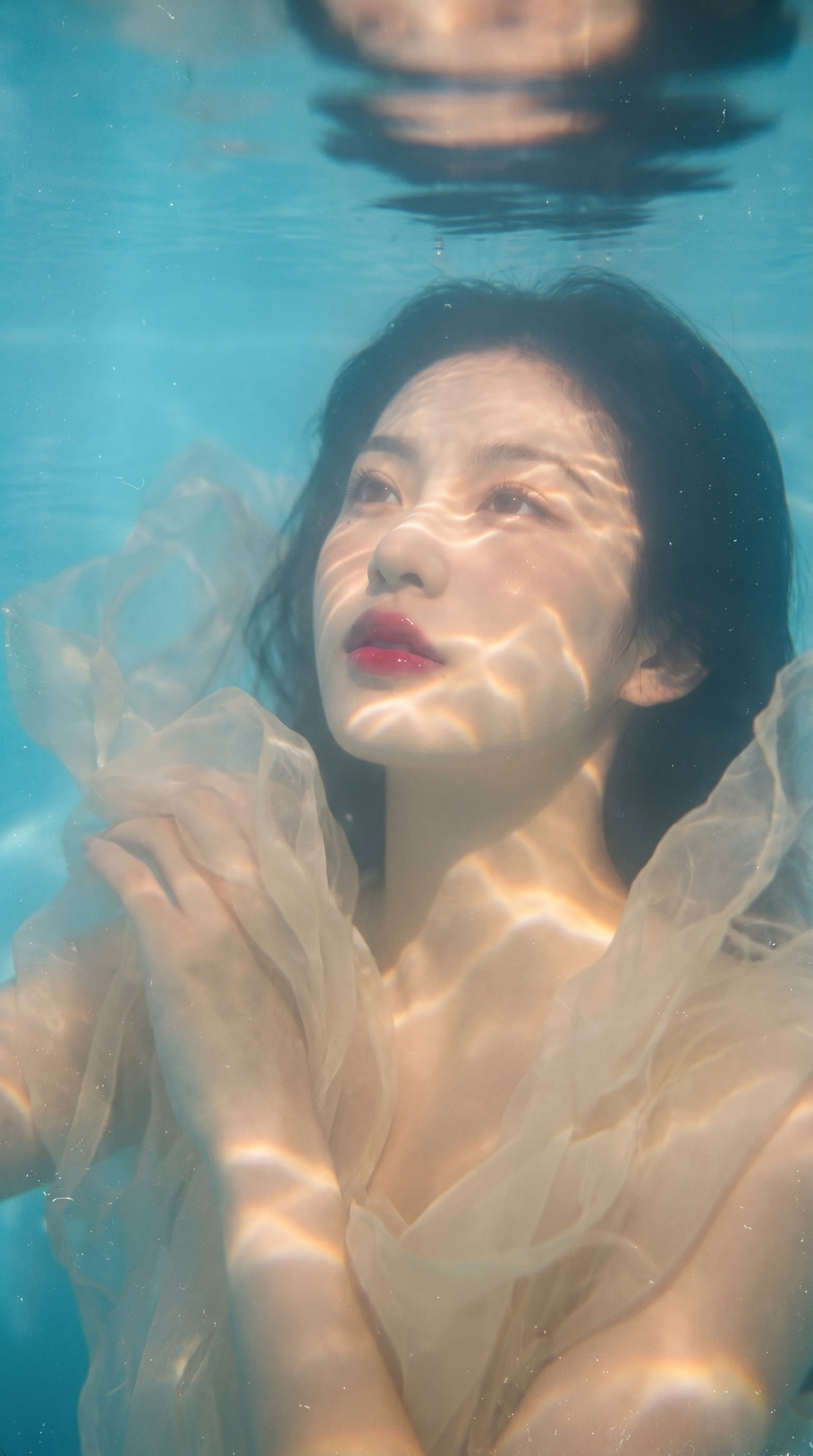
Fashion portrait
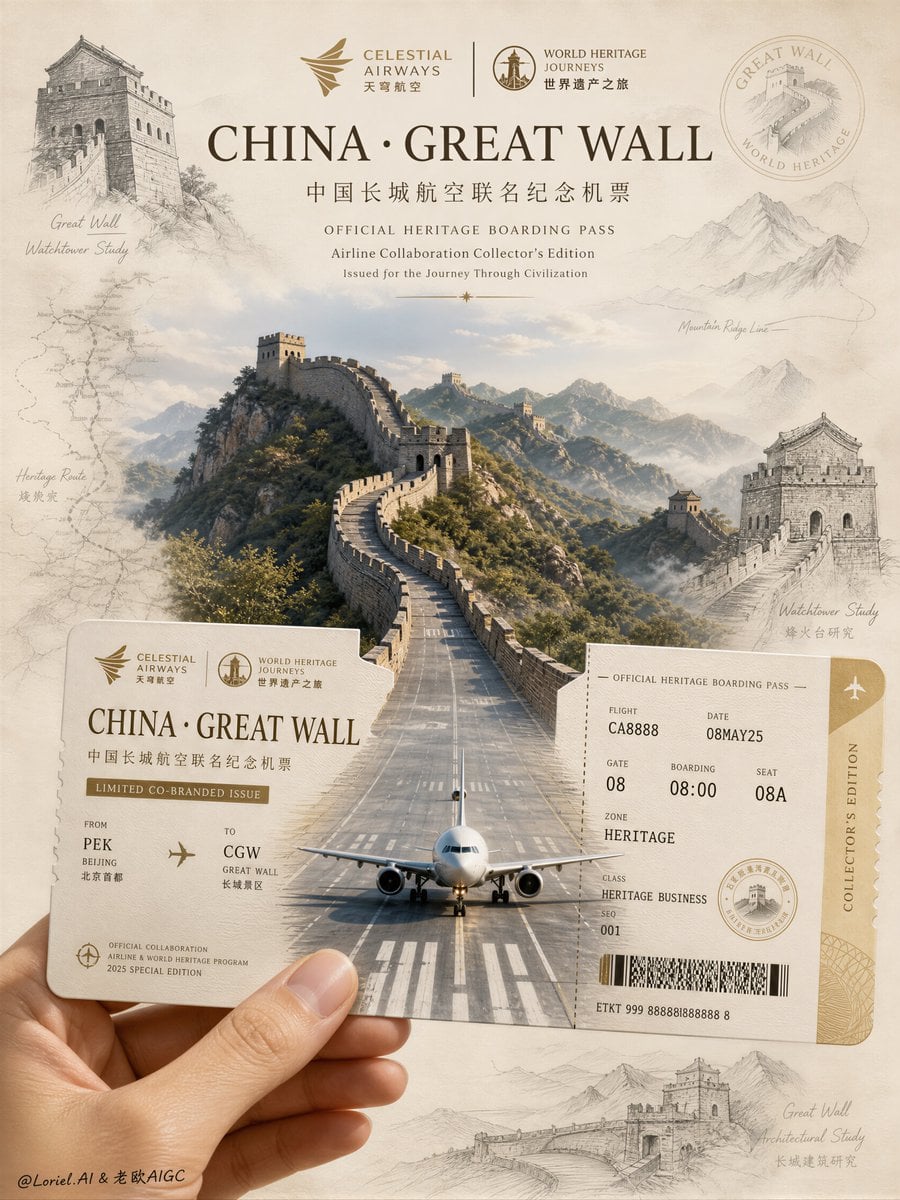
Visual transformation
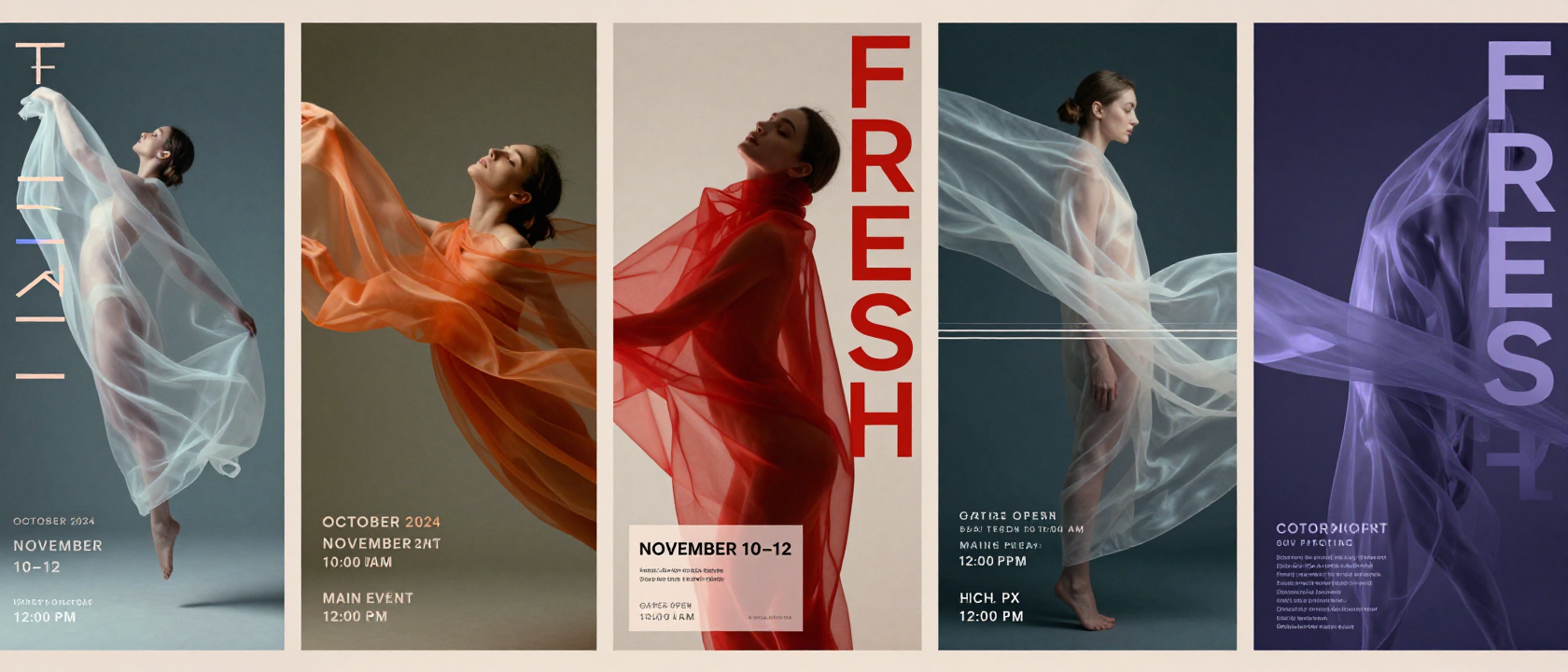
Fashion portrait
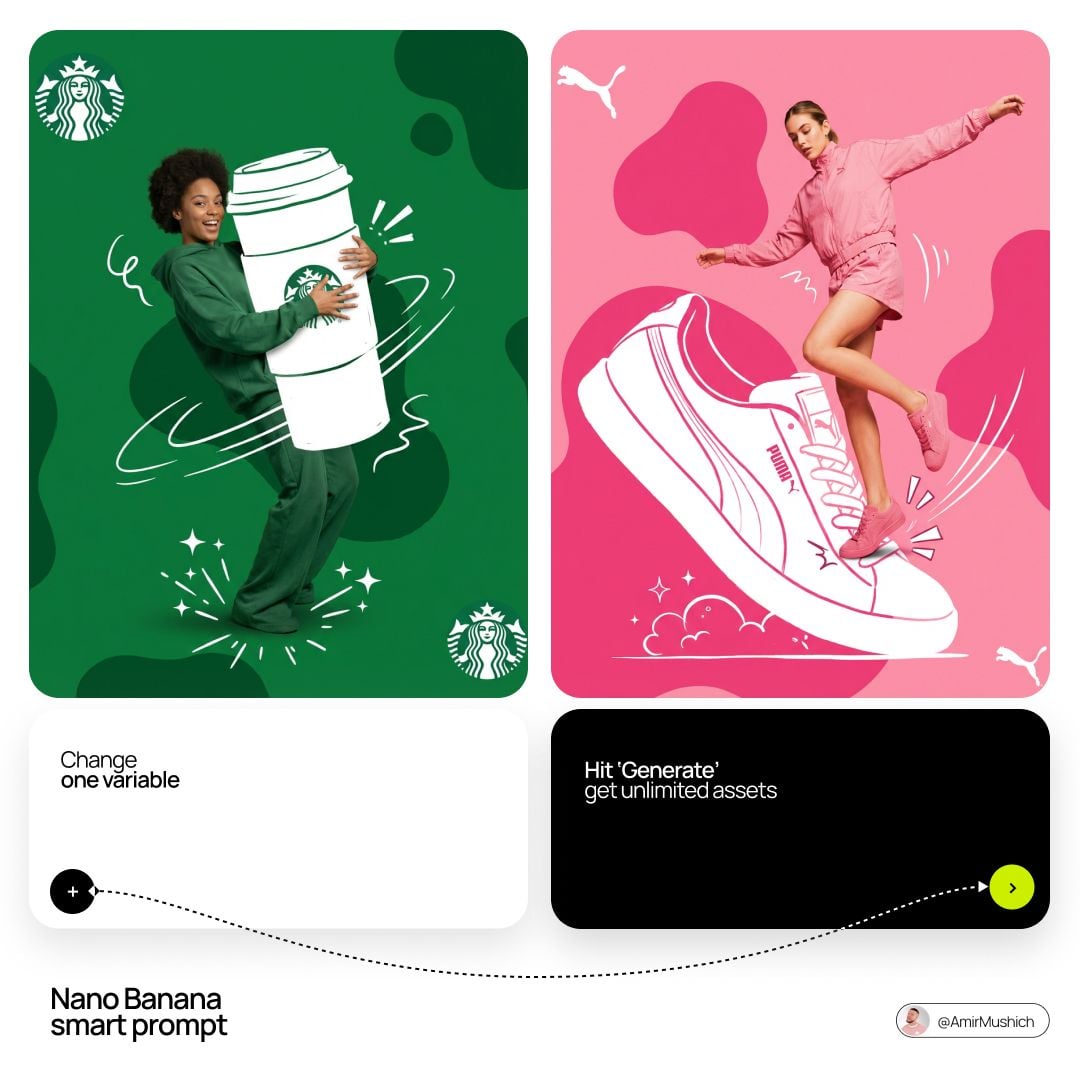
Visual transformation
At a glance
Is this model right for you?
Runtime — This page offers only three aspect ratios—`1:1 / 3:2 / 2:3`—at a fixed 3 credits per request and does not accept reference images.
- What it does best
- Integration / 4o Image — 4o Image provides text-to-image generation on Kyeo: enter a prompt, choose a size, and pay a fixed 3 credits per task. The page name identifies this image workflow and does not imply equivalence to other GPT Image models.
- Who it is for
- 4o Image — When the task needs no image input, you want to compare 3 ratios with the same prompt, and 3 credits per request fits the budget, include 4o Image in the test.
- Why use it on Kyeo AI
- 4o Image / Integration / Image aspect ratio — This page offers only three aspect ratios—`1:1 / 3:2 / 2:3`—at a fixed 3 credits per request and does not accept reference images.
Key facts
Quickly evaluate whether this model fits your business use case.
Category
AI image model
Vendor
OpenAI
Model family
4o image generation
Integration
Current site integration
Runtime
Asynchronous task
Prompt limit
Required; no model-level character limit configured
Upload limit
No image input
Other names
The same model may have different names in official documentation, community discussions, and API integrations. This section brings them together for you.
4o Image
4o image generation
GPT-4o image generation
OpenAI 4o Image
Common questions
These practical questions focus on the task, input conditions, and result requirements you should confirm before choosing.
how to use 4o Image on Kyeo
how many Kyeo credits does 4o Image cost
does 4o Image accept references
can Kyeo 4o Image edit an image
compare 4o Image with GPT Image 1.5
compare 4o Image with Google Imagen4 Fast
which ratios does Kyeo 4o Image support
which text-to-image tasks fit 4o Image
Decision guide
Still deciding? Start with these key decision points.
1
Choose it for a fixed-price text-only comparison
Choose it for a fixed-price text-only comparison — When the task needs no image input, you want to compare 3 ratios with the same prompt, and 3 credits per request fits the budget, include 4o Image in the test.
2
Compare another model for images or more controls
Compare another model for images or more controls — GPT Image 1.5 and Nano Banana accept image inputs on Kyeo. Google Imagen4 Fast exposes a negative prompt, 5 ratios, and a seed. Choose by the controls and measured results, not by name or price as a quality ranking.
3
Use the minimum validation path
Use the minimum validation path — Keep the prompt fixed and test `1:1 / 3:2 / 2:3`. Check the subject, text, composition, and crop manually. If the task requires changes to an existing image, use a page that explicitly supports image input.
Popular comparisons
Compare common alternatives on the same task to clarify differences in inputs, controls, and cost.
What is the difference between 4o Image and GPT Image 1.5?
4o Image vs GPT Image 1.5
What is the difference between 4o Image and Nano Banana?
4o Image vs Nano Banana
What is the difference between 4o Image and Google Imagen4 Fast?
4o Image vs Google Imagen4 Fast
Model comparison table
Not sure which model to choose? Compare the key differences between this model and its alternatives at a glance.
Identity and Kyeo scope
4o Image
Identity and Kyeo scope — Text-to-image
GPT Image 1.5
OpenAI's deprecated previous model; Kyeo offers generation and editing
Google Imagen4 Fast
Text-to-image with negative prompt, five aspect ratios, and a seed
Modes supported on Kyeo
4o Image
Modes supported on Kyeo — Text-to-Image only
GPT Image 1.5
Text-to-Image and Image-to-Image with up to 16 references
Nano Banana
Generation and image editing at a fixed 3 credits
Controls available on Kyeo
4o Image
Controls available on Kyeo — Only `size`: 1:1, 3:2, and 2:3
GPT Image 1.5
3 ratios plus medium and high
Google Imagen4 Fast
Negative prompt, 5 ratios, and a seed
Current Kyeo credits
4o Image
Current Kyeo credits — A fixed 3 credits per request
GPT Image 1.5
4 credits at medium quality; 22 at high quality
Nano Banana
Nano Banana — A fixed 3 credits per request
Reason to choose it
4o Image
Reason to choose it — Choose it for a fixed-price text-only comparison
GPT Image 1.5
Compare when maintaining 1.5 or editing with references
Google Imagen4 Fast
Compare when a negative prompt or seed is required
Real-world experience
Practical guidance based on public sources, current on-site limits, and representative tasks.
4o image generation: Fast to explore / 4o Image
4o image generation: Fast to explore / 4o Image — In 2025, OpenAI launched 4o image generation and later exposed the related native multimodal image model to the API as `gpt-image-1`.
4o image generation: Clear input options / 4o Image
4o image generation: Clear input options / 4o Image — When the task needs no image input, you want to compare 3 ratios with the same prompt, and 3 credits per request fits the budget, include 4o Image in the test.
Capabilities
4o image generation: Clear input options
4o image generation: Clear input options — This page offers only three aspect ratios—`1:1 / 3:2 / 2:3`—at a fixed 3 credits per request and does not accept reference images.
Only 3 image ratios are available
Only 3 image ratios are available — Kyeo's `size` supports `1:1 / 3:2 / 2:3` and defaults to `1:1`. There are no quality, resolution, output-format, image-count, or prompt-enhancement controls.
Text-to-image requests cost 3 credits
Text-to-image requests cost 3 credits — Kyeo charges 3 credits per request regardless of ratio. The fixed price supports controlled comparisons but does not imply better speed, quality, or success rates than another model.
Use cases
Text-to-image baseline tests
Generate from a prompt with explicit subject, setting, and composition requirements, then compare the result with other models using the same brief.
Composition tests across three ratios
Try square, landscape, and portrait frames, checking subject placement, text space, and crop against the intended placement.
Regression checks for existing 4o Image work
If you may later move into GPT Image 1.5 or another OpenAI multimodal workflow, 4o Image can serve as the lightest starting page.
Prompt tips
Describe the use and visual relationships
State the intended use, subject, setting, viewpoint, composition, and required text. A small control set does not make the output self-correcting; inspect text and object relationships.
Compare 3 ratios with the same prompt
Keep the content unchanged while switching `1:1 / 3:2 / 2:3` so you can judge whether differences come from the frame.
4o image generation: Compare a small sample
Keep the prompt and ratio fixed, then use a small sample to compare subject consistency, text, edges, elapsed time, and actual credits. This page does not accept reference images or provide output-format controls.
Why choose it
Runtime / 4o Image — Kyeo's scope is explicit: a prompt and 3 available ratios.
Credit cost — A fixed 3-credit price makes per-request cost easy to calculate.
4o Image / Image aspect ratio — Kyeo's `size` supports `1:1 / 3:2 / 2:3` and defaults to `1:1`. There are no quality, resolution, output-format, image-count, or prompt-enhancement controls.
What to know first
Image aspect ratio — Ratios are limited to 1:1, 3:2, and 2:3, with no quality or format control.
Vendor / 4o Image — OpenAI currently lists GPT-4o and GPT Image 1 as deprecated; outputs from this page still require independent human review.
Runtime / Upload limit — No image input
Adjustable settings
Quickly evaluate whether this model fits your business use case.
Image aspect ratio
Optional
Parameter type: Select
Default: 1:1
1:1
3:2
2:3
Credit cost
3 credits per request
Each 4o Image text-to-image request currently costs a fixed 3 Kyeo credits.
Credit-saving tip
Before generating images or videos in bulk, run an A/B test with the same input on this model and similar alternatives. Confirm the result first to avoid wasting credits.
Frequently asked questions
Related models
Still deciding? Take a quick look at these similar alternatives.
GPT Image 1.5
GPT Image 1.5 on Kyeo supports text-to-image and image-to-image with three aspect ratios and medium/high quality. Image editing accepts up to 16 JPG, PNG, or WebP references at 10 MB each. Medium costs 4 credits and high costs 22 credits. GPT Image 1.5 is OpenAI's deprecated previous image model. Kyeo retains generation and editing access, but that availability does not make it OpenAI's current default choice.
AI image model
4–22 credits per request
Nano Banana
Nano Banana, also known as Gemini 2.5 Flash Image, provides text-to-image generation and natural-language editing on Kyeo AI. Requests without images use `Nano Banana`; requests with images use `Nano Banana`. Both paths cost 3 credits and accept prompts up to 5,000 characters.
AI image generator and editor
3 credits per request
Google Imagen4 Fast
Text-only image generation. No image input. Aspect ratio: 1:1, 16:9, 9:16, 3:4, 4:3, Auto. 4 credits per request.
AI image model
4 credits per request
Sources
This page is based on vendor materials, model-family documentation, and Kyeo AI integration settings.
Source note
4o Image provides text-to-image generation on Kyeo: enter a prompt, choose a size, and pay a fixed 3 credits per task. The page name identifies this image workflow and does not imply equivalence to other GPT Image models.
Last updated: 2026-08-26
OpenAI: Introducing 4o image generation
Official
OpenAI: Current full model catalog
Official