
AI image model
Google
Google Imagen
Google Imagen4 Fast
Text-only image generation. No image input. Aspect ratio: 1:1, 16:9, 9:16, 3:4, 4:3, Auto. 4 credits per request.
Capabilities
Text-only image generation
Credit cost
4 credits per request
Prompt limit
5,000 characters
Image input
Not supported
30-second overview
- Capabilities: Text-only image generation.
- Credit cost: 4 credits per request.
- Aspect ratio: 1:1, 16:9, 9:16, 3:4, 4:3, Auto.
Popular searches: how to use Google Imagen4 Fast on Kyeo · Google Imagen4 Fast credit cost · Google Imagen4 Fast prompt limit
Examples
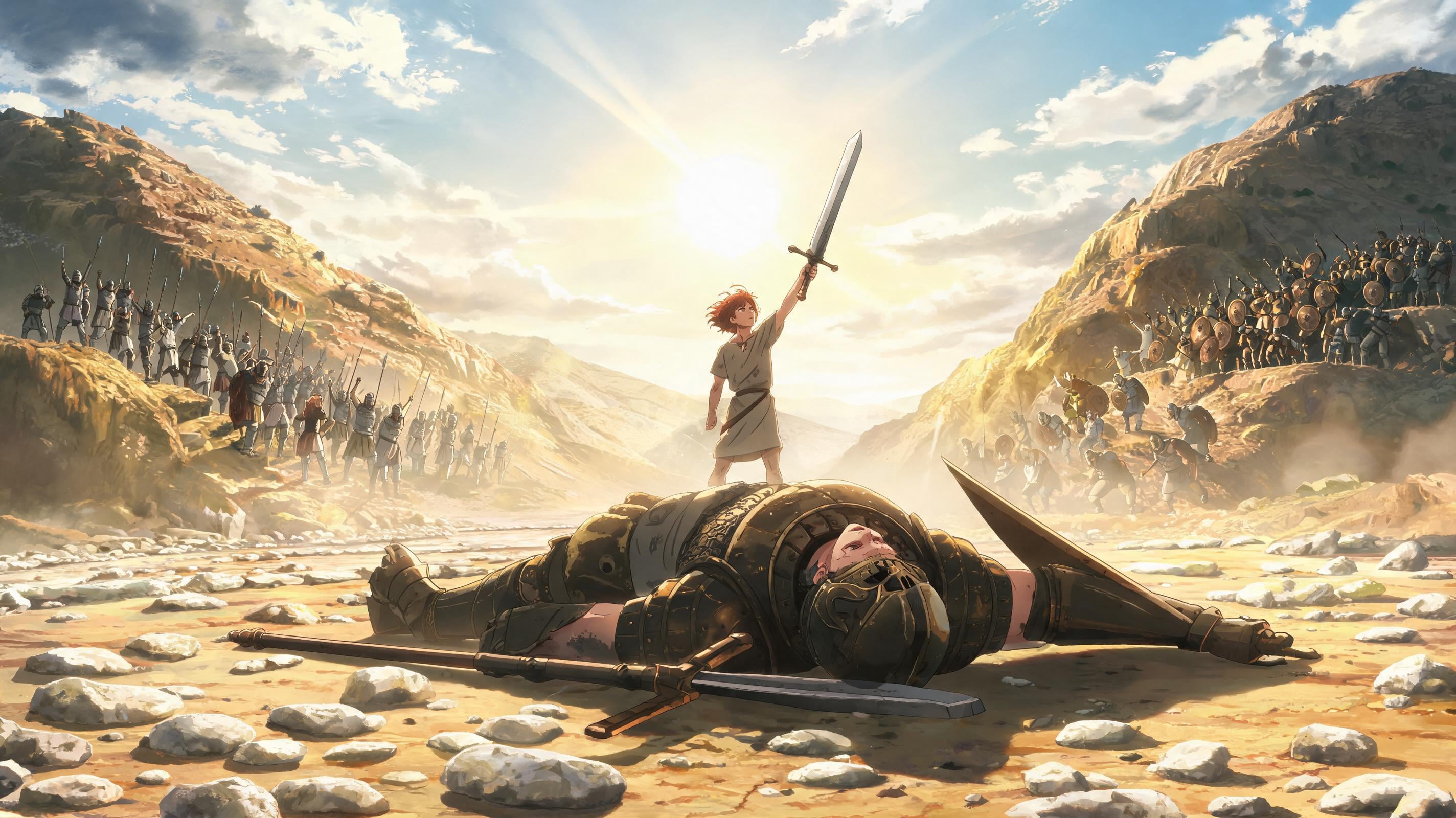
Cinematic scene

Visual transformation

Visual transformation
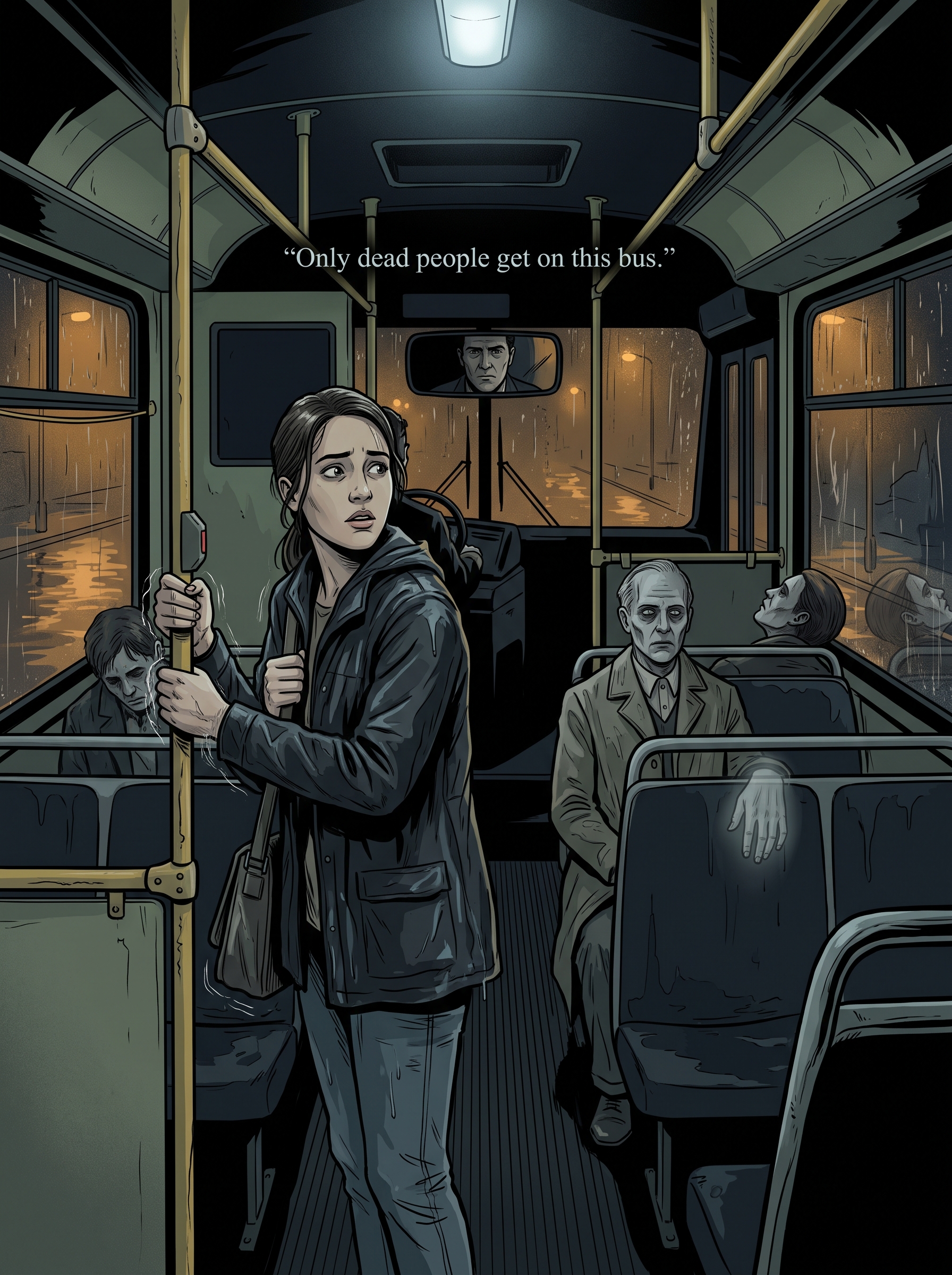
Cinematic scene

Fashion portrait
At a glance
Is this model right for you?
Negative prompt: 5,000 characters. Optional integer seed. Text-only image generation.
- What it does best
- Google Imagen: This entry has no image input, output-count setting, size, format, or safety control. Choose a model that explicitly exposes the required control when the job involves source-image preservation, local edits, upscaling, or a specific file format.
- Who it is for
- Google Imagen: Five-ratio composition comparison: Run the same brief at square, landscape, portrait, 3:4, and 4:3. Check subject placement, cropping, text, and negative space against the actual destination layout. Auto.
- Why use it on Kyeo AI
- Credit cost: Kyeo charges 4 credits for each single-image Google Imagen4 Fast request; the selected ratio, negative prompt, and seed do not change the Kyeo credit cost.
Key facts
Quickly evaluate whether this model fits your business use case.
Category
AI image model
Vendor
Google
Model family
Google Imagen
Runtime
Asynchronous task
Prompt limit
5,000 characters
Image input
Not supported
Other names
The same model may have different names in official documentation, community discussions, and API integrations. This section brings them together for you.
Google Imagen4 Fast
Google Imagen 4 Fast
Common questions
These practical questions focus on the task, input conditions, and result requirements you should confirm before choosing.
how to use Google Imagen4 Fast on Kyeo
Google Imagen4 Fast credit cost
Google Imagen4 Fast prompt limit
Google Imagen4 Fast supported ratios
does Google Imagen4 Fast accept images
does Google Imagen4 Fast support a negative prompt
how many images does Google Imagen4 Fast return
Google Imagen4 Fast vs Google Imagen4
Which Imagen4 Fast controls are available on Kyeo
Decision guide
Still deciding? Start with these key decision points.
1
Choose it for text-only generation with a 16:9 default
Choose it for text-only generation with a 16:9 default: Google Imagen4 Fast. Text-only image generation. 4 credits per request. 5,000 characters. Aspect ratio: 1:1, 16:9, 9:16, 3:4, 4:3, Auto. Negative prompt; Optional integer seed.
2
Use another model for editing or output controls
This entry has no image input, output-count setting, size, format, or safety control. Choose a model that explicitly exposes the required control when the job involves source-image preservation, local edits, upscaling, or a specific file format.
3
Test the negative prompt and seed separately
Test the negative prompt and seed separately: Negative prompt 5,000 characters; Optional integer seed.
Popular comparisons
Compare common alternatives on the same task to clarify differences in inputs, controls, and cost.
How do Kyeo's controls differ between Imagen4 Fast and Imagen4?
How do Imagen4 Fast and Imagen4 compare on Kyeo credits?
Do Imagen4 Fast and Ultra use different default ratios on Kyeo?
Model comparison table
Not sure which model to choose? Compare the key differences between this model and its alternatives at a glance.
Kyeo input and output
Google Imagen4 Fast
Text only, fixed single-image output
Google Imagen4
Text only, fixed single-image output
Google Imagen4 Ultra
Text only, fixed single-image output
Default aspect ratio
Google Imagen4 Fast
16:9
Google Imagen4
1:1
Google Imagen4 Ultra
1:1
Kyeo credits
Google Imagen4 Fast
Fixed 4
Google Imagen4
Fixed 8
Google Imagen4 Ultra
Fixed 12
Real-world experience
Practical guidance based on public sources, current on-site limits, and representative tasks.
Google Imagen Capabilities
Google Imagen: Text-only image generation; No image input.
Google Imagen Google Cloud: Vertex AI release notes
On March 24, 2026, Google deprecated Imagen 4 Fast and recommended migration to Google image successor before June 30.
Capabilities
Capabilities
Capabilities: The text-only input, 5,000-character main-prompt limit, and fixed single-image output are explicit.
Aspect ratio
Aspect ratio: 1:1, 16:9, 9:16, 3:4, 4:3, Auto; Default: 16:9.
Seed
Seed: Optional integer seed; Negative prompt: 5,000 characters.
Use cases
Five-ratio composition comparison
Five-ratio composition comparison: Run the same brief at square, landscape, portrait, 3:4, and 4:3. Check subject placement, cropping, text, and negative space against the actual destination layout. Auto.
Negative-prompt comparison
Negative-prompt comparison: Negative prompt 5,000 characters.
Google Imagen: How do Kyeo's controls differ between Imagen4 Fast and Imagen4?
How do Kyeo's controls differ between Imagen4 Fast and Imagen4? Kyeo charges 4 credits for each single-image Google Imagen4 Fast request; the selected ratio, negative prompt, and seed do not change the Kyeo credit cost.
Prompt tips
Describe visible content in the main prompt
Cover the subject, action, setting, composition, lighting, and required text.
Use specific exclusions in the negative prompt
Use specific exclusions in the negative prompt: Negative prompt 5,000 characters.
Change one variable in seed tests
Change one variable in seed tests: Optional integer seed.
Why choose it
The text-only input, 5,000-character main-prompt limit, and fixed single-image output are explicit.
Google Imagen: Aspect ratio: 1:1, 16:9, 9:16, 3:4, 4:3, Auto.
Each request costs 4 credits regardless of the exposed parameter values.
What to know first
Kyeo accepts text only and does not expose image editing, output count, resolution, format, safety settings, or prompt rewriting.
Use another model for editing or output controls: This entry has no image input, output-count setting, size, format, or safety control. Choose a model that explicitly exposes the required control when the job involves source-image preservation, local edits, upscaling, or a specific file format.
Negative prompt: 5,000 characters; No image input.
Adjustable settings
Quickly evaluate whether this model fits your business use case.
Negative prompt
Optional
Parameter type: text
5,000 characters
Aspect ratio
Optional
Parameter type: select
Default: 16:9
1:1
16:9
9:16
3:4
4:3
Auto
Seed
Optional
Parameter type: number
Optional integer seed
Credit cost
4 credits per request
Kyeo charges 4 credits for each single-image Google Imagen4 Fast request; the selected ratio, negative prompt, and seed do not change the Kyeo credit cost.
Credit-saving tip
Before generating images or videos in bulk, run an A/B test with the same input on this model and similar alternatives. Confirm the result first to avoid wasting credits.
Frequently asked questions
Related models
Still deciding? Take a quick look at these similar alternatives.
Google Imagen4
Text-only image generation. 8 credits per request. 5,000 characters. Aspect ratio: 1:1, 16:9, 9:16, 3:4, 4:3, Auto.
AI image model
8 credits per request
Google Imagen4 Ultra
Text-only image generation. 12 credits per request. 5,000 characters. Aspect ratio: 1:1, 16:9, 9:16, 3:4, 4:3, Auto.
AI image model
12 credits per request
4o Image
4o Image / Capabilities — This page offers only three aspect ratios—`1:1 / 3:2 / 2:3`—at a fixed 3 credits per request and does not accept reference images.
AI image model
3 credits per request
Sources
This page is based on vendor materials, model-family documentation, and Kyeo AI integration settings.
Source note
Kyeo charges 4 credits for each single-image Google Imagen4 Fast request; the selected ratio, negative prompt, and seed do not change the Kyeo credit cost. 5,000 characters. Aspect ratio: 1:1, 16:9, 9:16, 3:4, 4:3, Auto.
Last updated: 2026-08-26
Google Cloud: Imagen 4 model documentation
Official
Google Cloud: Imagen 4 model documentation: Google Imagen.
Google Cloud: Vertex AI release notes
Official
Google Cloud: Vertex AI release notes: Google Imagen.
Google Cloud: Generate images from text
Official
Google Cloud: Generate images from text: Google Imagen.