Visual concept
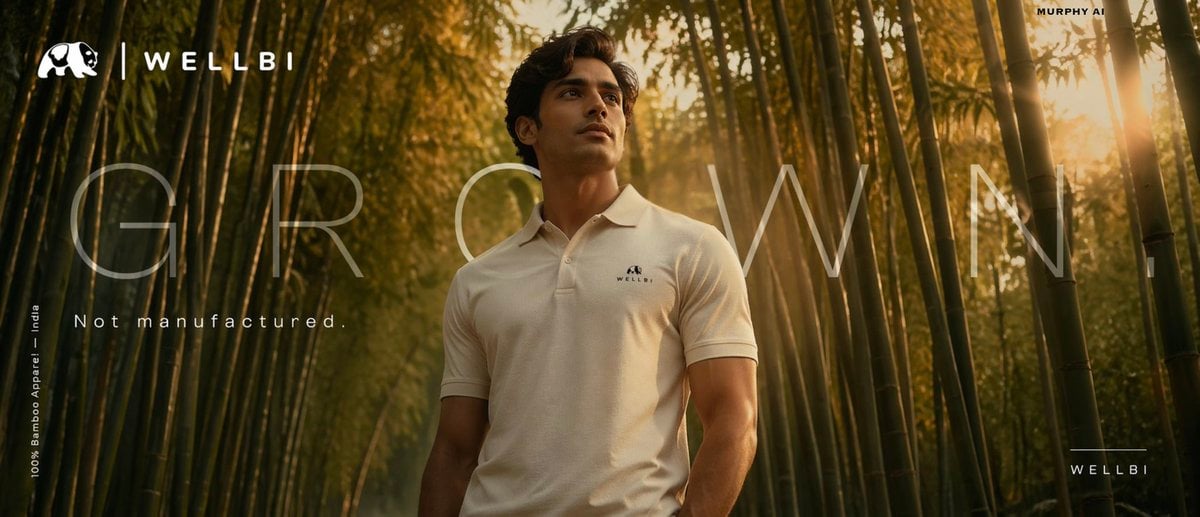
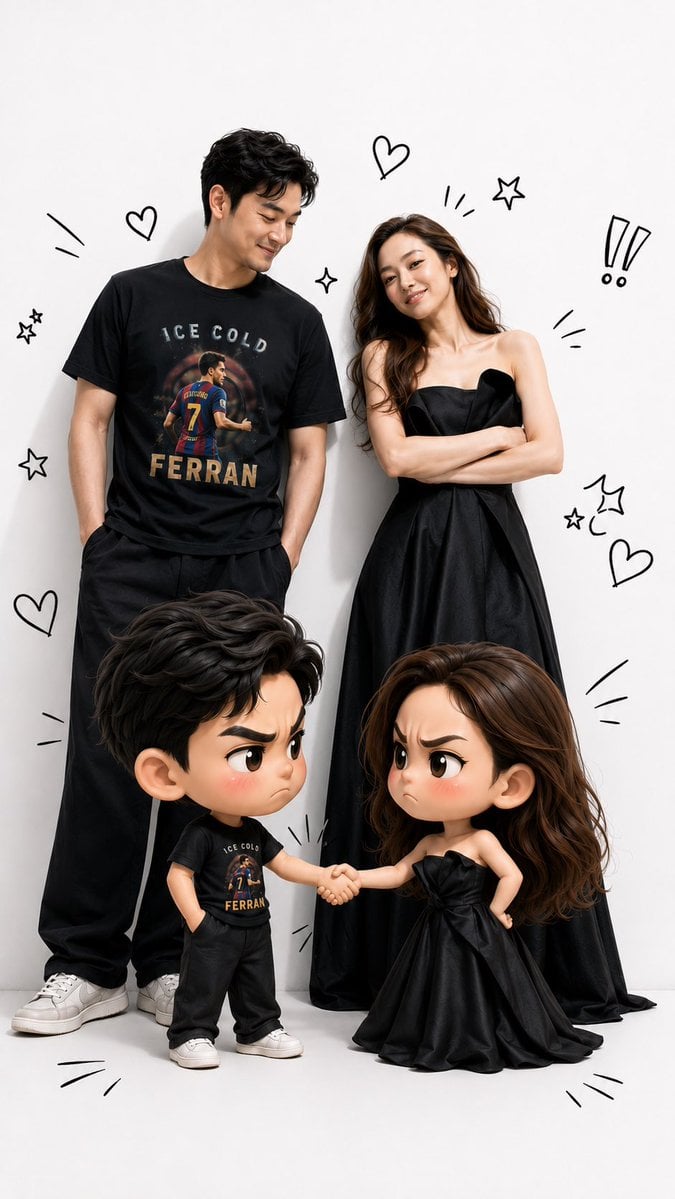
Use the uploaded face photo as the primary facial reference and the uploaded T-shirt photo as the primary clothing reference. Preserve the person’s facial identity exactly, including face shape, skin tone, hairstyle, natural expression, and all distinctive facial features. Also preserve the T-shirt design exactly as shown in the reference, without changing its color, pattern, logo, print, or any other details. Create a hyper-realistic illustration inspired by the attached reference image. A grown man stands on the left and a grown woman stands on the right. In front of them are adorable 3D chibi versions of each character. The two chibi characters are shaking hands while making funny “arguing” expressions—furrowed eyebrows, pouting faces, and slightly blushing cheeks—yet they remain cute, playful, and entertaining. The adult versions smile warmly as they watch the amusing interaction between their chibi counterparts. The adult faces must match the uploaded face references exactly, and the clothing—especially the man’s T-shirt—must be identical to the uploaded reference, preserving every design detail faithfully. Use a premium visual style that seamlessly blends photorealistic humans with high-quality 3D chibi characters. The chibi characters should have oversized heads, large expressive eyes, small bodies, and an irresistibly cute appearance. Add black hand-drawn doodles around the characters, such as hearts, exclamation marks, expressive lines, stars, motion effects, and other decorative sketch elements, similar to those in the reference image. Use soft studio lighting, a clean white studio background, vibrant colors, ultra-sharp details, soft shadows, cinematic lighting, sharp focus, premium-quality rendering, ultra-realistic textures, ultra-detailed finishing, and true 8K quality. The composition should be full-body, symmetrical, and in a vertical 9:16 aspect ratio, making it ideal for TikTok, Instagram Reels, and YouTube Shorts. Ensure the final result maintains an extremely accurate resemblance to the original face references and keeps the T-shirt design perfectly identical to the reference, without adding any accessories or altering any attributes that are not present in the original photos.