AI image model
xAI
Grok Imagine Image

Grok Imagine Image 2.0

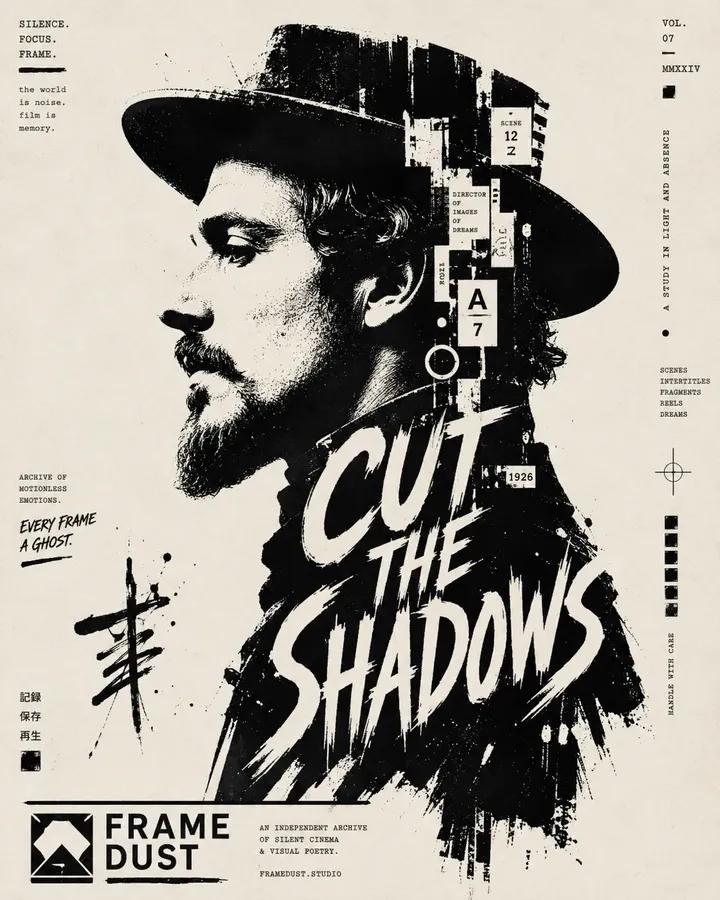
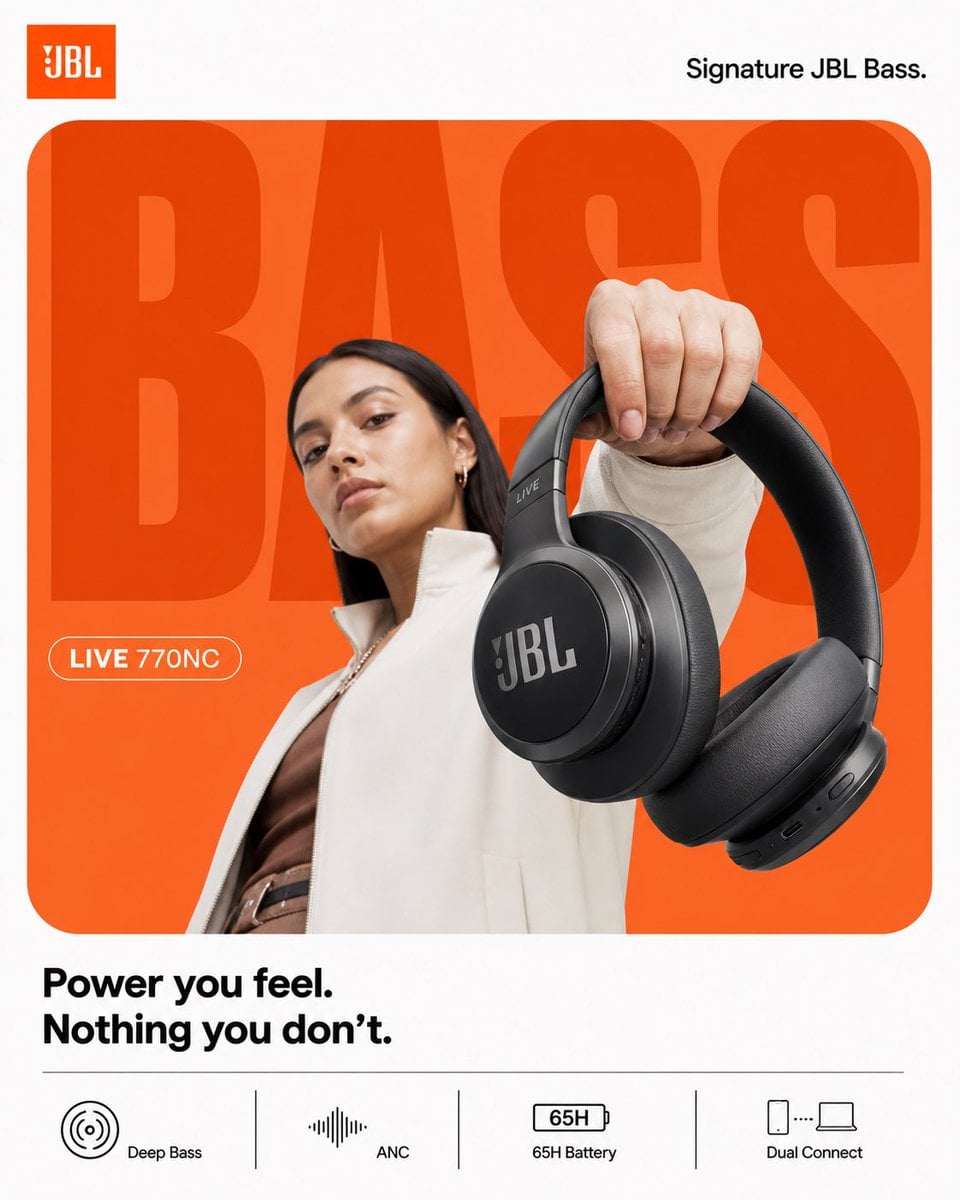
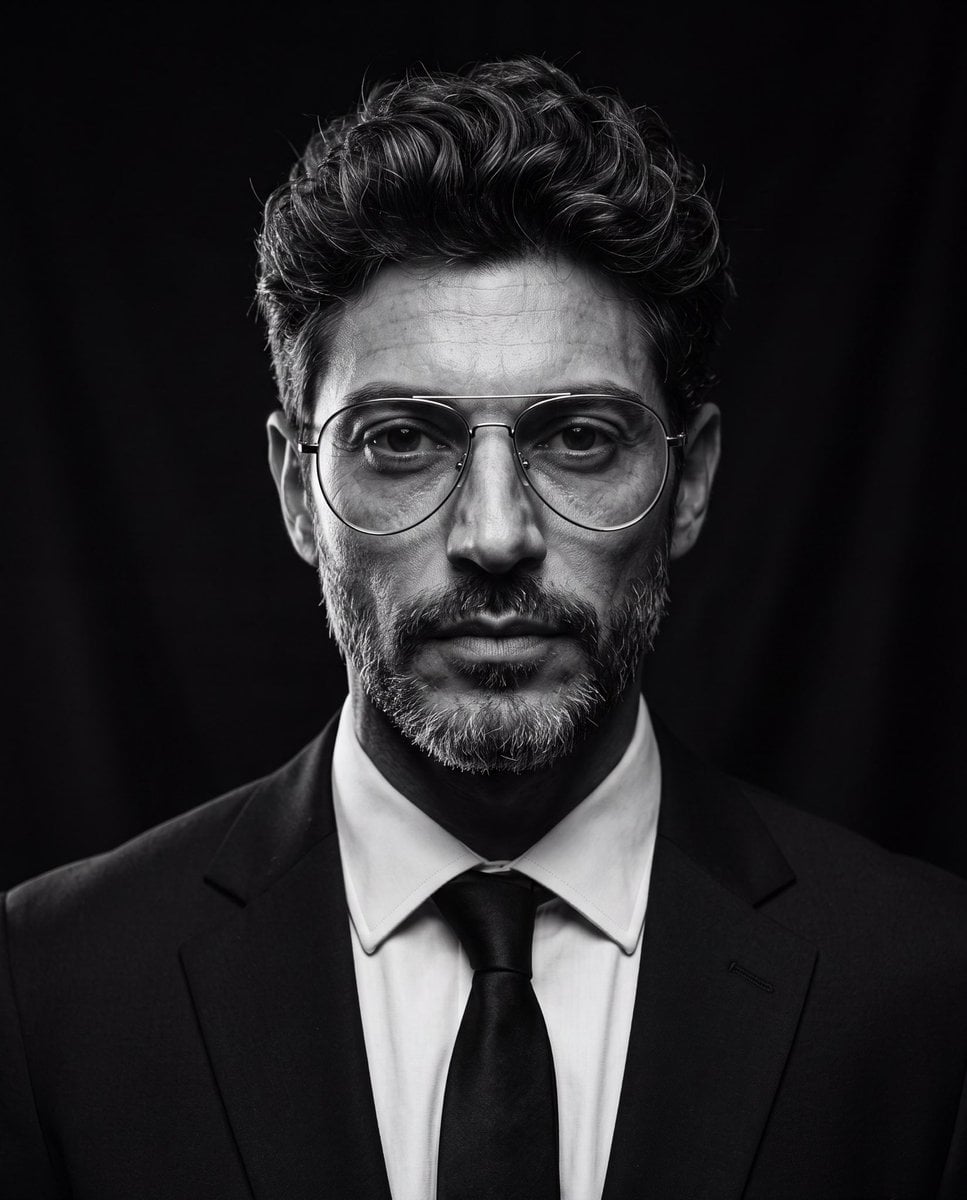
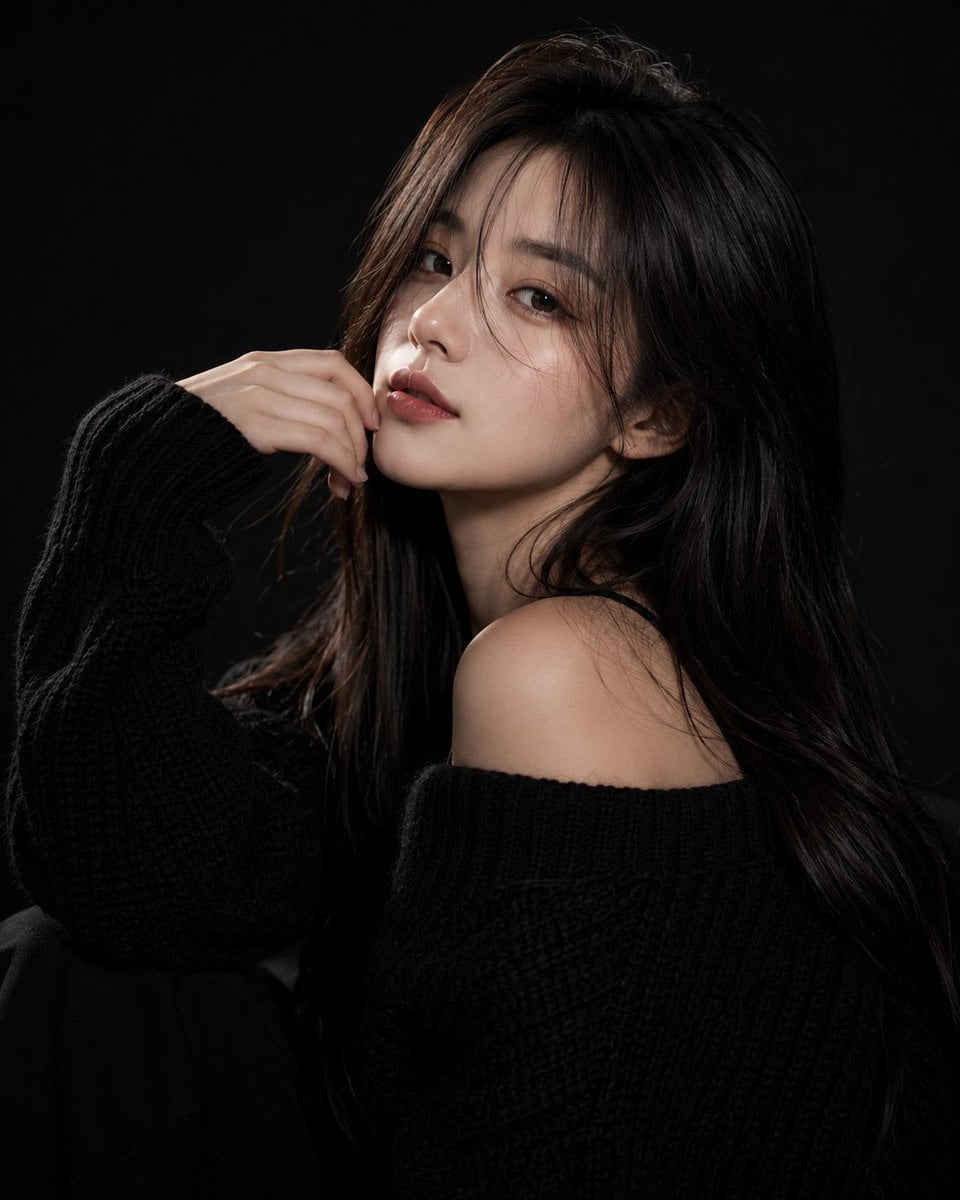
Grok Imagine Image 2.0 combines prompt-only generation and standard image editing with up to 5 references in one on-site entry. Text to image offers 5 fixed ratios, while editing also supports auto; both available modes currently reserve 4 credits per image.

Workflows
Text to image, image editing
Reference images
Up to 5
Aspect ratios
5 fixed + auto
Credits
4 per image
Text to image and standard image editing use separate request paths
Image editing accepts 1–5 JPEG, PNG, or WebP references
Text to image supports 5 fixed ratios, while editing also supports auto
Both available modes currently cost 4 credits per image
30-second overview
Grok Imagine Image
4 credits per image
What it does best
Designed for image tasks that need a quick single visual, direction from multiple references, or automatic framing that follows the source composition.
Best for
Useful for product mood images, character or material references, social placements, background changes, style exploration, and visual drafts constrained by several images.
Popular searches
How to use Grok Imagine Image 2.0How much does Grok Image 2.0 costHow many reference images does Grok Image 2.0 support

At a glance

What is this model like?

A request without uploaded images uses text to image. A request with 1–5 signed images uses standard image editing. Reference files must have a verified JPEG, PNG, or WebP type and remain within 10 MB each. Segment mapping and segment editing have no independent pricing evidence, so they are not exposed as callable modes.

What it does best
Designed for image tasks that need a quick single visual, direction from multiple references, or automatic framing that follows the source composition.
Best for
Useful for product mood images, character or material references, social placements, background changes, style exploration, and visual drafts constrained by several images.
Why use it on Kyeo AI
Kyeo separates text to image from standard image editing before credits are reserved, validates each image's real type and signed metadata, and creates tasks only with the two locked pricing paths.

Key facts

Quickly assess whether this model fits your use case.

Model category
AI image model
Vendor
xAI
Model family
Grok Imagine Image
Prompt limit
20,000 characters on site
Reference formats
JPEG / PNG / WebP
Task settlement
Actual usage or reconciliation

Also known as

The same model may appear under different names across documentation and community discussions; this list keeps them easy to search and compare.

Grok Image 2
Grok Imagine Image 2
Grok Image 2.0
Grok Imagine image model

Common questions

These practical questions focus on the task, input conditions, and result requirements you should confirm before choosing.

How to use Grok Imagine Image 2.0
How much does Grok Image 2.0 cost
How many reference images does Grok Image 2.0 support
Which aspect ratios does Grok Image 2.0 support
Difference between Grok Image 2.0 text to image and image editing
When is auto aspect ratio available in Grok Image 2.0

Selection guide

Use these decision points when choosing a model.

1
Use text to image when composing from scratch

When no subject, material, or layout must be preserved, upload nothing and choose 1:1, 2:3, 3:2, 16:9, or 9:16.

2
Use image editing to preserve visual facts

When a product, person, material, or composition must remain recognizable, upload 1–5 images and state the constraint assigned to each reference.

3
Choose another path for segment-level control

This page currently exposes only standard image editing. Segment mapping and segment editing remain unavailable so tasks are not priced without a proven reservation contract.

Popular comparisons

Compare common alternatives on the same task to clarify differences in inputs, controls, and cost.

How do Grok Imagine Image 2.0 and GPT Image 2 differ in pricing and inputs?
How do Grok Imagine Image 2.0 and Qwen Image 3.0 differ in reference-image capacity?
When should I choose Grok Imagine Image 2.0 instead of Nano Banana 2 Lite?

Model comparison

Compare the current model with alternatives at a glance.

On-site credits
Grok Imagine Image 2.0
4 credits per image
GPT Image 2
Tiered pricing on the current model page
Nano Banana 2 Lite
Fixed 3 credits
Reference images
Grok Imagine Image 2.0
1–5 images, 10 MB each
Qwen Image 3.0
1–3 images, 10 MB each
Nano Banana 2 Lite
Up to 10 images, 30 MB each
Aspect ratio
Grok Imagine Image 2.0
5 fixed ratios; auto for editing
GPT Image 2
See its model page for the current size contract
Qwen Image 3.0
8 canvas sizes

Practical usage insights

Practical guidance based on public sources, current on-site limits, and representative tasks.

The two available modes share one price

Text to image and standard image editing both currently cost 4 credits per image, so the input requirement—not an assumed cheaper route—should determine the mode.

Multiple references still need asset discipline

Up to 5 references can divide subject, material, color, and composition roles, but conflicting source images can still reduce output consistency.

Capabilities

Two-mode image generation

Strictly switches between text to image and standard image editing based on whether reference images are attached.

Multi-image reference editing

Accepts 1–5 signed references in one request to describe subjects, materials, styles, or spatial relationships.

Canvas ratio control

Text to image offers 5 fixed ratios, while editing can also use auto to follow a more suitable source composition.

Use cases

Product mood imagery

Lock product shape and material with a reference image, then use the prompt to change the background, lighting, and placement.

Character and wardrobe references

Assign separate images to appearance, clothing details, and color direction so their visual responsibilities do not conflict.

Multi-placement visual drafts

Use landscape, portrait, or square framing to prepare directions for covers, feeds, and story placements.

Prompt tips

State the facts that must remain first

For editing, first name the subject silhouette, material, color, and composition that must stay intact, then describe the background or style to change.

Assign one role to each image

Specify which image controls the subject, material, or lighting instead of asking every reference to govern the entire frame.

Choose the ratio for the delivery placement

Pick landscape, portrait, or square framing before text-to-image generation; use auto in editing only when the source composition should guide the canvas.

Why choose it

Text to image and standard image editing use the same clear per-image price.
A request can use up to 5 reference images.
Editing supports auto, while fixed ratios cover common landscape and portrait placements.
Real image type and signed metadata are verified before credits are reserved.

What to know first

The on-site prompt limit is 20,000 characters and is an explicit product safety boundary.
Image editing requires 1–5 images, each no larger than 10 MB.
Auto is available only for image editing; prompt-only requests reject it before credits are reserved.
Segment mapping and segment editing are currently unavailable; asynchronous tasks can still fail or enter reconciliation.

Adjustable parameters

Quickly assess whether this model fits your use case.

Aspect ratio
aspect_ratio
Optional
Parameter type: Select
Default: 1:1
1:1
2:3
3:2
16:9
9:16
auto (image editing only)
5 choices for text to image; 6 for image editing

Credit usage

4 credits per image

Text-to-image and standard image editing currently both cost 4 credits per output image. Kyeo reserves 4 credits before task creation, then reads actual usage after completion. A difference is released only when usage is valid and does not exceed the reservation; missing, invalid, or higher usage enters reconciliation without a hidden extra charge.

Budget tip

Before batch generation, run an A/B test with the same assets across the current model and alternatives to validate quality and avoid wasting credits.

FAQ

Related models

Compare these similar candidates before deciding.

GPT Image 2

GPT Image 2 / Capabilities — GPT Image 2 supports text-to-image generation and reference-image editing on Kyeo AI. Kyeo charges by output resolution: 1K costs 3 credits, 2K costs 5, and 4K costs 8.

AI image generation and editing model
3–8 credits per request

Qwen Image 3.0

Qwen Image 3.0 supports both text-only generation and image-to-image work with up to 3 references. It offers 1K/2K, 8 canvas sizes, PNG/JPEG output, prompt expansion, negative prompts, and seed control. Kyeo preauthorizes 5–7 credits per request.

AI image model
5–7 credits

Nano Banana 2 Lite

Nano Banana 2 Lite is a streamlined image entry point: generate from text alone or upload up to 10 reference images, choose only the aspect ratio, and use a fixed 3 credits per request. There is no resolution button, which prevents a pricing-table label from being presented as an interface capability.

AI image model
Fixed 3 credits

Sources

Content is based on model documentation, feature references, and the settings available on Kyeo AI.

Source note

This page was reviewed against the current on-site image request contract, signed upload boundary, and authenticated pricing evidence; the public controls match the actual request allowlist.

Last updated: 2026-08-24
Grok Image 2 current interface notes
Platform

Used to check the input modes, visible controls, media limits, and availability of the version currently connected to this site. The page and workbench show the actual options.

Current Kyeo upload, billing, and settlement contract
Platform

Used to verify real file types, the on-site size boundary, integer reservations, and actual-usage settlement after task completion.