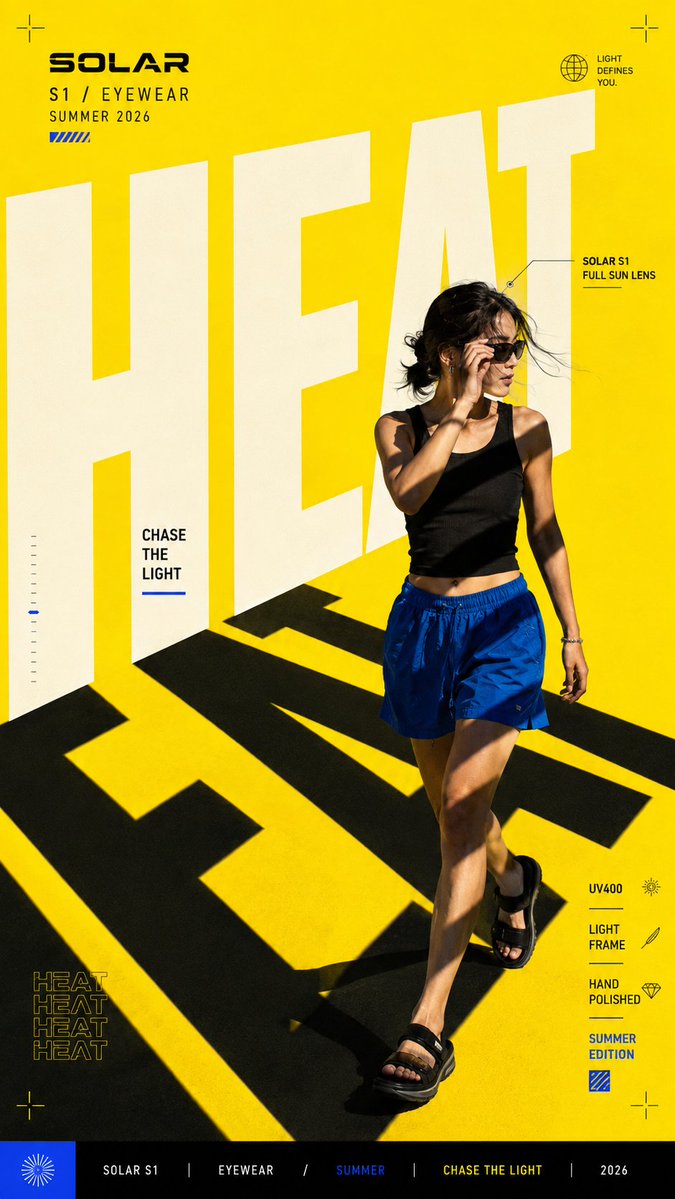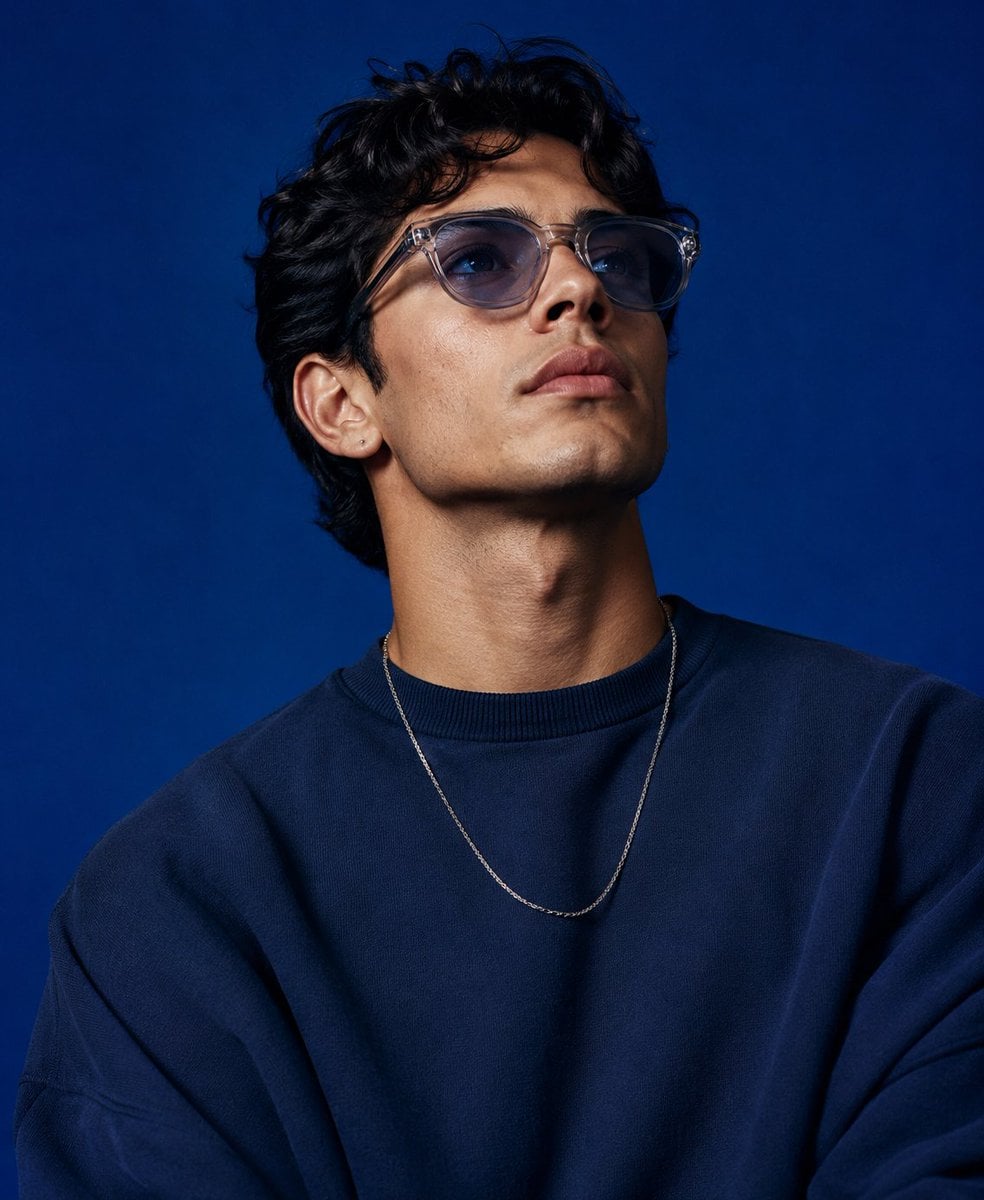
AI image generation and editing model
Google
Nano Banana

Nano Banana Pro

Nano Banana Pro supports text-to-image generation and reference-image editing on Kyeo AI, with 1K, 2K, or 4K output. Each 1K or 2K request costs 8 credits, while 4K costs 14. Resolution is an output-size tier, not a guarantee of quality, accuracy, or detail.

Capabilities
Text-to-Image and Image-to-Image
Credit cost
8–14 credits per request
Prompt limit
10,000 characters
Upload limit
Up to 8 images
One page supports generation and editing at 1K, 2K, or 4K.
Resolution and pricing are explicit: 1K/2K cost 8 credits and 4K costs 14.
Upload up to 8 JPEG, PNG, or WebP images, currently limited to 10 MB each on Kyeo.
Choose from 11 aspect ratios and PNG or JPG output.
30-second overview
Nano Banana
8–14 credits per request
What it does best
Kyeo sends both generation and reference-image requests through the same `nano-banana-pro` model ID. Uploading images changes the input mode, while the selected resolution determines the credit charge.
Best for
It is an option for image generation or editing tasks that need an explicit 1K, 2K, or 4K output choice. Multiple references can communicate subject, composition, material, or style cues.
Popular searches
How to use Nano Banana Pro on Kyeo AIHow many credits do Nano Banana Pro 1K, 2K, and 4K costWhy do Nano Banana Pro 1K and 2K cost the same

At a glance

What is this model like?

This page describes the controls and limits that Kyeo currently exposes for Nano Banana Pro. You can enter up to 10,000 characters, upload up to 8 reference images, and choose among 11 aspect ratios, 3 resolution tiers, and PNG or JPG output. Generated results still require human review.

What it does best
Kyeo sends both generation and reference-image requests through the same `nano-banana-pro` model ID. Uploading images changes the input mode, while the selected resolution determines the credit charge.
Best for
It is an option for image generation or editing tasks that need an explicit 1K, 2K, or 4K output choice. Multiple references can communicate subject, composition, material, or style cues.
Why use it on Kyeo AI
Kyeo puts the prompt, references, aspect ratio, resolution, and output format in one form and displays the applicable credit cost before submission, making controlled comparisons easier.

Key facts

Quickly assess whether this model matches your workflow.

Category
AI image generation and editing model
Developer
Google
Model family
Nano Banana
Integration
Current site integration
Platform model ID
nano-banana-pro
Runtime
Asynchronous task
Prompt limit
10,000 characters
Upload limit
Up to 8 images

Also known as

The same model may appear under different names across documentation and community discussions; this list keeps them easy to search and compare.

nano-banana-pro
Gemini 3 Pro Image
gemini-3-pro-image

Common search intents

These questions and keywords combine public references with common creative use cases to help you choose faster.

How to use Nano Banana Pro on Kyeo AI
How many credits do Nano Banana Pro 1K, 2K, and 4K cost
Why do Nano Banana Pro 1K and 2K cost the same
How to edit an image with Nano Banana Pro
How many images can I upload to Nano Banana Pro and how large can they be
When to choose fixed 3-credit Nano Banana instead of Pro
Which controls differ between Nano Banana Pro and Nano Banana 2
Does Nano Banana Pro 4K guarantee better quality than 2K
Does Kyeo expose Google Search for Nano Banana Pro
nano-banana-pro vs nano-banana model IDs and workflows

Selection guide

Use these decision points when choosing a model.

1
Choose it for the controls you need

Include Nano Banana Pro in your test when you need reference-image editing, an explicit 1K/2K/4K output choice, or support for up to 8 reference images.

2
Compare alternatives by limits and price

Compare Nano Banana for a fixed 3-credit price. Compare Nano Banana 2 when Kyeo's Google Search toggle, up to 14 images, or a longer prompt is more important.

3
Use a minimal, repeatable test

Start with a few essential references and one repeatable prompt at 1K or 2K. Check the subject, text, edges, and composition, then test 4K only when you need the larger pixel dimensions.

Popular comparisons

Common comparison questions help you find the practical differences quickly.

What is the difference between Nano Banana Pro and Nano Banana
Nano Banana Pro vs Nano Banana
What is the difference between Nano Banana Pro and Nano Banana 2
Nano Banana Pro vs Nano Banana 2
What is the difference between Nano Banana Pro and GPT Image 1.5
Nano Banana Pro vs GPT Image 1.5

Model comparison

Compare the current model with alternatives at a glance.

Dimension
Nano Banana Pro
Nano Banana
Nano Banana 2
Role on Kyeo AI
Generation and editing with 1K, 2K, or 4K output
Generation and editing at a fixed 3-credit price
A Google Search toggle and a broader input envelope
Workflow structure
One model ID handles generation and optional reference-image editing
Separate platform model IDs are used for generation and editing
Generation and editing on one page with different controls
Current price
1K/2K 8; 4K 14
Fixed at 3 credits per request
5 credits at 1K; 8 at 2K; 12 at 4K
Input image limit
Up to 8 input images
Up to 10 images on the editing path
Up to 14 input images
Key control differences
11 aspect-ratio choices and no Search toggle
Fixed pricing without a resolution selector
Quality, background, and compression controls

Practical usage insights

Practical observations based on real creative workflows.

The Pro name is not a substitute for testing

Kyeo can verify the available parameters, input limits, and credit prices. The Pro label does not automatically guarantee more accurate, consistent, or production-ready images; compare outputs on the same brief.

Kyeo's feature set is narrower than Google's direct API

Google documents Search grounding and Thinking for Gemini 3 Pro Image, but Kyeo's current Pro form does not expose those controls. This page covers only features available to Kyeo users.

Capabilities

Text generation and reference-image editing

A text-only request generates from the prompt; an image-guided request adds `image_input`.

Three resolutions and two price tiers

The `resolution` field offers 1K, 2K, and 4K. Kyeo currently charges 8 credits for 1K or 2K and 14 for 4K.

Up to 8 reference images

The upstream interface accepts up to 8 input images. Kyeo currently accepts JPEG, PNG, and WebP files up to 10 MB each. The 8-image maximum is not a recommended count or a consistency guarantee.

Use cases

Product and scene concepts

Generate background, composition, and aspect-ratio variations from a prompt or product reference. Verify trademarks, packaging text, and product details in every result.

Posters and social graphics

Select the aspect ratio and output size for a target channel, then review spelling, anatomy, licensing, and platform requirements manually.

Multi-reference edits

Combine subject, setting, or style references in an editing test. Removing unrelated images makes each reference's effect easier to evaluate.

Prompt tips

Evaluate content and output size separately

1K and 2K currently share an 8-credit price. Keep the prompt and references fixed while comparing output, then test the 14-credit 4K tier only when its pixel dimensions are needed.

Assign a purpose to each reference

State which image defines the subject, clothing, material, or background, and begin with a small set. Adding images can create conflicts and does not automatically improve consistency.

Separate what must stay from what may change

For editing, list the subject traits to preserve, the regions that may change, and the intended aspect ratio. Manually inspect text, logos, hands, and other high-risk details.

Strengths

One form supports text generation and reference-image editing.
It offers 1K, 2K, and 4K output-size tiers.
The current 1K and 2K price is the same, simplifying cost comparisons.
Aspect-ratio and output-format controls are explicit.

Limitations

Higher resolution increases output dimensions and credits, but it does not guarantee better composition or instruction adherence.
4K costs 14 credits per task and is best used after composition and style are settled.
The 8-image maximum is a capacity limit.
Kyeo does not currently expose Search grounding or Thinking controls from Google's direct API.

Adjustable parameters

Quickly assess whether this model matches your workflow.

Aspect ratio
aspect_ratio
Optional
Parameter type: select
Default: 1:1
1:1
2:3
3:2
3:4
4:3
4:5
11 options available
Resolution
resolution
Optional
Parameter type: select
Default: 1K
1K
2K
4K
Output format
output_format
Optional
Parameter type: select
Default: png
PNG
JPG

Credit usage

8–14 credits per request

Kyeo currently charges by output tier: 1K and 2K cost 8 credits; 4K costs 14 credits.

Budget tip

Before batch generation, run an A/B test with the same assets across the current model and alternatives to validate quality and avoid wasting credits.

FAQ

Related models

Compare these similar candidates before deciding.

Nano Banana

Nano Banana, also known as Gemini 2.5 Flash Image, provides text-to-image generation and natural-language editing on Kyeo AI. Requests without images use `google/nano-banana`; requests with images use `google/nano-banana-edit`. Both paths cost 3 credits and accept prompts up to 5,000 characters.

AI image generator and editor
3 credits per request

Nano Banana 2

Kyeo AI offers generation and reference-guided editing through `nano-banana-2`, with optional `google_search`, up to 14 `image_input` files, 15 aspect-ratio choices, and 1K, 2K, or 4K output. Those tiers currently cost 5, 8, and 12 credits, and prompts allow 20,000 characters.

AI image generator and editor
5–12 credits per request

GPT Image 1.5

GPT Image 1.5 supports generation and editing on Kyeo AI. Text-only requests use `gpt-image/1.5-text-to-image`; attaching references switches to `gpt-image/1.5-image-to-image`. Kyeo exposes 3 aspect ratios and `medium / high` tiers at 4 / 22 credits. OpenAI now marks GPT Image 1.5 as a deprecated previous model, so new work should also benchmark a current model such as GPT Image 2.

AI image model
4-22 credits / request

Sources

Content is based on model documentation, feature references, and the settings available on Kyeo AI.

Source notes

This page reflects Kyeo's current configuration, request workflow, and upload policy; the upstream interface's Nano Banana Pro API specification; and Google's official Gemini 3 Pro Image documentation. Kyeo currently allows 10,000 prompt characters, up to 8 images, 11 aspect-ratio choices, 1K/2K/4K, and PNG/JPG output. The upstream interface permits 30 MB per input image, but Kyeo's current upload limit is 10 MB. Search grounding and Thinking from Google's direct API are not available in Kyeo's Pro form. Technical identifiers: `gemini-3-pro-image`, `nano-banana-pro`.

Last reviewed: 2026-07-20
Google AI for Developers: Gemini 3 Pro Image
Official
View source
Upstream interface documentation: Nano Banana Pro
Platform

Kyeo's actual upload limit is 10 MB per image. Technical identifiers: `image_input`, `nano-banana-pro`.

Upstream interface documentation: Google pricing notes
Platform

1K/2K costs 8 credits and 4K costs 14 credits.

Kyeo AI model configuration
Platform

The 10,000-character prompt, 10 MB upload, 11 aspect ratios, output formats, and unexposed features reflect Kyeo's current configuration and form.