AI image model
Alibaba
Wan

Wan 2.7 Image Pro

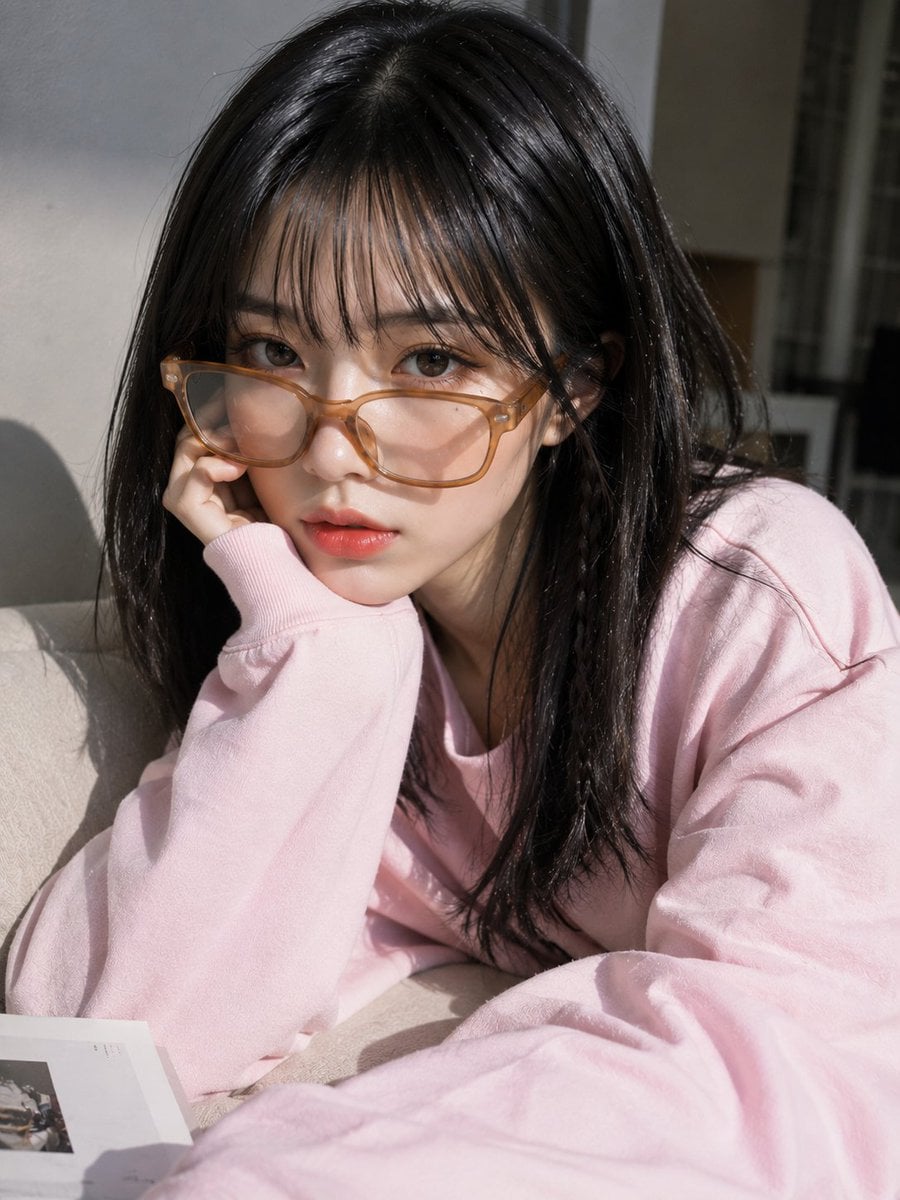
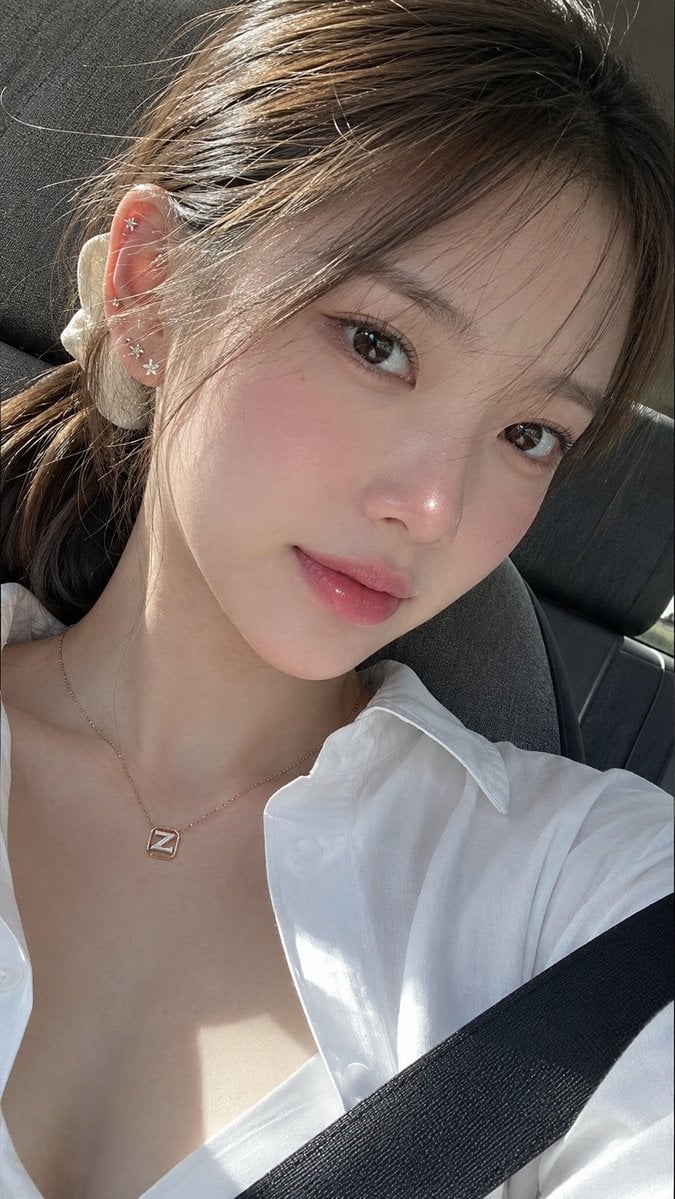
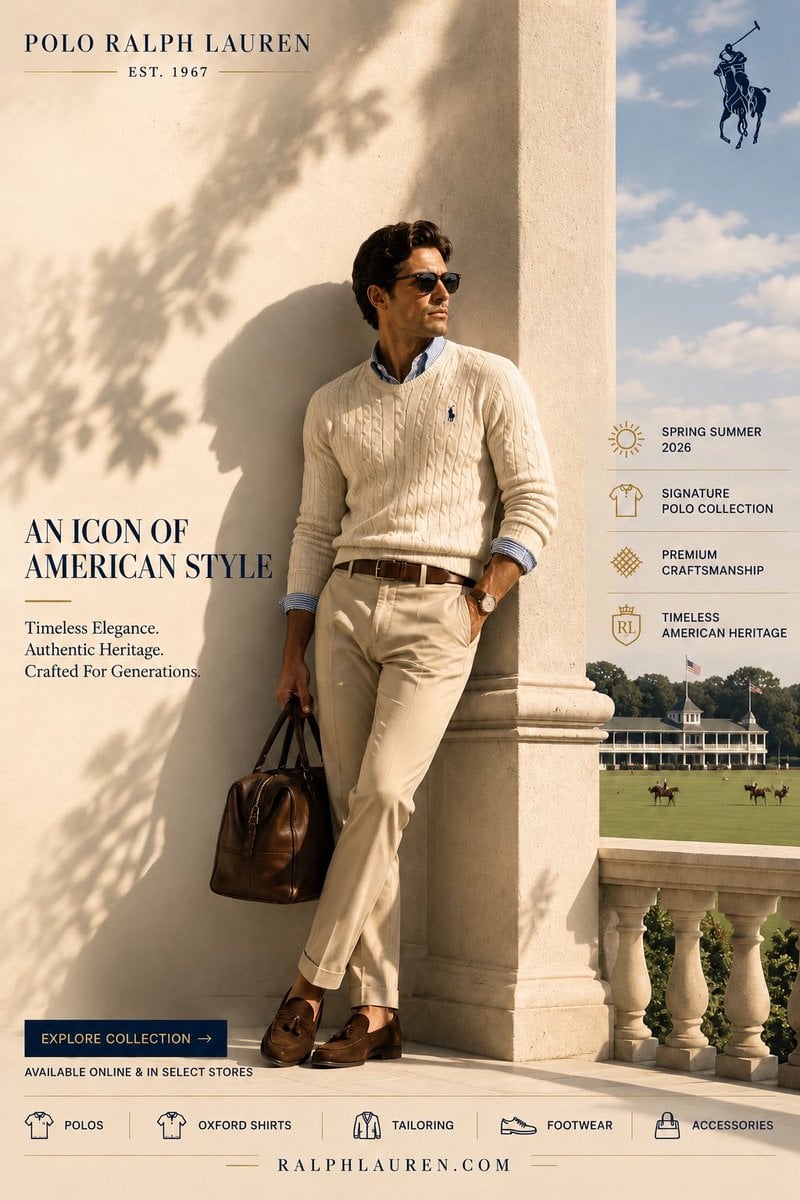
Wan 2.7 Image Pro on Kyeo AI handles text-to-image generation and editing with up to nine inputs. Each 12-credit request returns one image. The form exposes 1K/2K, text-to-image aspect ratio, watermark, and seed—not direct-API 4K, image sets, thinking mode, palettes, or box editing.

Capabilities
Text-to-Image, Image-to-Image
Credit cost
12 credits per request
Prompt limit
5,000 characters
Upload limit
9 images
Every request fixes `n=1` and `enable_sequential=false`, so the result count is one.
No-image requests generate an image; one to nine `input_urls` switch the route to instruction-based editing.
The form exposes 1K/2K, eight text-to-image ratios, watermark, and a 0–2147483647 seed.
Direct-API 4K, image sets, thinking mode, palettes, and bounding-box editing are unavailable.
30-second overview
Wan
12 credits per request
What it does best
The Pro name does not mean that every Alibaba Cloud Pro control is available here.
Best for
Matched comparisons between the standard Wan and Pro routes, with manual review of composition, text, people, product details, and reference-image influence.
Popular searches
how to use Wan 2.7 Image ProWan 2.7 Image Pro credits per requestWan 2.7 Image Pro supported file types

At a glance

What is this model like?

Enter a prompt of up to 5,000 characters. With no images, Kyeo AI sends a text-to-image aspect ratio; with one to nine images, it sends `input_urls` and follows the input framing. Because Kyeo AI fixes `n=1` and `enable_sequential=false`, this is a single-image workflow rather than the complete upstream feature set.

What it does best
The Pro name does not mean that every Alibaba Cloud Pro control is available here.
Best for
Matched comparisons between the standard Wan and Pro routes, with manual review of composition, text, people, product details, and reference-image influence.
Why use it on Kyeo AI
Kyeo AI combines generation and editing in one form and shows the fixed price plus the four fields it actually sends, making cost and integration limits visible before submission.

Key facts

Quickly assess whether this model matches your workflow.

Category
AI image model
Vendor
Alibaba
Model family
Wan
Integration
Current site integration
Platform model ID
wan/2-7-image-pro
Runtime
Asynchronous task
Prompt limit
5,000 characters
Upload limit
9 images

Also known as

The same model may appear under different names across documentation and community discussions; this list keeps them easy to search and compare.

Wan 2.7 Image Pro
wan/2-7-image-pro
wan2.7-image-pro
Alibaba Wan 2.7 Image Pro

Common search intents

These questions and keywords combine public references with common creative use cases to help you choose faster.

how to use Wan 2.7 Image Pro
Wan 2.7 Image Pro credits per request
Wan 2.7 Image Pro supported file types
Kyeo AI Wan 2.7 Image Pro 4K availability
Wan 2.7 Image Pro text-to-image ratios
Wan 2.7 Image Pro image editing
Wan 2.7 Image Pro maximum input images
Wan 2.7 Image Pro file size limit
choose Wan 2.7 Image Pro or standard
choose Wan 2.7 Image Pro or Nano Banana Pro
does Kyeo AI expose Wan thinking mode

Selection guide

Use these decision points when choosing a model.

1
Choose it for a standard-versus-Pro comparison

Use the same prompt, resolution, seed, and references on both pages, then compare the output against the five- and 12-credit prices.

2
Compare another model when 4K must be selectable

Kyeo AI does not offer a Wan Pro 4K option. Compare Nano Banana Pro when an explicit 4K control is required, or use Wan 2.7 Image to test the same form at a lower credit cost.

3
Start with a single-variable check

For generation, hold 2K, 1:1, and one representative prompt constant. For editing, start with one image. Add references or change the ratio only after the workflow and result have been verified.

Popular comparisons

Common comparison questions help you find the practical differences quickly.

What is the difference between Wan 2.7 Image Pro and Wan 2.7 Image?
Wan 2.7 Image Pro vs Wan 2.7 Image
What is the difference between Wan 2.7 Image Pro and Qwen Image?
Wan 2.7 Image Pro vs Qwen Image
What is the difference between Wan 2.7 Image Pro and Nano Banana Pro?
Wan 2.7 Image Pro vs Nano Banana Pro

Model comparison

Compare the current model with alternatives at a glance.

Dimension
Wan 2.7 Image Pro
Wan 2.7 Image
Nano Banana Pro
Request workflow
Text-to-image or editing with up to nine inputs; one output
The same input workflow and one-image output
Generation or editing with up to eight inputs
Page controls
1K/2K, eight text-to-image ratios, watermark, and seed
The same four controls and ratio options
1K/2K/4K, aspect ratio, and output format
Unavailable controls
4K, image sets, thinking mode, palettes, and box editing
Image sets and advanced controls are also unavailable
Compare using the size and format controls shown on its page
Credits per request
12
5
8 at 1K/2K; 14 at 4K
Review focus
Prompt execution, input influence, text, and fine details
Use matched inputs to assess the seven-credit difference
Prompt execution, text, and output format

Practical usage insights

Practical observations based on real creative workflows.

A direct-API maximum is not a Kyeo AI control

This page cannot present direct-API 4K as a submit-ready feature.

The published file-size limits conflict

The upstream interface caps each image at 10 MB, while Kyeo AI's upload policy allows 20 MB.

Capabilities

One page for generation and editing

Without images, Kyeo AI sends the prompt and `aspect_ratio`. With images, it sends one to nine `input_urls` and omits the ratio. Both modes request one output.

Four controls shape the generation

Resolution is 1K or 2K. Text-to-image ratios are 1:1, 16:9, 4:3, 21:9, 3:4, 9:16, 8:1, and 1:8. The remaining controls toggle watermarking and accept an integer seed.

Wan: Transparent credit use

Kyeo AI does not send `thinking_mode`, `color_palette`, `bbox_list`, or `nsfw_checker`, and it disables `enable_sequential`. Their presence in upstream pages does not make them usable here.

Use cases

Matched text-to-image comparison

Run the same prompt, 2K setting, ratio, and seed on standard and Pro, then review composition, text, and fine details. A seed helps control the test.

Single-image instruction editing

Upload one source and state what must stay and what should change. Review the output against the source for object, text, face, and layout errors.

Multi-image reference editing

Provide a small set of subject, material, or composition references and identify each role in the prompt.

Prompt tips

Keep every input matched when comparing routes

Copy the same prompt, image order, resolution, and seed, changing only the model. Simultaneous content and parameter changes make the result impossible to attribute.

Assign a role to each reference image

State which image supplies the subject, material, composition, or background, and add references one at a time. Filling all nine slots makes conflicts and attribution harder to manage.

Set delivery constraints before generating

The page offers 1K/2K and four controls. Base customer commitments, quotes, and advertising on the selected settings and actual result, with human quality and rights review.

Strengths

One page supports text-to-image and editing with up to nine inputs.
Eight ratios cover common landscape, portrait, ultra-wide, and ultra-tall canvases.
The one-image result and 12-credit cost are visible before submission.
Matching controls with Wan 2.7 Image make controlled comparisons straightforward.

Limitations

Only 1K/2K is available; direct-API 4K text-to-image is not in the Kyeo AI form.
Output is fixed to one image, with no one-to-four output or 12-image set mode.
Thinking mode, palettes, box editing, output count, and safety-checker controls are unavailable.
The 20 MB uploader limit exceeds the documented 10 MB downstream limit, so larger files may fail after upload.

Adjustable parameters

Quickly assess whether this model matches your workflow.

Aspect ratio
aspect_ratio
Optional
Parameter type: select
Default: 1:1
1:1
16:9
4:3
21:9
3:4
9:16
8:1
1:8
8 options
Resolution
resolution
Optional
Parameter type: select
Default: 2K
1K
2K
Watermark
watermark
Optional
Parameter type: select
Default: false
Off
On
Random seed
seed
Optional
Parameter type: number
Range 0 - 2147483647

Credit usage

12 credits per request

Kyeo AI charges 12 credits per request for both text-to-image generation and image editing.

Budget tip

Before batch generation, run an A/B test with the same assets across the current model and alternatives to validate quality and avoid wasting credits.

FAQ

Related models

Compare these similar candidates before deciding.

Wan 2.7 Image

Wan 2.7 Image on Kyeo AI handles text-to-image generation and editing with up to nine inputs. Each five-credit request returns one image. The form exposes 1K/2K, text-to-image aspect ratio, watermark, and seed—not image sets, thinking mode, palettes, or box editing.

AI image model
5 credits per request

Qwen Image

Qwen Image provides prompt-only generation and one-image editing on Kyeo for a fixed 4 credits. Generation exposes six `image_size` presets. Uploading one image switches to the editing route and hides size; both modes offer PNG or JPEG. Prompts may contain up to 5,000 characters, and an uploaded image may be no larger than 10 MB.

AI image model
4 credits per request

Nano Banana Pro

Nano Banana Pro supports text-to-image generation and reference-image editing on Kyeo AI, with 1K, 2K, or 4K output. Each 1K or 2K request costs 8 credits, while 4K costs 14. Resolution is an output-size tier, not a guarantee of quality, accuracy, or detail.

AI image generation and editing model
8–14 credits per request

Sources

Content is based on model documentation, feature references, and the settings available on Kyeo AI.

Source notes

This page treats Kyeo AI's model configuration and generation workflow as the workflow source of truth, then checks them against the upstream interface's current Wan 2.7 Image Pro documentation, product form, and Alibaba Cloud's Wan 2.7 image documentation. Kyeo AI fixes `n=1` and `enable_sequential=false`, exposes only `aspect_ratio`, `resolution`, `watermark`, and `seed`, and sends up to nine `input_urls` when images are present. It does not expose direct-API 4K, image sets, thinking mode, color palettes, or bounding-box editing. The upstream interface states a 10 MB limit per image, while Kyeo AI's uploader allows 20 MB; files above 10 MB may therefore fail downstream.

Last reviewed: 2026-07-20
Alibaba Cloud Model Studio: Wan 2.7 image generation and editing API reference
Official
View source
Alibaba Cloud Model Studio: Image generation and editing
Official
View source
Alibaba Cloud Model Studio: Text-to-Image with Qwen and Wan
Official
View source
Upstream interface documentation: Wan 2.7 Image Pro
Platform

Its example includes `input_urls`, output count, image-set mode, resolution, thinking mode, watermark, seed, and box fields.

upstream interface Wan 2.7 Image product form
Platform

The current form lists a 5,000-character prompt, up to nine 10 MB images, eight ratios, and 1K/2K.

Kyeo AI Wan 2.7 Image Pro configuration and request path
Platform

Kyeo AI uses `wan/2-7-image-pro`, fixes `n=1`, disables image sets, offers 1K/2K, eight ratios, watermark, and seed, accepts nine images, and charges 12 credits.