![Layered [BRAND NAME] editorial poster with a geometric grid, muted colors, and dimensional subject placement](https://kyeo.ai/uploads/templates/brand-name-geometric-layered-brand-poster/brand-name-geometric-layered-brand-poster-preview.jpg)
Image template
Free to view, copy, and apply; generation uses credits
Featured
[BRAND NAME] Geometric Layered Brand Poster
Start with the recommended models, use cases, and steps, then decide how to apply the template directly.
Official template1 views
Ecommerce Product Images
Brand and Packaging
Product
Product Scene
Brand Key Visual
Packaging Display
Studio Lighting
Minimal
Template type
Image template
Usage access
Free to view, copy, and apply; generation uses credits
Created
06/15/2026
Rating
No ratings yet
Template overview
These templates work best when you keep the visual structure, then replace the subject, style, or commercial goal. Start with Nano Banana 2, then switch to a similar alternative based on the result.
Recommended models
If you are unsure which model to use first, start with one of the author's recommendations.
Nano Banana 2
Nano Banana Pro
Nano Banana
Prompt
Start with the recommended models, use cases, and steps, then decide how to apply the template directly.
Create a world-class brand visual for [BRAND NAME] in an editorial design style. First analyze [BRAND NAME] automatically, then choose a suitable car/person or another relevant subject. Create a Sandwich Effect between the subject and the geometric background blocks: hide part of the vehicle body or person behind the blocks while layering wheels, limbs, or props in front of them to produce convincing 3D depth. Use a clean 2x2 grid composition overlaid with large bold geometric arcs and circles. Add exactly one symbolic product prop, such as a car key fob or sports ball, in its own quadrant to balance the composition. Do not use intense neon or oversaturated colors. Identify the core colors of [BRAND NAME], then convert them into a Sophisticated Muted palette using desaturated earthy/dusty tones such as dusty rose, sage green, and slate blue. Keep every color block matte and flat, with zero gradients. Photograph the subject like a high-end commercial studio shoot, with soft diffused light and no hard shadows, and make it appear genuinely embedded in the graphic grid. For the branding, use only a clean monochrome [BRAND NAME] logo centered within one background block, with no tagline.
How to use it
Following this sequence usually produces a usable result faster than copying the prompt without a plan.
1
Start with a recommended model
If you do not have a preference, starting with Nano Banana 2 is usually a reliable choice.
2
Keep the structure, replace the details
Preserve composition, lighting, materials, and style, then replace the subject, brand information, and use case.
3
Compare at least 2 or 3 results
Image templates are most valuable when they speed up iteration, so do not judge the direction from a single result.
Template details
Quickly decide whether this template fits your current task.
Template type
Image template
Usage access
Free to view, copy, and apply; generation uses credits
Created
06/15/2026
Rating
No ratings yet
Best for
This template works especially well for the following tasks.
Posters and covers
Useful for event graphics, social covers, campaign posters, and key visuals.
Product and brand images
Useful for ecommerce main images, brand visuals, and product variations.
Character and style exploration
Create samples for characters, illustrations, scenes, and style directions.
Recommended models
If you are unsure which model to use first, start with one of the author's recommendations.
Nano Banana 2
IMAGE
These templates work best when you keep the visual structure, then replace the subject, style, or commercial goal. Start with Nano Banana 2, then switch to a similar alternative based on the result.
Nano Banana Pro
IMAGE
These templates work best when you keep the visual structure, then replace the subject, style, or commercial goal. Start with Nano Banana 2, then switch to a similar alternative based on the result.
Nano Banana
IMAGE
These templates work best when you keep the visual structure, then replace the subject, style, or commercial goal. Start with Nano Banana 2, then switch to a similar alternative based on the result.
Related templates
Compare templates of the same type to find the prompt direction that fits you best.

Image template
Featured
(G)I-DLE Yuqi Golden-Light Fashion Selfie
No ratings yet
Scene Photography
Realistic Photography
Cinematic
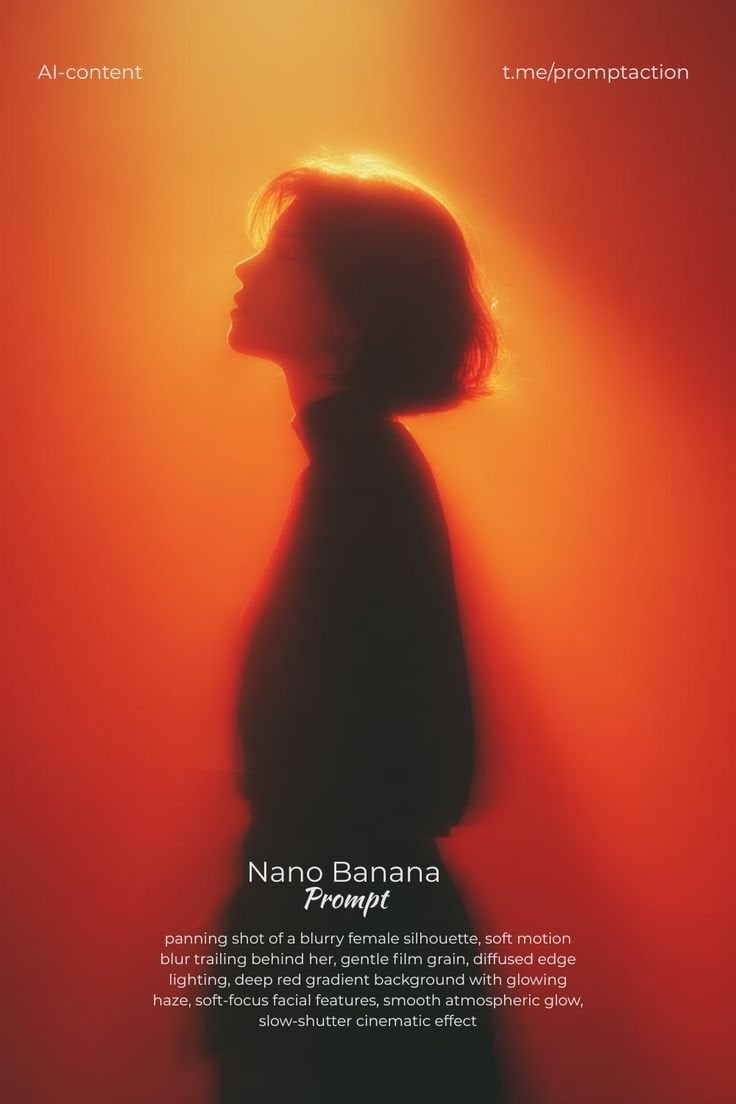
Image template
Featured
Cinematic Woman Silhouette with Red Motion Trails
No ratings yet
Portrait Photography
Realistic Photography
Cinematic
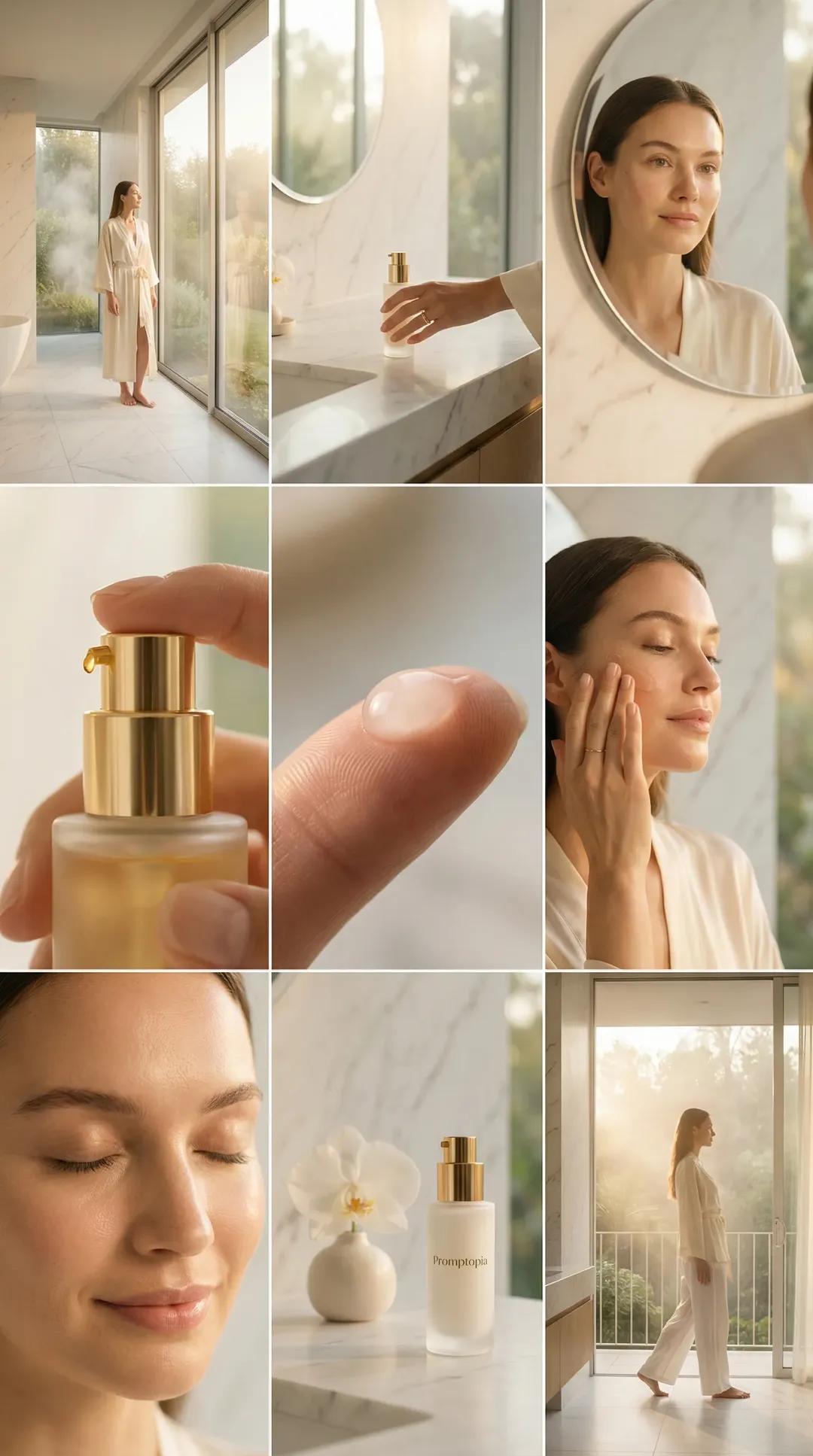
Image template
Featured
Promptopia Serum Bathroom Nine-Shot Collage
No ratings yet
Ecommerce Product Images
Product
Product Scene
Ratings and feedback
No ratings yet
Please sign in first