![Live model interacting with a white hand-drawn brand object on a layered [HERO COLOR] background for [BRAND NAME]](https://kyeo.ai/uploads/templates/brand-name-hero-color-live-hand-drawn-interactive-ad/brand-name-hero-color-live-hand-drawn-interactive-ad-preview.jpg)
Image template
Free to view, copy, and apply; generation uses credits
Featured
[BRAND NAME] [HERO COLOR] Live Hand-Drawn Interactive Ad
Start with the recommended models, use cases, and steps, then decide how to apply the template directly.
Official template0 views
Social Content
Posters and Covers
Infographic
Typography Layout
Logo Inspiration
Social Post
Minimal
Product
Template type
Image template
Usage access
Free to view, copy, and apply; generation uses credits
Created
06/15/2026
Rating
No ratings yet
Template overview
These templates work best when you keep the visual structure, then replace the subject, style, or commercial goal. Start with Ideogram V3, then switch to a similar alternative based on the result.
Recommended models
If you are unsure which model to use first, start with one of the author's recommendations.
Ideogram V3
Nano Banana 2
Nano Banana Pro
Prompt
Start with the recommended models, use cases, and steps, then decide how to apply the template directly.
Use [BRAND NAME] + [HERO COLOR] to create a campaign as a Mixed-Media Campaign Art Director. Combine studio photography cutouts with hand-drawn 2D illustration so a real human physically interacts with a drawn object by touching, holding, standing on, leaning against, or using it. PHASE 1 — Format and background Use a 1:1 square canvas with a base of one single flat saturated color [HERO COLOR]: no gradients, no texture. Overlay 3-4 organic amoeba blob shapes in [HERO COLOR] with the value darker 20%. Give them smooth edges, irregular silhouettes, an asymmetrical arrangement, a hand-painted feel, and some bleeding off-frame. PHASE 2 — OBJECT AND INTERACTION Decide the object and interaction independently. - SELECT THE OBJECT: Analyze [BRAND NAME] and choose its most recognizable iconic physical object. It must be real, collectible or useful in everyday life, and able to occupy substantial space beside the model. Do NOT choose animals. Do NOT choose logos. - SELECT THE INTERACTION: Choose the most natural interaction for that object. It must be physical and direct, immediately readable, scaled correctly, and active not passive. Options include HOLDING, WEARING/USING, STANDING ON, RIDING/LEANING, and EMERGING FROM. PHASE 3 — MODEL AND ILLUSTRATED OBJECT - MODEL: Use a single model age 18-26 with a clean cutout and zero fringing. Let the chosen interaction determine the pose. Wardrobe: [BRAND NAME]'s most iconic apparel in [HERO COLOR] monochromatic palette. - ILLUSTRATED OBJECT: Render the object as a pure white (#FFFFFF) flat 2D illustration with brush-pen marker line quality, 3-5px weight, slightly imperfect organic edges, no shading, and no gradients. - SCALE RULE: The object must be LARGE, with a minimum size 40% of canvas height; it may be oversized. - DEPTH LAYERING: The object must have parts behind the model and parts in front of the model. hands/feet must make believable contact at every intersection. - BRAND STAMP: Place a small [BRAND NAME] logo mark naturally on the object surface, using a [HERO COLOR] darker variant. Keep it subtle not dominant. PHASE 4 — SUPPORTING ILLUSTRATION Keep every supporting illustration white, flat, and in a brush-pen line style. Add the [BRAND NAME] primary icon in white: one large upper-left icon at approximately 15% canvas width and one medium opposite corner icon at approximately 10%. Place 2-3 manga-style exclamation dash clusters at the interaction point. Radiate 2-4 curved speed lines from the object or active body part, weaving them in front and behind to create depth. At the bottom, add a white illustrated ground interaction such as sparkle stars, short speed dashes, or an object-specific effect. Add another 1-2 ambient squiggles. PHASE 5 — LIGHTING Use studio strobe lighting that is high-key, even and clean, and 5500K neutral. Add no dramatic shadows on model. Place a soft contact shadow opacity 15% beneath the feet. TECH SPECS Use mixed media with a color count 3 maximum: [HERO COLOR] light, [HERO COLOR] dark blobs, and white illustration. skin tones and fabric colors are the only additional exceptions. The illustration style combines Y2K comic energy, Japanese streetwear magazine, and brush marker. Keep the composition asymmetric and dynamic, with the interaction point as the visual center of gravity. No text. No wordmarks. Logo icon only. The mood is a model IN THE MIDDLE of using it—caught mid-action and alive.
How to use it
Following this sequence usually produces a usable result faster than copying the prompt without a plan.
1
Start with a recommended model
If you do not have a preference, starting with Ideogram V3 is usually a reliable choice.
2
Keep the structure, replace the details
Preserve composition, lighting, materials, and style, then replace the subject, brand information, and use case.
3
Compare at least 2 or 3 results
Image templates are most valuable when they speed up iteration, so do not judge the direction from a single result.
Template details
Quickly decide whether this template fits your current task.
Template type
Image template
Usage access
Free to view, copy, and apply; generation uses credits
Created
06/15/2026
Rating
No ratings yet
Best for
This template works especially well for the following tasks.
Posters and covers
Useful for event graphics, social covers, campaign posters, and key visuals.
Product and brand images
Useful for ecommerce main images, brand visuals, and product variations.
Character and style exploration
Create samples for characters, illustrations, scenes, and style directions.
Recommended models
If you are unsure which model to use first, start with one of the author's recommendations.
Ideogram V3
IMAGE
These templates work best when you keep the visual structure, then replace the subject, style, or commercial goal. Start with Ideogram V3, then switch to a similar alternative based on the result.
Nano Banana 2
IMAGE
These templates work best when you keep the visual structure, then replace the subject, style, or commercial goal. Start with Ideogram V3, then switch to a similar alternative based on the result.
Nano Banana Pro
IMAGE
These templates work best when you keep the visual structure, then replace the subject, style, or commercial goal. Start with Ideogram V3, then switch to a similar alternative based on the result.
Related templates
Compare templates of the same type to find the prompt direction that fits you best.

Image template
Featured
(G)I-DLE Yuqi Golden-Light Fashion Selfie
No ratings yet
Scene Photography
Realistic Photography
Cinematic
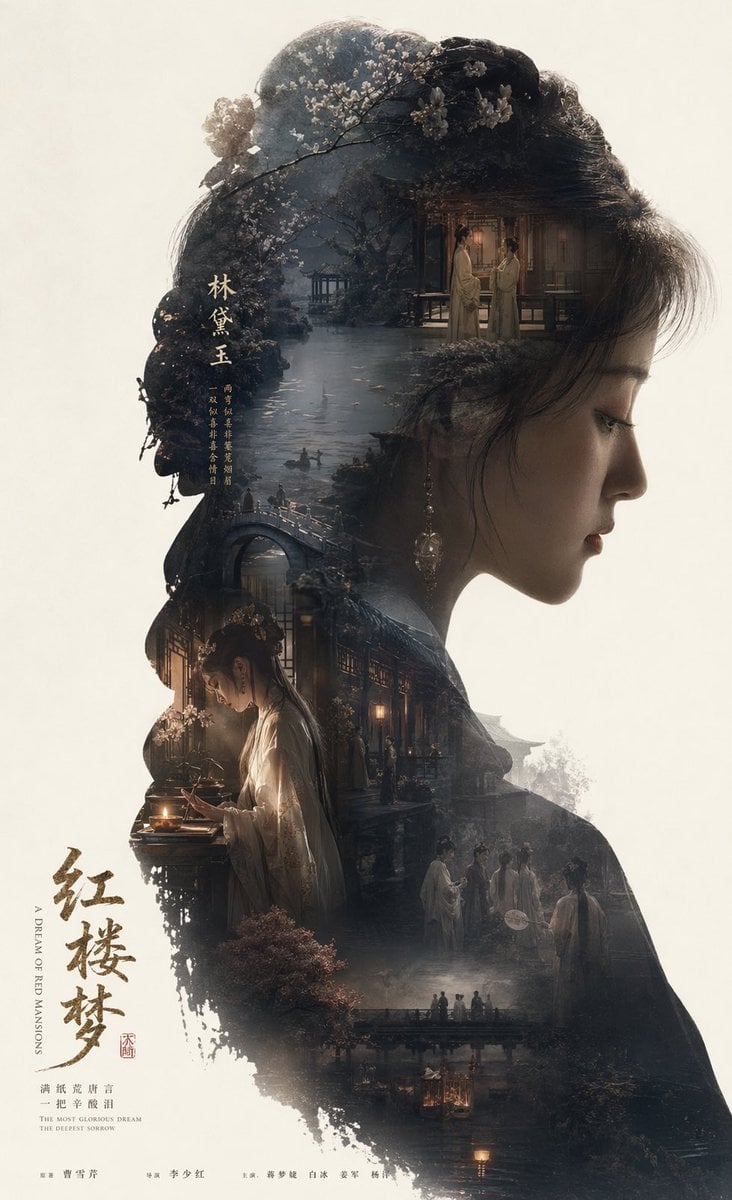
Image template
Featured
Dream of the Red Chamber: Lin Daiyu Silhouette Story Poster
No ratings yet
Posters and Covers
Campaign Poster
Typography Layout
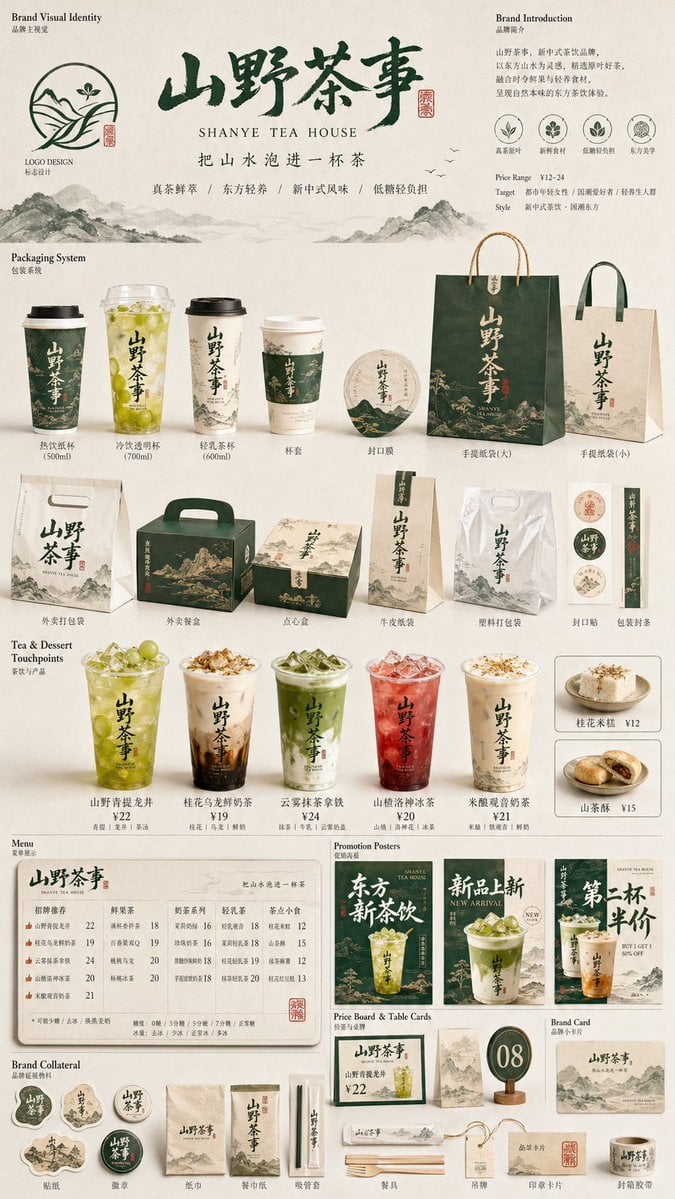
Image template
Featured
Restaurant Brand Touchpoint Matrix
No ratings yet
Posters and Covers
Campaign Poster
Typography Layout
Ratings and feedback
No ratings yet
Please sign in first