![Crystalline [BRAND NAME] logo ice sculpture resting on white powdery snow with a pale blue background](https://kyeo.ai/uploads/templates/brand-name-ice-sculpture-logo-snowfield/brand-name-ice-sculpture-logo-snowfield-preview.jpg)
Image template
Free to view, copy, and apply; generation uses credits
Featured
[BRAND NAME] Ice Sculpture Logo on Snow
Start with the recommended models, use cases, and steps, then decide how to apply the template directly.
Official template0 views
Ecommerce Product Images
Brand and Packaging
3D Render
Anime Style
Character
Surreal
Dreamy
Isometric
Template type
Image template
Usage access
Free to view, copy, and apply; generation uses credits
Created
06/15/2026
Rating
No ratings yet
Template overview
These templates work best when you keep the visual structure, then replace the subject, style, or commercial goal. Start with Nano Banana 2, then switch to a similar alternative based on the result.
Recommended models
If you are unsure which model to use first, start with one of the author's recommendations.
Nano Banana 2
Nano Banana Pro
Nano Banana
Prompt
Start with the recommended models, use cases, and steps, then decide how to apply the template directly.
Create a hyper-realistic studio photograph for [BRAND NAME]. Turn the stylized logo icon of [BRAND NAME] into a physical 3D ice sculpture lying directly on a snowy surface. Critical constraints: Place NO TEXT inside or near the central ice icon; the only text belongs in the bottom signature. Keep the background light and airy. Central subject: Create one large 3D volumetric sculpture whose shape precisely matches the [BRAND NAME] logo icon. Use high-purity crystalline ice with intricate internal textures, frost needles, and frozen air bubbles. Cover the surface with small realistic water droplets and light condensation. Perspective and setting: Use a 3/4 angle, with the logo horizontally lying on snow so its depth and thickness remain visible. Frame the environment from an eye-level macro perspective in a 3/4 view. Place the ice icon on crisp detailed white powdery snow. Use a flawless uniform very light pale blue and white gradient for the background, lighter than the original background. Add a soft realistic shadow beneath the sculpture on the snow so it feels grounded. Bottom brand signature: Add a clean horizontal signature block at the frame bottom center, well away from the ice artifact. Place a tiny flat minimalist black [BRAND NAME] logo icon on the left, followed immediately on the right by "[BRAND NAME]" in a black bold sans-serif. The signature must remain very small and subtle compared with the main ice sculpture. Finish as premium product photography with a cold and crisp atmosphere, hyper-realistic 8k resolution, cinematic lighting, and ultra-detailed textures.
How to use it
Following this sequence usually produces a usable result faster than copying the prompt without a plan.
1
Start with a recommended model
If you do not have a preference, starting with Nano Banana 2 is usually a reliable choice.
2
Keep the structure, replace the details
Preserve composition, lighting, materials, and style, then replace the subject, brand information, and use case.
3
Compare at least 2 or 3 results
Image templates are most valuable when they speed up iteration, so do not judge the direction from a single result.
Template details
Quickly decide whether this template fits your current task.
Template type
Image template
Usage access
Free to view, copy, and apply; generation uses credits
Created
06/15/2026
Rating
No ratings yet
Best for
This template works especially well for the following tasks.
Posters and covers
Useful for event graphics, social covers, campaign posters, and key visuals.
Product and brand images
Useful for ecommerce main images, brand visuals, and product variations.
Character and style exploration
Create samples for characters, illustrations, scenes, and style directions.
Recommended models
If you are unsure which model to use first, start with one of the author's recommendations.
Nano Banana 2
IMAGE
These templates work best when you keep the visual structure, then replace the subject, style, or commercial goal. Start with Nano Banana 2, then switch to a similar alternative based on the result.
Nano Banana Pro
IMAGE
These templates work best when you keep the visual structure, then replace the subject, style, or commercial goal. Start with Nano Banana 2, then switch to a similar alternative based on the result.
Nano Banana
IMAGE
These templates work best when you keep the visual structure, then replace the subject, style, or commercial goal. Start with Nano Banana 2, then switch to a similar alternative based on the result.
Related templates
Compare templates of the same type to find the prompt direction that fits you best.

Image template
Featured
(G)I-DLE Yuqi Golden-Light Fashion Selfie
No ratings yet
Scene Photography
Realistic Photography
Cinematic
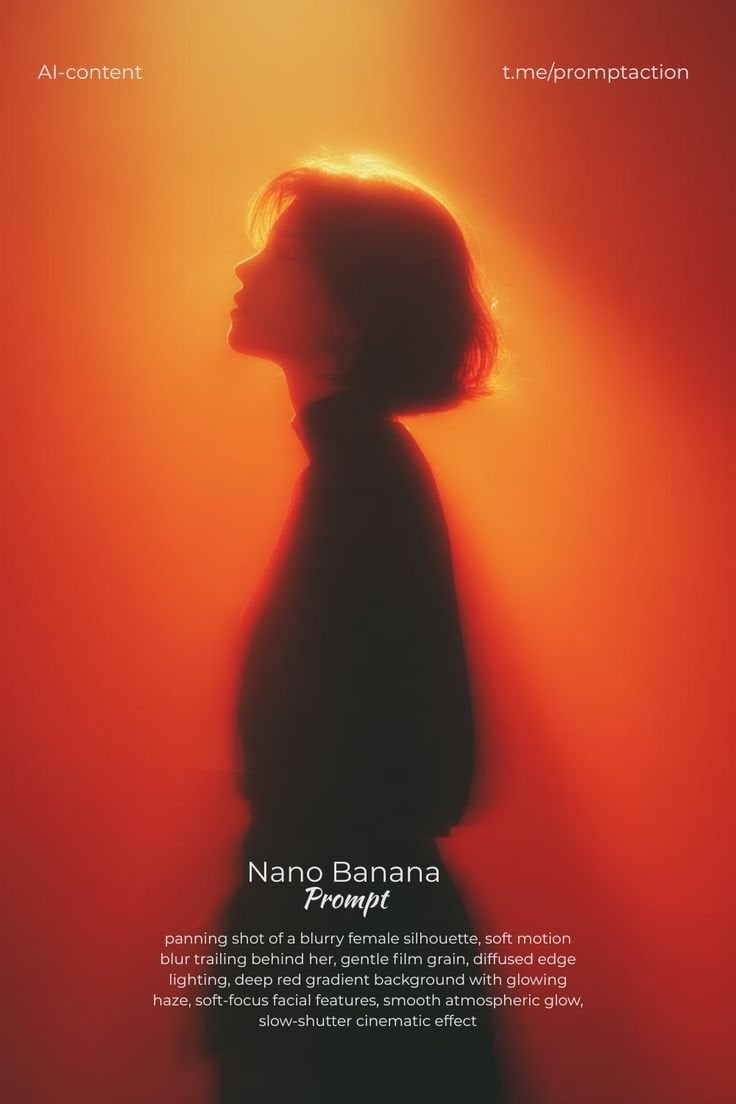
Image template
Featured
Cinematic Woman Silhouette with Red Motion Trails
No ratings yet
Portrait Photography
Realistic Photography
Cinematic
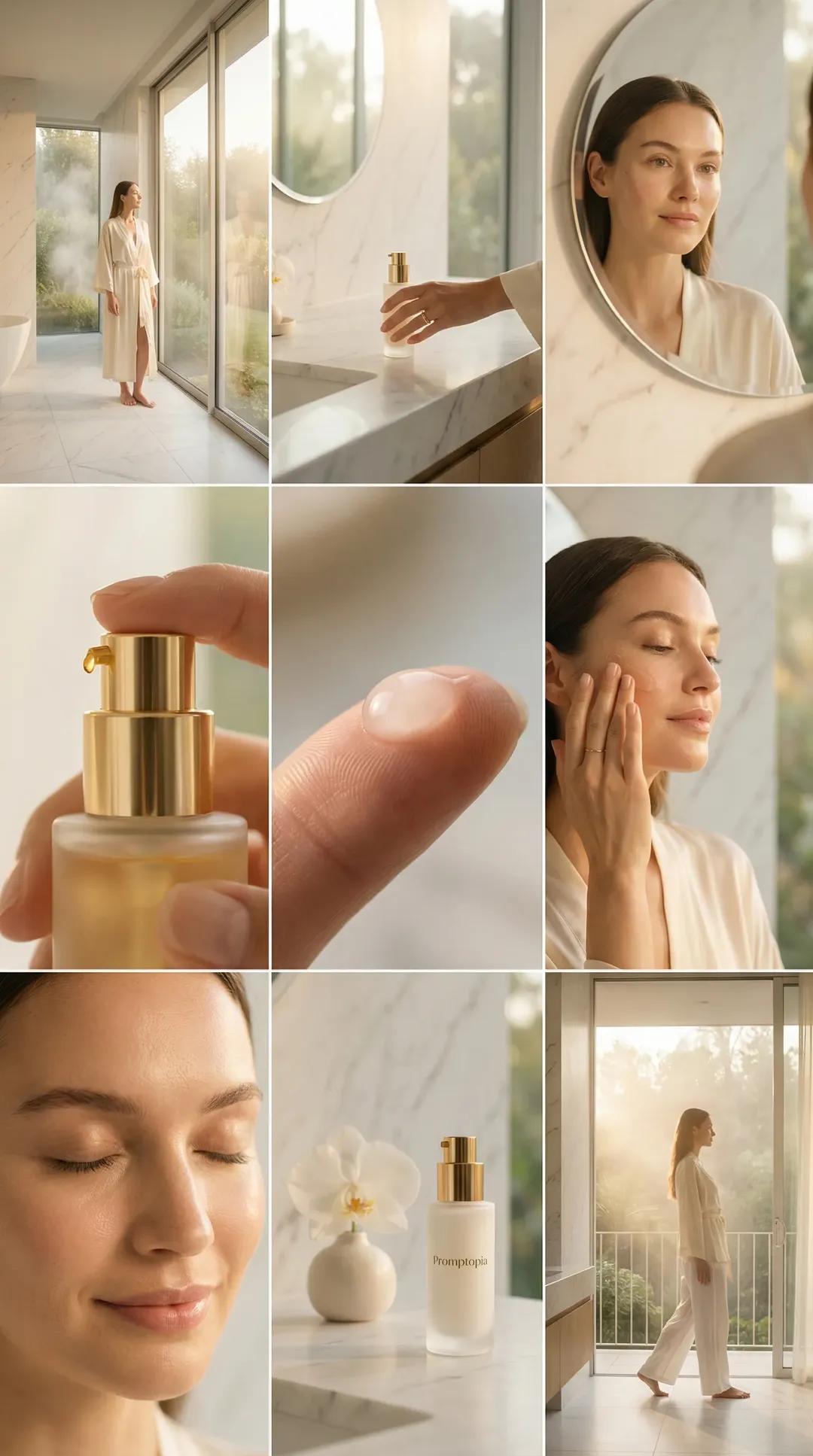
Image template
Featured
Promptopia Serum Bathroom Nine-Shot Collage
No ratings yet
Ecommerce Product Images
Product
Product Scene
Ratings and feedback
No ratings yet
Please sign in first