![Inflatable [BRAND NAME] graffiti type sculpture with glossy [COLOR] material and organic pointed extensions](https://kyeo.ai/uploads/templates/brand-name-inflatable-graffiti-type-sculpture/brand-name-inflatable-graffiti-type-sculpture-preview.jpg)
Image template
Free to view, copy, and apply; generation uses credits
Featured
[BRAND NAME] Inflatable Graffiti Type Sculpture
Start with the recommended models, use cases, and steps, then decide how to apply the template directly.
Official template1 views
Ecommerce Product Images
Portrait Photography
Infographic
Typography Layout
Logo Inspiration
Social Post
Minimal
Product
Template type
Image template
Usage access
Free to view, copy, and apply; generation uses credits
Created
06/15/2026
Rating
No ratings yet
Template overview
These templates work best when you keep the visual structure, then replace the subject, style, or commercial goal. Start with Nano Banana 2, then switch to a similar alternative based on the result.
Recommended models
If you are unsure which model to use first, start with one of the author's recommendations.
Nano Banana 2
Nano Banana Pro
Nano Banana
Prompt
Start with the recommended models, use cases, and steps, then decide how to apply the template directly.
As a 3D Type Designer and CGI Artist, create a 3D type sculpture for [BRAND NAME] in a 1:1 square composition. The text or logotype [BRAND NAME] must not be a simple flat extrusion. Turn it into one continuous, living inflated organic type sculpture that fuses Wildstyle graffiti DNA with inflatable balloon morphology, with the letters flowing into one organic whole. Give each letter a swollen pneumatic body, a surface pulled tight by high internal pressure, asymmetrical pointed extensions, blade-like/thorn-like protrusions of varied lengths, complex overlaps, and stretched rubber-membrane negative spaces. Use one consistent material: high-gloss latex / inflated rubber / soft silicone. The entire work may use only [COLOR] as its sole material color. Push highlights toward a bright, near-white version of [COLOR], and push shadows and deep crevices toward the darkest, most saturated version of [COLOR]. Do not shift the hue and do not add gray. Include subsurface scattering, long soft reflections, and secondary highlights inside recessed areas. Use a pure white #FFFFFF background with no texture and no gradient. Extend the object horizontally and let it float slightly. View it from the front at a subtly elevated 5-10° angle, keeping every spike and letterform in sharp focus. Render to the standard of Octane Render or Redshift, with HDRI 5500K, ray tracing, and maximum anti-aliasing. The finished image must look like a CGI product render, not loose AI art.
How to use it
Following this sequence usually produces a usable result faster than copying the prompt without a plan.
1
Start with a recommended model
If you do not have a preference, starting with Nano Banana 2 is usually a reliable choice.
2
Keep the structure, replace the details
Preserve composition, lighting, materials, and style, then replace the subject, brand information, and use case.
3
Compare at least 2 or 3 results
Image templates are most valuable when they speed up iteration, so do not judge the direction from a single result.
Template details
Quickly decide whether this template fits your current task.
Template type
Image template
Usage access
Free to view, copy, and apply; generation uses credits
Created
06/15/2026
Rating
No ratings yet
Best for
This template works especially well for the following tasks.
Posters and covers
Useful for event graphics, social covers, campaign posters, and key visuals.
Product and brand images
Useful for ecommerce main images, brand visuals, and product variations.
Character and style exploration
Create samples for characters, illustrations, scenes, and style directions.
Recommended models
If you are unsure which model to use first, start with one of the author's recommendations.
Nano Banana 2
IMAGE
These templates work best when you keep the visual structure, then replace the subject, style, or commercial goal. Start with Nano Banana 2, then switch to a similar alternative based on the result.
Nano Banana Pro
IMAGE
These templates work best when you keep the visual structure, then replace the subject, style, or commercial goal. Start with Nano Banana 2, then switch to a similar alternative based on the result.
Nano Banana
IMAGE
These templates work best when you keep the visual structure, then replace the subject, style, or commercial goal. Start with Nano Banana 2, then switch to a similar alternative based on the result.
Related templates
Compare templates of the same type to find the prompt direction that fits you best.

Image template
Featured
(G)I-DLE Yuqi Golden-Light Fashion Selfie
No ratings yet
Scene Photography
Realistic Photography
Cinematic
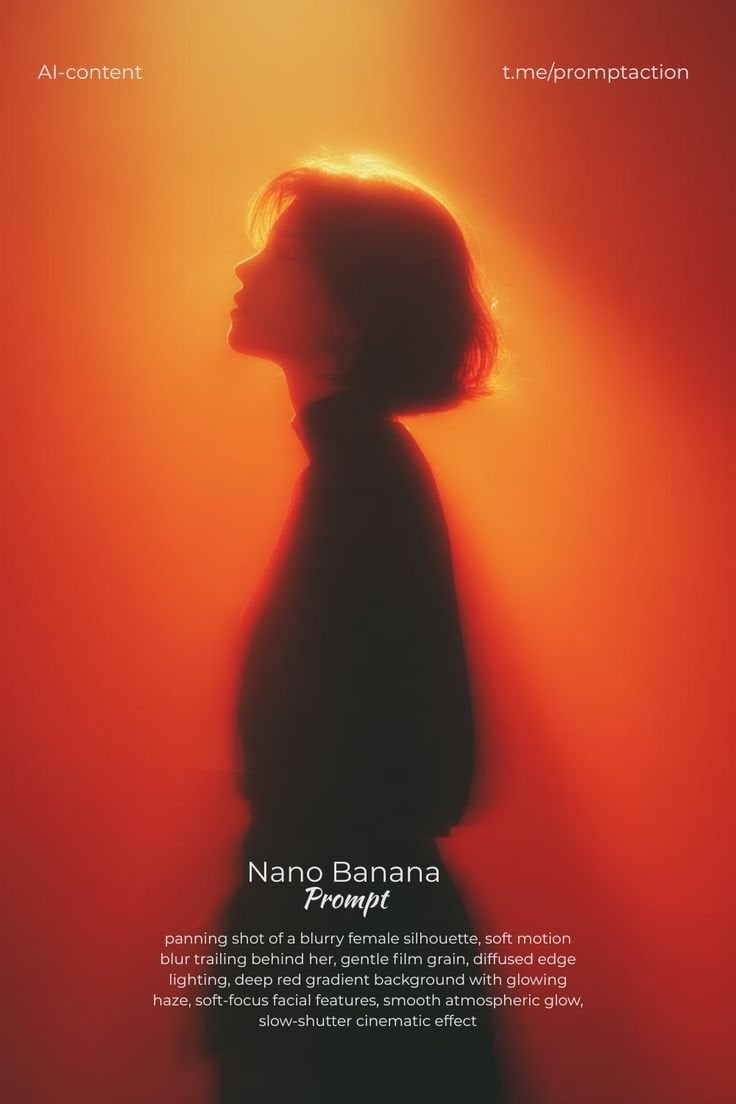
Image template
Featured
Cinematic Woman Silhouette with Red Motion Trails
No ratings yet
Portrait Photography
Realistic Photography
Cinematic
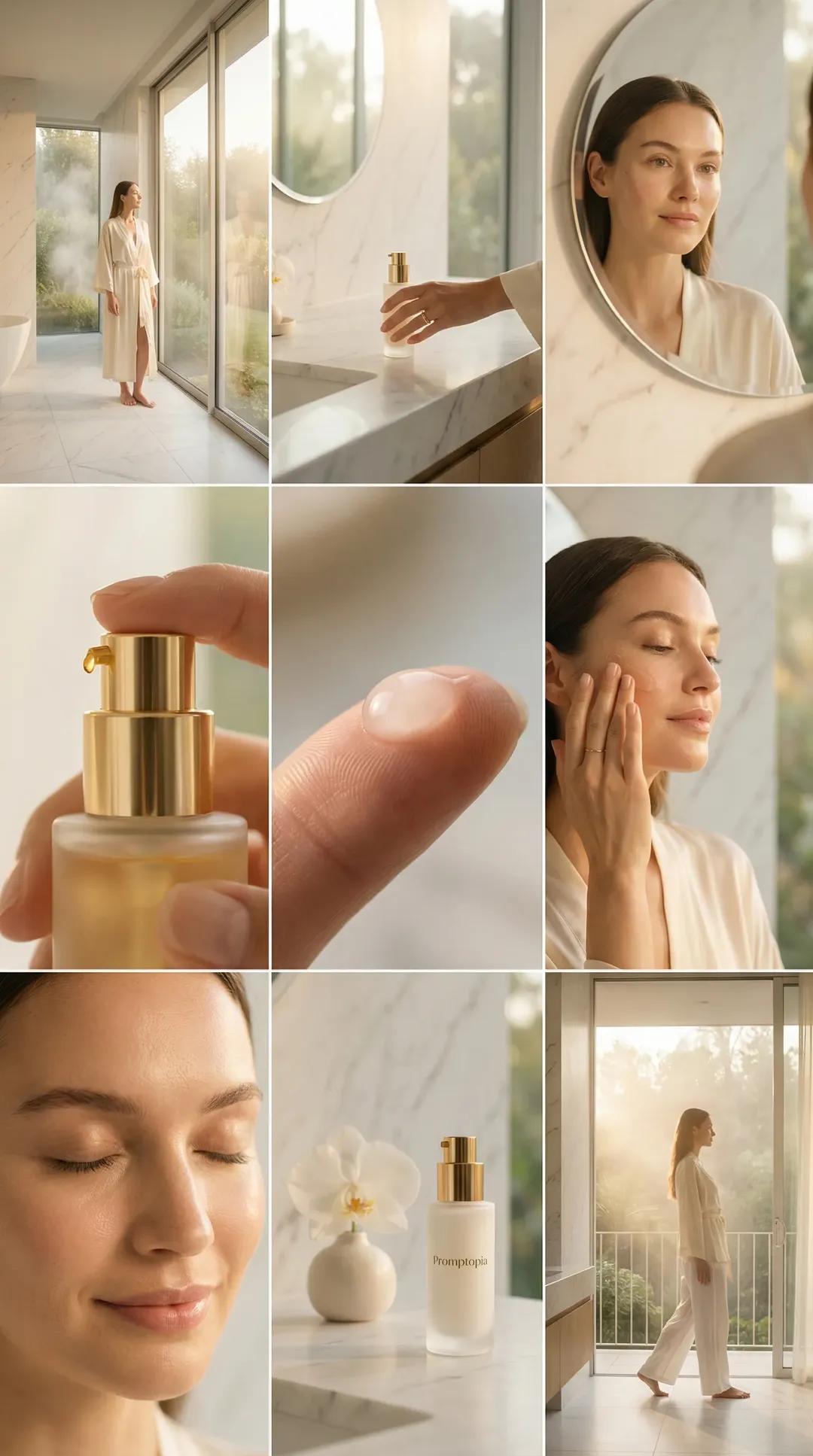
Image template
Featured
Promptopia Serum Bathroom Nine-Shot Collage
No ratings yet
Ecommerce Product Images
Product
Product Scene
Ratings and feedback
No ratings yet
Please sign in first