![Five-phase [BRAND NAME] advertising visual combining low-angle photography, geometric panels, layered text, and product interaction](https://kyeo.ai/uploads/templates/brand-name-low-angle-text-image-fusion-ad/brand-name-low-angle-text-image-fusion-ad-preview.jpg)
Image template
Free to view, copy, and apply; generation uses credits
Featured
[BRAND NAME] Low-Angle Text and Image Fusion Ad
Start with the recommended models, use cases, and steps, then decide how to apply the template directly.
Official template1 views
Ecommerce Product Images
Brand and Packaging
Product
Product Scene
Brand Key Visual
Packaging Display
Studio Lighting
Minimal
Template type
Image template
Usage access
Free to view, copy, and apply; generation uses credits
Created
06/15/2026
Rating
No ratings yet
Template overview
These templates work best when you keep the visual structure, then replace the subject, style, or commercial goal. Start with Nano Banana 2, then switch to a similar alternative based on the result.
Recommended models
If you are unsure which model to use first, start with one of the author's recommendations.
Nano Banana 2
Nano Banana Pro
Nano Banana
Prompt
Start with the recommended models, use cases, and steps, then decide how to apply the template directly.
[BRAND NAME] | [HEADLINE] | [SUB-TEXT] | [CTA]. Create a high-end commercial visual as a Senior Art Director. PHASE 1 — FUSION Build a seamless fusion of 2D graphics and 3D photography. The subject and its primary Product Prop, such as a car or device, must physically overlap graphic panel, breaking the wall between design and photo. The geometric shapes on the graphic side must bleed into photographic sky area. PHASE 2 — BRAND AND INDUSTRY Analyze [BRAND NAME] and its industry category independently. - Automotive: Include a vehicle and a person interacting with it. - Tech: Include flagship devices / gadgets. - Fashion / Lifestyle: Emphasize editorial poses and premium accessories. Adapt the Shape simulation to the brand identity—for example, sharp / speed for Auto and minimalist / grid for Tech. For the Color simulation, use the brand primary signature hue across both the graphic pattern and the subject outfit / accents. PHASE 3 — Typography & Custom Content Display the Headline as “[HEADLINE]” in a bold modern Sans-Serif. If [HEADLINE] is empty, generate a high-energy slogan for [BRAND NAME]. Display the Sub-headline as “[SUB-TEXT]”. Use a minimalist pill-shaped CTA button with the text “[CTA]”. Give the Text layers 3D depth, with some portions that sit behind subject or product prop. PHASE 4 — Photography & Subject Use an extreme low-angle / worm’s eye view looking up. The subject must be a diverse persona who reflects the brand audience. Set the scene against a massive clear blue sky, and integrate the brand primary color into the subject styling. PHASE 5 — FINISH Use a high-end commercial aesthetic that is crisp, saturated, and professional, fusing flat vector art and realistic photography.
How to use it
Following this sequence usually produces a usable result faster than copying the prompt without a plan.
1
Start with a recommended model
If you do not have a preference, starting with Nano Banana 2 is usually a reliable choice.
2
Keep the structure, replace the details
Preserve composition, lighting, materials, and style, then replace the subject, brand information, and use case.
3
Compare at least 2 or 3 results
Image templates are most valuable when they speed up iteration, so do not judge the direction from a single result.
Template details
Quickly decide whether this template fits your current task.
Template type
Image template
Usage access
Free to view, copy, and apply; generation uses credits
Created
06/15/2026
Rating
No ratings yet
Best for
This template works especially well for the following tasks.
Posters and covers
Useful for event graphics, social covers, campaign posters, and key visuals.
Product and brand images
Useful for ecommerce main images, brand visuals, and product variations.
Character and style exploration
Create samples for characters, illustrations, scenes, and style directions.
Recommended models
If you are unsure which model to use first, start with one of the author's recommendations.
Nano Banana 2
IMAGE
These templates work best when you keep the visual structure, then replace the subject, style, or commercial goal. Start with Nano Banana 2, then switch to a similar alternative based on the result.
Nano Banana Pro
IMAGE
These templates work best when you keep the visual structure, then replace the subject, style, or commercial goal. Start with Nano Banana 2, then switch to a similar alternative based on the result.
Nano Banana
IMAGE
These templates work best when you keep the visual structure, then replace the subject, style, or commercial goal. Start with Nano Banana 2, then switch to a similar alternative based on the result.
Related templates
Compare templates of the same type to find the prompt direction that fits you best.

Image template
Featured
(G)I-DLE Yuqi Golden-Light Fashion Selfie
No ratings yet
Scene Photography
Realistic Photography
Cinematic
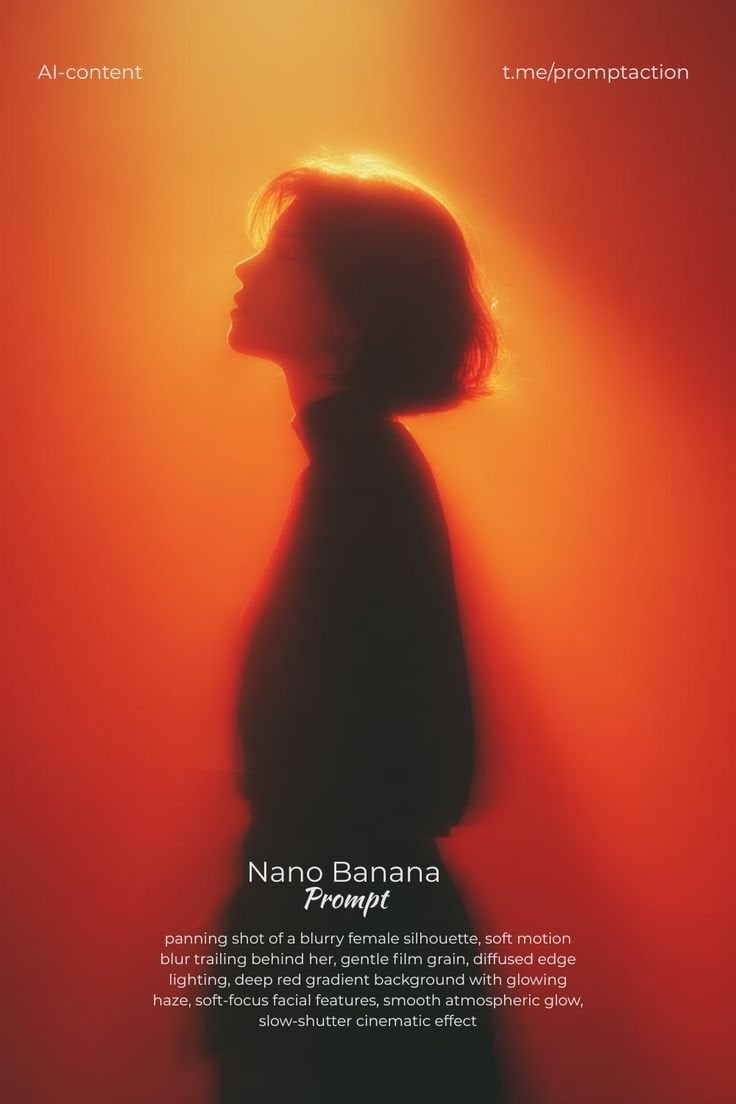
Image template
Featured
Cinematic Woman Silhouette with Red Motion Trails
No ratings yet
Portrait Photography
Realistic Photography
Cinematic
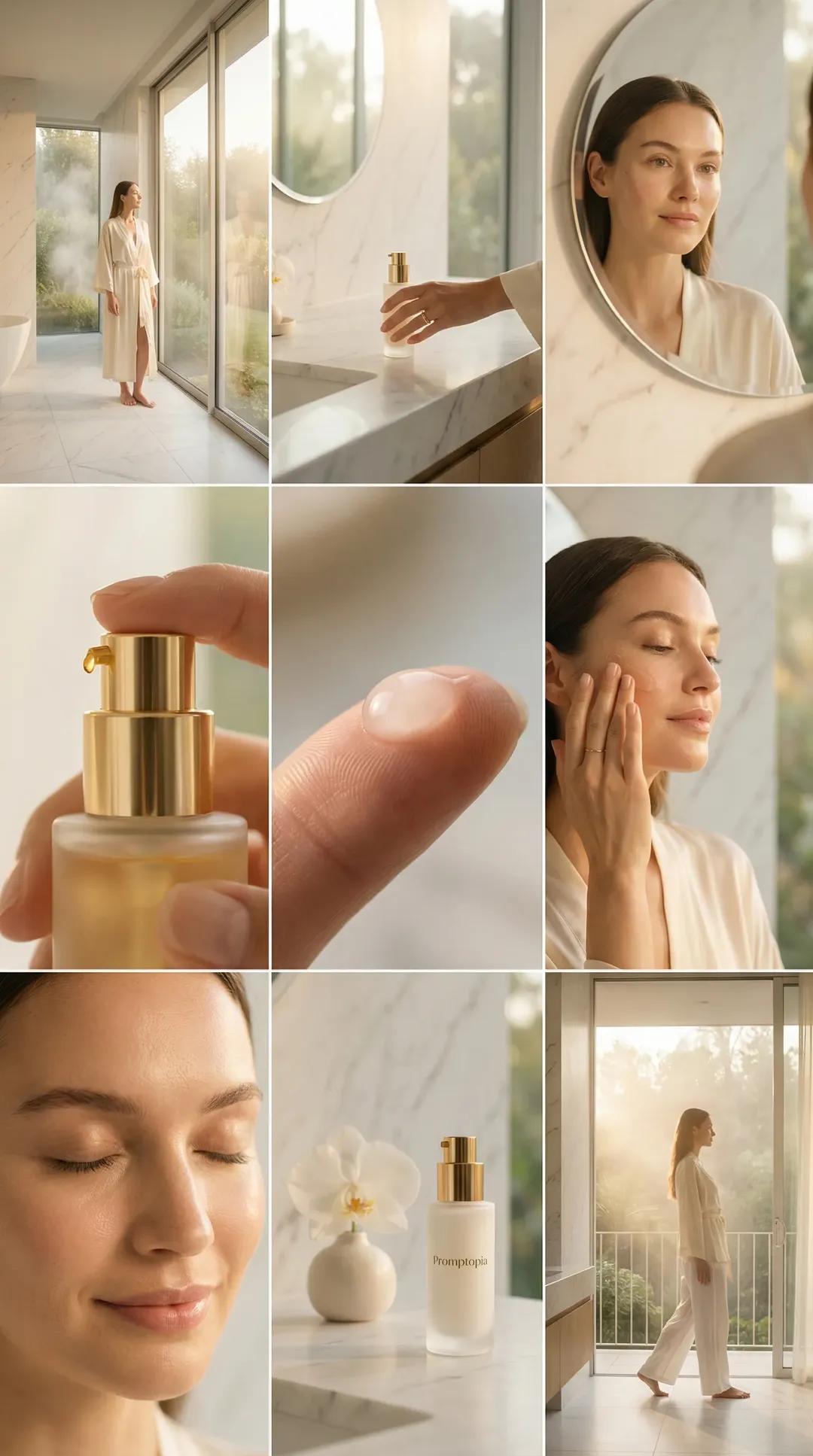
Image template
Featured
Promptopia Serum Bathroom Nine-Shot Collage
No ratings yet
Ecommerce Product Images
Product
Product Scene
Ratings and feedback
No ratings yet
Please sign in first