![[BRAND NAME] luxury fashion campaign with a moving model, forced-perspective patterned floor, and oversized script typography](https://kyeo.ai/uploads/templates/brand-name-luxury-perspective-floor-ad/brand-name-luxury-perspective-floor-ad-preview.jpg)
Image template
Free to view, copy, and apply; generation uses credits
Featured
[BRAND NAME] Luxury Perspective Floor Ad
Start with the recommended models, use cases, and steps, then decide how to apply the template directly.
Official template0 views
Ecommerce Product Images
Infographics and Diagrams
Product
Product Scene
Brand Key Visual
Packaging Display
Studio Lighting
Minimal
Template type
Image template
Usage access
Free to view, copy, and apply; generation uses credits
Created
06/15/2026
Rating
No ratings yet
Template overview
These templates work best when you keep the visual structure, then replace the subject, style, or commercial goal. Start with Ideogram V3, then switch to a similar alternative based on the result.
Recommended models
If you are unsure which model to use first, start with one of the author's recommendations.
Ideogram V3
Nano Banana 2
Nano Banana Pro
Prompt
Start with the recommended models, use cases, and steps, then decide how to apply the template directly.
[BRAND NAME]. As a Fashion Photographer and Graphic Designer, create a luxury brand campaign visual that combines integrated typography with surreal spatial design. SPATIAL CONCEPT Merge architecture and graphic design into a theatrical stage centered on a bold geometric floor pattern. Extend it through forced perspective to create infinite depth and visual drama. The floor is not a neutral background; use pattern, color, and spatial illusion to amplify brand identity as the protagonist. Use a Checkerboard / geometric tile pattern in brand-relevant colors. The perspective begins at the bottom foreground aggressively receding toward horizon, with the vanishing point in the upper third of frame. Determine the Pattern Logic independently from [BRAND NAME]. For the Color Palette, select 2-3 [BRAND NAME] signature colors for the floor pattern while preserving readability. Keep the texture photorealistic with subtle reflections and shadows. MODEL & STYLING Use one gender-fluid casting fashion model in mid-motion, walking, running, or dancing. Style an elevated monochrome look in black, white, or a brand-neutral tone so the floor pattern and typography remain dominant. Add 1-2 key accessories in a [BRAND NAME] signature color as hero product focal points. Set Pose energy to 70% movement and 30% control: fashion-forward but grounded, avoiding floating / unnatural levitation. Place the model in the lower-mid frame so they interact spatially with the floor perspective and typography layer. Use a low-to-mid angle camera and a waist-to-full body shot. TYPOGRAPHY INTEGRATION Use an oversized handwritten / script version of [BRAND NAME] as a flat graphic element around or behind the model. Set its scale to 40-60% of frame width: bold and unmissable but not crushing the model. Use an autonomously selected signature brand color with solid fill and clean edges. Let the model partially overlap letters to establish a layering hierarchy. Center a small brand logo in the upper portion at approximately 10-15% width, using black or a brand color. Typography treatment must use a pure vector aesthetic and flat color only, with no gradients, shadows, or dimensional effects. Color orchestration Research [BRAND NAME] iconic color system automatically. Identify 1-2 primary hero brand colors—such as Gucci forest green + red or Tiffany robin egg blue—and use them across the floor pattern and typography. Set the Balance to 60% white / neutral space, 30% brand color saturation, and 10% black anchoring. Let the hero product, such as a bag, shoes, or accessory, echo the brand color. LIGHTING Use high-key fashion lighting with soft shadows, a 45° front-left key light, and ambient fill. Give the floor tiles subtle specular highlights without making them mirror-like. Use a pure white background or a subtle gradient to white at horizon line. TECHNICAL Balance dynamic diagonal lines + vertical model anchor + horizontal typography balance. Depth Layers: Background white → Typography mid-ground → Model foreground → Floor pattern spanning all depths. Apply Magazine-cover polish. Use Phase One XF IQ4 150MP, an 80mm lens, f/5.6, aspect ratio 4:5 or 3:4, 8K output, and sRGB vibrant saturation / slight desaturation luxury print feel. Retain the Style reference of Gucci campaigns by Glen Luchford, Prada visuals, Highsnobiety x luxury collabs, and Vogue Italia editorials. Render a photorealistic model and floor with graphic-design-quality typography.
How to use it
Following this sequence usually produces a usable result faster than copying the prompt without a plan.
1
Start with a recommended model
If you do not have a preference, starting with Ideogram V3 is usually a reliable choice.
2
Keep the structure, replace the details
Preserve composition, lighting, materials, and style, then replace the subject, brand information, and use case.
3
Compare at least 2 or 3 results
Image templates are most valuable when they speed up iteration, so do not judge the direction from a single result.
Template details
Quickly decide whether this template fits your current task.
Template type
Image template
Usage access
Free to view, copy, and apply; generation uses credits
Created
06/15/2026
Rating
No ratings yet
Best for
This template works especially well for the following tasks.
Posters and covers
Useful for event graphics, social covers, campaign posters, and key visuals.
Product and brand images
Useful for ecommerce main images, brand visuals, and product variations.
Character and style exploration
Create samples for characters, illustrations, scenes, and style directions.
Recommended models
If you are unsure which model to use first, start with one of the author's recommendations.
Ideogram V3
IMAGE
These templates work best when you keep the visual structure, then replace the subject, style, or commercial goal. Start with Ideogram V3, then switch to a similar alternative based on the result.
Nano Banana 2
IMAGE
These templates work best when you keep the visual structure, then replace the subject, style, or commercial goal. Start with Ideogram V3, then switch to a similar alternative based on the result.
Nano Banana Pro
IMAGE
These templates work best when you keep the visual structure, then replace the subject, style, or commercial goal. Start with Ideogram V3, then switch to a similar alternative based on the result.
Related templates
Compare templates of the same type to find the prompt direction that fits you best.

Image template
Featured
(G)I-DLE Yuqi Golden-Light Fashion Selfie
No ratings yet
Scene Photography
Realistic Photography
Cinematic
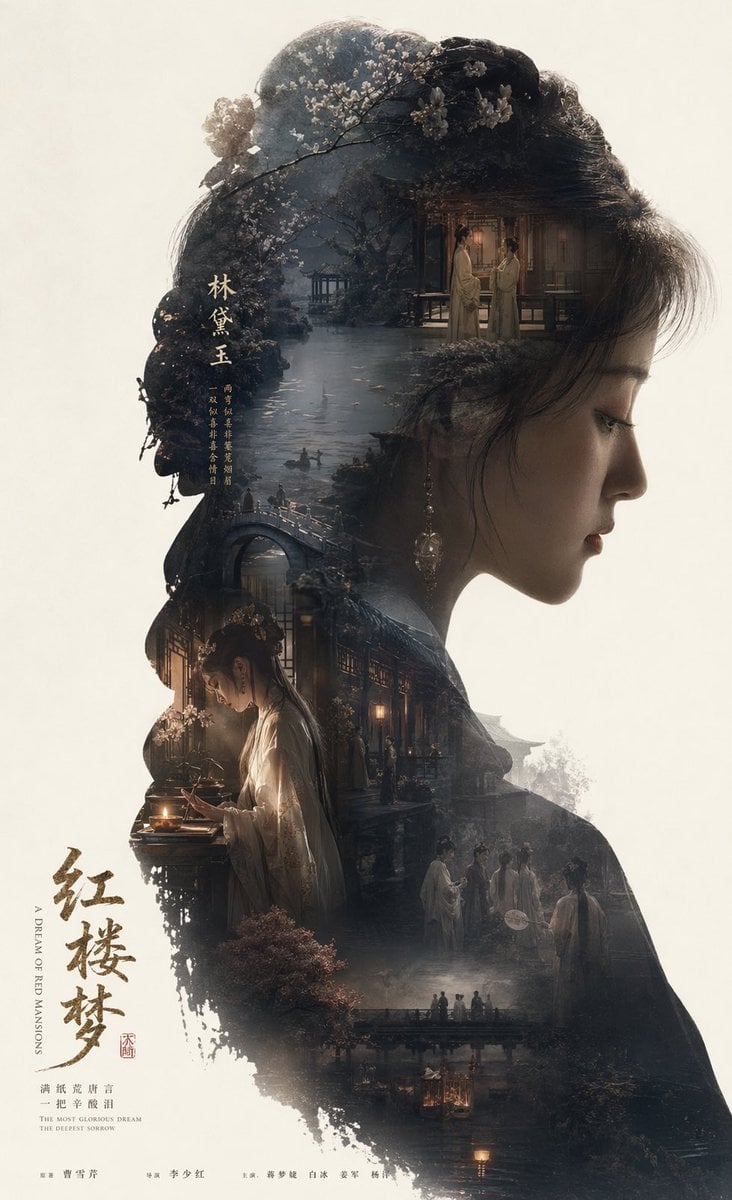
Image template
Featured
Dream of the Red Chamber: Lin Daiyu Silhouette Story Poster
No ratings yet
Posters and Covers
Campaign Poster
Typography Layout
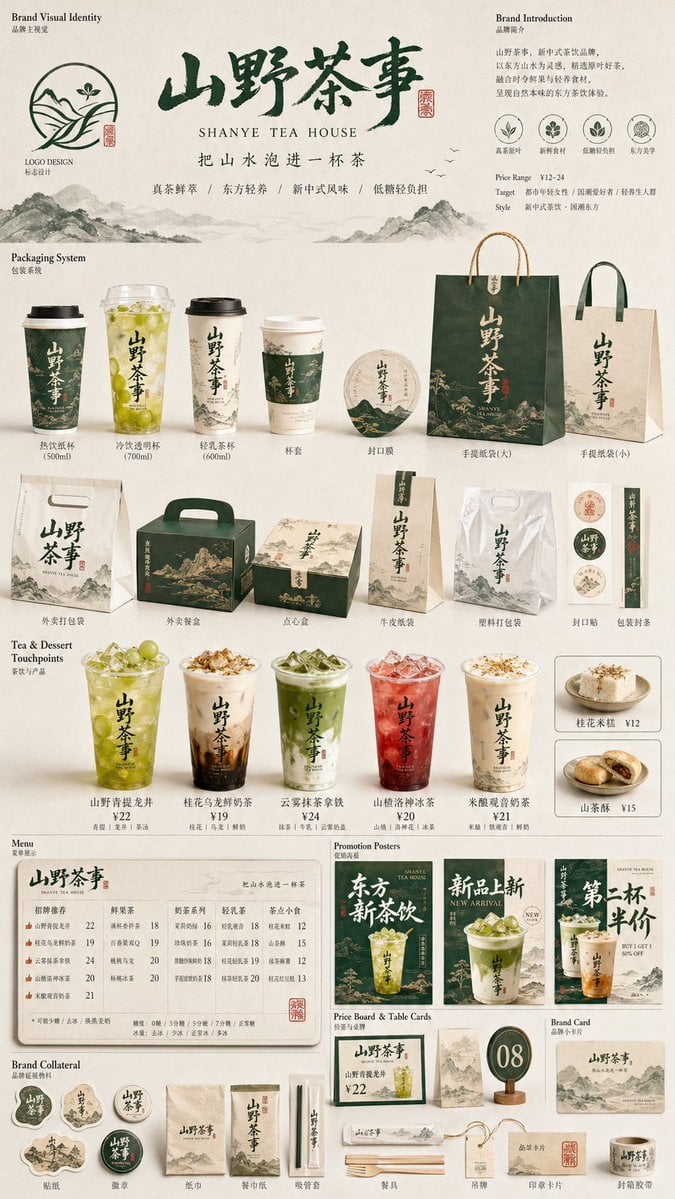
Image template
Featured
Restaurant Brand Touchpoint Matrix
No ratings yet
Posters and Covers
Campaign Poster
Typography Layout
Ratings and feedback
No ratings yet
Please sign in first