![Raised [BRAND NAME] metal logo embossed from a continuous material surface with a minimal wordmark lockup](https://kyeo.ai/uploads/templates/brand-name-metal-embossed-logo/brand-name-metal-embossed-logo-preview.jpg)
Image template
Free to view, copy, and apply; generation uses credits
Featured
[BRAND NAME] Metal Embossed Logo
Start with the recommended models, use cases, and steps, then decide how to apply the template directly.
Official template0 views
Ecommerce Product Images
Brand and Packaging
Product
Product Scene
Brand Key Visual
Packaging Display
Studio Lighting
Minimal
Template type
Image template
Usage access
Free to view, copy, and apply; generation uses credits
Created
06/15/2026
Rating
No ratings yet
Template overview
These templates work best when you keep the visual structure, then replace the subject, style, or commercial goal. Start with Nano Banana 2, then switch to a similar alternative based on the result.
Recommended models
If you are unsure which model to use first, start with one of the author's recommendations.
Nano Banana 2
Nano Banana Pro
Nano Banana
Prompt
Start with the recommended models, use cases, and steps, then decide how to apply the template directly.
Create a premium logo materialization for [BRAND NAME] + [METAL COLOR]. Make the brand mark look pressed outward from behind a metal or matte surface, forming a raised bas-relief like a relief stamp, luxury packaging hallmark, or official seal—not a separate 3D logo placed on a background. Before execution, identify the [BRAND NAME] primary icon mark, its simplest logo geometry, the complete tonal system based on [COLOR], the most suitable surface material, and the single light direction that best reveals the topography. Use one continuous material plane across the entire image. Derive the material from [COLOR]: silver-gray may use brushed/circular-grain steel; gold or champagne may use warm brushed metal; black may use anodized aluminum or matte carbon fiber; white may use matte ceramic or chalk plaster; saturated colors may use anodized colored metal. Keep the center of the surface slightly brighter and let all four edges darken naturally. Add a subtle uniform grain so it feels like a metal plate, luxury tin lid, or embossed card stock. The logo must use the complete filled silhouette of [BRAND NAME], raised outward as one form like the relief on a coin or commemorative medal. It must not be an outline, hollow, or floating object. Make the top of the logo slightly convex, with smooth beveled walls around the edges. Negative spaces such as an Apple bite or letter counters must return to the base plane or sit slightly below it, with a small inner bevel. LIGHTING Use a broad diffused soft area light from the upper-left at 10 to 11 o'clock. Add an extremely weak 10-15% fill from the lower-right only to preserve material detail in the shadows. Use no hard shadows, no spotlight, and no rim light. TYPOGRAPHIC LOCKUP On the same surface below the relief, place a minimal typographic lockup: a small [BRAND NAME] flat logo mark, a [BRAND NAME] wordmark in geometric sans-serif spaced capitals, and one automatically generated very short descriptor line in italic or light weight. TECHNICAL PRIORITY The logo must read as pushed outward from surface. If it appears to float on the background or sink into a hole, the result is incorrect. Enable ray tracing and keep the image edge-to-edge sharp with no depth of field. Preserve highlight detail, use uniform film grain, and apply no chromatic aberration and no lens distortion. The final character should combine a maker's hallmark, foundry seal, and luxury embossed cover.
How to use it
Following this sequence usually produces a usable result faster than copying the prompt without a plan.
1
Start with a recommended model
If you do not have a preference, starting with Nano Banana 2 is usually a reliable choice.
2
Keep the structure, replace the details
Preserve composition, lighting, materials, and style, then replace the subject, brand information, and use case.
3
Compare at least 2 or 3 results
Image templates are most valuable when they speed up iteration, so do not judge the direction from a single result.
Template details
Quickly decide whether this template fits your current task.
Template type
Image template
Usage access
Free to view, copy, and apply; generation uses credits
Created
06/15/2026
Rating
No ratings yet
Best for
This template works especially well for the following tasks.
Posters and covers
Useful for event graphics, social covers, campaign posters, and key visuals.
Product and brand images
Useful for ecommerce main images, brand visuals, and product variations.
Character and style exploration
Create samples for characters, illustrations, scenes, and style directions.
Recommended models
If you are unsure which model to use first, start with one of the author's recommendations.
Nano Banana 2
IMAGE
These templates work best when you keep the visual structure, then replace the subject, style, or commercial goal. Start with Nano Banana 2, then switch to a similar alternative based on the result.
Nano Banana Pro
IMAGE
These templates work best when you keep the visual structure, then replace the subject, style, or commercial goal. Start with Nano Banana 2, then switch to a similar alternative based on the result.
Nano Banana
IMAGE
These templates work best when you keep the visual structure, then replace the subject, style, or commercial goal. Start with Nano Banana 2, then switch to a similar alternative based on the result.
Related templates
Compare templates of the same type to find the prompt direction that fits you best.

Image template
Featured
(G)I-DLE Yuqi Golden-Light Fashion Selfie
No ratings yet
Scene Photography
Realistic Photography
Cinematic
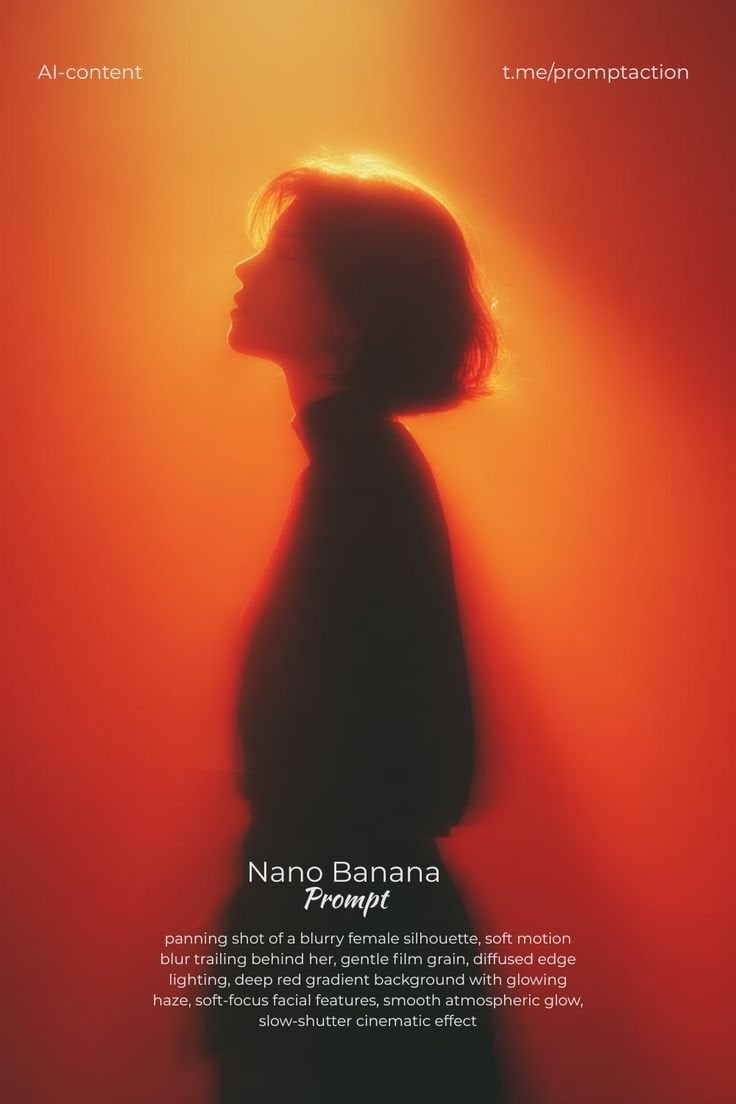
Image template
Featured
Cinematic Woman Silhouette with Red Motion Trails
No ratings yet
Portrait Photography
Realistic Photography
Cinematic
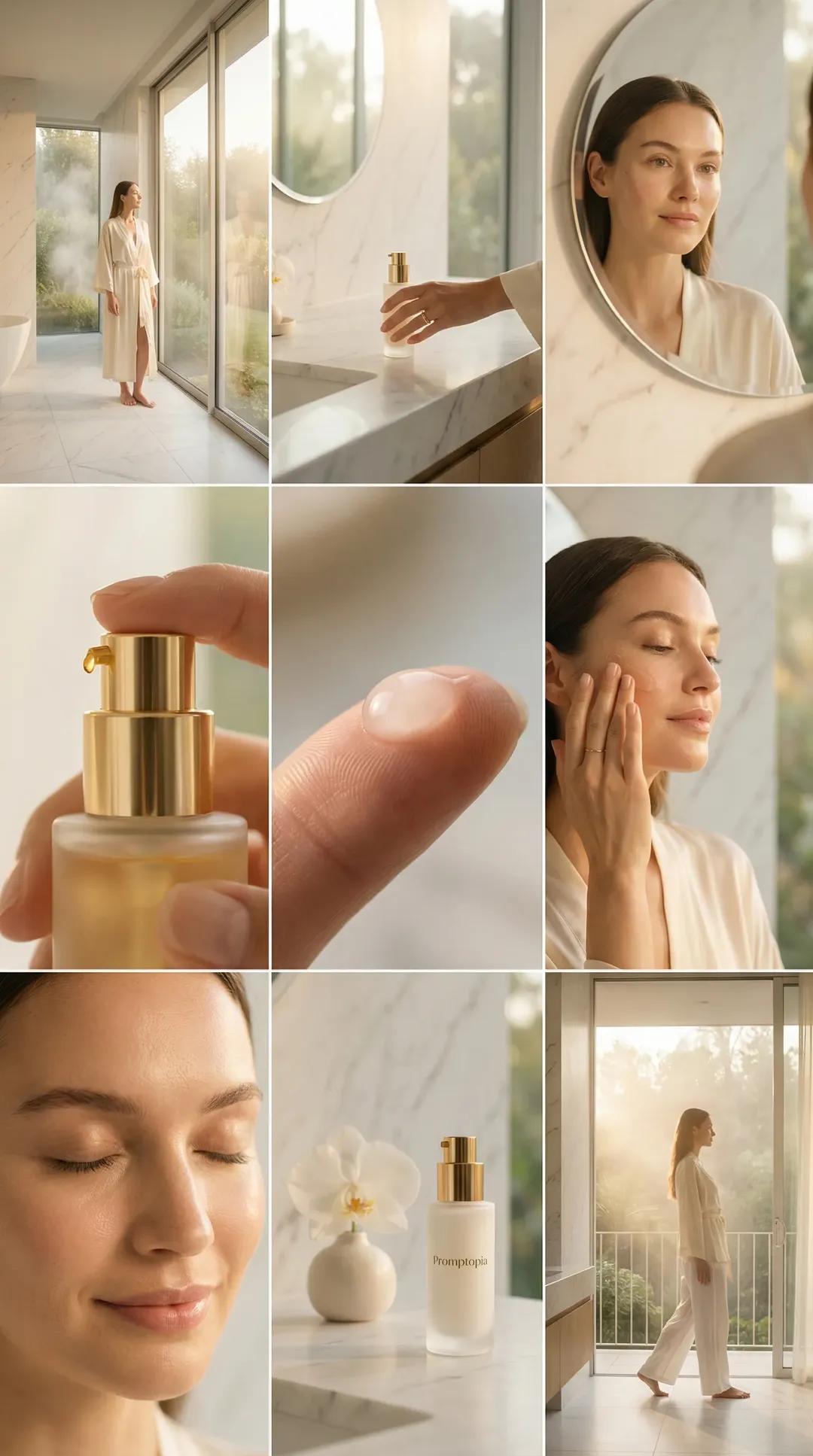
Image template
Featured
Promptopia Serum Bathroom Nine-Shot Collage
No ratings yet
Ecommerce Product Images
Product
Product Scene
Ratings and feedback
No ratings yet
Please sign in first