![Top-down flat lay of a precise [BRAND NAME] logo sculpted from green moss on a matte white background](https://kyeo.ai/uploads/templates/brand-name-moss-logo-flatlay/brand-name-moss-logo-flatlay-preview.jpg)
Image template
Free to view, copy, and apply; generation uses credits
Featured
[BRAND NAME] Moss Logo Flat Lay
Start with the recommended models, use cases, and steps, then decide how to apply the template directly.
Official template0 views
Ecommerce Product Images
Brand and Packaging
Product
Product Scene
Brand Key Visual
Packaging Display
Studio Lighting
Minimal
Template type
Image template
Usage access
Free to view, copy, and apply; generation uses credits
Created
06/15/2026
Rating
No ratings yet
Template overview
These templates work best when you keep the visual structure, then replace the subject, style, or commercial goal. Start with Nano Banana 2, then switch to a similar alternative based on the result.
Recommended models
If you are unsure which model to use first, start with one of the author's recommendations.
Nano Banana 2
Nano Banana Pro
Nano Banana
Prompt
Start with the recommended models, use cases, and steps, then decide how to apply the template directly.
Create a minimalist organic image for [BRAND NAME]. Transform the stylized logo icon of [BRAND NAME] into a large moss-textured artifact, and place a small brand signature at the bottom. Critical constraint: Place no text inside or near the central moss icon. The bottom signature is the only text allowed. CENTRAL SUBJECT Create one geometrically precise symbol sculpted into the exact form of the [BRAND NAME] logo icon. Build the material entirely from dense, heavily textured natural green stabilized moss, with natural variations of green and brown. Keep the geometric edges sharp and clean while giving the interior a soft billowy moss texture. COMPOSITION AND LIGHTING Use a top-down central flat lay against a flawless uniform matte white studio background, leaving full minimalist negative space. Use bright, soft, diffused light that emphasizes the tactile moss texture while minimizing harsh shadows. BOTTOM BRAND SIGNATURE Center a clean horizontal signature block at the bottom, well away from the central moss icon. Place a tiny flat minimalist [BRAND NAME] logo icon on the left, followed immediately on the right by "[BRAND NAME]" in black bold sans-serif. The entire signature must be much smaller than the central moss artifact. Finish with biophilic design, premium product photography, and a clean, fresh, airy, high-end editorial look in 8k resolution.
How to use it
Following this sequence usually produces a usable result faster than copying the prompt without a plan.
1
Start with a recommended model
If you do not have a preference, starting with Nano Banana 2 is usually a reliable choice.
2
Keep the structure, replace the details
Preserve composition, lighting, materials, and style, then replace the subject, brand information, and use case.
3
Compare at least 2 or 3 results
Image templates are most valuable when they speed up iteration, so do not judge the direction from a single result.
Template details
Quickly decide whether this template fits your current task.
Template type
Image template
Usage access
Free to view, copy, and apply; generation uses credits
Created
06/15/2026
Rating
No ratings yet
Best for
This template works especially well for the following tasks.
Posters and covers
Useful for event graphics, social covers, campaign posters, and key visuals.
Product and brand images
Useful for ecommerce main images, brand visuals, and product variations.
Character and style exploration
Create samples for characters, illustrations, scenes, and style directions.
Recommended models
If you are unsure which model to use first, start with one of the author's recommendations.
Nano Banana 2
IMAGE
These templates work best when you keep the visual structure, then replace the subject, style, or commercial goal. Start with Nano Banana 2, then switch to a similar alternative based on the result.
Nano Banana Pro
IMAGE
These templates work best when you keep the visual structure, then replace the subject, style, or commercial goal. Start with Nano Banana 2, then switch to a similar alternative based on the result.
Nano Banana
IMAGE
These templates work best when you keep the visual structure, then replace the subject, style, or commercial goal. Start with Nano Banana 2, then switch to a similar alternative based on the result.
Related templates
Compare templates of the same type to find the prompt direction that fits you best.

Image template
Featured
(G)I-DLE Yuqi Golden-Light Fashion Selfie
No ratings yet
Scene Photography
Realistic Photography
Cinematic
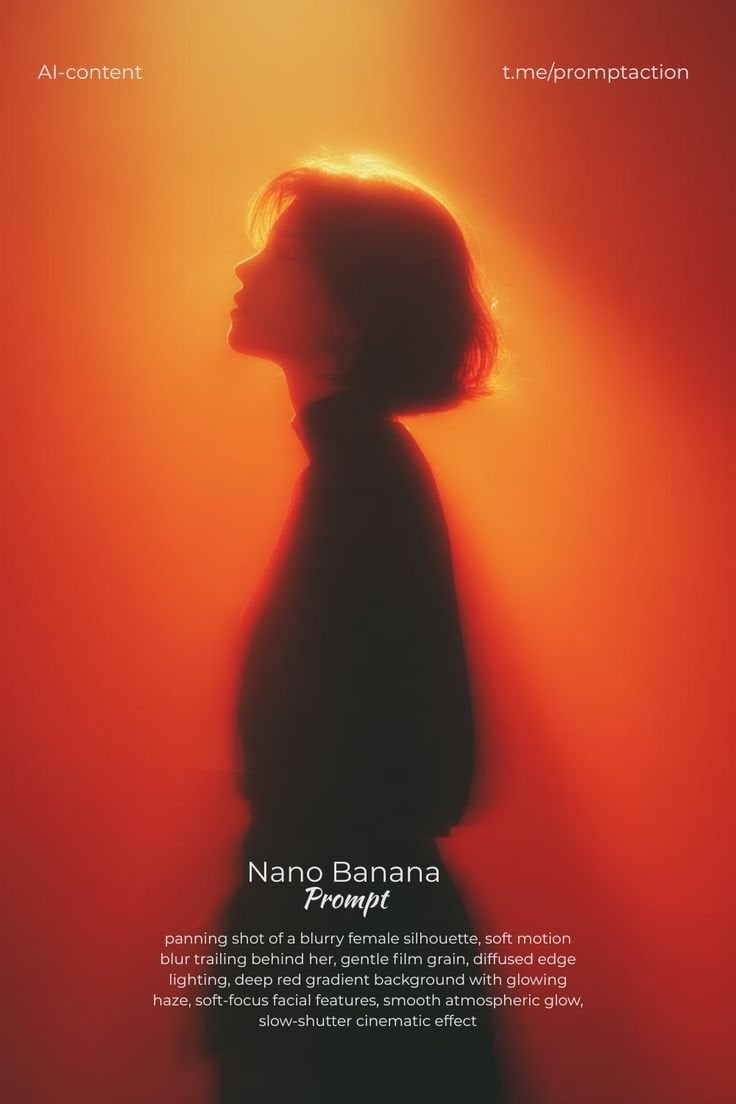
Image template
Featured
Cinematic Woman Silhouette with Red Motion Trails
No ratings yet
Portrait Photography
Realistic Photography
Cinematic
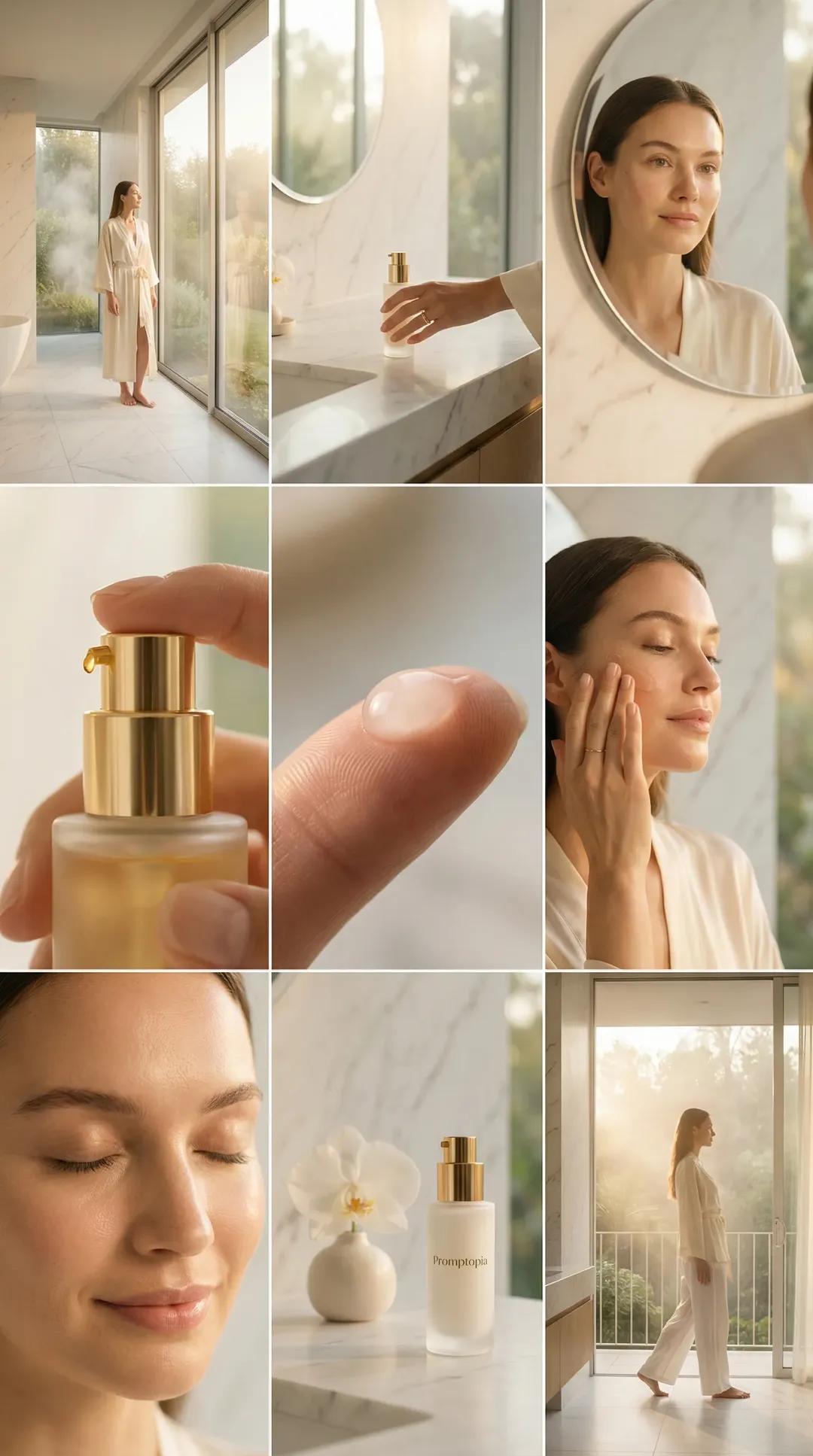
Image template
Featured
Promptopia Serum Bathroom Nine-Shot Collage
No ratings yet
Ecommerce Product Images
Product
Product Scene
Ratings and feedback
No ratings yet
Please sign in first