![[BRAND NAME] typographic mask ad revealing muted editorial photography and one vivid object through oversized letters](https://kyeo.ai/uploads/templates/brand-name-typographic-mask-ad/brand-name-typographic-mask-ad-preview.jpg)
Image template
Free to view, copy, and apply; generation uses credits
Featured
[BRAND NAME] Typographic Mask Ad
Start with the recommended models, use cases, and steps, then decide how to apply the template directly.
Official template2 views
Ecommerce Product Images
Brand and Packaging
Product
Product Scene
Brand Key Visual
Packaging Display
Studio Lighting
Minimal
Template type
Image template
Usage access
Free to view, copy, and apply; generation uses credits
Created
06/15/2026
Rating
No ratings yet
Template overview
These templates work best when you keep the visual structure, then replace the subject, style, or commercial goal. Start with Nano Banana 2, then switch to a similar alternative based on the result.
Recommended models
If you are unsure which model to use first, start with one of the author's recommendations.
Nano Banana 2
Nano Banana Pro
Nano Banana
Prompt
Start with the recommended models, use cases, and steps, then decide how to apply the template directly.
Design a premium editorial typography brand visual for [BRAND NAME]. TYPOGRAPHIC MASK — "WINDOW" EFFECT Use the most representative slogan or brand name of [BRAND NAME] to create a massive, ultra-bold, heavy sans-serif typographic mask. Fill the entire vertical frame with the letters from edge to edge and keep the kerning tight. Treat the text itself as a cut-out window against a solid white background. The photographic subject may be visible only through the letterforms. SUBJECT & FOCAL POINT Choose a subject that serves the brand logic of [BRAND NAME]. Ensure one high-contrast focal point—such as a red shoe or glowing headlight—is clearly revealed through one of the letters. COLOR Use a "Refined Muted" scheme. Keep the photography inside the mask primarily in soft slate blues, charcoal greys, and creamy off-whites. Identify one sharp, saturated accent color from [BRAND NAME] and apply it to a single key object visible inside the text. LIGHTING & FINISH Use soft-box studio lighting with diffused shadows and gentle highlights to create a cinematic high-end editorial feel. Keep the finish clean and matte, with no visual noise and high-definition photographic quality. MINIMAL BRANDING Near a corner, add a tiny minimalist logo and one small vertical tagline in a clean microscopic sans-serif font. Add the year "2026" in elegant small type to create a limited-edition look.
How to use it
Following this sequence usually produces a usable result faster than copying the prompt without a plan.
1
Start with a recommended model
If you do not have a preference, starting with Nano Banana 2 is usually a reliable choice.
2
Keep the structure, replace the details
Preserve composition, lighting, materials, and style, then replace the subject, brand information, and use case.
3
Compare at least 2 or 3 results
Image templates are most valuable when they speed up iteration, so do not judge the direction from a single result.
Template details
Quickly decide whether this template fits your current task.
Template type
Image template
Usage access
Free to view, copy, and apply; generation uses credits
Created
06/15/2026
Rating
No ratings yet
Best for
This template works especially well for the following tasks.
Posters and covers
Useful for event graphics, social covers, campaign posters, and key visuals.
Product and brand images
Useful for ecommerce main images, brand visuals, and product variations.
Character and style exploration
Create samples for characters, illustrations, scenes, and style directions.
Recommended models
If you are unsure which model to use first, start with one of the author's recommendations.
Nano Banana 2
IMAGE
These templates work best when you keep the visual structure, then replace the subject, style, or commercial goal. Start with Nano Banana 2, then switch to a similar alternative based on the result.
Nano Banana Pro
IMAGE
These templates work best when you keep the visual structure, then replace the subject, style, or commercial goal. Start with Nano Banana 2, then switch to a similar alternative based on the result.
Nano Banana
IMAGE
These templates work best when you keep the visual structure, then replace the subject, style, or commercial goal. Start with Nano Banana 2, then switch to a similar alternative based on the result.
Related templates
Compare templates of the same type to find the prompt direction that fits you best.

Image template
Featured
(G)I-DLE Yuqi Golden-Light Fashion Selfie
No ratings yet
Scene Photography
Realistic Photography
Cinematic
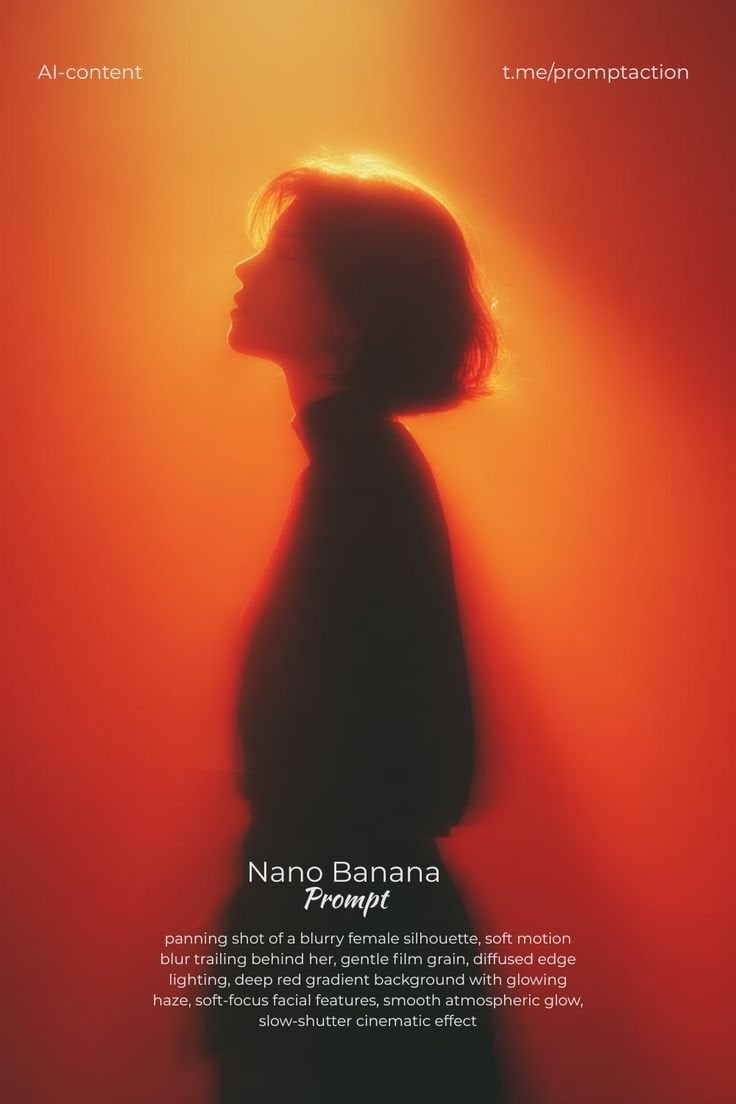
Image template
Featured
Cinematic Woman Silhouette with Red Motion Trails
No ratings yet
Portrait Photography
Realistic Photography
Cinematic
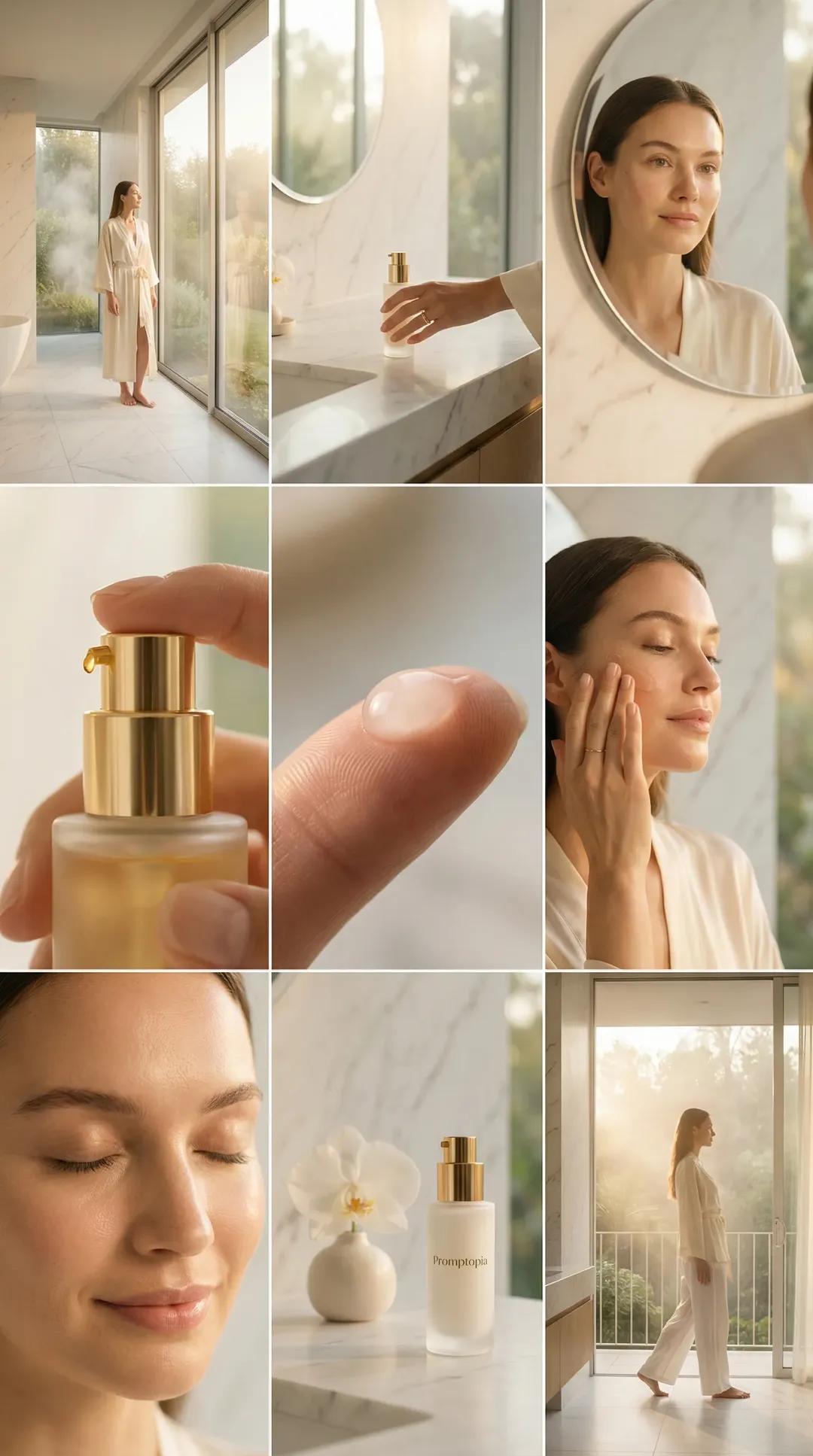
Image template
Featured
Promptopia Serum Bathroom Nine-Shot Collage
No ratings yet
Ecommerce Product Images
Product
Product Scene
Ratings and feedback
No ratings yet
Please sign in first