![Macro view of the [BRAND NAME] mark embroidered in raised thread on cool off-white waffle-knit cotton](https://kyeo.ai/uploads/templates/brand-name-waffle-cotton-embroidery-macro/brand-name-waffle-cotton-embroidery-macro-preview.jpg)
Image template
Free to view, copy, and apply; generation uses credits
Featured
[BRAND NAME] Waffle-Cotton Embroidery Macro
Start with the recommended models, use cases, and steps, then decide how to apply the template directly.
Official template1 views
Ecommerce Product Images
Brand and Packaging
Product
Product Scene
Brand Key Visual
Packaging Display
Studio Lighting
Minimal
Template type
Image template
Usage access
Free to view, copy, and apply; generation uses credits
Created
06/15/2026
Rating
No ratings yet
Template overview
These templates work best when you keep the visual structure, then replace the subject, style, or commercial goal. Start with Nano Banana 2, then switch to a similar alternative based on the result.
Recommended models
If you are unsure which model to use first, start with one of the author's recommendations.
Nano Banana 2
Nano Banana Pro
Nano Banana
Prompt
Start with the recommended models, use cases, and steps, then decide how to apply the template directly.
Create a close-up editorial campaign for [BRAND NAME] centered on a premium embroidered garment. Work to the standards of a Macro Product Photographer and Textile Art Director, referencing the material quality of Loro Piana fabric campaigns, Brunello Cucinelli texture photography, A.P.C. garment detail shoots, and Japanese boro textile documentation. LOGO-TO-EMBROIDERY TRANSLATION First identify the canonical logotype or primary mark of [BRAND NAME]. Extract its geometric essence, stroke relationships, and compositional balance, then convert it into an embroidery-native form language: - Turn geometric elements into satin stitch bars or needle-point spikes. - Turn circular elements into dense satin stitch ovals or French knot clusters. - Simplify complex letterforms to their most essential strokes while keeping them recognizable. COLOR & FABRIC Determine the primary thread color automatically from the signature color of [BRAND NAME]. If there is no single primary color, default to deep navy #1A2332. Use cold off-white waffle-knit cotton fabric for the background, within the color range #F0F0EE to #EBEBEA and with a subtle cool-gray cast. Construct the textile as a precise regular grid of raised square cells and recessed channels equivalent to 2×2mm. Keep it machine-level uniform, with tiny cotton fiber fuzz visible on the surface. EMBROIDERY CONSTRUCTION Build the Logo embroidery with satin stitch, stem/outline stitch, French knots, and tapering spike elements. Retain a light-colored underlay/backing outline at 1-2 thread widths around every embroidered element. Raise the embroidery 1-3mm above the textile, producing a soft symmetrical micro-shadow halo of 1-2mm around its edges. Use mercerized cotton or silk embroidery thread, with highlights and shadows that shift by angle. Make the secondary backing thread 2-3 shades lighter than the primary thread. CAMERA Use a Canon EOS R5 or Nikon Z8 with a 100mm/105mm macro lens at a 40-55cm focus distance. Let the embroidery occupy 30-40% of frame height. Use 4:5 portrait, f/8-f/11, ISO 100, and 5600K. Keep the lens perpendicular to the fabric plane with no perspective distortion. LIGHTING Use a 120×120cm diffused overhead softbox positioned directly above at 85-90°, from a distance of 60-80cm. Use no fill light, no rim light, and no atmospheric distractions. RENDER Use Octane Render or Redshift. Both thread geometry and fabric weave must use real 3D geometry/displacement, not textures. Apply ray tracing, subsurface scattering, maximum anti-aliasing, and minimum 2048 samples. The finished image should look like a real photograph captured with a Canon 100mm macro in a textile documentation studio and make viewers want to touch the fabric.
How to use it
Following this sequence usually produces a usable result faster than copying the prompt without a plan.
1
Start with a recommended model
If you do not have a preference, starting with Nano Banana 2 is usually a reliable choice.
2
Keep the structure, replace the details
Preserve composition, lighting, materials, and style, then replace the subject, brand information, and use case.
3
Compare at least 2 or 3 results
Image templates are most valuable when they speed up iteration, so do not judge the direction from a single result.
Template details
Quickly decide whether this template fits your current task.
Template type
Image template
Usage access
Free to view, copy, and apply; generation uses credits
Created
06/15/2026
Rating
No ratings yet
Best for
This template works especially well for the following tasks.
Posters and covers
Useful for event graphics, social covers, campaign posters, and key visuals.
Product and brand images
Useful for ecommerce main images, brand visuals, and product variations.
Character and style exploration
Create samples for characters, illustrations, scenes, and style directions.
Recommended models
If you are unsure which model to use first, start with one of the author's recommendations.
Nano Banana 2
IMAGE
These templates work best when you keep the visual structure, then replace the subject, style, or commercial goal. Start with Nano Banana 2, then switch to a similar alternative based on the result.
Nano Banana Pro
IMAGE
These templates work best when you keep the visual structure, then replace the subject, style, or commercial goal. Start with Nano Banana 2, then switch to a similar alternative based on the result.
Nano Banana
IMAGE
These templates work best when you keep the visual structure, then replace the subject, style, or commercial goal. Start with Nano Banana 2, then switch to a similar alternative based on the result.
Related templates
Compare templates of the same type to find the prompt direction that fits you best.

Image template
Featured
(G)I-DLE Yuqi Golden-Light Fashion Selfie
No ratings yet
Scene Photography
Realistic Photography
Cinematic
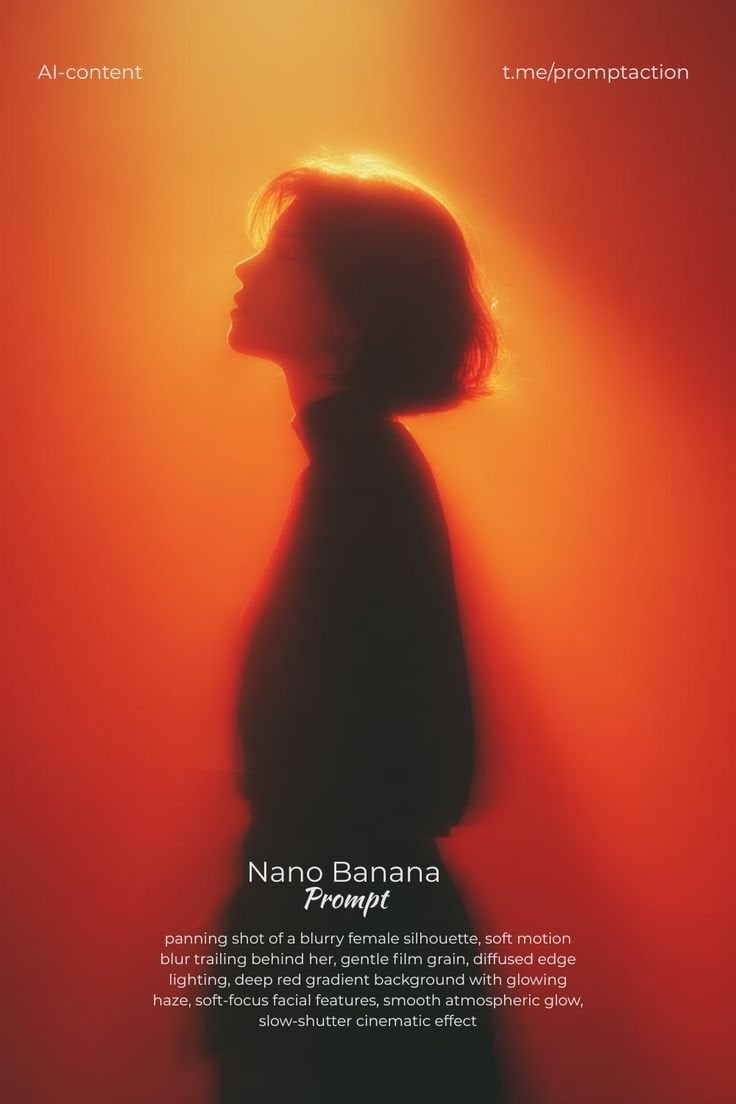
Image template
Featured
Cinematic Woman Silhouette with Red Motion Trails
No ratings yet
Portrait Photography
Realistic Photography
Cinematic
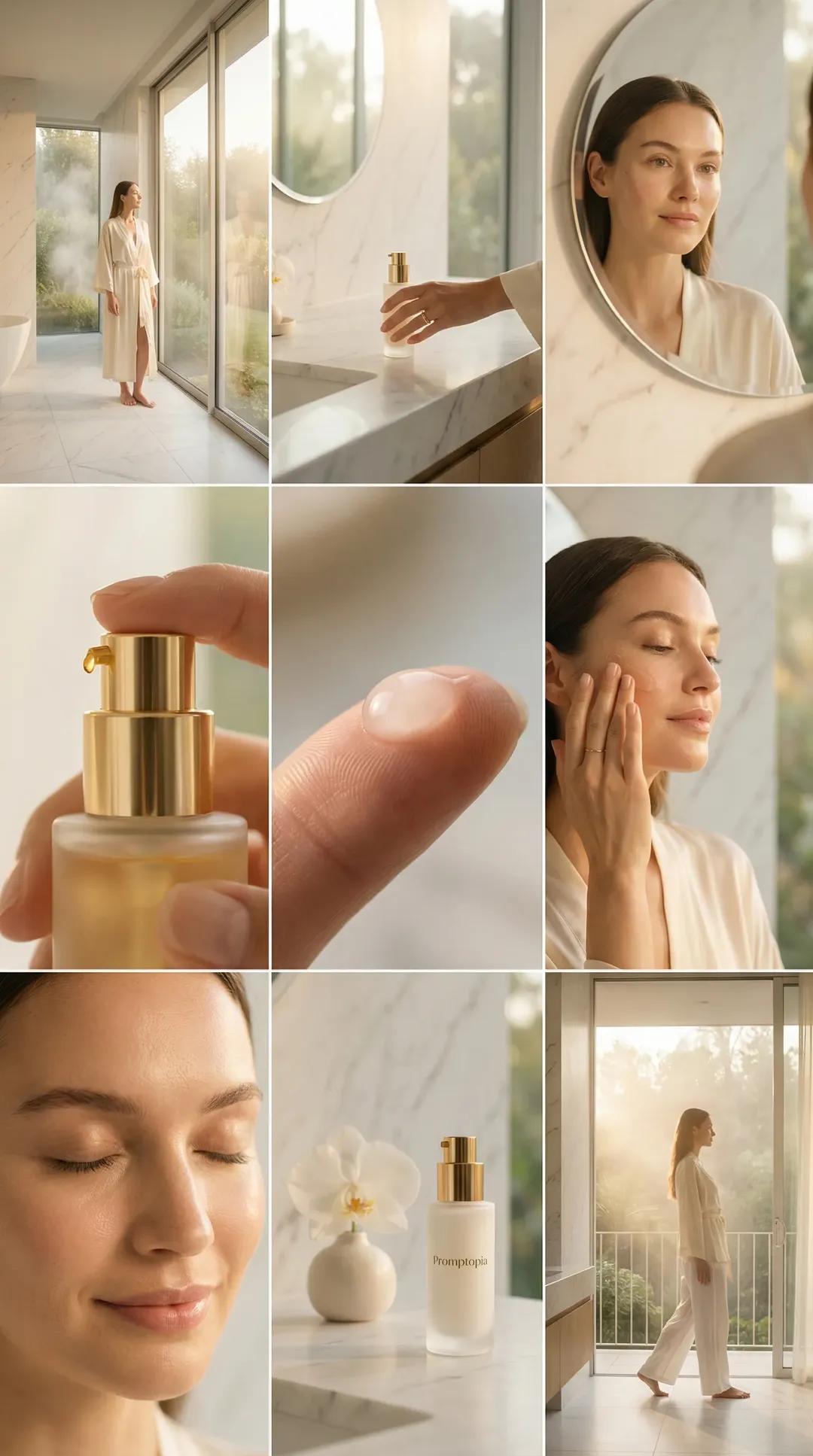
Image template
Featured
Promptopia Serum Bathroom Nine-Shot Collage
No ratings yet
Ecommerce Product Images
Product
Product Scene
Ratings and feedback
No ratings yet
Please sign in first