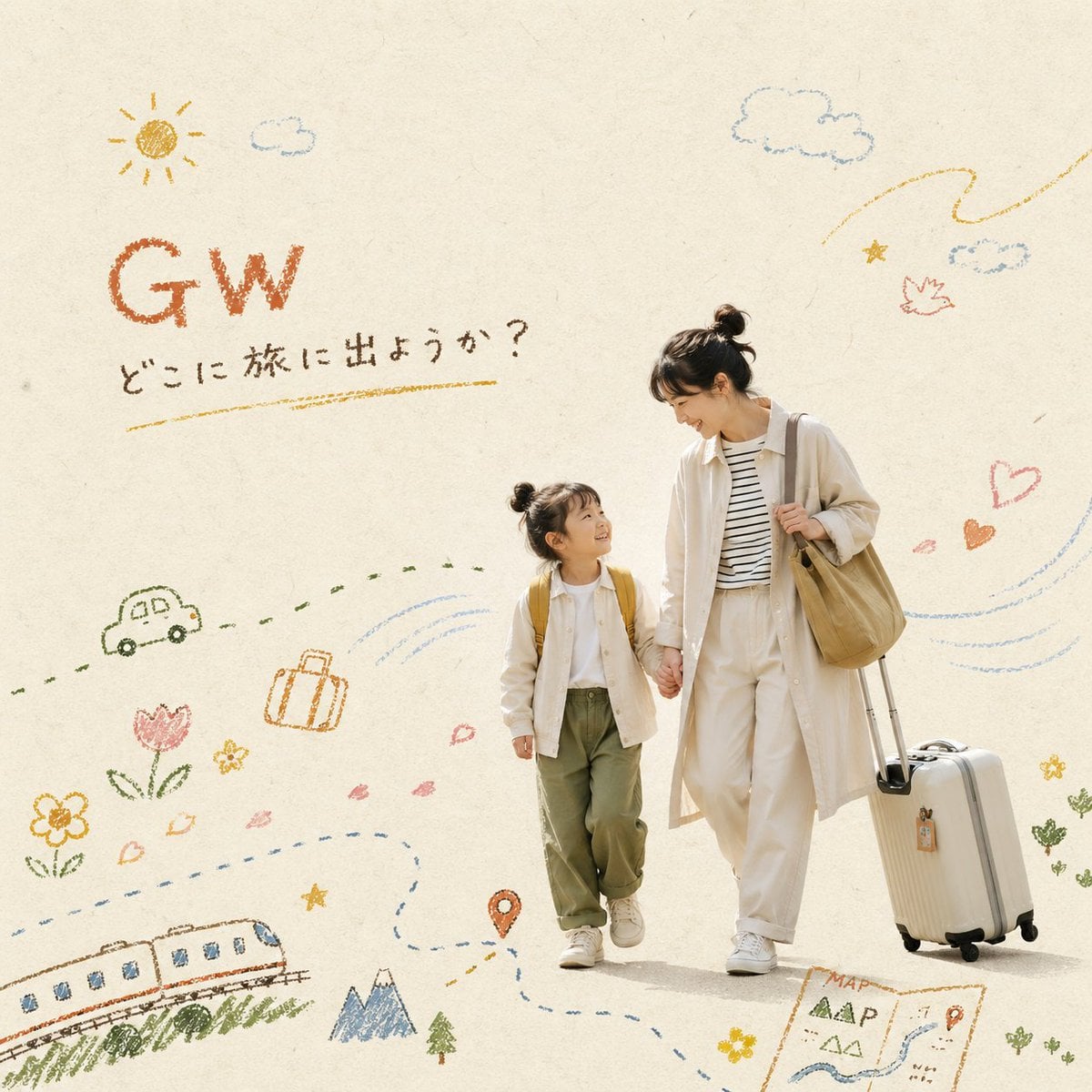
Crayon Lifestyle Editorial Cover
Start with the recommended models, use cases, and steps, then decide how to apply the template directly.
These templates work best when you keep the visual structure, then replace the subject, style, or commercial goal. Start with Ideogram V3, then switch to a similar alternative based on the result.
If you are unsure which model to use first, start with one of the author's recommendations.
Prompt
Start with the recommended models, use cases, and steps, then decide how to apply the template directly.
Using the values supplied for THEME ({ENTER THE THEME HERE}), PHOTO ({BRIEFLY DESCRIBE THE PHOTO TO USE HERE}), and TITLE ({ENTER THE TITLE TO PLACE IN THE IMAGE}), create a lifestyle editorial visual that blends photography with crayon illustration. The main visual must use the user-provided photo and arrange an everyday scene around “{THEME}”. Keep the subjects' poses natural and relaxed, with an authentic airy feel; avoid an overly staged look. Use a muted, paper-inspired palette of ecru, beige, pale gray, and milk tea in the background. Arrange the people like paper cutouts, leave more than half of the composition as whitespace, and keep the left and right sides asymmetrical. The overall design should feel minimal and spacious. The illustrations must resemble hand-drawn oil pastel or crayon, with visible grain, broken lines, paper texture, and childlike imperfections. Limit them to 30-40% of the image, with no shadows or dimensional effects. Let the motifs vary with {THEME}; options include koinobori carp streamers, wind, sky, grass, clouds, a paper samurai helmet, the sun, flowers, hearts, stars, and zigzag motion lines. Use “{TITLE}” as the fixed title text. Place it in the whitespace at the upper left or upper right, retain the rough edges of crayon handwriting, and choose an earth tone such as terracotta, mustard, or dark brown. The overall character should combine picture-book warmth, Scandinavian minimalism, and premium lifestyle advertising.
How to use it
Following this sequence usually produces a usable result faster than copying the prompt without a plan.
If you do not have a preference, starting with Ideogram V3 is usually a reliable choice.
Preserve composition, lighting, materials, and style, then replace the subject, brand information, and use case.
Image templates are most valuable when they speed up iteration, so do not judge the direction from a single result.
Template details
Quickly decide whether this template fits your current task.
Best for
This template works especially well for the following tasks.
Posters and covers
Product and brand images
Character and style exploration
Recommended models
If you are unsure which model to use first, start with one of the author's recommendations.
These templates work best when you keep the visual structure, then replace the subject, style, or commercial goal. Start with Ideogram V3, then switch to a similar alternative based on the result.
These templates work best when you keep the visual structure, then replace the subject, style, or commercial goal. Start with Ideogram V3, then switch to a similar alternative based on the result.
These templates work best when you keep the visual structure, then replace the subject, style, or commercial goal. Start with Ideogram V3, then switch to a similar alternative based on the result.
Related templates
Compare templates of the same type to find the prompt direction that fits you best.

K-Pop Idol Nine-Panel Portrait Grid
No ratings yet

Japanese Negative-Film Rooftop Summer Portrait
No ratings yet
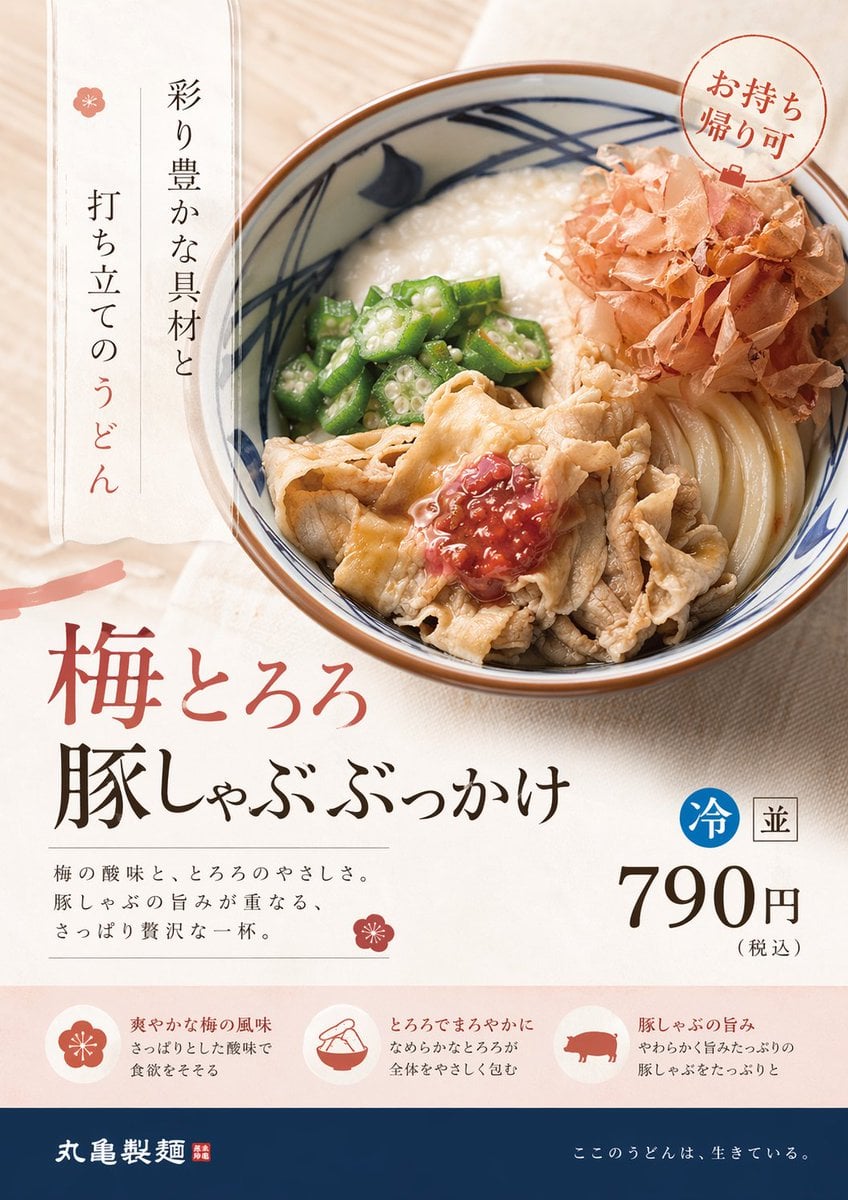
On-Trend Product Advertisement Redesign
No ratings yet
Ratings and feedback
Please sign in first