
K-Pop Idol Nine-Panel Portrait Grid
Start with the recommended models, use cases, and steps, then decide how to apply the template directly.
These templates work best when you keep the visual structure, then replace the subject, style, or commercial goal. Start with GPT Image 2, then switch to a similar alternative based on the result.
If you are unsure which model to use first, start with one of the author's recommendations.
Prompt
Start with the recommended models, use cases, and steps, then decide how to apply the template directly.
Create a 9:16 vertical 3x3 grid of K-pop idol portraits, with all nine images forming one cohesive portrait photoshoot series. Every panel must feature the same young Korean female idol. Keep her facial features, proportions, hairstyle, and identity completely consistent across all nine images. Preserve a natural, hyper-realistic skin texture without smoothing or excessive retouching. Use clean idol-style minimal makeup, soft light, and slight imperfections. Give her long, voluminous dark hair that is slightly tousled with natural movement. Keep the outfit consistent across all nine panels: either a white shirt + short bottoms or a simple neutral-toned look that feels youthful, fresh, slightly casual, and thoughtfully styled. Use a minimalist studio or simple indoor setting, such as a plain wall, soft window light, and a clean background. Across the three rows and nine panels, show these moments in order: 1. Standing naturally and looking away 2. Front-facing with slight movement 3. A gentle gaze from a side angle 4. Looking upward 5. A centered close-up with an idol smile 6. A candid body turn 7. Sitting or leaning 8. Half-turned away and looking back 9. Close to the camera with a slightly playful expression Use a Korean idol photobook / photocard aesthetic that feels intimate, soft, and natural, with light film grain and a dreamy everyday mood.
How to use it
Following this sequence usually produces a usable result faster than copying the prompt without a plan.
If you do not have a preference, starting with GPT Image 2 is usually a reliable choice.
Preserve composition, lighting, materials, and style, then replace the subject, brand information, and use case.
Image templates are most valuable when they speed up iteration, so do not judge the direction from a single result.
Template details
Quickly decide whether this template fits your current task.
Best for
This template works especially well for the following tasks.
Posters and covers
Product and brand images
Character and style exploration
Recommended models
If you are unsure which model to use first, start with one of the author's recommendations.
These templates work best when you keep the visual structure, then replace the subject, style, or commercial goal. Start with GPT Image 2, then switch to a similar alternative based on the result.
These templates work best when you keep the visual structure, then replace the subject, style, or commercial goal. Start with GPT Image 2, then switch to a similar alternative based on the result.
These templates work best when you keep the visual structure, then replace the subject, style, or commercial goal. Start with GPT Image 2, then switch to a similar alternative based on the result.
Related templates
Compare templates of the same type to find the prompt direction that fits you best.

Japanese Negative-Film Rooftop Summer Portrait
No ratings yet
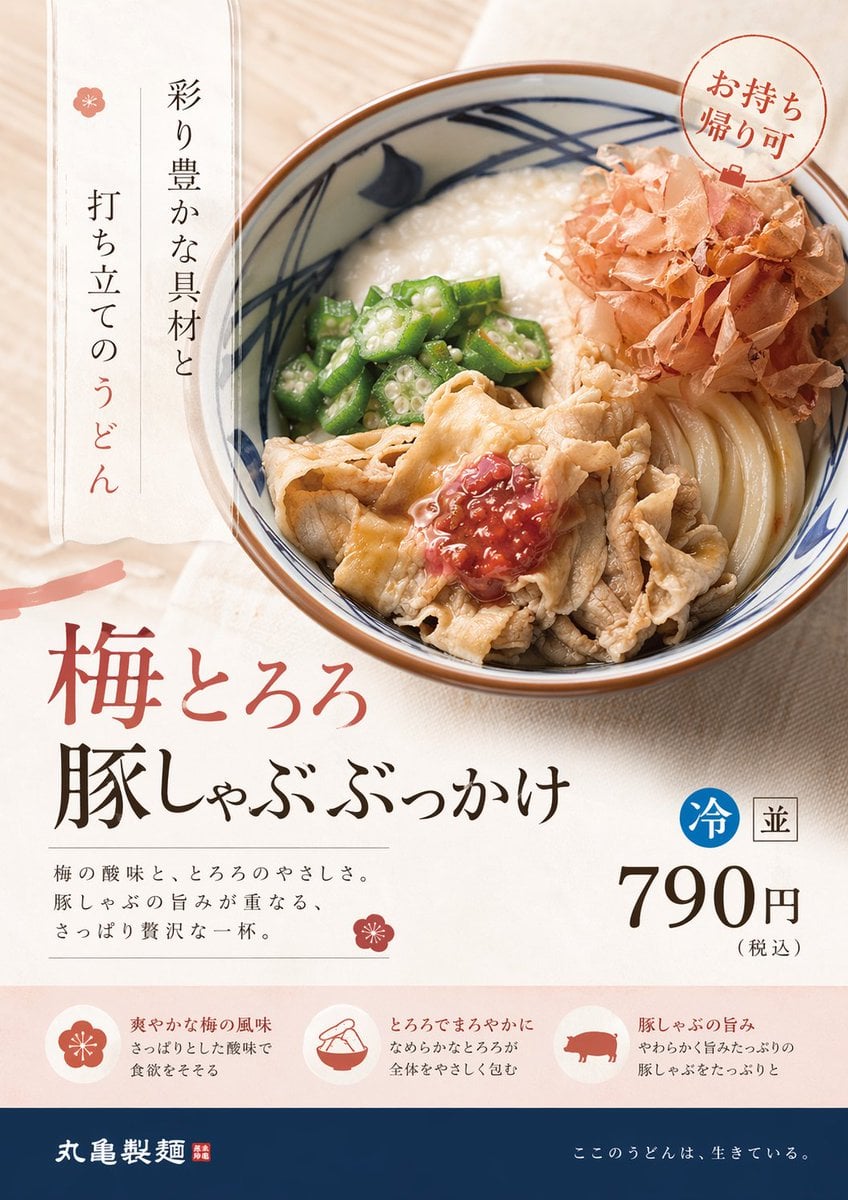
On-Trend Product Advertisement Redesign
No ratings yet
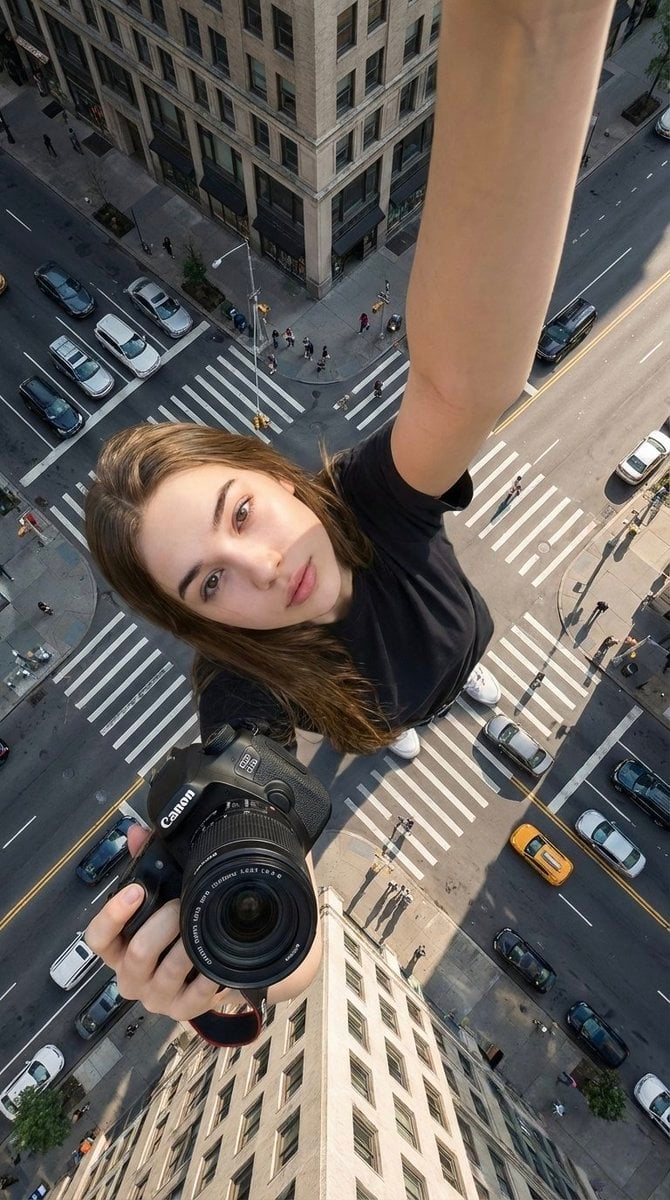
Canon Product Giant Selfie
No ratings yet
Ratings and feedback
Please sign in first