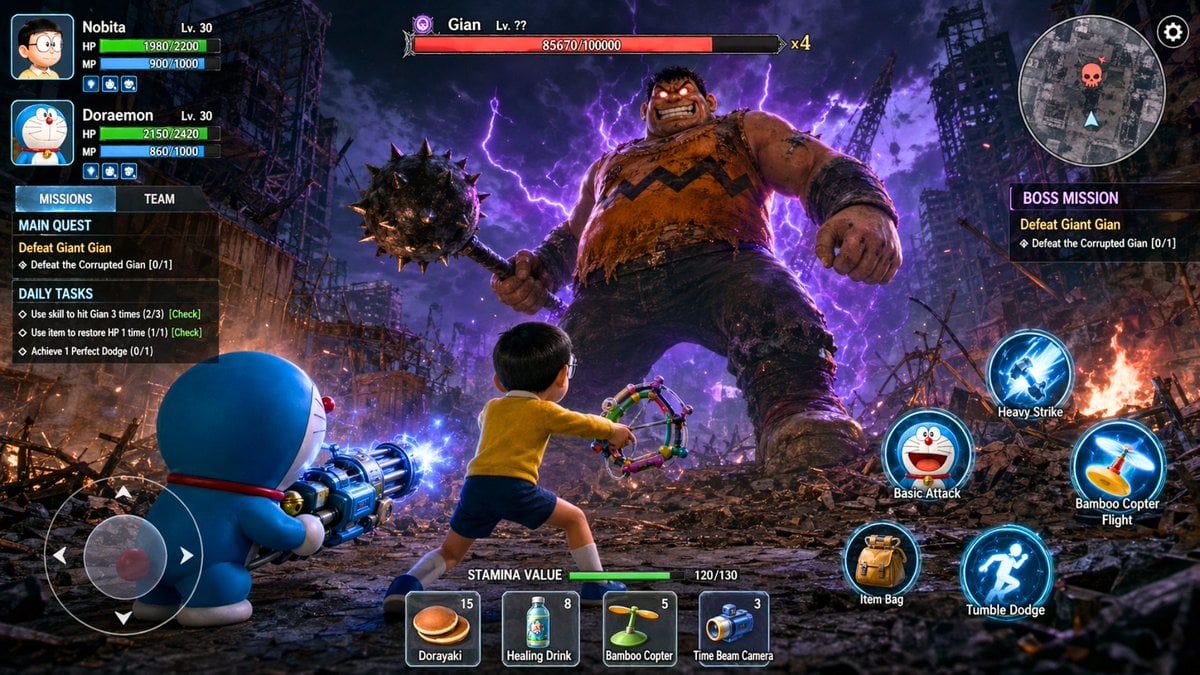
Doraemon RPG Boss Battle Screenshot
Start with the recommended models, use cases, and steps, then decide how to apply the template directly.
These templates work best when you keep the visual structure, then replace the subject, style, or commercial goal. Start with Flux 2 Pro, then switch to a similar alternative based on the result.
If you are unsure which model to use first, start with one of the author's recommendations.
Prompt
Start with the recommended models, use cases, and steps, then decide how to apply the template directly.
Create a high-resolution, photorealistic 3D action RPG mobile game battle screenshot centered on an epic boss battle featuring Doraemon characters. Frame the battlefield from behind the main player, Nobita. Set the background in the ruins of an apocalyptic city, with shattered concrete, exposed rebar, rubble, small fires, and purple-blue lightning cutting through a black, cloud-filled night sky. Place Doraemon in the left foreground, holding an intricate multi-barrel gatling-style cannon that emits blue energy. Position Nobita in the center foreground, wearing his classic yellow shirt, blue shorts, and glasses, wielding a multilayered slingshot weapon in a combat stance. At the center of the midground, feature Giant Gian as a gigantic boss with an exaggerated muscular build. Give him a spiked mace, glowing red eyes, and a surrounding aura of purple energy. Keep all English UI text exactly as follows: MISSIONS, TEAM, MAIN QUEST, Defeat Giant Gian, Defeat the Corrupted Gian [0/1], DAILY TASKS, BOSS MISSION, Heavy Strike, Basic Attack, Bamboo Copter Flight, Item Bag, Tumble Dodge, STAMINA VALUE 120/130, Dorayaki (15), Healing Drink (8), Bamboo Copter (5), Time Beam Camera (3). Character nameplates must retain Doraemon, Nobita, and Gian, along with their level, HP, MP, and x4 information. Place a mini-map with a skull icon in the upper-right corner and an English virtual D-pad in the lower-left corner. Use a cinematic low-angle perspective. Create strong contrast among blue weapon light, orange firelight, purple lightning, and Gian's glowing red eyes. Ensure all English text is clean, accurate, and legible.
How to use it
Following this sequence usually produces a usable result faster than copying the prompt without a plan.
If you do not have a preference, starting with Flux 2 Pro is usually a reliable choice.
Preserve composition, lighting, materials, and style, then replace the subject, brand information, and use case.
Image templates are most valuable when they speed up iteration, so do not judge the direction from a single result.
Template details
Quickly decide whether this template fits your current task.
Best for
This template works especially well for the following tasks.
Posters and covers
Product and brand images
Character and style exploration
Recommended models
If you are unsure which model to use first, start with one of the author's recommendations.
These templates work best when you keep the visual structure, then replace the subject, style, or commercial goal. Start with Flux 2 Pro, then switch to a similar alternative based on the result.
These templates work best when you keep the visual structure, then replace the subject, style, or commercial goal. Start with Flux 2 Pro, then switch to a similar alternative based on the result.
Related templates
Compare templates of the same type to find the prompt direction that fits you best.

K-Pop Idol Nine-Panel Portrait Grid
No ratings yet

Japanese Negative-Film Rooftop Summer Portrait
No ratings yet
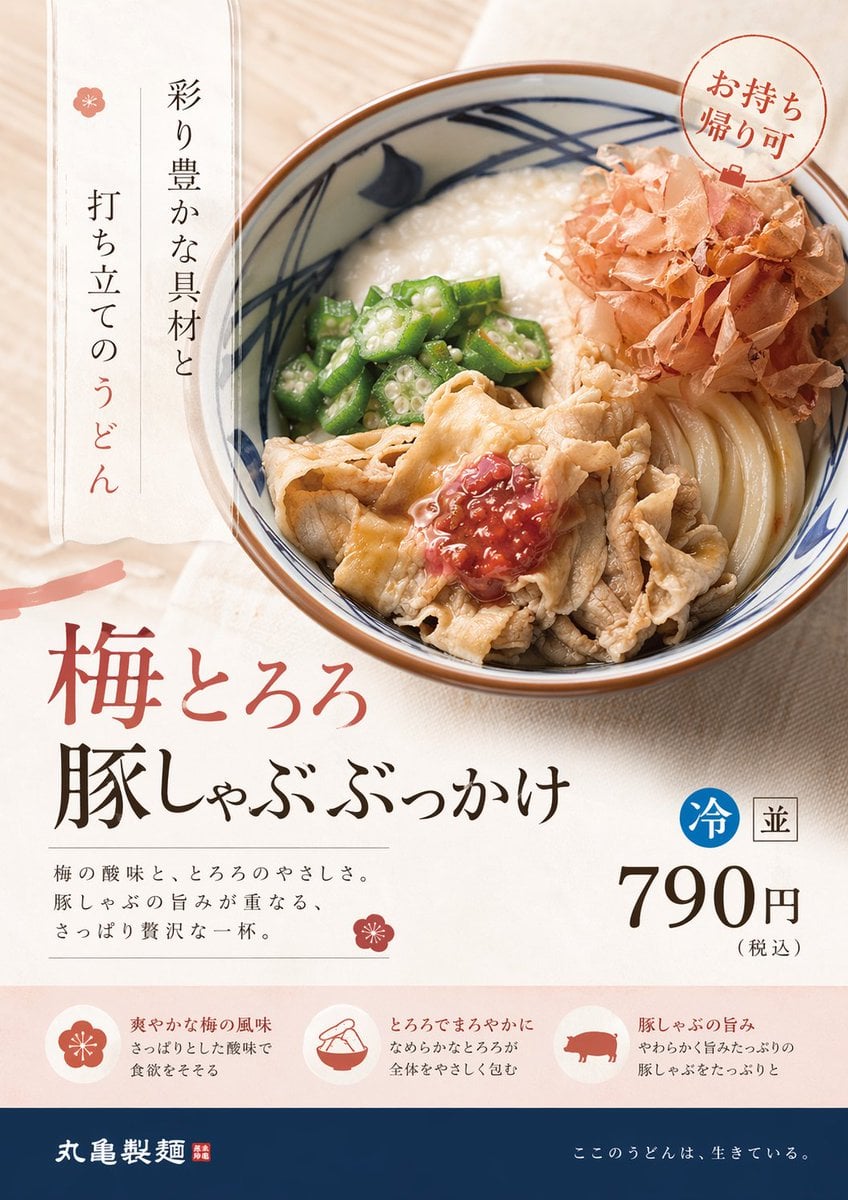
On-Trend Product Advertisement Redesign
No ratings yet
Ratings and feedback
Please sign in first