Image template
Free to view, copy, and apply; generation uses credits
Featured
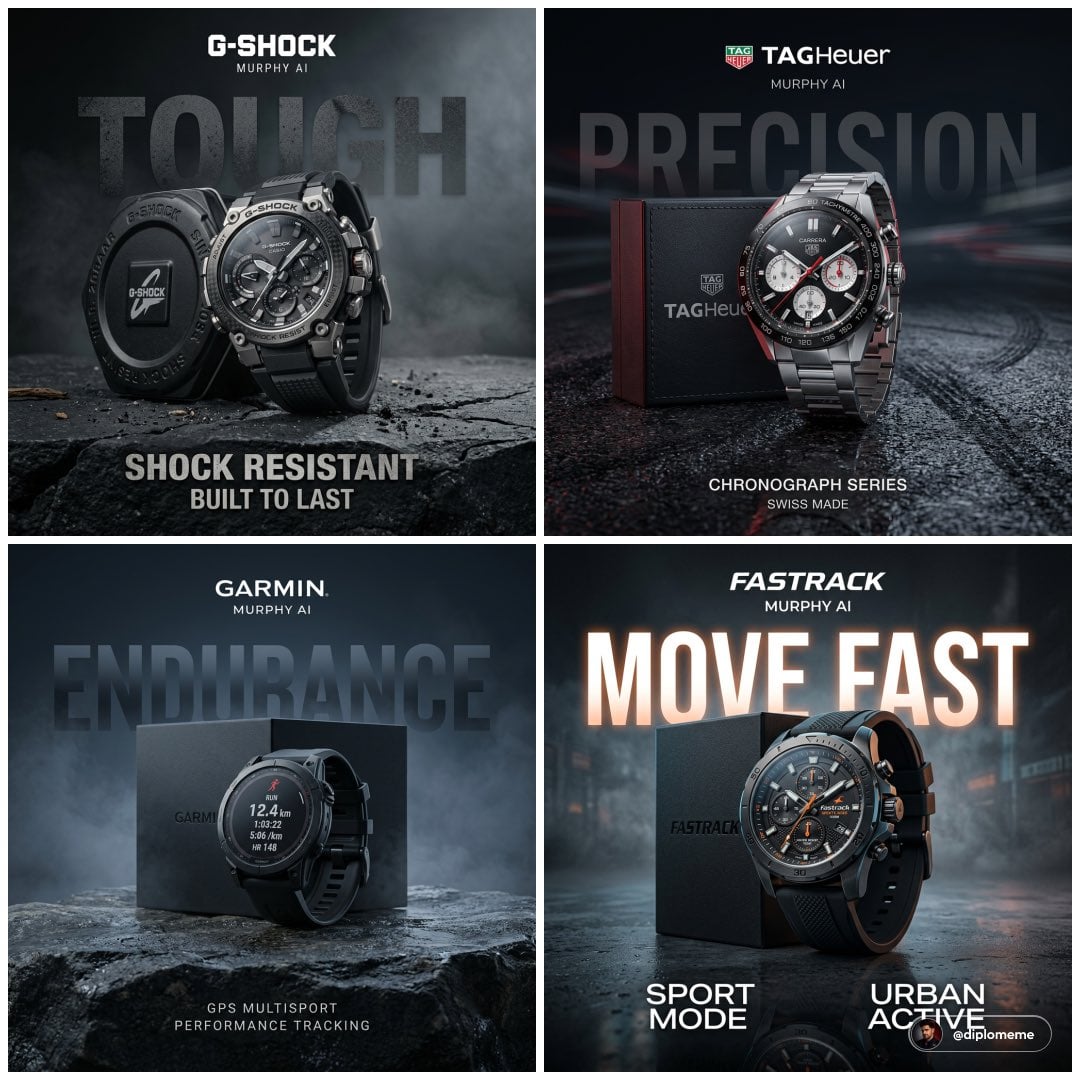
Four-Brand Premium Watch Advertisement
Start with the recommended models, use cases, and steps, then decide how to apply the template directly.
Official template0 views
Posters and Covers
Brand and Packaging
Campaign Poster
Typography Layout
Social Post
Brand Key Visual
Collage
Product
Template type
Image template
Usage access
Free to view, copy, and apply; generation uses credits
Created
06/15/2026
Rating
No ratings yet
Template overview
These templates work best when you keep the visual structure, then replace the subject, style, or commercial goal. Start with Ideogram V3, then switch to a similar alternative based on the result.
Recommended models
If you are unsure which model to use first, start with one of the author's recommendations.
Ideogram V3
GPT Image 2
GPT Image 1.5
Prompt
Start with the recommended models, use cases, and steps, then decide how to apply the template directly.
Develop four 1:1 square concepts for premium commercial watch advertisements, maintaining the realism and finish of authentic product advertising. 1. TAG Heuer — Track Surface (REAL, NOT FAKE): Center a single TAG Heuer chronograph leaning against its box, viewed from a slight front three-quarter angle. Set it on a real wet asphalt surface inspired by race-track texture, with subtle tire marks and light moisture but no complete racetrack. Give the background soft, dark depth with faint hints of motion-blurred light streaks. Use controlled studio lighting, keep the dial clear, and add red rim light to reinforce the racing identity. Set the large background word “PRECISION” at low opacity with gentle perspective. Use “CHRONOGRAPH SERIES” and “SWISS MADE” as secondary text. Place the logo at the top center with “MURPHY AI” below it. 2. Casio G-Shock — Rugged Ground (LIKE YOUR CHARCOAL SHOT): Center a rugged G-Shock watch leaning against its box. Use a controlled rough stone / cracked surface with dust particles, restrained like a Nivea charcoal setup. Add a dark, soft gradient background with slight haze. Give the large word “TOUGH” a broken texture. Use “SHOCK RESISTANT” and “BUILT TO LAST” as secondary text. Retain the top-center logo and “MURPHY AI”. 3. Garmin — Outdoor Tech (CONTROLLED, NOT LANDSCAPE): Center a Garmin GPS smartwatch leaning against its box. Use a textured rock surface with subtle moisture and fine dust, without creating a complete mountain landscape. Set a deep, cool gradient background with faint mist. Use “ENDURANCE” as the large word, with “GPS MULTISPORT” and “PERFORMANCE TRACKING” as secondary text. Retain the top-center logo and “MURPHY AI”. 4. Fastrack — Urban Surface (LIKE GARNIER WATER BUT DRY): Center a Fastrack sports watch leaning against its box. Use a dark, smooth urban surface with slight gloss, subtle texture, faint moisture, or a light reflection. Add a soft gradient background with slight haze. Use “MOVE FAST” as the large text, with “SPORT MODE” and “URBAN ACTIVE” as secondary text. Place the logo at the top center with “MURPHY AI” below it. Across all four concepts, use tight product grouping, grounded realistic spacing, and controlled reflections. Avoid exaggeration and clutter. Keep the respective color directions black/steel/red, charcoal muted, blue-grey black, and black/grey accent.
How to use it
Following this sequence usually produces a usable result faster than copying the prompt without a plan.
1
Start with a recommended model
If you do not have a preference, starting with Ideogram V3 is usually a reliable choice.
2
Keep the structure, replace the details
Preserve composition, lighting, materials, and style, then replace the subject, brand information, and use case.
3
Compare at least 2 or 3 results
Image templates are most valuable when they speed up iteration, so do not judge the direction from a single result.
Template details
Quickly decide whether this template fits your current task.
Template type
Image template
Usage access
Free to view, copy, and apply; generation uses credits
Created
06/15/2026
Rating
No ratings yet
Best for
This template works especially well for the following tasks.
Posters and covers
Useful for event graphics, social covers, campaign posters, and key visuals.
Product and brand images
Useful for ecommerce main images, brand visuals, and product variations.
Character and style exploration
Create samples for characters, illustrations, scenes, and style directions.
Recommended models
If you are unsure which model to use first, start with one of the author's recommendations.
Ideogram V3
IMAGE
These templates work best when you keep the visual structure, then replace the subject, style, or commercial goal. Start with Ideogram V3, then switch to a similar alternative based on the result.
GPT Image 2
IMAGE
These templates work best when you keep the visual structure, then replace the subject, style, or commercial goal. Start with Ideogram V3, then switch to a similar alternative based on the result.
GPT Image 1.5
IMAGE
These templates work best when you keep the visual structure, then replace the subject, style, or commercial goal. Start with Ideogram V3, then switch to a similar alternative based on the result.
Related templates
Compare templates of the same type to find the prompt direction that fits you best.

Image template
Featured
K-Pop Idol Nine-Panel Portrait Grid
No ratings yet
Portrait Photography
Realistic Photography
Cinematic

Image template
Featured
Japanese Negative-Film Rooftop Summer Portrait
No ratings yet
Portrait Photography
Realistic Photography
Cinematic
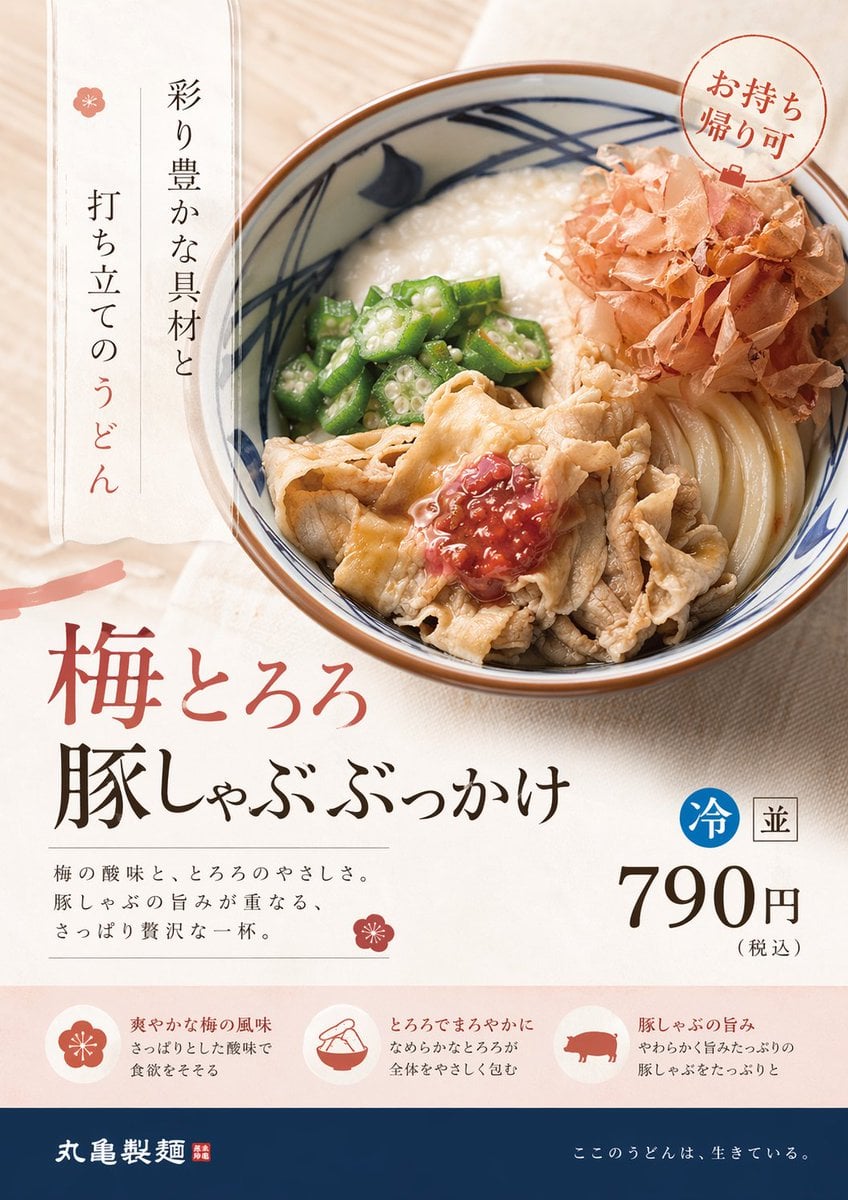
Image template
Featured
On-Trend Product Advertisement Redesign
No ratings yet
Ecommerce Product Images
Food
Drink
Ratings and feedback
No ratings yet
Please sign in first