Image template
Free to view, copy, and apply; generation uses credits
Featured
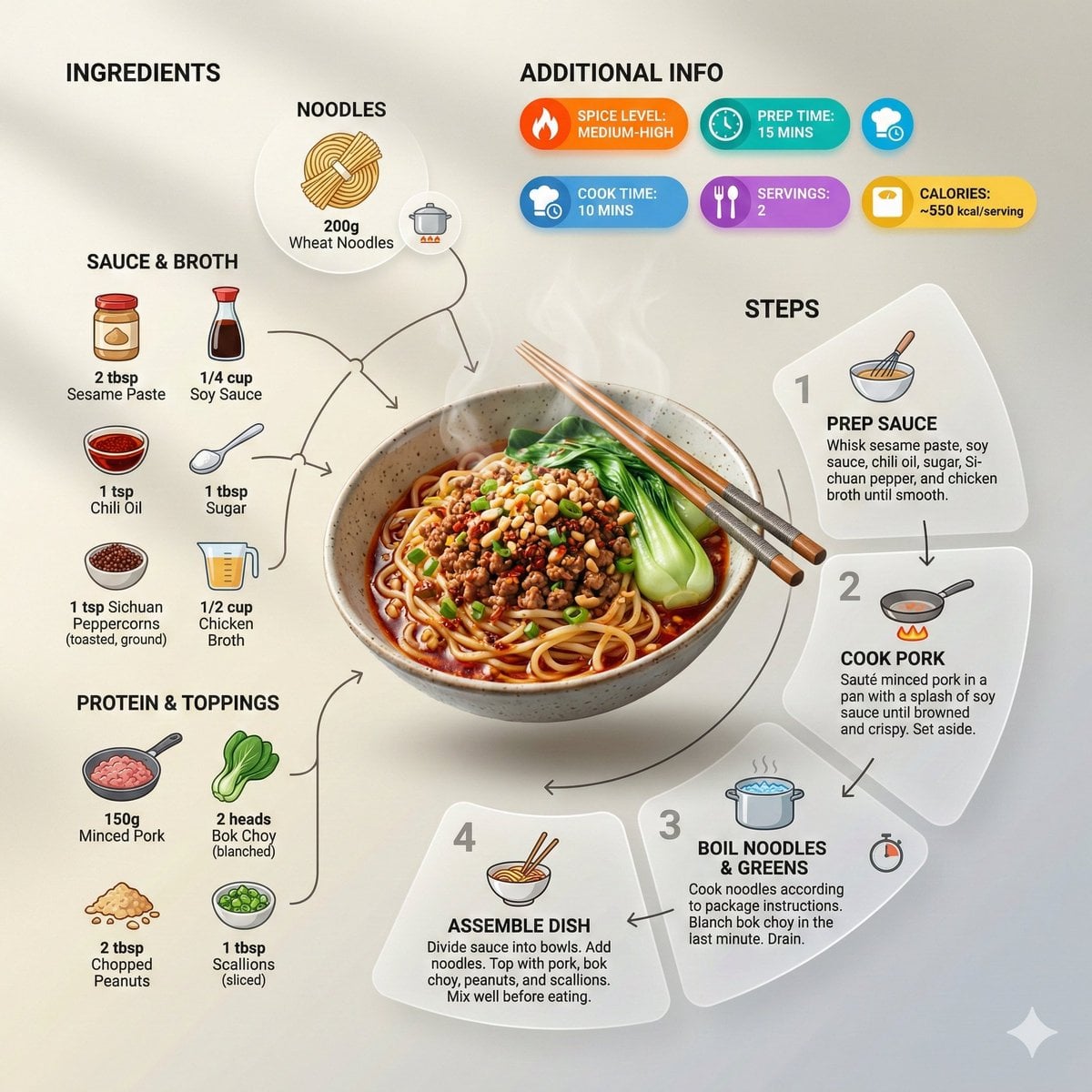
Noodles Modern Recipe Infographic
Start with the recommended models, use cases, and steps, then decide how to apply the template directly.
Official template0 views
Visual Experiments
Food and Drink
Food
Drink
Menu Creative
Product Scene
Packaging Display
Macro
Template type
Image template
Usage access
Free to view, copy, and apply; generation uses credits
Created
06/15/2026
Rating
No ratings yet
Template overview
These templates work best when you keep the visual structure, then replace the subject, style, or commercial goal. Start with Flux 2 Pro, then switch to a similar alternative based on the result.
Recommended models
If you are unsure which model to use first, start with one of the author's recommendations.
Flux 2 Pro
Google Imagen4
Prompt
Start with the recommended models, use cases, and steps, then decide how to apply the template directly.
Create an ultra-clean, modern recipe infographic centered on the finished Noodles dish. The noodles may be sliced, plated, or portioned, shown slightly floating in a perspective or angled view. Arrange ingredients, steps, and tips around the hero dish in a dynamic editorial layout rather than restricting the composition to top-down. INGREDIENTS: Represent each ingredient with an icon or miniature illustration and include its quantity. Arrange these in clusters, lists, or circular flows, visually connecting them to the dish. STEPS: Show preparation steps with numbered panels, arrows, or lines that create a logical flow around the hero dish. Add small cooking icons where useful, such as a knife, pan, oven, or timer. OPTIONAL ADDITIONAL INFO: Place total calories, prep/cook time, servings, and spice level near the dish in clean bubbles or badges. VISUAL STYLE: Blend an editorial infographic with lifestyle food photography. Use vibrant natural food colors, subtle drop shadows, clean vector icons, and modern typography. Step panels may use soft gradients or glassmorphism. Use accent colors to emphasize key information such as calories and prep time. COMPOSITION: Make the finished meal the hero visual. Let ingredients and steps flow dynamically around it. Follow this hierarchy: dish > steps > ingredients > optional stats. Preserve enough negative space to keep the design airy and readable. LIGHTING & BACKGROUND: Use soft natural studio lighting and a minimal textured or gradient background for a premium editorial feel. OUTPUT: 1080×1080, ultra-crisp, optimized for social feeds, with no watermark.
How to use it
Following this sequence usually produces a usable result faster than copying the prompt without a plan.
1
Start with a recommended model
If you do not have a preference, starting with Flux 2 Pro is usually a reliable choice.
2
Keep the structure, replace the details
Preserve composition, lighting, materials, and style, then replace the subject, brand information, and use case.
3
Compare at least 2 or 3 results
Image templates are most valuable when they speed up iteration, so do not judge the direction from a single result.
Template details
Quickly decide whether this template fits your current task.
Template type
Image template
Usage access
Free to view, copy, and apply; generation uses credits
Created
06/15/2026
Rating
No ratings yet
Best for
This template works especially well for the following tasks.
Posters and covers
Useful for event graphics, social covers, campaign posters, and key visuals.
Product and brand images
Useful for ecommerce main images, brand visuals, and product variations.
Character and style exploration
Create samples for characters, illustrations, scenes, and style directions.
Recommended models
If you are unsure which model to use first, start with one of the author's recommendations.
Flux 2 Pro
IMAGE
These templates work best when you keep the visual structure, then replace the subject, style, or commercial goal. Start with Flux 2 Pro, then switch to a similar alternative based on the result.
Google Imagen4
IMAGE
These templates work best when you keep the visual structure, then replace the subject, style, or commercial goal. Start with Flux 2 Pro, then switch to a similar alternative based on the result.
Related templates
Compare templates of the same type to find the prompt direction that fits you best.

Image template
Featured
(G)I-DLE Yuqi Golden-Light Fashion Selfie
No ratings yet
Scene Photography
Realistic Photography
Cinematic

Image template
Featured
Japanese Negative-Film Rooftop Summer Portrait
No ratings yet
Portrait Photography
Realistic Photography
Cinematic
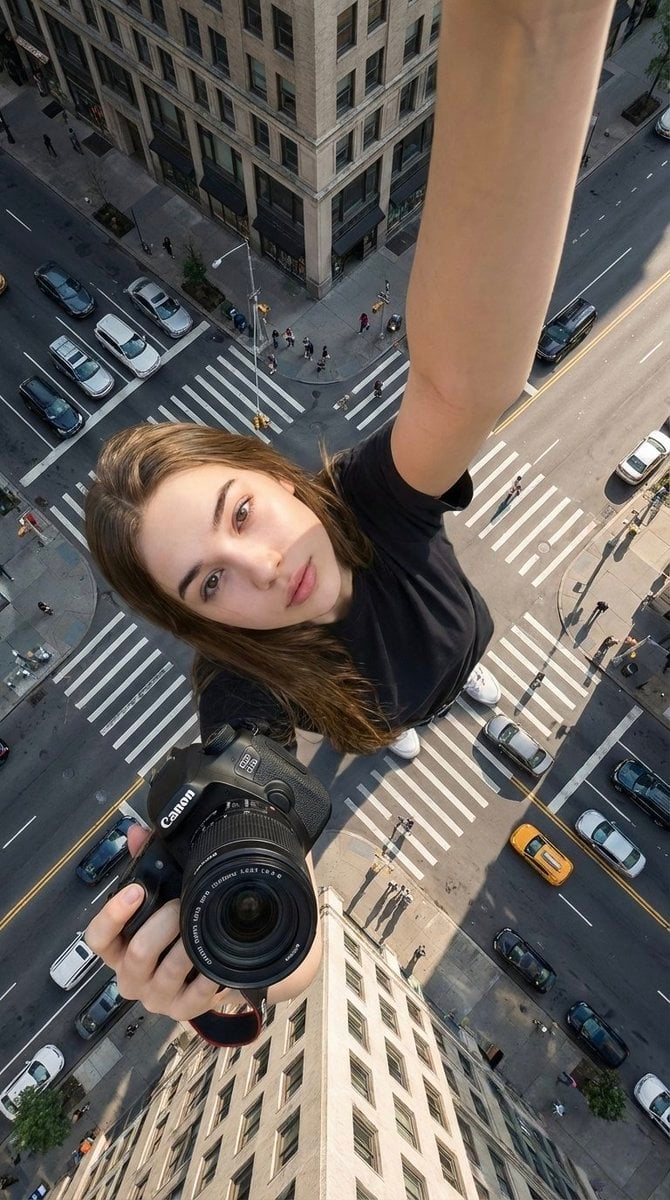
Image template
Featured
Canon Product Giant Selfie
No ratings yet
Portrait Photography
Realistic Photography
Cinematic
Ratings and feedback
No ratings yet
Please sign in first