Image template
Free to view, copy, and apply; generation uses credits
Featured
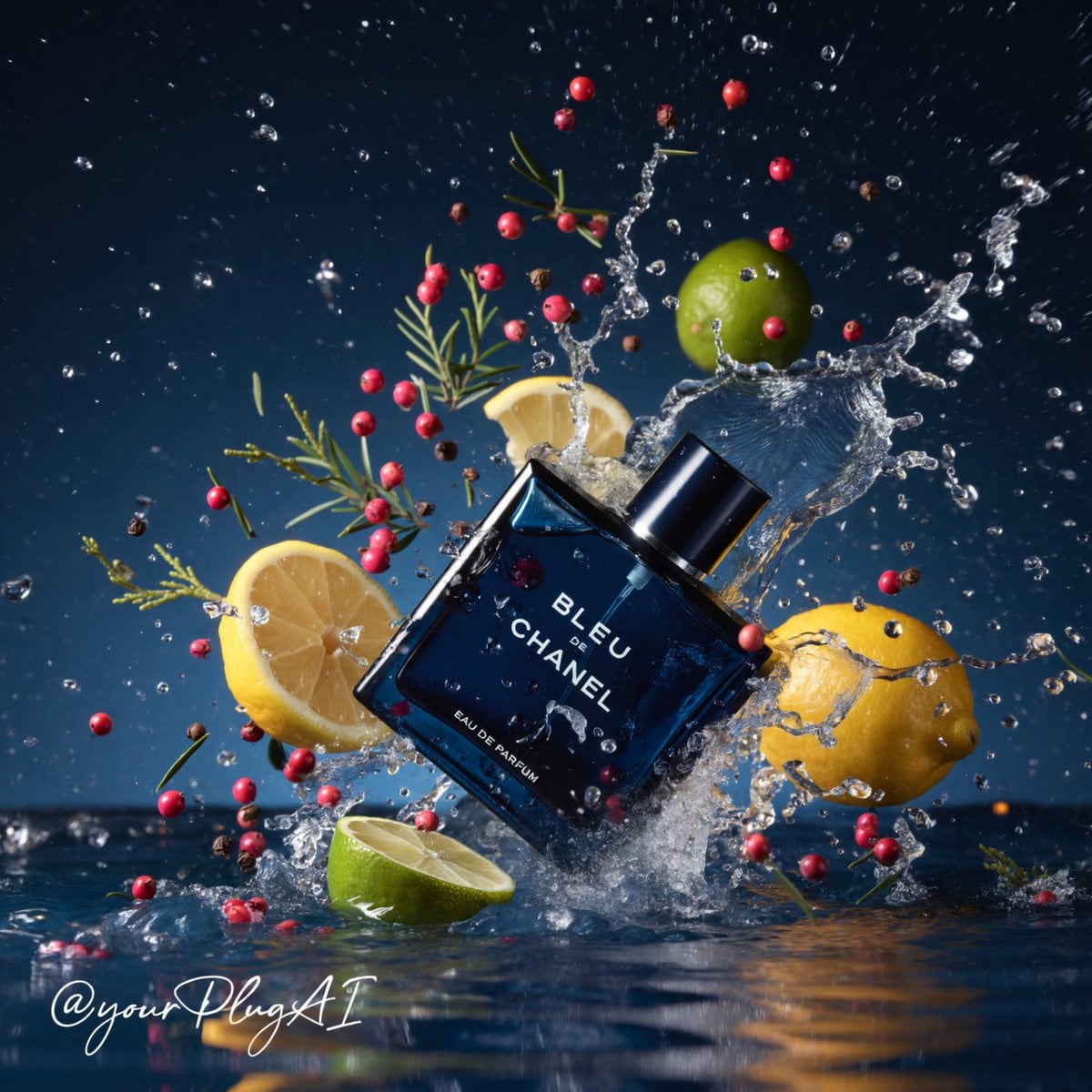
[PERFUME BOTTLE DESIGN] Elemental Perfume Advertisement
Start with the recommended models, use cases, and steps, then decide how to apply the template directly.
Official template0 views
Ecommerce Product Images
Brand and Packaging
Product
Product Scene
Brand Key Visual
Packaging Display
Studio Lighting
Minimal
Template type
Image template
Usage access
Free to view, copy, and apply; generation uses credits
Created
06/15/2026
Rating
No ratings yet
Template overview
These templates work best when you keep the visual structure, then replace the subject, style, or commercial goal. Start with GPT Image 2, then switch to a similar alternative based on the result.
Recommended models
If you are unsure which model to use first, start with one of the author's recommendations.
GPT Image 2
GPT Image 1.5
4o Image
Prompt
Start with the recommended models, use cases, and steps, then decide how to apply the template directly.
Create a hyper-realistic, cinematic luxury perfume product photograph. Feature [PERFUME BOTTLE DESIGN] as the subject, arranged according to [COMPOSITION / ANGLE] within a dramatic elemental environment. Use [ELEMENTAL SETTING: water, smoke, ice, firelight, forest], along with florals, spices, or gemstones entered in the same placeholder, to define an atmosphere of water, smoke, ice, firelight, forest, flowers, spices, or gems. Make the bottle feel premium and tactile. Define its material details with [MATERIAL DETAILS: glossy glass, metallic cap, gold label], together with transparent liquid, a frosted surface, engraved text, or related finishes. Render sharp reflections and realistic refractions, and keep [BRAND / LABEL TEXT] crisp and readable. Arrange sensory ingredients such as [BOTANICALS / SPICES / FRUITS / OBJECTS] carefully around the product. Structure the image through strong contrast between [PRIMARY COLOR PALETTE] and [ACCENT COLORS]. Use cinematic, high-contrast lighting with [LIGHTING STYLE], deep shadows, sparkling highlights, and a volumetric atmosphere for a luxury commercial-advertising finish. Set the scene against [BACKGROUND DESCRIPTION], with shallow depth of field, a premium editorial composition, ultra-detailed textures, 8K resolution, and photorealistic studio quality. Keep this cheat sheet: [PERFUME BOTTLE DESIGN] = shape, color, cap, label style [COMPOSITION / ANGLE] = tilted crash, centered still life, close-up tray, hand interaction [ELEMENTAL SETTING] = splash, smoke, candlelight, ice, forest, aurora [MATERIAL DETAILS] = glass, metal, liquid, frost, reflections [BRAND / LABEL TEXT] = exact readable perfume text [BOTANICALS / SPICES / FRUITS / OBJECTS] = lemons, vanilla pods, roses, pinecones, gemstones [PRIMARY COLOR PALETTE] = navy, amber, silver, black, icy blue [ACCENT COLORS] = gold, red, lime green, magenta, teal [LIGHTING STYLE] = dramatic spotlight, candle glow, cool moonlight, golden rim light [BACKGROUND DESCRIPTION] = moody studio, dark forest, blurred luxury interior, smoky backdrop
How to use it
Following this sequence usually produces a usable result faster than copying the prompt without a plan.
1
Start with a recommended model
If you do not have a preference, starting with GPT Image 2 is usually a reliable choice.
2
Keep the structure, replace the details
Preserve composition, lighting, materials, and style, then replace the subject, brand information, and use case.
3
Compare at least 2 or 3 results
Image templates are most valuable when they speed up iteration, so do not judge the direction from a single result.
Template details
Quickly decide whether this template fits your current task.
Template type
Image template
Usage access
Free to view, copy, and apply; generation uses credits
Created
06/15/2026
Rating
No ratings yet
Best for
This template works especially well for the following tasks.
Posters and covers
Useful for event graphics, social covers, campaign posters, and key visuals.
Product and brand images
Useful for ecommerce main images, brand visuals, and product variations.
Character and style exploration
Create samples for characters, illustrations, scenes, and style directions.
Recommended models
If you are unsure which model to use first, start with one of the author's recommendations.
GPT Image 2
IMAGE
These templates work best when you keep the visual structure, then replace the subject, style, or commercial goal. Start with GPT Image 2, then switch to a similar alternative based on the result.
GPT Image 1.5
IMAGE
These templates work best when you keep the visual structure, then replace the subject, style, or commercial goal. Start with GPT Image 2, then switch to a similar alternative based on the result.
4o Image
IMAGE
These templates work best when you keep the visual structure, then replace the subject, style, or commercial goal. Start with GPT Image 2, then switch to a similar alternative based on the result.
Related templates
Compare templates of the same type to find the prompt direction that fits you best.

Image template
Featured
K-Pop Idol Nine-Panel Portrait Grid
No ratings yet
Portrait Photography
Realistic Photography
Cinematic

Image template
Featured
Japanese Negative-Film Rooftop Summer Portrait
No ratings yet
Portrait Photography
Realistic Photography
Cinematic
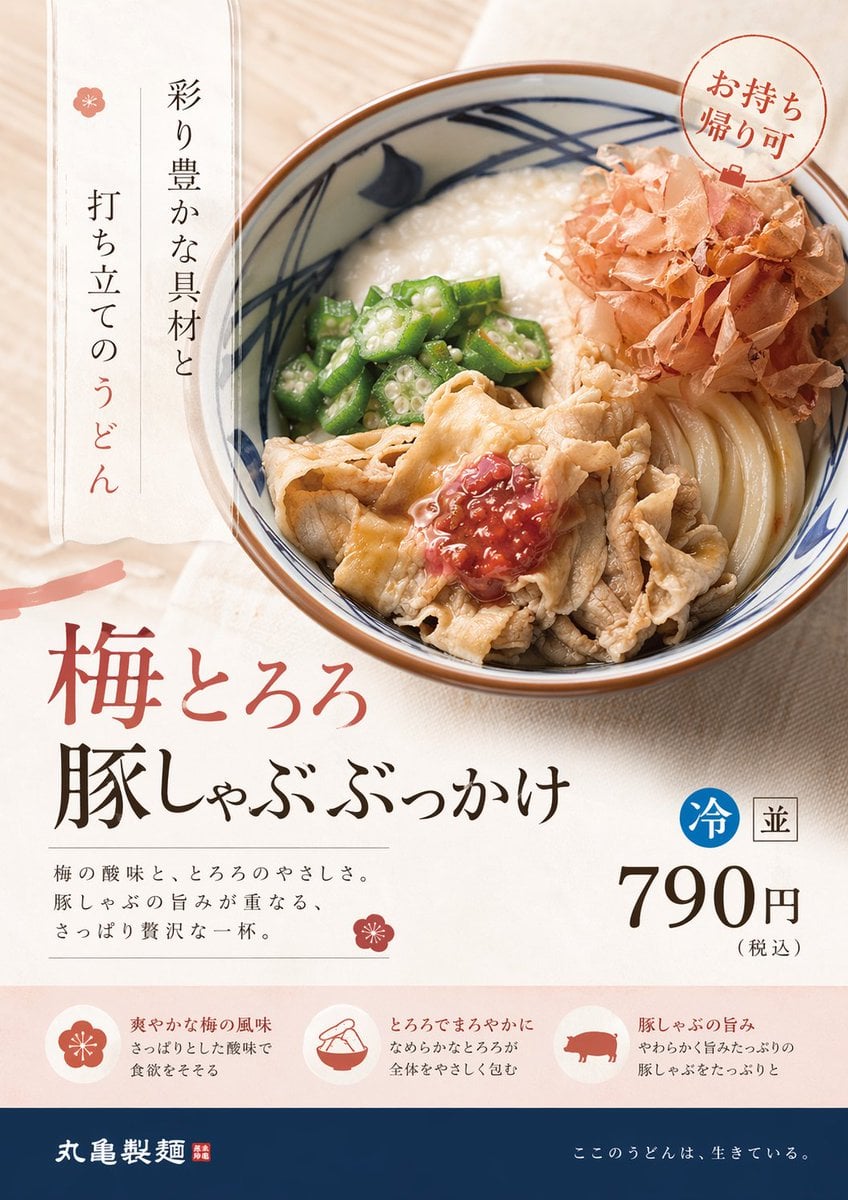
Image template
Featured
On-Trend Product Advertisement Redesign
No ratings yet
Ecommerce Product Images
Food
Drink
Ratings and feedback
No ratings yet
Please sign in first