![Double-exposure sports tribute poster for [PERSON NAME], with a black-and-white portrait silhouette filled by a career photo grid and mixed-media textures](https://kyeo.ai/uploads/templates/person-name-double-exposure-sports-tribute-poster/person-name-double-exposure-sports-tribute-poster-preview.jpg)
Image template
Free to view, copy, and apply; generation uses credits
Featured
[PERSON NAME] Double-Exposure Sports Tribute Poster
Start with the recommended models, use cases, and steps, then decide how to apply the template directly.
Official template3 views
Posters and Covers
Brand and Packaging
Campaign Poster
Typography Layout
Social Post
Brand Key Visual
Collage
Product
Template type
Image template
Usage access
Free to view, copy, and apply; generation uses credits
Created
06/15/2026
Rating
No ratings yet
Template overview
These templates work best when you keep the visual structure, then replace the subject, style, or commercial goal. Start with Ideogram V3, then switch to a similar alternative based on the result.
Recommended models
If you are unsure which model to use first, start with one of the author's recommendations.
Ideogram V3
Nano Banana 2
Nano Banana Pro
Prompt
Start with the recommended models, use cases, and steps, then decide how to apply the template directly.
Create a conceptual tribute poster for [PERSON NAME] with the polish of a high-end sports graphic designer. Build the composition as a complex “dual exposure photo-grid composite” layered with mixed-media textures. At the center, use a large, high-contrast black-and-white portrait silhouette of [PERSON NAME], with the main portrait also serving as a container. Fill the silhouette with a dense “photo mosaic grid” of action shots from [PERSON NAME]’s career. Do not simply tile the photographs. Give different grid cells tactile artistic textures, including Halftone Dots with a comic-book raster pattern, Fabric/Embroidery with thread or canvas texture, and Film Grain with high-contrast, heavy-grain action imagery. Base the color strategy on Monochrome B&W. Add selective color overlays tied to the team or flag in only a few cells to create rhythm. Keep all typography and branding strictly understated. Place “[PERSON NAME]” in the upper-left corner using Inter Semibold with tight negative kerning (-4%). Keep it small and restrained, no more than 20% of the canvas width. Place the primary logo (Team/Brand/Flag) in the upper-right corner; it must be very small and no more than 10% of the canvas width. Use an off-white or light-gray background with a high-quality paper or concrete texture, never flat digital white. Center the subject and preserve generous negative space around them.
How to use it
Following this sequence usually produces a usable result faster than copying the prompt without a plan.
1
Start with a recommended model
If you do not have a preference, starting with Ideogram V3 is usually a reliable choice.
2
Keep the structure, replace the details
Preserve composition, lighting, materials, and style, then replace the subject, brand information, and use case.
3
Compare at least 2 or 3 results
Image templates are most valuable when they speed up iteration, so do not judge the direction from a single result.
Template details
Quickly decide whether this template fits your current task.
Template type
Image template
Usage access
Free to view, copy, and apply; generation uses credits
Created
06/15/2026
Rating
No ratings yet
Best for
This template works especially well for the following tasks.
Posters and covers
Useful for event graphics, social covers, campaign posters, and key visuals.
Product and brand images
Useful for ecommerce main images, brand visuals, and product variations.
Character and style exploration
Create samples for characters, illustrations, scenes, and style directions.
Recommended models
If you are unsure which model to use first, start with one of the author's recommendations.
Ideogram V3
IMAGE
These templates work best when you keep the visual structure, then replace the subject, style, or commercial goal. Start with Ideogram V3, then switch to a similar alternative based on the result.
Nano Banana 2
IMAGE
These templates work best when you keep the visual structure, then replace the subject, style, or commercial goal. Start with Ideogram V3, then switch to a similar alternative based on the result.
Nano Banana Pro
IMAGE
These templates work best when you keep the visual structure, then replace the subject, style, or commercial goal. Start with Ideogram V3, then switch to a similar alternative based on the result.
Related templates
Compare templates of the same type to find the prompt direction that fits you best.

Image template
Featured
(G)I-DLE Yuqi Golden-Light Fashion Selfie
No ratings yet
Scene Photography
Realistic Photography
Cinematic
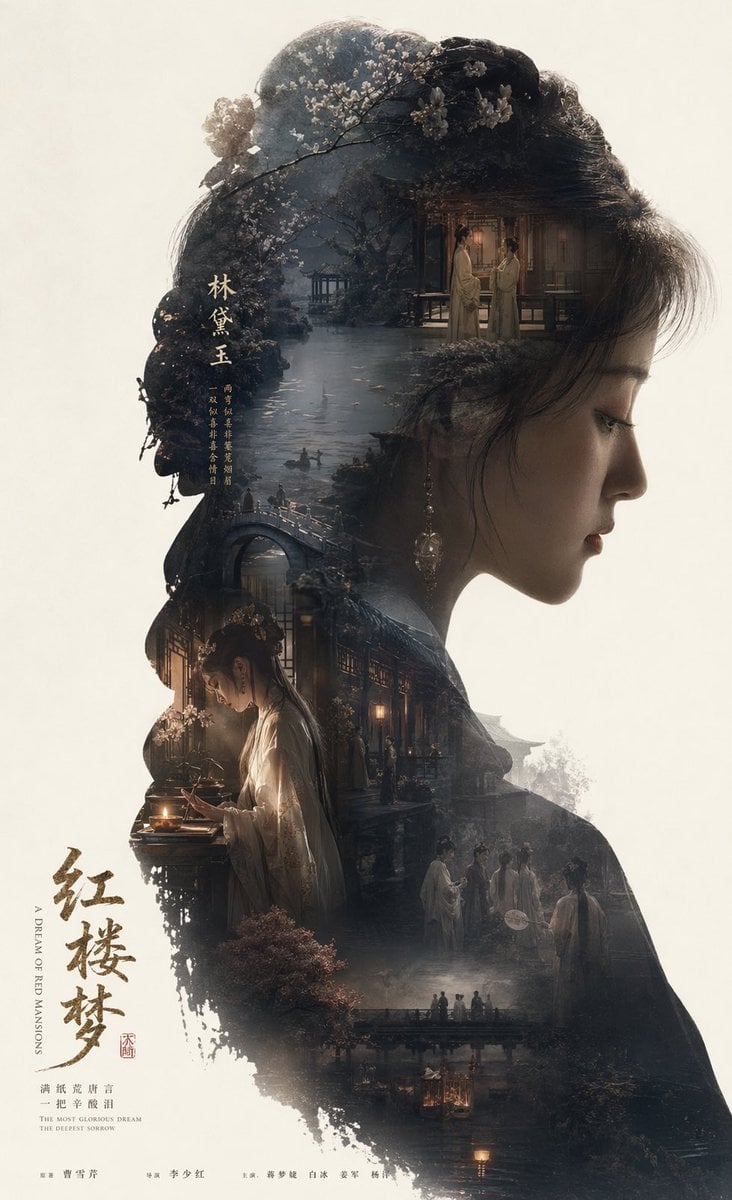
Image template
Featured
Dream of the Red Chamber: Lin Daiyu Silhouette Story Poster
No ratings yet
Posters and Covers
Campaign Poster
Typography Layout
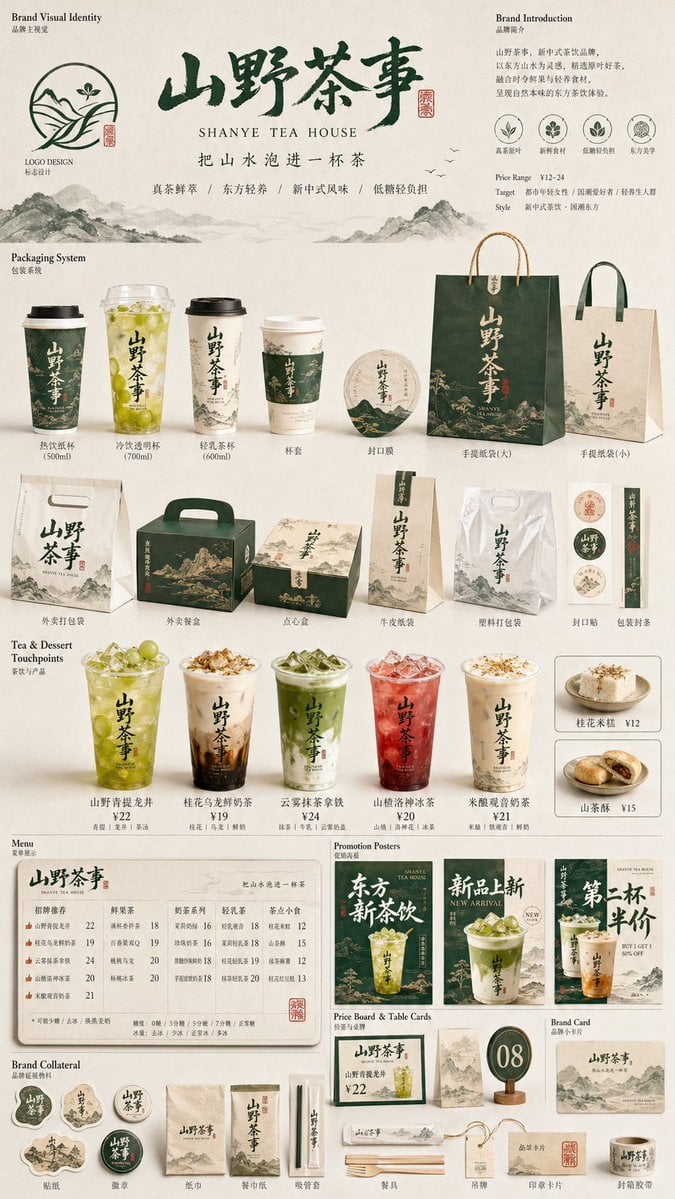
Image template
Featured
Restaurant Brand Touchpoint Matrix
No ratings yet
Posters and Covers
Campaign Poster
Typography Layout
Ratings and feedback
No ratings yet
Please sign in first