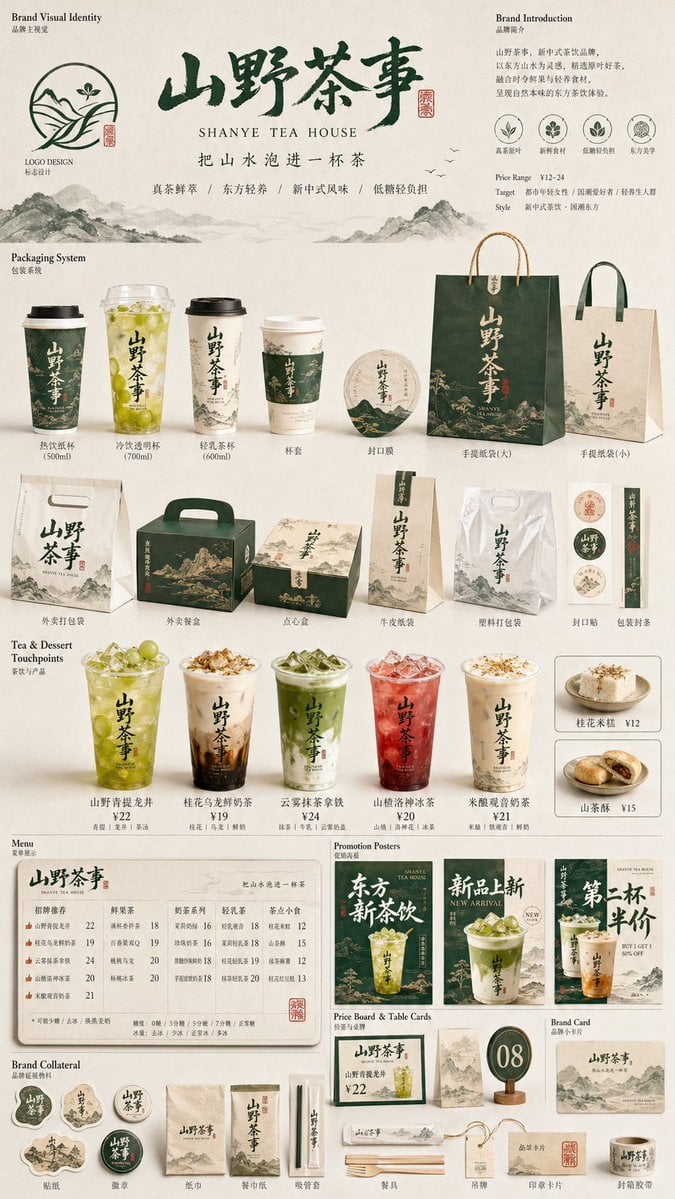
Restaurant Brand Touchpoint Matrix
Start with the recommended models, use cases, and steps, then decide how to apply the template directly.
These templates work best when you keep the visual structure, then replace the subject, style, or commercial goal. Start with Ideogram V3, then switch to a similar alternative based on the result.
If you are unsure which model to use first, start with one of the author's recommendations.
Prompt
Start with the recommended models, use cases, and steps, then decide how to apply the template directly.
Generate a 9:16 visual from the [RESTAURANT BRAND TOUCHPOINT MATRIX] series to present a complete restaurant brand VI, packaging applications, and a multi-touchpoint collateral system. Preserve the required user inputs: brand name [BRAND NAME] and restaurant category [RESTAURANT CATEGORY]. Preserve these optional inputs: [FEATURED PRODUCT], [BRAND SLOGAN], [STYLE DIRECTION], [PRIMARY COLOR], [SECONDARY COLOR], [TARGET AUDIENCE], [PRICE POSITIONING], [REGIONAL STYLE], and [ASPECT RATIO]. If any information is missing, infer the brand tone, visual style, primary and secondary colors, product mix, restaurant slogan, selling-point copy, pricing information, recommendation labels, and collateral types from [BRAND NAME] and [RESTAURANT CATEGORY]. The image is not a single poster. Present it as a brand-proposal mockup board containing shopping bags, delivery bags, packaging boxes, meal boxes, paper cups, cup sleeves, menus, promotional posters, price signs, tabletop signs, standing signs, stickers, badges, napkins, cutlery, seals, hangtags, photographs of signature dishes, food close-ups, cross-section views, and recommended meal combinations. Use a white, off-white, or light-gray background. Arrange the board like a portfolio presentation, with large, medium, and small collateral forming a clear hierarchy that feels orderly without becoming rigid. Apply the brand name, logo, brand symbol, primary color blocks, slogan, or selling-point copy consistently across all collateral. Copy may be in Chinese or a Chinese-English mix, but it must read naturally for restaurant marketing. Render convincing paper, plastic, fabric-bag, box, cup, sticker, and cutlery materials, as though the complete commercial brand system were photographed in a clean studio.
How to use it
Following this sequence usually produces a usable result faster than copying the prompt without a plan.
If you do not have a preference, starting with Ideogram V3 is usually a reliable choice.
Preserve composition, lighting, materials, and style, then replace the subject, brand information, and use case.
Image templates are most valuable when they speed up iteration, so do not judge the direction from a single result.
Template details
Quickly decide whether this template fits your current task.
Best for
This template works especially well for the following tasks.
Posters and covers
Product and brand images
Character and style exploration
Recommended models
If you are unsure which model to use first, start with one of the author's recommendations.
These templates work best when you keep the visual structure, then replace the subject, style, or commercial goal. Start with Ideogram V3, then switch to a similar alternative based on the result.
These templates work best when you keep the visual structure, then replace the subject, style, or commercial goal. Start with Ideogram V3, then switch to a similar alternative based on the result.
These templates work best when you keep the visual structure, then replace the subject, style, or commercial goal. Start with Ideogram V3, then switch to a similar alternative based on the result.
Related templates
Compare templates of the same type to find the prompt direction that fits you best.

K-Pop Idol Nine-Panel Portrait Grid
No ratings yet

Japanese Negative-Film Rooftop Summer Portrait
No ratings yet
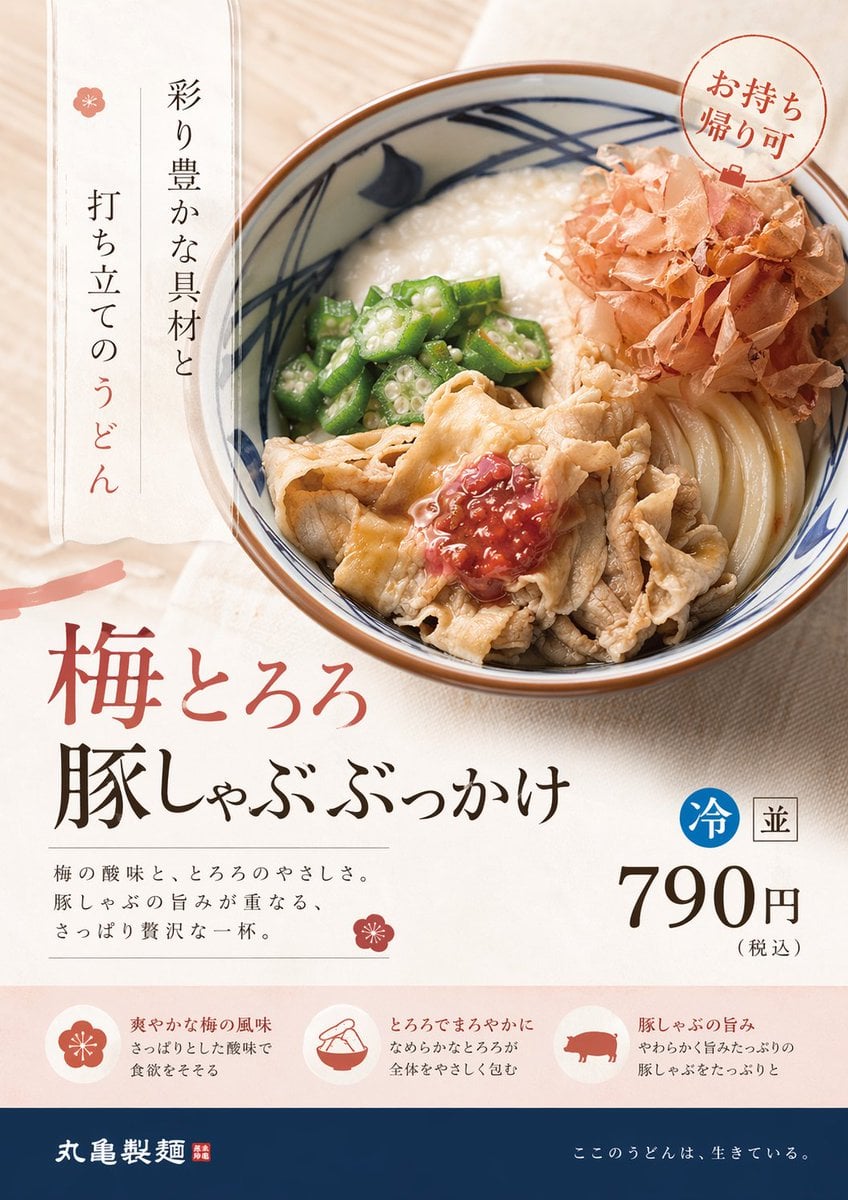
On-Trend Product Advertisement Redesign
No ratings yet
Ratings and feedback
Please sign in first