Image template
Free to view, copy, and apply; generation uses credits
Featured
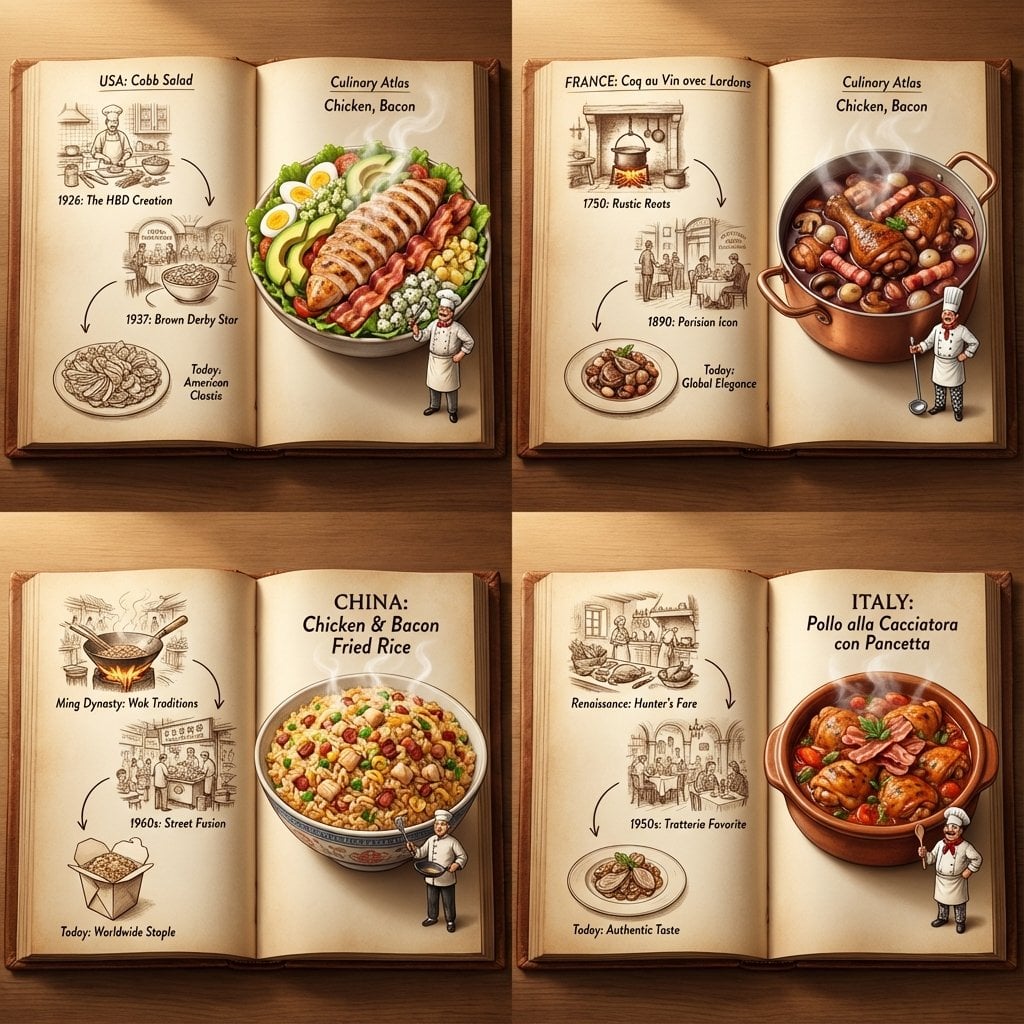
[User Choice] Four-Country Cuisine 2×2 Atlas
Start with the recommended models, use cases, and steps, then decide how to apply the template directly.
Official template1 views
Food and Drink
3D and Illustration
Food
Drink
Menu Creative
Product Scene
Packaging Display
Macro
Template type
Image template
Usage access
Free to view, copy, and apply; generation uses credits
Created
06/15/2026
Rating
No ratings yet
Template overview
These templates work best when you keep the visual structure, then replace the subject, style, or commercial goal. Start with Flux 2 Pro, then switch to a similar alternative based on the result.
Recommended models
If you are unsure which model to use first, start with one of the author's recommendations.
Flux 2 Pro
Google Imagen4
Prompt
Start with the recommended models, use cases, and steps, then decide how to apply the template directly.
Follow <instruction> to generate a Culinary Atlas Grid. Inputs: Ingredients = [User Choice, e.g., Chicken, Bacon]. Step 1 Global Analysis: Analyze the ingredients and select 4 Distinct Countries. Each country must have a famous dish that uses those ingredients. The Goal is to show 4 different cultural variations of the ingredients. Layout Rule: Set Output Format to a 2x2 Grid. Each panel must show a Single Open Book Spread for its country. Inside Each Panel: - Left Page (The History): Use 2D Vintage Sepia Sketches to present a visual timeline or illustrated recipe, such as “1850 -> 1920 -> Today,” in a flat ink-drawn style. - Right Page (The Reality): Use a 3D Pop-up Diorama, with the finished steaming meal rising three-dimensionally from the page. Place a tiny miniature chef from that country on the page beside the massive food. Consistency: Make the 4 books look like one series while giving each distinct cultural content. Lighting: Use Cinematic top-down lighting to emphasize the depth difference between the flat left page and the 3D right page. Output: 2x2 Grid, High Definition, Macro Detail.
How to use it
Following this sequence usually produces a usable result faster than copying the prompt without a plan.
1
Start with a recommended model
If you do not have a preference, starting with Flux 2 Pro is usually a reliable choice.
2
Keep the structure, replace the details
Preserve composition, lighting, materials, and style, then replace the subject, brand information, and use case.
3
Compare at least 2 or 3 results
Image templates are most valuable when they speed up iteration, so do not judge the direction from a single result.
Template details
Quickly decide whether this template fits your current task.
Template type
Image template
Usage access
Free to view, copy, and apply; generation uses credits
Created
06/15/2026
Rating
No ratings yet
Best for
This template works especially well for the following tasks.
Posters and covers
Useful for event graphics, social covers, campaign posters, and key visuals.
Product and brand images
Useful for ecommerce main images, brand visuals, and product variations.
Character and style exploration
Create samples for characters, illustrations, scenes, and style directions.
Recommended models
If you are unsure which model to use first, start with one of the author's recommendations.
Flux 2 Pro
IMAGE
These templates work best when you keep the visual structure, then replace the subject, style, or commercial goal. Start with Flux 2 Pro, then switch to a similar alternative based on the result.
Google Imagen4
IMAGE
These templates work best when you keep the visual structure, then replace the subject, style, or commercial goal. Start with Flux 2 Pro, then switch to a similar alternative based on the result.
Related templates
Compare templates of the same type to find the prompt direction that fits you best.

Image template
Featured
(G)I-DLE Yuqi Golden-Light Fashion Selfie
No ratings yet
Scene Photography
Realistic Photography
Cinematic

Image template
Featured
Japanese Negative-Film Rooftop Summer Portrait
No ratings yet
Portrait Photography
Realistic Photography
Cinematic
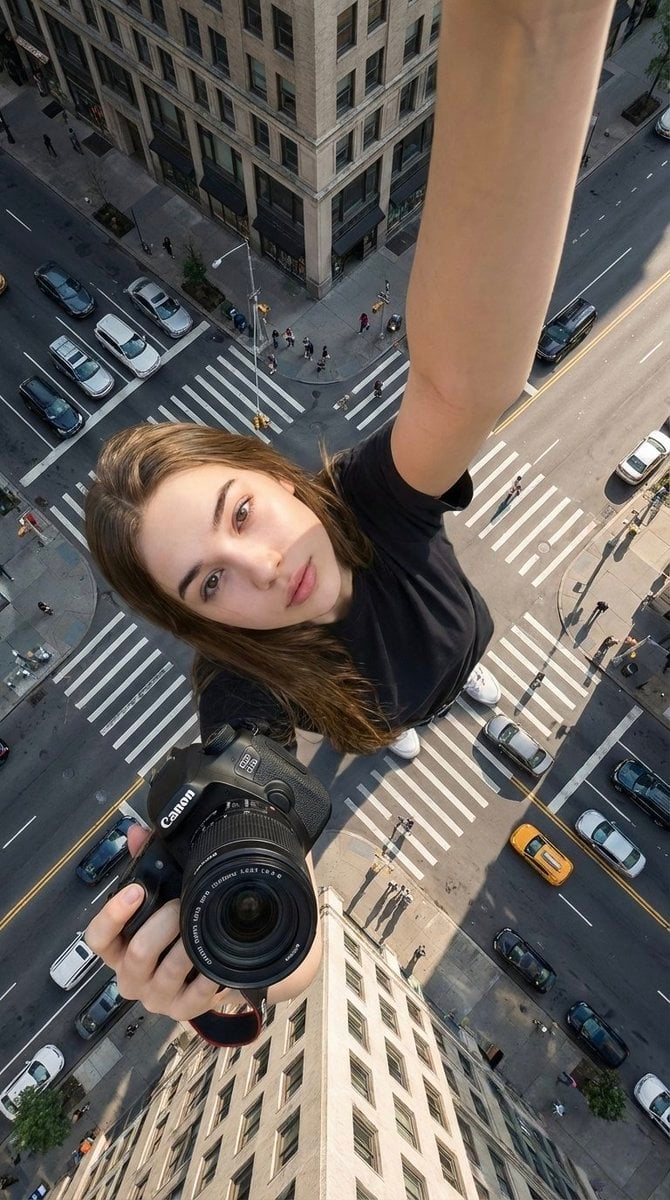
Image template
Featured
Canon Product Giant Selfie
No ratings yet
Portrait Photography
Realistic Photography
Cinematic
Ratings and feedback
No ratings yet
Please sign in first