![Thick pink metallic [BRAND NAME] 3D logo floating in pure white space with a soft blurred shadow](https://kyeo.ai/uploads/templates/brand-name-pink-metal-3d-logo/brand-name-pink-metal-3d-logo-preview.jpg)
Image template
Free to view, copy, and apply; generation uses credits
Featured
[BRAND NAME] Pink Metallic 3D Logo
Start with the recommended models, use cases, and steps, then decide how to apply the template directly.
Official template0 views
Visual Experiments
Portrait Photography
Infographic
Typography Layout
Logo Inspiration
Social Post
Minimal
Product
Template type
Image template
Usage access
Free to view, copy, and apply; generation uses credits
Created
06/15/2026
Rating
No ratings yet
Template overview
These templates work best when you keep the visual structure, then replace the subject, style, or commercial goal. Start with Flux 2 Pro, then switch to a similar alternative based on the result.
Recommended models
If you are unsure which model to use first, start with one of the author's recommendations.
Flux 2 Pro
Nano Banana 2
Prompt
Start with the recommended models, use cases, and steps, then decide how to apply the template directly.
Use [BRAND NAME] as the subject and work as a 3D Product Visualization Artist. PHASE 1 — LOGO TO 3D OBJECT Convert the [BRAND NAME] logo into a thick 3D sculptural form. Preserve its core shape and add rounded edges / 8-12mm fillet. Make it one solid piece with 40-60mm depth while keeping it recognizable. PHASE 2 — PINK METALLIC MATERIAL - Color: Pink metallic in the range #C85A8E to #8B4A6F. - Finish: glossy brushed metal with fine grain. - Highlights: Light pink #E89BB8. - Shadows: Deep plum #6B3854. - Roughness: 0.2, shiny but not mirror. Strictly use NO copper, NO gold, and NO silver. PHASE 3 — LIGHTING Use soft studio lighting from the top-left to create a smooth gradient across the object. Keep the highlights light pink and the shadows deep plum, with no hard shadows. PHASE 4 — BACKGROUND & FLOATING Use a pure white background #FFFFFF. Make the object levitating in white void with a soft blurred shadow underneath at 90% transparent. Use NO pedestals, NO stands, and NO supports. PHASE 5 — CAMERA Use a slight 3/4 angle, looking down 10°. Keep the object centered, filling 60% of frame. TECH SPECS Use a High-quality 3D render (Octane/Cycles), 4K resolution, Full object in focus, and Subtle bloom on highlights. CRITICAL Use PINK metallic only. The object must float in pure white space, have thick 3D volume with smooth surfaces, and present as luxury product photography.
How to use it
Following this sequence usually produces a usable result faster than copying the prompt without a plan.
1
Start with a recommended model
If you do not have a preference, starting with Flux 2 Pro is usually a reliable choice.
2
Keep the structure, replace the details
Preserve composition, lighting, materials, and style, then replace the subject, brand information, and use case.
3
Compare at least 2 or 3 results
Image templates are most valuable when they speed up iteration, so do not judge the direction from a single result.
Template details
Quickly decide whether this template fits your current task.
Template type
Image template
Usage access
Free to view, copy, and apply; generation uses credits
Created
06/15/2026
Rating
No ratings yet
Best for
This template works especially well for the following tasks.
Posters and covers
Useful for event graphics, social covers, campaign posters, and key visuals.
Product and brand images
Useful for ecommerce main images, brand visuals, and product variations.
Character and style exploration
Create samples for characters, illustrations, scenes, and style directions.
Recommended models
If you are unsure which model to use first, start with one of the author's recommendations.
Flux 2 Pro
IMAGE
These templates work best when you keep the visual structure, then replace the subject, style, or commercial goal. Start with Flux 2 Pro, then switch to a similar alternative based on the result.
Nano Banana 2
IMAGE
These templates work best when you keep the visual structure, then replace the subject, style, or commercial goal. Start with Flux 2 Pro, then switch to a similar alternative based on the result.
Related templates
Compare templates of the same type to find the prompt direction that fits you best.

Image template
Featured
(G)I-DLE Yuqi Golden-Light Fashion Selfie
No ratings yet
Scene Photography
Realistic Photography
Cinematic
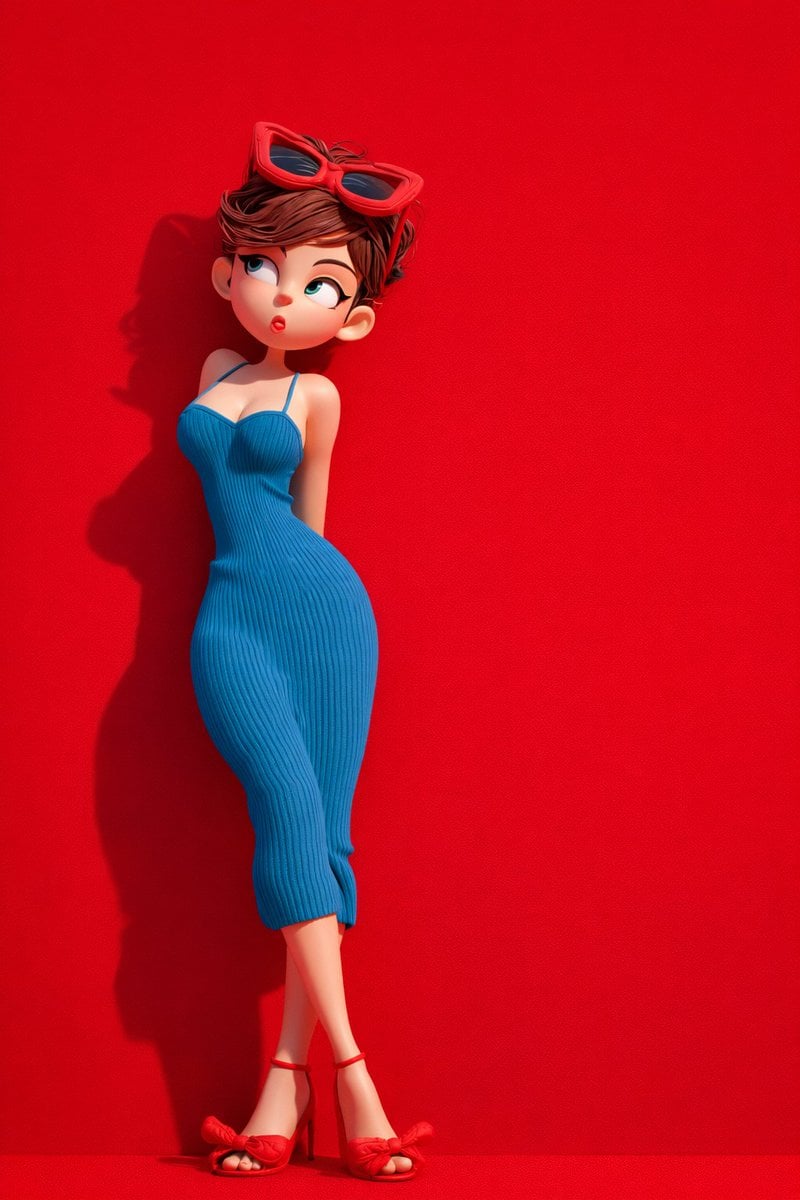
Image template
Featured
Green Travel 3D Character Set
No ratings yet
3D and Illustration
3D Render
Anime Style
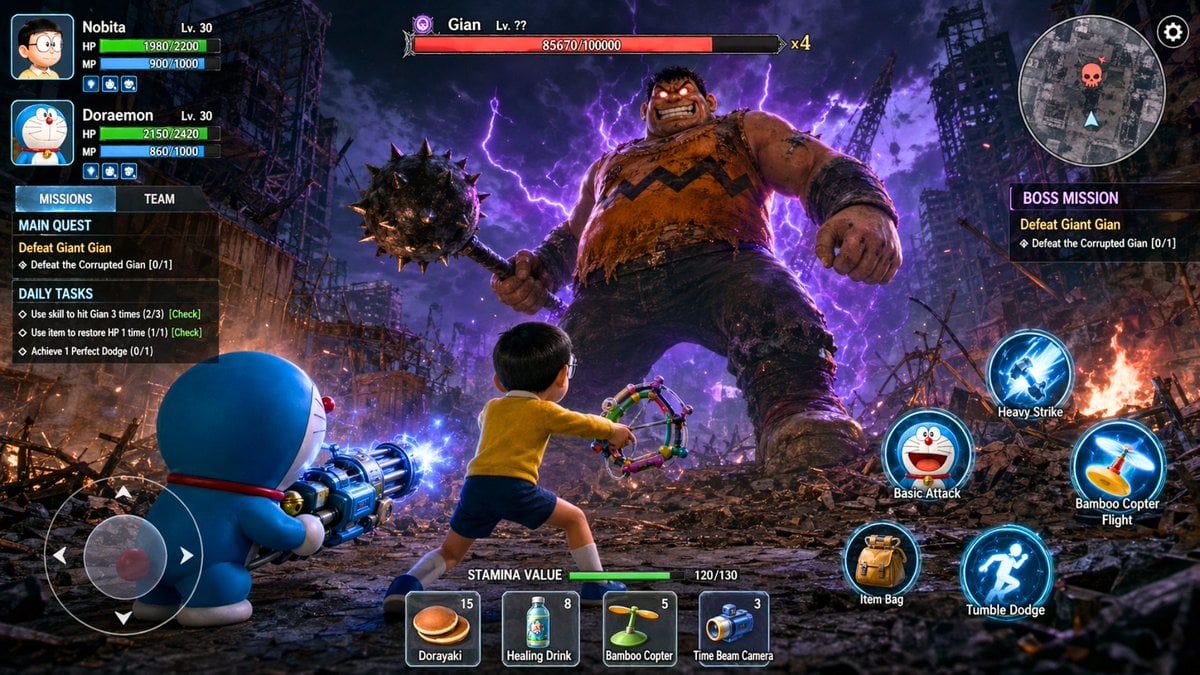
Image template
Featured
Doraemon RPG Boss Battle Screenshot
No ratings yet
3D and Illustration
3D Render
Anime Style
Ratings and feedback
No ratings yet
Please sign in first