Image template
Free to view, copy, and apply; generation uses credits
Featured
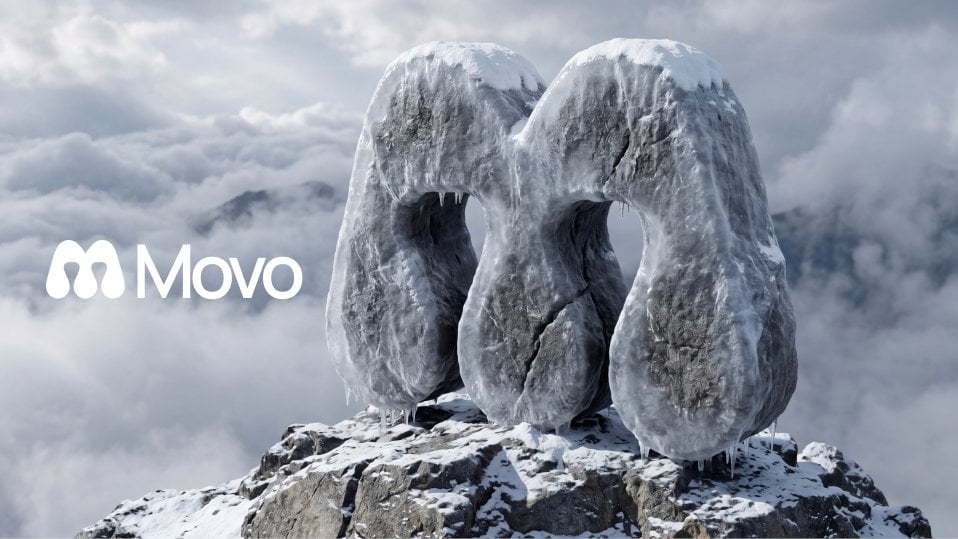
Frosted Stone Logo Monument on a Mountain Peak
Start with the recommended models, use cases, and steps, then decide how to apply the template directly.
Official template0 views
Scene Photography
Brand and Packaging
Product
Product Scene
Brand Key Visual
Packaging Display
Studio Lighting
Minimal
Template type
Image template
Usage access
Free to view, copy, and apply; generation uses credits
Created
06/15/2026
Rating
No ratings yet
Template overview
These templates work best when you keep the visual structure, then replace the subject, style, or commercial goal. Start with Google Imagen4, then switch to a similar alternative based on the result.
Recommended models
If you are unsure which model to use first, start with one of the author's recommendations.
Google Imagen4
Nano Banana 2
Nano Banana Pro
Prompt
Start with the recommended models, use cases, and steps, then decide how to apply the template directly.
Create a hyper-realistic 3D render in which a flat logo is carved into a massive frosted stone monument standing upright on the jagged peak of a rocky mountain summit. The Logo must retain its exact silhouette and proportions while being reinterpreted entirely as thick, solid carved rock wrapped in translucent frost and ice. Extrude every logo element with significant depth and volume to form a bold, chunky sculptural mass. Use rough dark basalt or granite stone, partially covered by a crystalline frost coating, with deep natural cracks, chipped edges, and fine granular detail. Make the logo's outer boundary the sculpture shell, with the negative spaces between elements forming open voids cut through the rock. Plant the sculpture into a rugged mountain peak, with its base partially buried in cracked grey rock. Add white snow and rime ice to the flat top surfaces, crevices, and carved edges. Hang small icicles from lower overhanging curves and edges so they catch the cold light. Give the whole sculpture a subtle, semi-translucent frozen sheen that softens the stone's rough texture. Fill the sky with a dense sea of clouds and let distant mountain peaks appear faintly through a misty, ethereal, cold atmosphere. Pass soft diffused light through the cloud layer from slightly above and to the left, creating realistic shadows and ambient occlusion that reinforce the negative spaces. Set the camera at a slightly low three-quarter front perspective to emphasize the scale and monumentality of a landmark. rendering style: photorealistic, cinematic, ultra-detailed, physically based rendering. The image must contain no text and no additional elements; retain only the frosted stone logo sculpture on a cloud-covered mountain peak.
How to use it
Following this sequence usually produces a usable result faster than copying the prompt without a plan.
1
Start with a recommended model
If you do not have a preference, starting with Google Imagen4 is usually a reliable choice.
2
Keep the structure, replace the details
Preserve composition, lighting, materials, and style, then replace the subject, brand information, and use case.
3
Compare at least 2 or 3 results
Image templates are most valuable when they speed up iteration, so do not judge the direction from a single result.
Template details
Quickly decide whether this template fits your current task.
Template type
Image template
Usage access
Free to view, copy, and apply; generation uses credits
Created
06/15/2026
Rating
No ratings yet
Best for
This template works especially well for the following tasks.
Posters and covers
Useful for event graphics, social covers, campaign posters, and key visuals.
Product and brand images
Useful for ecommerce main images, brand visuals, and product variations.
Character and style exploration
Create samples for characters, illustrations, scenes, and style directions.
Recommended models
If you are unsure which model to use first, start with one of the author's recommendations.
Google Imagen4
IMAGE
These templates work best when you keep the visual structure, then replace the subject, style, or commercial goal. Start with Google Imagen4, then switch to a similar alternative based on the result.
Nano Banana 2
IMAGE
These templates work best when you keep the visual structure, then replace the subject, style, or commercial goal. Start with Google Imagen4, then switch to a similar alternative based on the result.
Nano Banana Pro
IMAGE
These templates work best when you keep the visual structure, then replace the subject, style, or commercial goal. Start with Google Imagen4, then switch to a similar alternative based on the result.
Related templates
Compare templates of the same type to find the prompt direction that fits you best.

Image template
Featured
(G)I-DLE Yuqi Golden-Light Fashion Selfie
No ratings yet
Scene Photography
Realistic Photography
Cinematic

Image template
Featured
Japanese Negative-Film Rooftop Summer Portrait
No ratings yet
Portrait Photography
Realistic Photography
Cinematic
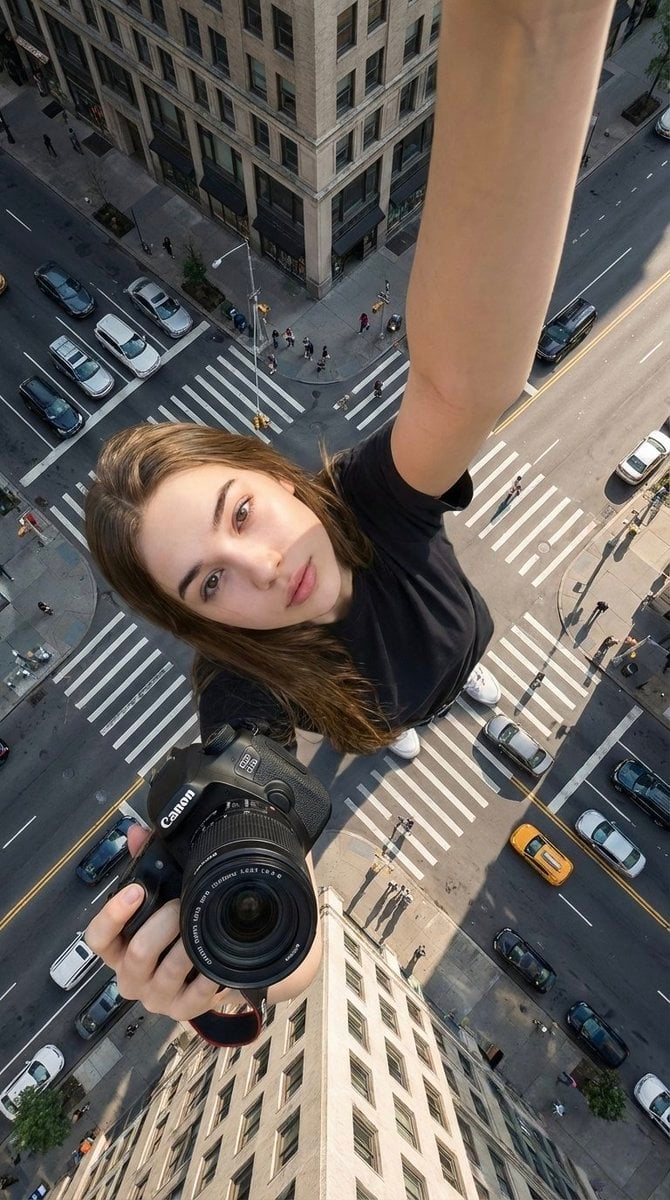
Image template
Featured
Canon Product Giant Selfie
No ratings yet
Portrait Photography
Realistic Photography
Cinematic
Ratings and feedback
No ratings yet
Please sign in first