Image template
Free to view, copy, and apply; generation uses credits
Featured
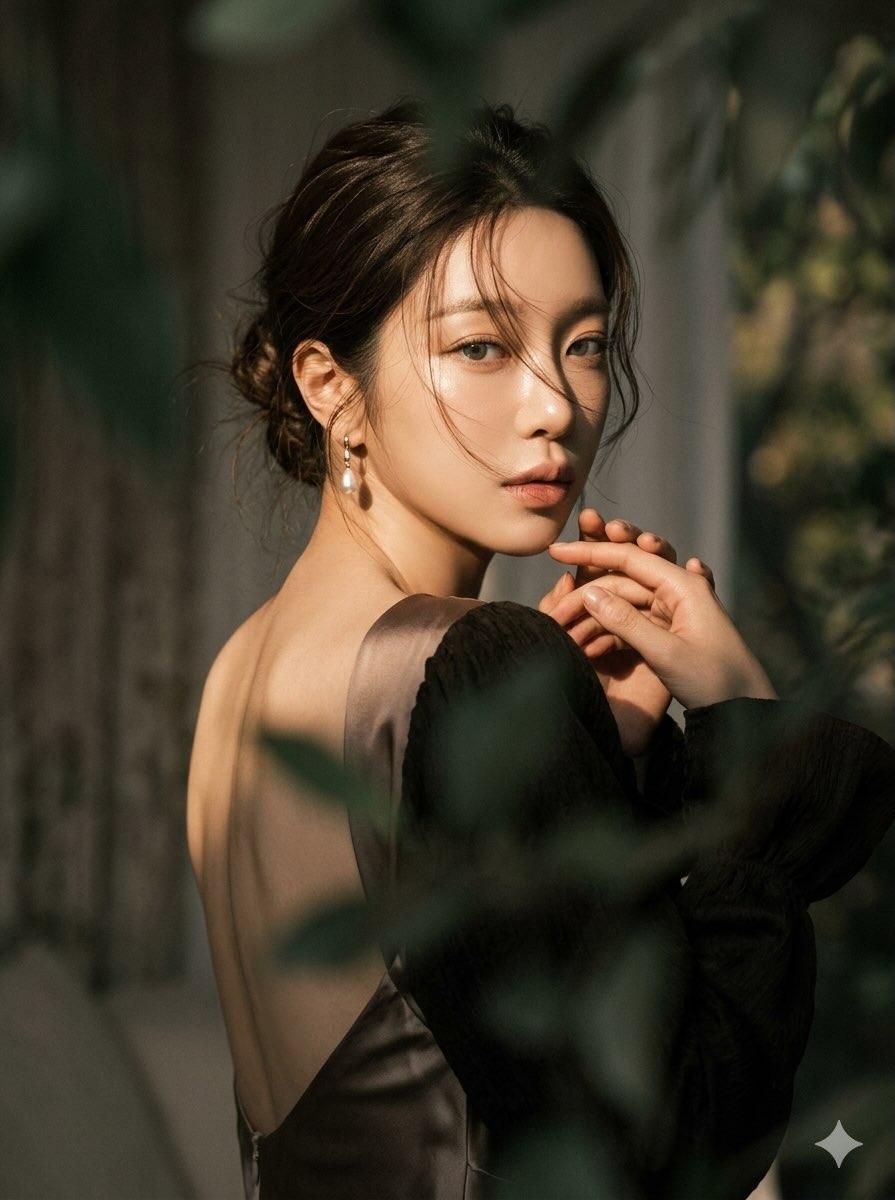
Warm Side-Lit Forest Backlook Cinematic Portrait
Start with the recommended models, use cases, and steps, then decide how to apply the template directly.
Official template1 views
Visual Experiments
Portrait Photography
Realistic Photography
Cinematic
Film Look
Person
Depth of Field
Fashion
Template type
Image template
Usage access
Free to view, copy, and apply; generation uses credits
Created
06/15/2026
Rating
No ratings yet
Template overview
These templates work best when you keep the visual structure, then replace the subject, style, or commercial goal. Start with Flux 2 Pro, then switch to a similar alternative based on the result.
Recommended models
If you are unsure which model to use first, start with one of the author's recommendations.
Flux 2 Pro
Nano Banana 2
Prompt
Start with the recommended models, use cases, and steps, then decide how to apply the template directly.
Create a moody, ethereal cinematic portrait of a woman in a dramatic over-the-shoulder pose. Pose and Expression: Turn the subject away from the camera and twist her torso elegantly as she looks back over her shoulder. Form a graceful curve along the spine and emphasize the shoulder blades. Have her make direct eye contact with the camera; the expression should feel piercing yet soft. Tuck the chin slightly toward the shoulder to create intimacy and mystery. Hand Placement: Raise both hands gently near the chest or shoulder, with the fingers softly interlaced or delicately touching. Hair: Style the hair in a loose, messy bun, allowing soft wispy strands to fall naturally across the face with a slightly windswept look. Lighting and Color Palette: Use strong side lighting with warm golden-hour sunlight and a high-contrast chiaroscuro effect, illuminating one side while letting the other fall into deep shadow. Make the skin luminous, glowing, and pearlescent. Use earthy muted tones, deep greens, dark browns, and a soft neutral background, with warm skin tones as the focal point. Wardrobe and Accessories: Use a backless silky dress or top in smooth, lightweight fabric, paired with dark voluminous sleeves for textural contrast. Add elegant drop pearl earrings that subtly catch the light. Composition and Atmosphere: Frame a medium close-up naturally with blurred foreground leaves to create a through-the-foliage effect. Use a shallow depth of field, keep the face sharply focused, and render both foreground and background as soft bokeh. Mood: Cinematic, melancholic, romantic, high-fashion editorial, and softly dreamlike. Face Reference: A soft oval face, smooth glowing skin, symmetrical features, natural makeup, gentle yet expressive eyes, and slightly parted lips.
How to use it
Following this sequence usually produces a usable result faster than copying the prompt without a plan.
1
Start with a recommended model
If you do not have a preference, starting with Flux 2 Pro is usually a reliable choice.
2
Keep the structure, replace the details
Preserve composition, lighting, materials, and style, then replace the subject, brand information, and use case.
3
Compare at least 2 or 3 results
Image templates are most valuable when they speed up iteration, so do not judge the direction from a single result.
Template details
Quickly decide whether this template fits your current task.
Template type
Image template
Usage access
Free to view, copy, and apply; generation uses credits
Created
06/15/2026
Rating
No ratings yet
Best for
This template works especially well for the following tasks.
Posters and covers
Useful for event graphics, social covers, campaign posters, and key visuals.
Product and brand images
Useful for ecommerce main images, brand visuals, and product variations.
Character and style exploration
Create samples for characters, illustrations, scenes, and style directions.
Recommended models
If you are unsure which model to use first, start with one of the author's recommendations.
Flux 2 Pro
IMAGE
These templates work best when you keep the visual structure, then replace the subject, style, or commercial goal. Start with Flux 2 Pro, then switch to a similar alternative based on the result.
Nano Banana 2
IMAGE
These templates work best when you keep the visual structure, then replace the subject, style, or commercial goal. Start with Flux 2 Pro, then switch to a similar alternative based on the result.
Related templates
Compare templates of the same type to find the prompt direction that fits you best.

Image template
Featured
(G)I-DLE Yuqi Golden-Light Fashion Selfie
No ratings yet
Scene Photography
Realistic Photography
Cinematic
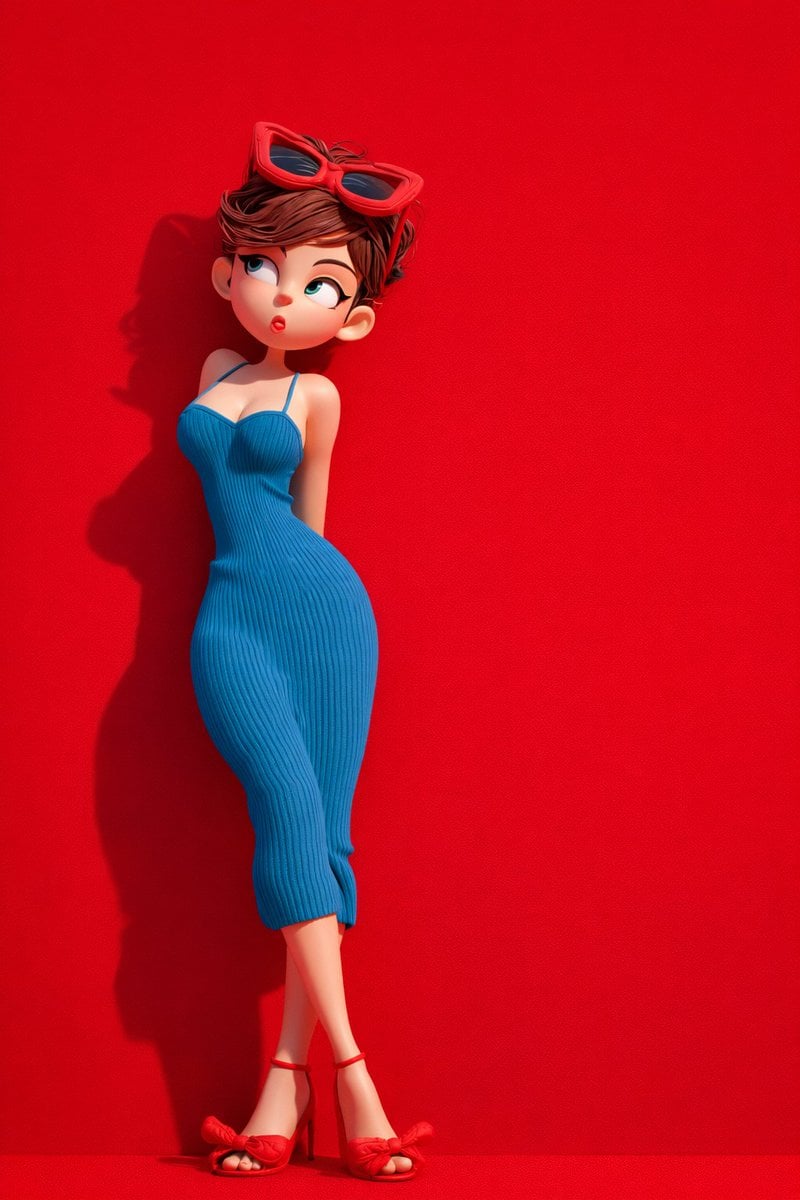
Image template
Featured
Green Travel 3D Character Set
No ratings yet
3D and Illustration
3D Render
Anime Style
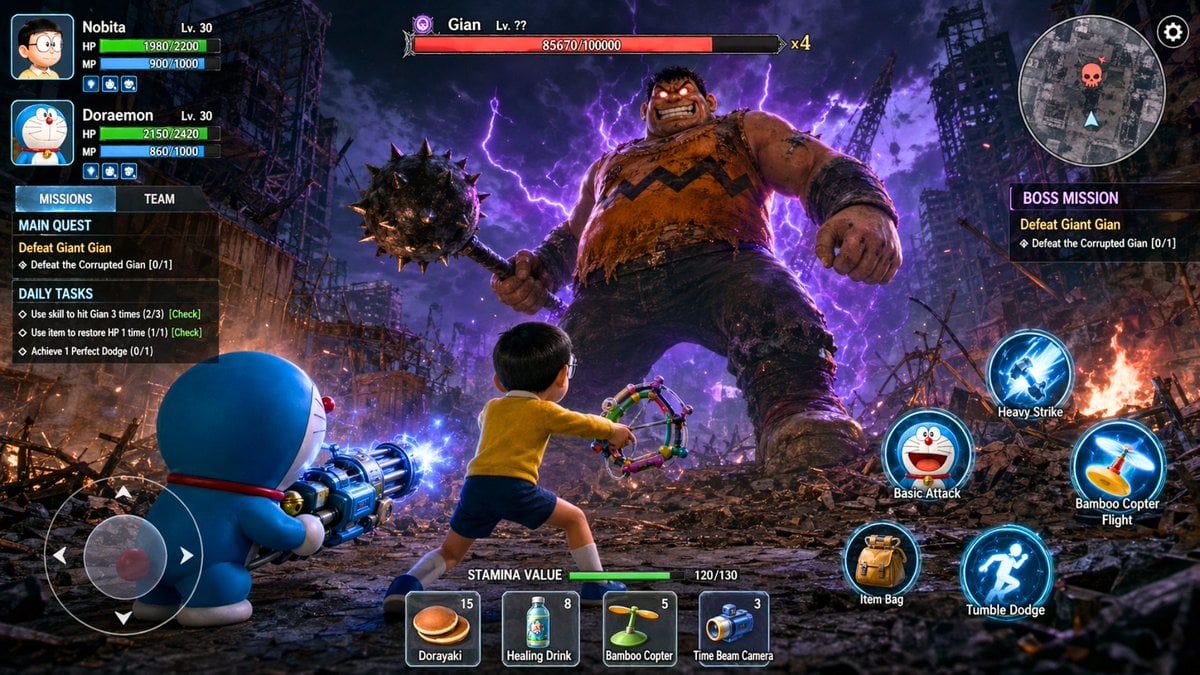
Image template
Featured
Doraemon RPG Boss Battle Screenshot
No ratings yet
3D and Illustration
3D Render
Anime Style
Ratings and feedback
No ratings yet
Please sign in first